水彩风格旅行 App 手机样机
Prompt
Goal: Create a wide watercolor travel-app mockup illustration showing exactly 3 vertical smartphone screens side by side, each displaying a fashionable woman in a famous city, like illustrated social media travel stories.

Canvas: Horizontal 16:9 composition on an off-white paper background with loose watercolor splashes behind and around the phones. Use soft ink outlines, pastel washes, and detailed urban sketching. The three phones are black iPhone-style devices with rounded corners, top notch, slim bezel, and a small white home indicator at the bottom.

Layout: Place exactly 3 phones across the image: left phone for {argument name="left city" default="New York, USA"}, center phone for {argument name="center city" default="Paris, France"}, and right phone for {argument name="right city" default="London, United Kingdom"}. The center phone is slightly larger and positioned forward; the left and right phones are slightly angled or partially overlapped by surrounding watercolor scenery. Continue the city scenery beyond the phone screens with paint splatters and landmark fragments.

Phone UI details: Each screen has a small status bar showing 19:41 at top left, tiny camera icon near the upper left, centered location label, and small notification/menu icons near the upper right. Keep the UI minimal and elegant, as if a travel story app.

Scenes and counted subjects: Include exactly 3 main female travelers, one per phone. Left traveler: casual streetwear outfit with black leather jacket, graphic T-shirt, blue jeans, sneakers, backpack, standing on a waterfront pier in New York. Center traveler: elegant beige trench coat, scarf, boots, walking down a pink cobblestone Paris street. Right traveler: navy coat, red scarf, short skirt or dress, knee-high burgundy boots, holding a dark umbrella on a rainy London street. Faces should be softly blurred or featureless to preserve the fashion-illustration look.

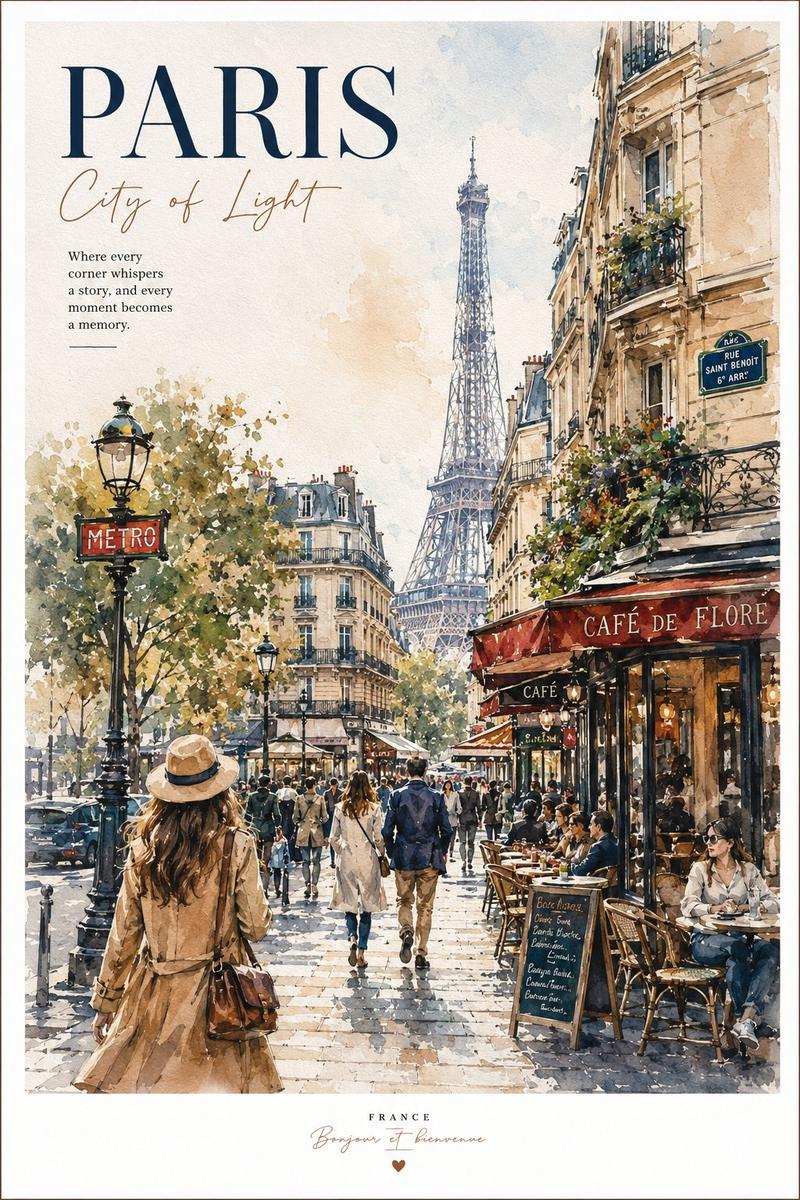
Landmarks and city elements: Left/New York screen must show the Statue of Liberty prominently, NYC skyline, water, pier railing, yellow taxis, birds, and handwritten-style text reading “NYC”, “18:30”, and “City that never sleeps”. Center/Paris screen must show the Eiffel Tower centered in the background, pink cherry blossoms, Parisian buildings, café tables, pedestrians, flower pots, and a small café awning. Right/London screen must show Big Ben and the Houses of Parliament, wet reflective pavement, black cabs, a red double-decker bus, flying birds, and rainy blue-gray atmosphere.

Visual style: Delicate watercolor and ink illustration, romantic travel journal aesthetic, hand-painted textures, soft pastel tones with splashes of blue, pink, orange, and gray. Use high detail in architecture and clothing, luminous reflections, cinematic depth, and clean phone mockup edges. Make the overall image look like a polished concept art advertisement for a travel diary app.

Constraints: Show exactly 3 smartphones, exactly 3 female travelers, and exactly 3 distinct city scenes. Do not add extra phones, extra main characters, logos, watermarks, or unreadable clutter. Keep the image text limited to the visible city labels and handwritten New York notes.- Category
- UI & Interfaces
- Model
- GPT Image 2
- Creator
- Cherry 2.O
- Source ID
- 25269
- Published
- Jun 11, 2026
Views4