19

电影感时尚大片摄影构图分析
Enlarge

电影感时尚大片摄影构图分析

Prompt
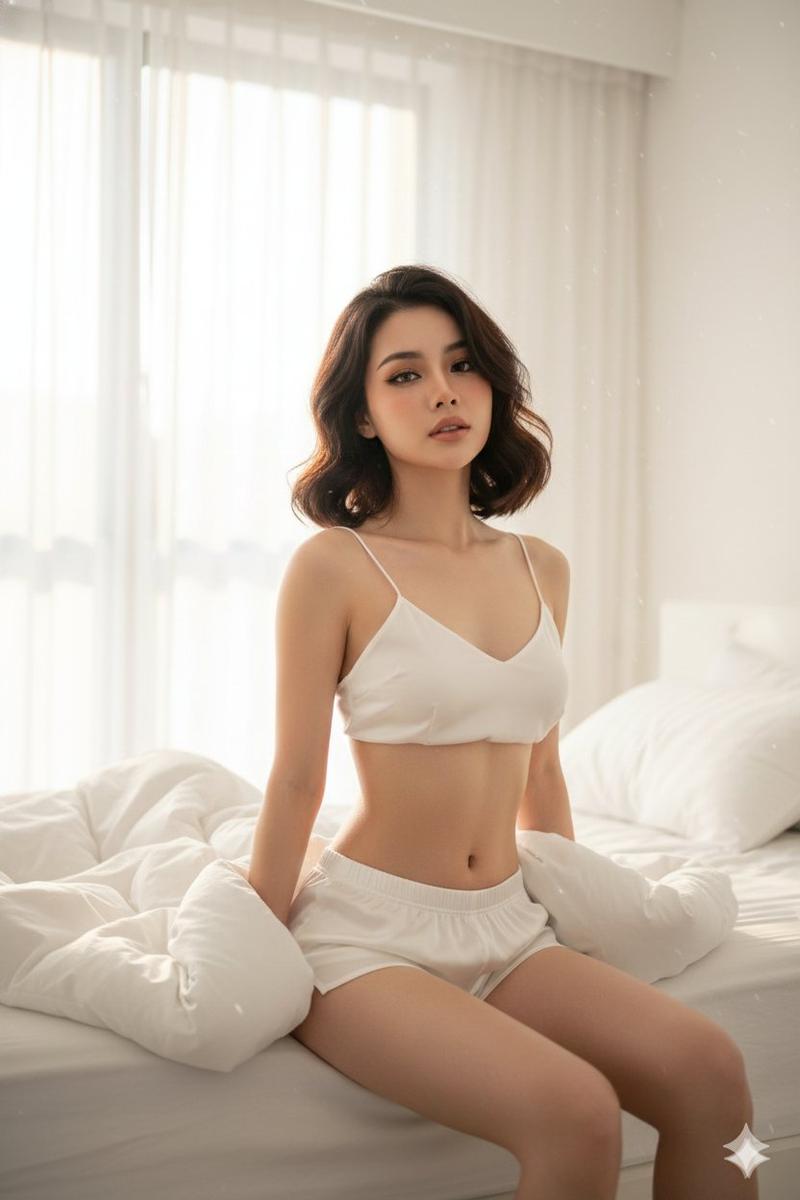
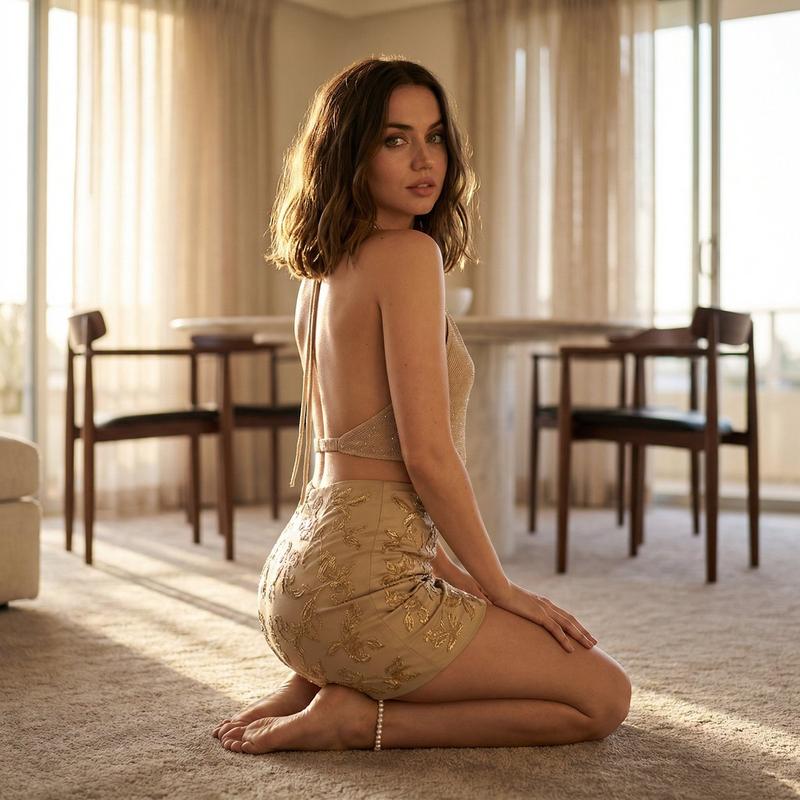
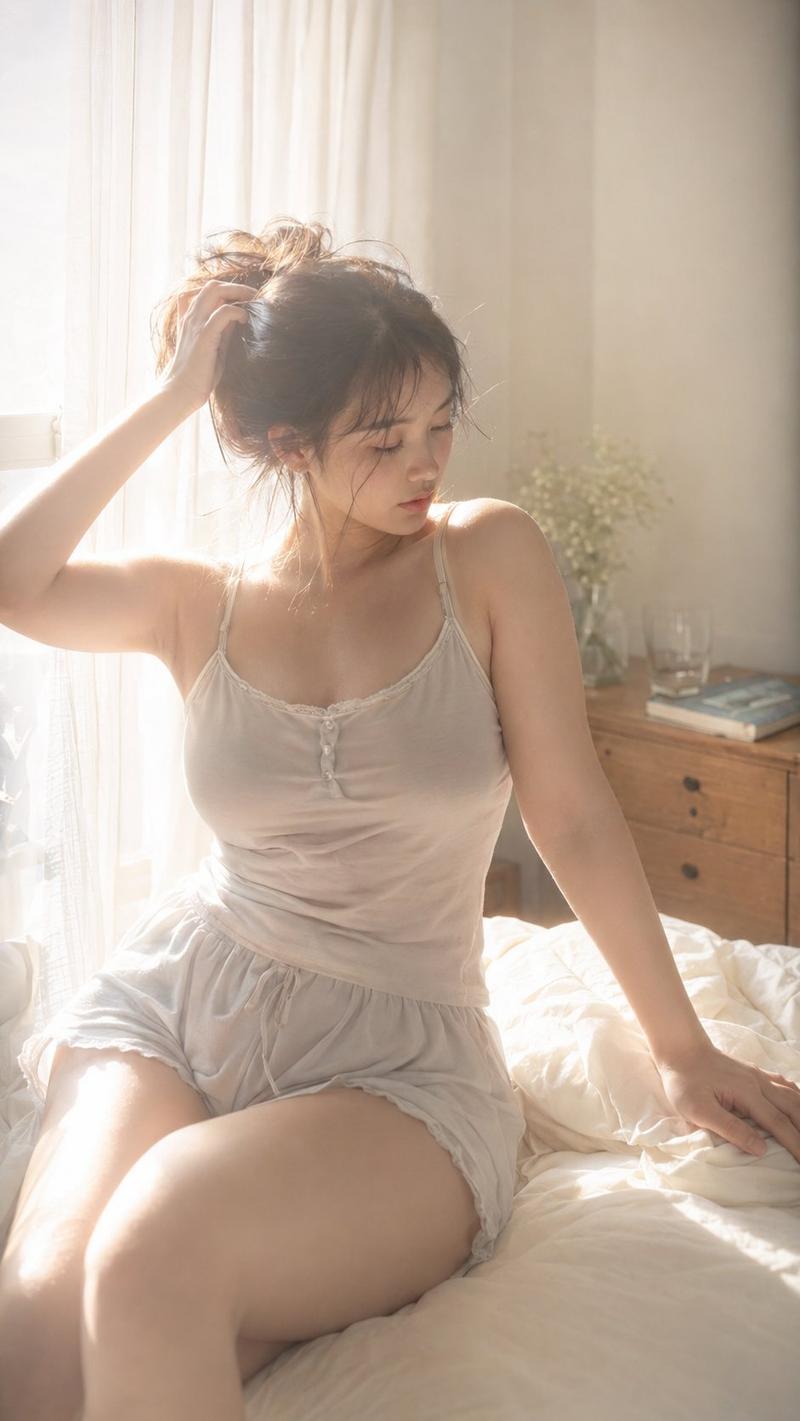
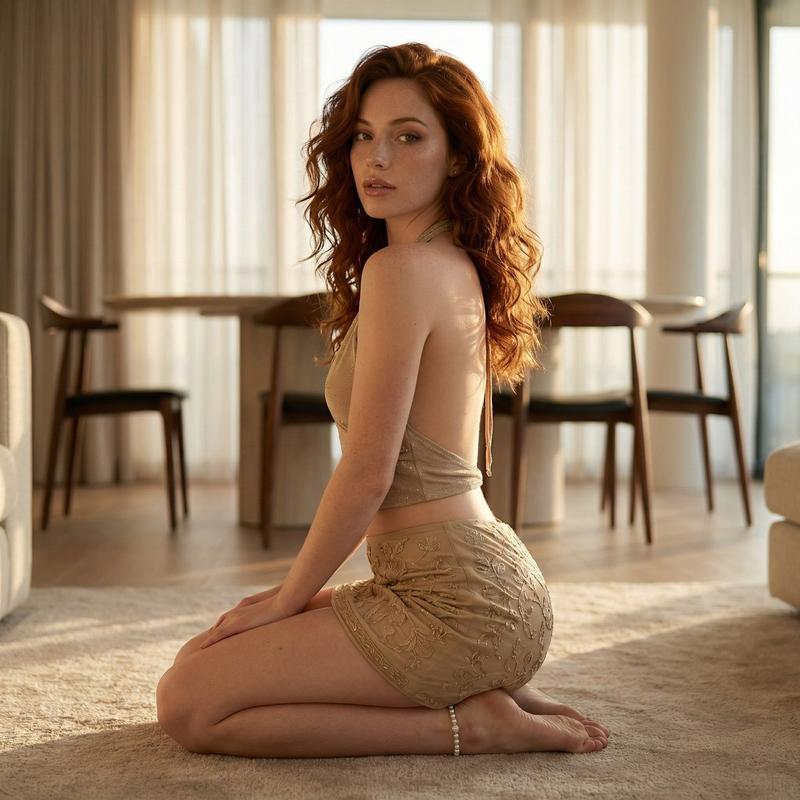
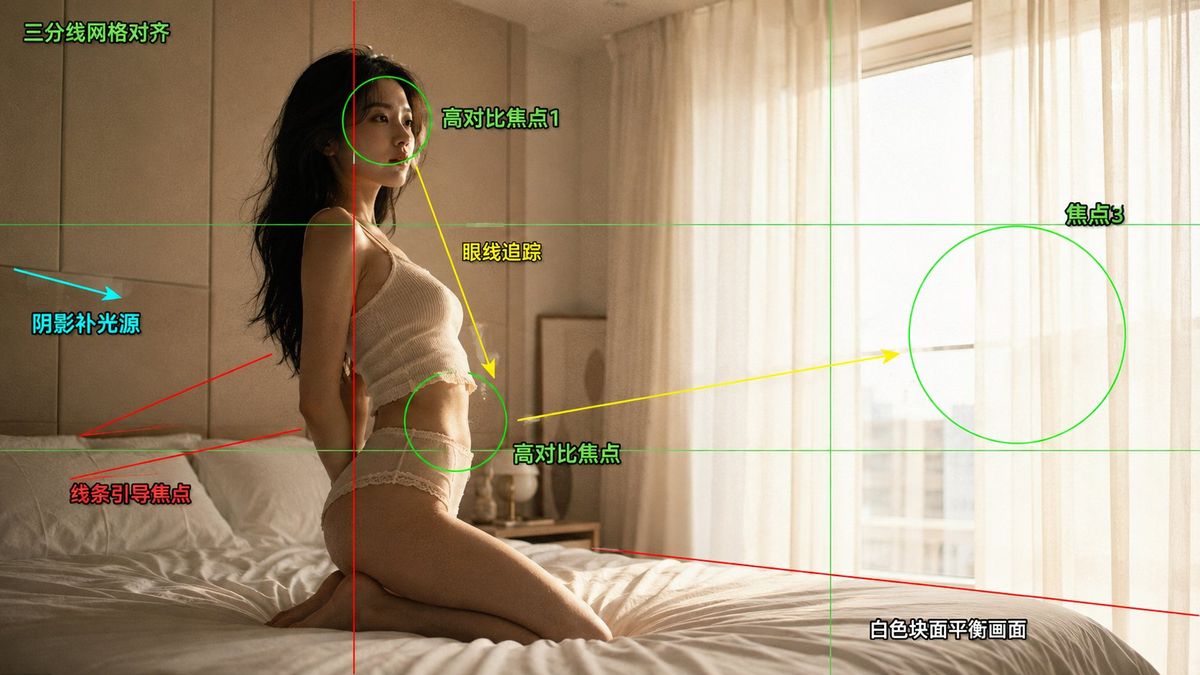
创作一张电影感时尚大片,场景为 {argument name="room style" default="明亮的极简主义卧室"},并以电影摄影构图分析框架呈现。主体画面:一位 {argument name="model action" default="年轻女性模特跪在柔软的白色床上"},靠近一扇挂着白色薄纱窗帘的大窗户。她位于左侧三分线处,与网格对齐。身体微微后倾,面向窗光,表情平静而深邃。右侧充盈着透过窗帘的明亮白光,与左侧深色主体形成平衡。光影:来自右侧强烈的自然窗光营造出高对比度。面部、上半身和腰部轮廓清晰。左侧补光展现阴影细节。温暖朦胧的晨光、柔和的高光、逼真的质感、轻柔的阴影以及微微发光的窗帘。构图叠加:添加可见的电影摄影构图引导图形,如同电影学院的分析框架。包括:三分法网格(细绿线);模特对齐的红色垂直线;围绕腰部、面部和窗帘的绿色圆形焦点标记;黄色视线箭头;沿床和墙壁指向焦点的红色引导线;显示左侧补光的青色箭头;文字标签:“三分法对齐”、“高对比度焦点”、“视线追踪”、“焦点 3”、“高对比度焦点 1”、“阴影补光来源”、“引导焦点线条”、“白色块平衡画面”。风格:奢华时尚大片、柔和电影质感、暖奶油白色调、米色墙板、白色床品、细腻的胶片颗粒感、浅景深、优雅的构图、教育类电影分析叠加层。相机:35mm 镜头、中广角、平视视角、16:9 宽屏。
Category
Architecture & Spaces
Model
GPT Image 2
Views6
Source ID
25647
Published
Jun 14, 2026

Guide

About "电影感时尚大片摄影构图分析"

What is this prompt for?

"电影感时尚大片摄影构图分析" AI image prompt for GPT Image 2 (Architecture & Spaces). 一份详细的提示词,用于创作专业的时尚大片,并叠加电影构图分析框架,包含网格线和焦点标记。 Copy it on Picva and recreate the look in…

The full copyable prompt and example visuals above are ready for AI image generation or one-click recreate in Picva.

How to use this prompt

  1. Step 1

    Open the prompt detail

    Review the example visuals, category, and full prompt text for "电影感时尚大片摄影构图分析".

  2. Step 2

    Copy the prompt

    Copy the prompt body from this page, or load it directly in Studio.

  3. Step 3

    Pick a model (GPT Image 2)

    Prefer GPT Image 2. If you switch models, keep subject and composition and tweak style terms.

  4. Step 4

    Generate and export

    Recreate the look in Picva, or export into your workflow for editing and publishing.

FAQ

What is the "电影感时尚大片摄影构图分析" prompt?
It is an AI image-generation prompt for GPT Image 2 in the Architecture & Spaces category. This page includes the full prompt text, example visuals, and a one-click recreate path in Picva.
How do I use this prompt to generate an image?
Copy the prompt from this page, or use Generate / Studio. Paste it into a compatible image model, or recreate the look in Picva with optional reference images.
Which model is this prompt for?
This page lists GPT Image 2. Most descriptive prompts also transfer to nearby image models such as GPT Image, Flux, or Midjourney with light style tweaks.
Can I use the result commercially?
You can usually copy the prompt for creation, but commercial use of the final image depends on the model terms, reference-image rights, and the generated content. Follow the source author and platform rules.