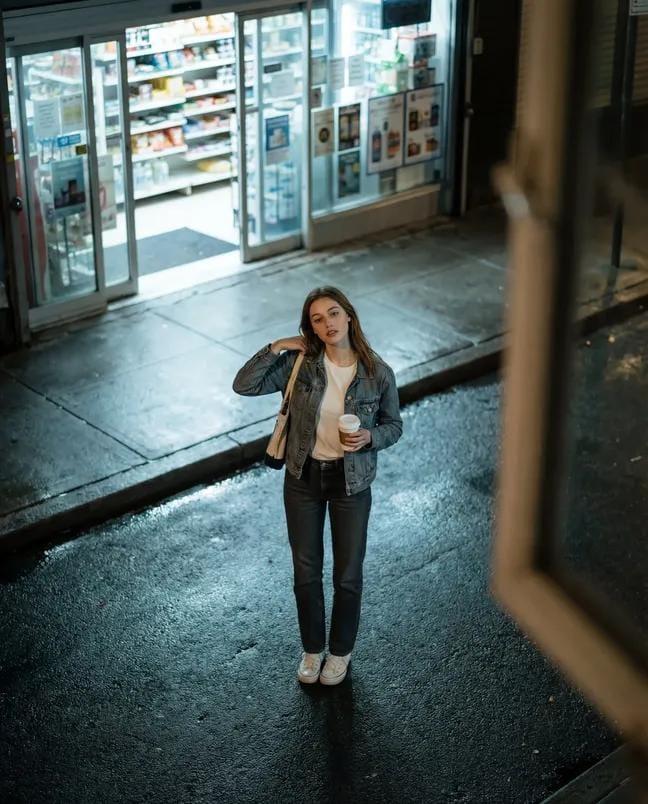
雨天便利店自拍
Prompt
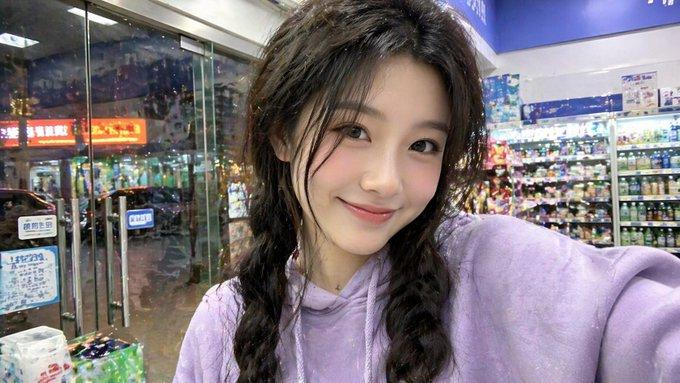
Create a realistic smartphone front-camera selfie of {argument name="character description" default="a young East Asian woman with long slightly messy black hair"} standing just outside a brightly lit convenience store on a rainy evening. The framing is imperfect and close, with the subject filling most of the vertical image; one arm is extended toward the camera, creating mild wide-angle distortion and a casual snapshot feel. The subject wears exactly 2 visible clothing layers: a light gray drawstring hoodie and a black rain jacket with small raindrops on the sleeve and shoulder. The face area is intentionally covered by a plain centered rectangular privacy block in a muted brown-gray skin-tone color, obscuring facial features completely while leaving hair, neck, and clothing visible. Background: show the convenience store entrance and window on the right with bright fluorescent indoor lighting, drink shelves and indistinct posters inside, and a wet sidewalk and street receding on the left with reflections, traffic lights, utility poles, awning, and deep blue dusk sky. Lighting should feel mixed and unpolished: strong white fluorescent spill from the store, cool rainy ambient street light, shiny reflections on pavement, slight overexposure near the shop window, subtle digital noise, slight lens softness, imperfect focus, and no studio lighting. Mood: everyday, tired, candid, post-rain errand snapshot rather than a polished portrait. Use realistic phone-camera color science, visible hair flyaways, natural fabric texture, wet pavement detail, and casual asymmetrical composition. Negative constraints: no beauty filter, no influencer retouching, no cinematic grading, no CGI, no fashion editorial posing, no perfect composition, no watermark, no readable brand logos.- Category
- Posters & Typography
- Model
- GPT Image 2
- Creator
- 桐北
- Source ID
- 26371
- Published
- Jun 20, 2026
Views0