11

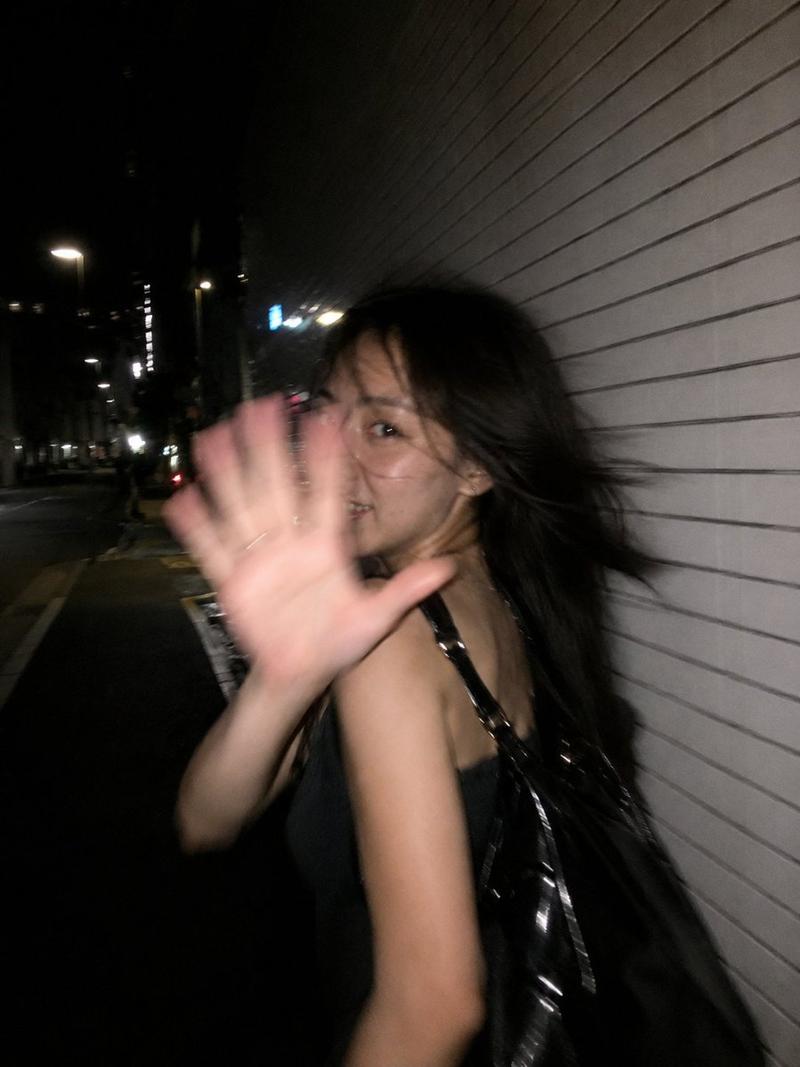
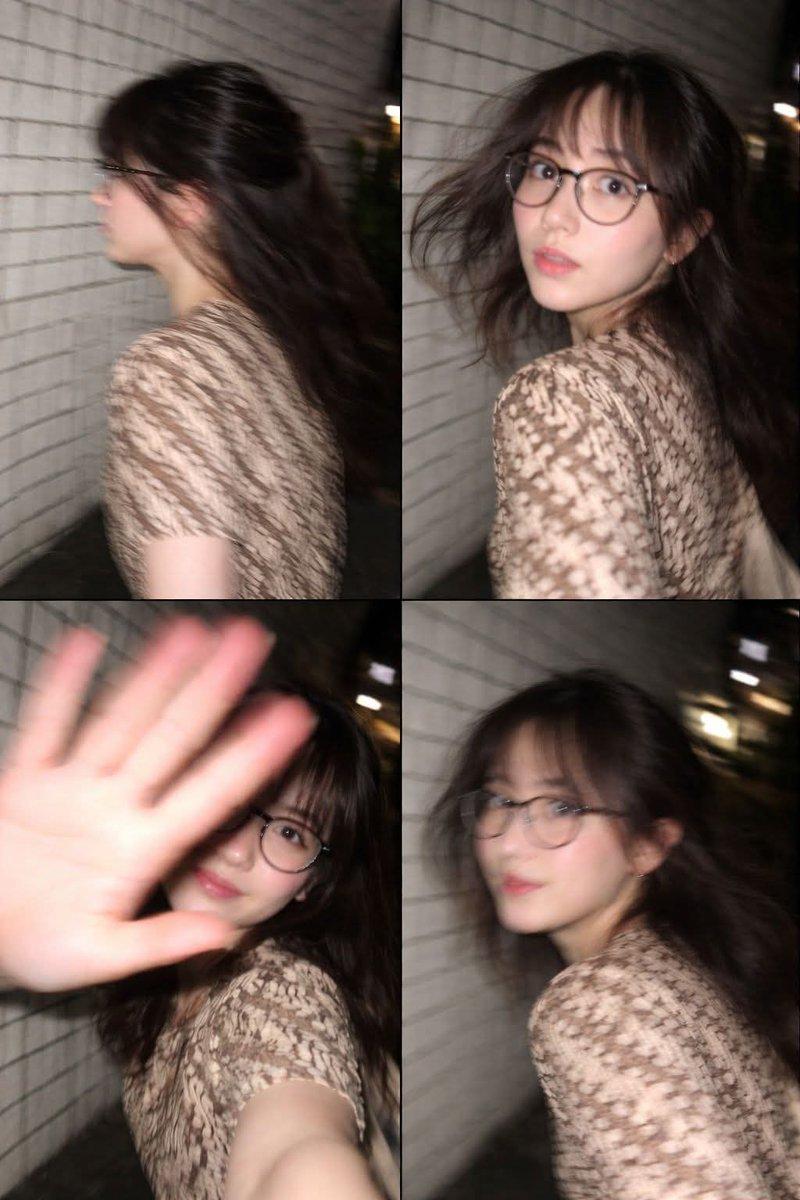
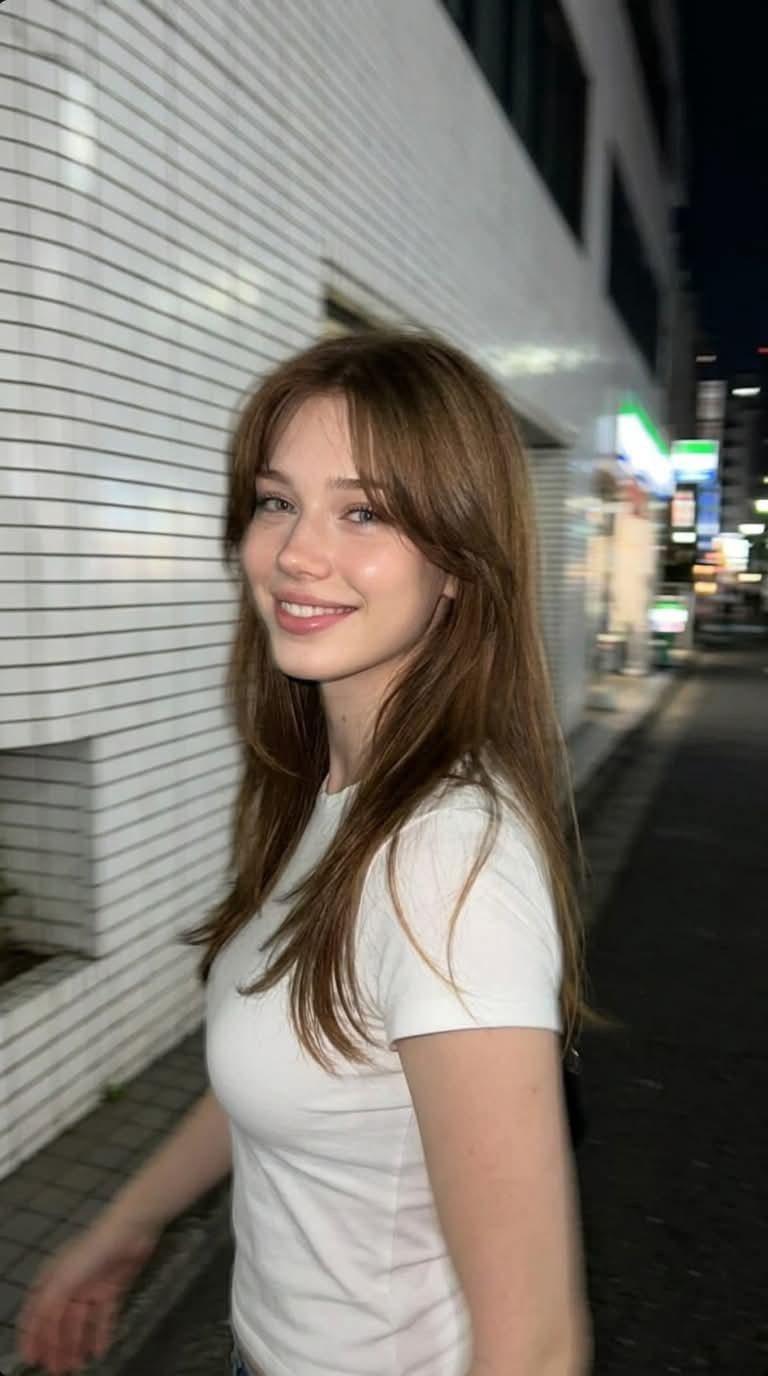
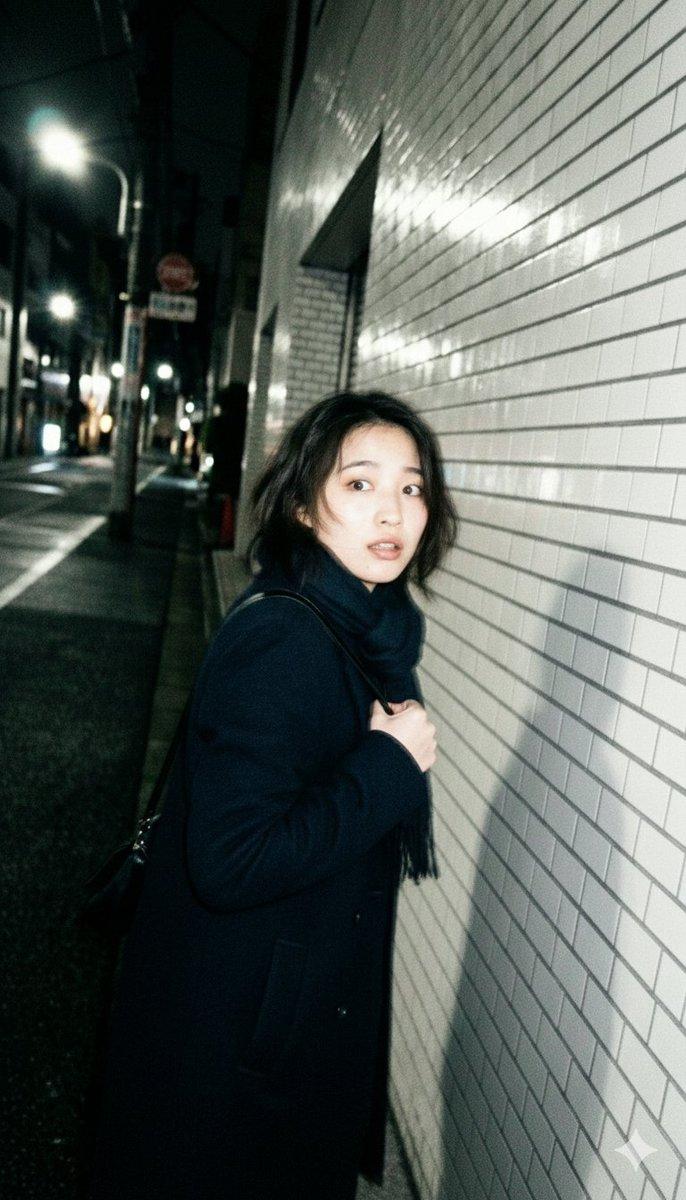
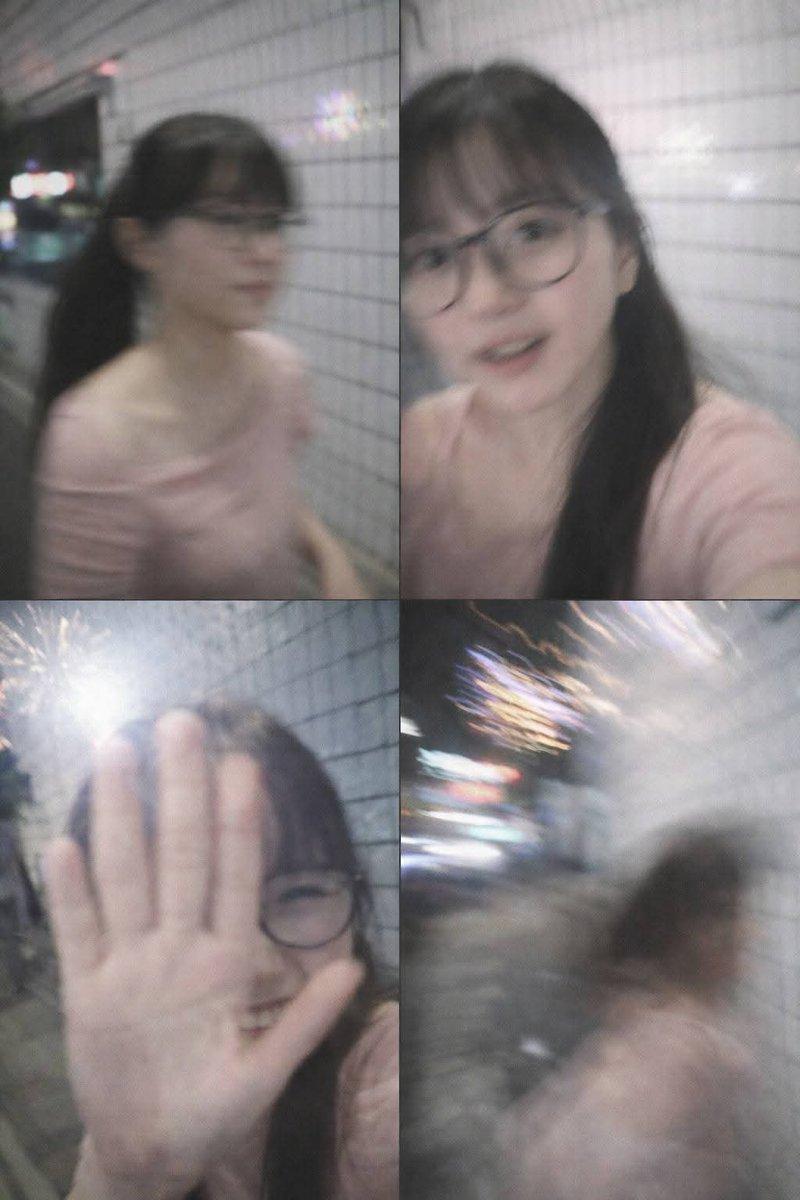
逼真的智能手机夜间动态模糊快照
Enlarge

Example images

逼真的智能手机夜间动态模糊快照

Prompt
Ultra-realistic candid smartphone photo, 3:4 vertical. Original non-identifiable young woman inspired only by general proportions/vibe. {argument name="location" default="Night Tokyo sidewalk beside white ceramic tile wall"}. Mid-walk, half-profile, turning back in surprise, hand raised toward lens, shy restrained smile, continuing forward, imperfect framing, nearly exiting frame. Flash fired during motion. Strong handheld shake, heavy directional blur, smeared facial details, blurred hand and hair, ghosting, streaked tile wall, deep darkness around. Harsh flash highlights, blown exposure, hard shadows. Raw accidental snapshot, intrusive, playful, fleeting memory. Extremely noisy, heavily blurred, authentic phone-camera look.
Category
Posters & Typography
Model
GPT Image 2
Creator
WasifAI
Views0
Source ID
26687
Published
Jun 25, 2026

Guide

About "逼真的智能手机夜间动态模糊快照"

What is this prompt for?

"逼真的智能手机夜间动态模糊快照" AI image prompt for GPT Image 2 (Posters & Typography). 一个用于生成抓拍风格、带有模糊感的智能手机照片提示词,捕捉东京夜晚的瞬息时刻,呈现出一种原始、随性的美学效果。 Copy it on Picva and recreate…

The full copyable prompt and example visuals above are ready for AI image generation or one-click recreate in Picva.

How to use this prompt

  1. Step 1

    Open the prompt detail

    Review the example visuals, category, and full prompt text for "逼真的智能手机夜间动态模糊快照".

  2. Step 2

    Copy the prompt

    Copy the prompt body from this page, or load it directly in Studio.

  3. Step 3

    Pick a model (GPT Image 2)

    Prefer GPT Image 2. If you switch models, keep subject and composition and tweak style terms.

  4. Step 4

    Generate and export

    Recreate the look in Picva, or export into your workflow for editing and publishing.

FAQ

What is the "逼真的智能手机夜间动态模糊快照" prompt?
It is an AI image-generation prompt for GPT Image 2 in the Posters & Typography category. This page includes the full prompt text, example visuals, and a one-click recreate path in Picva.
How do I use this prompt to generate an image?
Copy the prompt from this page, or use Generate / Studio. Paste it into a compatible image model, or recreate the look in Picva with optional reference images.
Which model is this prompt for?
This page lists GPT Image 2. Most descriptive prompts also transfer to nearby image models such as GPT Image, Flux, or Midjourney with light style tweaks.
Can I use the result commercially?
You can usually copy the prompt for creation, but commercial use of the final image depends on the model terms, reference-image rights, and the generated content. Follow the source author and platform rules.