16

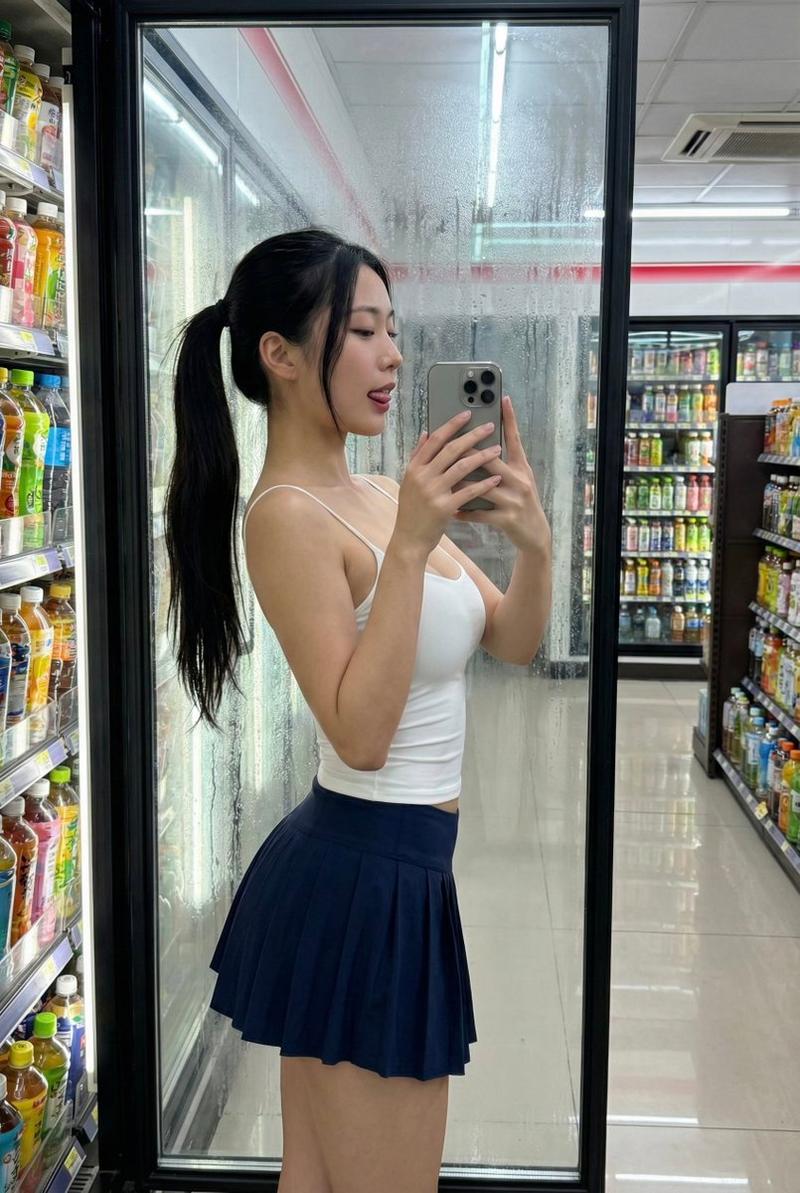
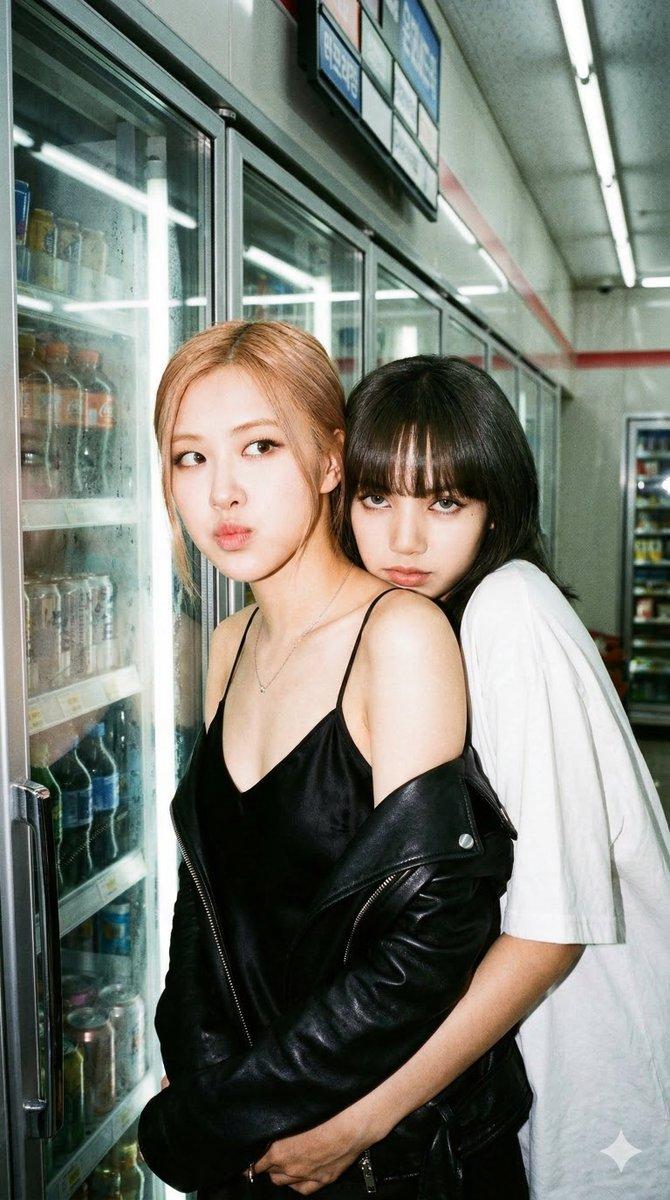
电影感便利店人像
Enlarge

电影感便利店人像

Prompt
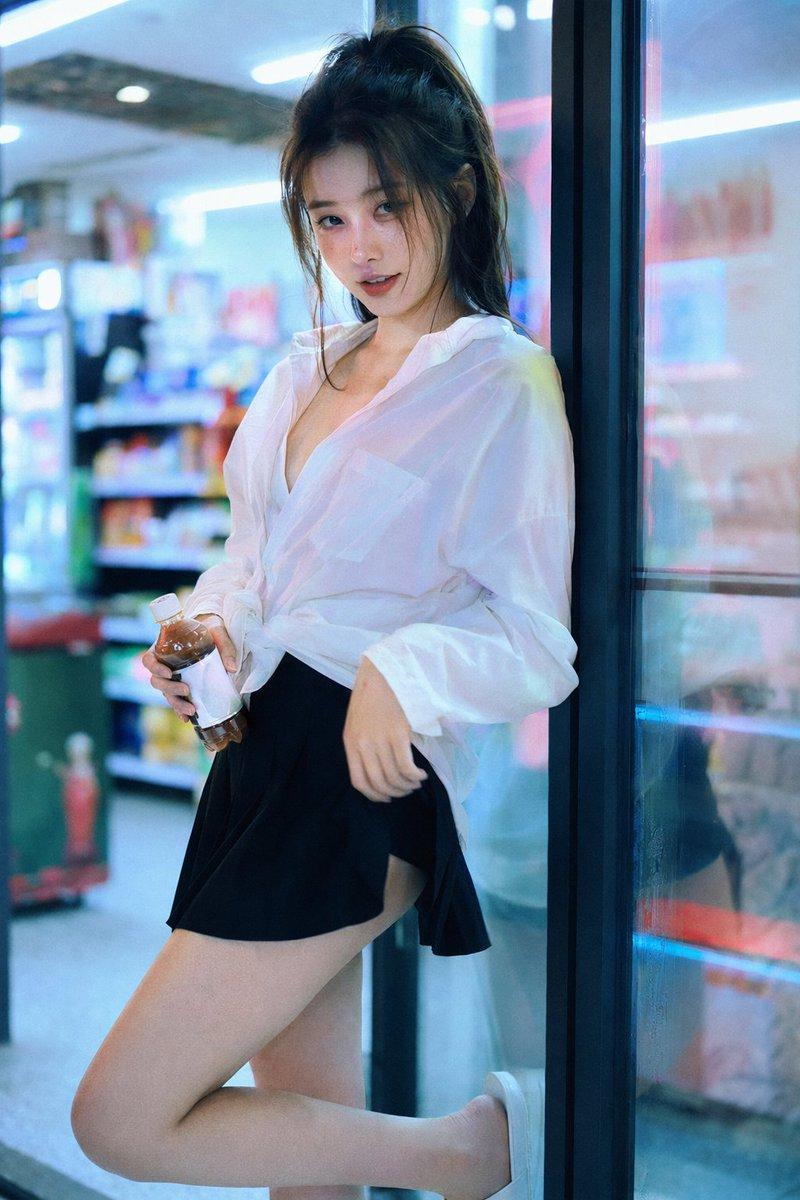
Create a realistic cinematic night portrait photograph of {argument name="subject" default="a young woman"} leaning casually against the glass door of a brightly lit convenience store refrigerator aisle. She is standing full-body in a relaxed pose with one leg bent back and foot against the door frame, holding exactly 1 small bottled drink in her left hand. Her face is intentionally obscured by a soft square mosaic blur for anonymity. She has dark hair tied in a loose high ponytail and wears exactly 3 visible outfit pieces: an oversized semi-sheer {argument name="shirt color" default="white"} button-up shirt worn open at the collar, a short {argument name="skirt color" default="black"} flared skirt, and simple white slip-on shoes. The setting is an indoor convenience store with cool blue fluorescent lighting, glowing refrigerator cases, shelves of colorful products blurred in the background, and reflective glass panels on the right showing soft reflections and neon streaks. Use vertical portrait framing, 2:3 aspect ratio, shallow depth of field, natural skin tones, cyan and magenta highlights, glossy reflections, candid fashion photography mood, high-resolution DSLR look, soft bokeh, and no readable text or logos.
Category
Products & E-commerce
Model
GPT Image 2
Views0
Source ID
26697
Published
Jun 24, 2026

Guide

About "电影感便利店人像"

What is this prompt for?

"电影感便利店人像" AI image prompt for GPT Image 2 (Products & E-commerce). 一张写实的竖构图时尚人像,拍摄一位身份不明的年轻女性在夜晚发光的便利店冷柜门旁摆拍。 Copy it on Picva and recreate the look in one cl…

The full copyable prompt and example visuals above are ready for AI image generation or one-click recreate in Picva.

How to use this prompt

  1. Step 1

    Open the prompt detail

    Review the example visuals, category, and full prompt text for "电影感便利店人像".

  2. Step 2

    Copy the prompt

    Copy the prompt body from this page, or load it directly in Studio.

  3. Step 3

    Pick a model (GPT Image 2)

    Prefer GPT Image 2. If you switch models, keep subject and composition and tweak style terms.

  4. Step 4

    Generate and export

    Recreate the look in Picva, or export into your workflow for editing and publishing.

FAQ

What is the "电影感便利店人像" prompt?
It is an AI image-generation prompt for GPT Image 2 in the Products & E-commerce category. This page includes the full prompt text, example visuals, and a one-click recreate path in Picva.
How do I use this prompt to generate an image?
Copy the prompt from this page, or use Generate / Studio. Paste it into a compatible image model, or recreate the look in Picva with optional reference images.
Which model is this prompt for?
This page lists GPT Image 2. Most descriptive prompts also transfer to nearby image models such as GPT Image, Flux, or Midjourney with light style tweaks.
Can I use the result commercially?
You can usually copy the prompt for creation, but commercial use of the final image depends on the model terms, reference-image rights, and the generated content. Follow the source author and platform rules.