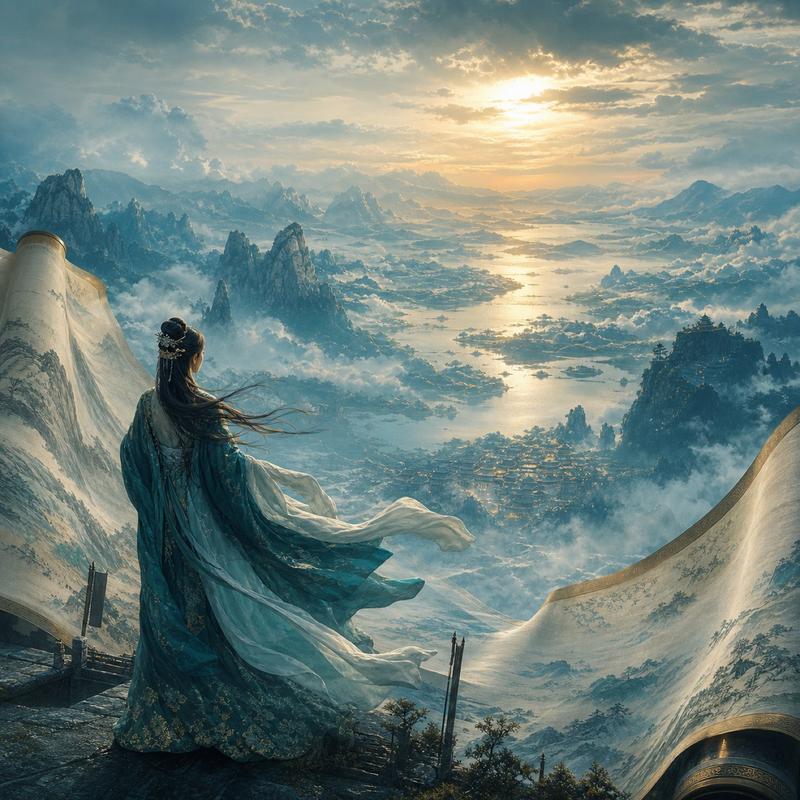
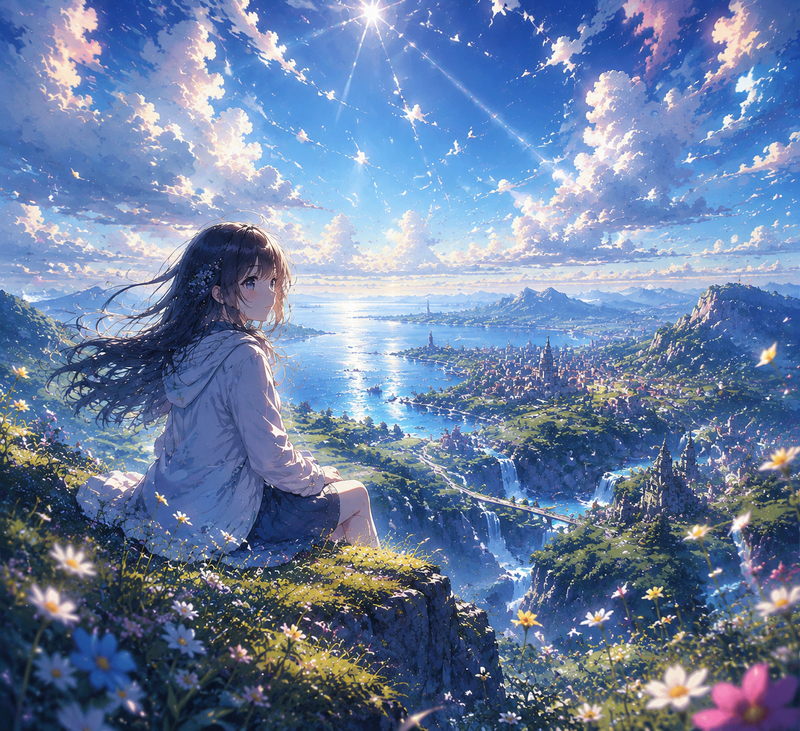
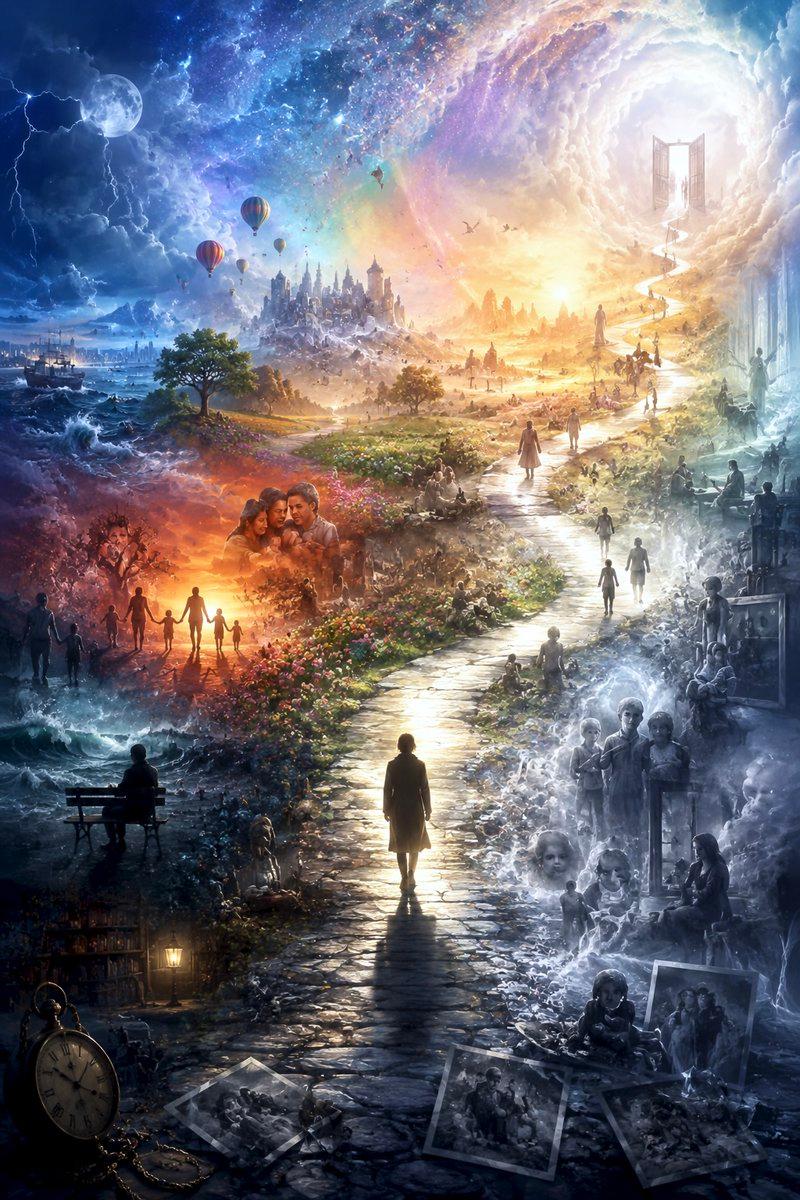
四格 AI 风景对比图
Prompt
Goal: Create a wide comparison graphic showing how four prompt-writing AI model tiers produce the same landscape scene in GPT Image 2, with a dark editorial UI frame and Japanese headline text.

Canvas: Extra-wide horizontal banner, approximately 2:1 aspect ratio, black/dark charcoal background, clean social-media comparison layout. Use thin black dividers between image columns and a compact top title area.

Top text: Large white Japanese headline: {argument name="headline text" default="同じ構図・同じ画像AI(GPT Image 2)。プロンプトを“書いたAI”だけが違う4枚"}. Under it, add a smaller gray subtitle: {argument name="subtitle text" default="変えたのは「プロンプトを書くClaudeのモデル階層」だけ(左=最も安い → 右=最上位)"}.

Layout: Four equal vertical landscape panels placed side by side, each with a small dark label bar at the top. Use exactly 4 panels, ordered left to right:
1. Label: “haiku | 最も安い” — a dramatic semi-realistic anime landscape at golden sunset, high mountain range in the distance, layered misty valleys, wildflower-covered rocky foreground, a tiny solitary person standing on a ridge, warm orange-purple clouds, slightly over-embellished cinematic atmosphere.
2. Label: “sonnet” — cleaner and more elegant sunset mountain valley, broad sky with soft glowing cumulus clouds, golden light spilling across rolling hills, a small lone figure on a ridge path, balanced composition, polished anime background style.
3. Label: “opus” — high-quality but restrained sunset vista, deep blue sky fading to orange near the horizon, large illuminated cloud formations, grassy hillside foreground, distant lake or reflective water, tiny figure near the bottom center, premium but conventional scenic framing.
4. Label: “fable | 最上位” — emotionally directed bright morning or late-afternoon landscape, turquoise-blue sky, towering luminous white clouds, sunbeams over a vast green valley, a small person in a white dress and hat standing in meadow grass at lower right, more narrative and poetic mood.

Visual style: Refined Japanese anime background art blended with painterly cinematic lighting, highly detailed skies and atmospheric perspective. Keep all four panels similar in composition and subject matter so the comparison feels controlled, but vary mood and art direction per label. Use crisp white text, dark label bars, no logos, no watermark.

Constraints: Preserve exactly 4 image panels and exactly these 4 visible panel labels. Make the title and subtitle legible. Keep the overall image looking like a posted comparison chart rather than a standalone landscape collage.- Category
- Charts & Infographics
- Model
- GPT Image 2
- Creator
- AI Video Project
- Source ID
- 28043
- Published
- Jul 8, 2026
Views0