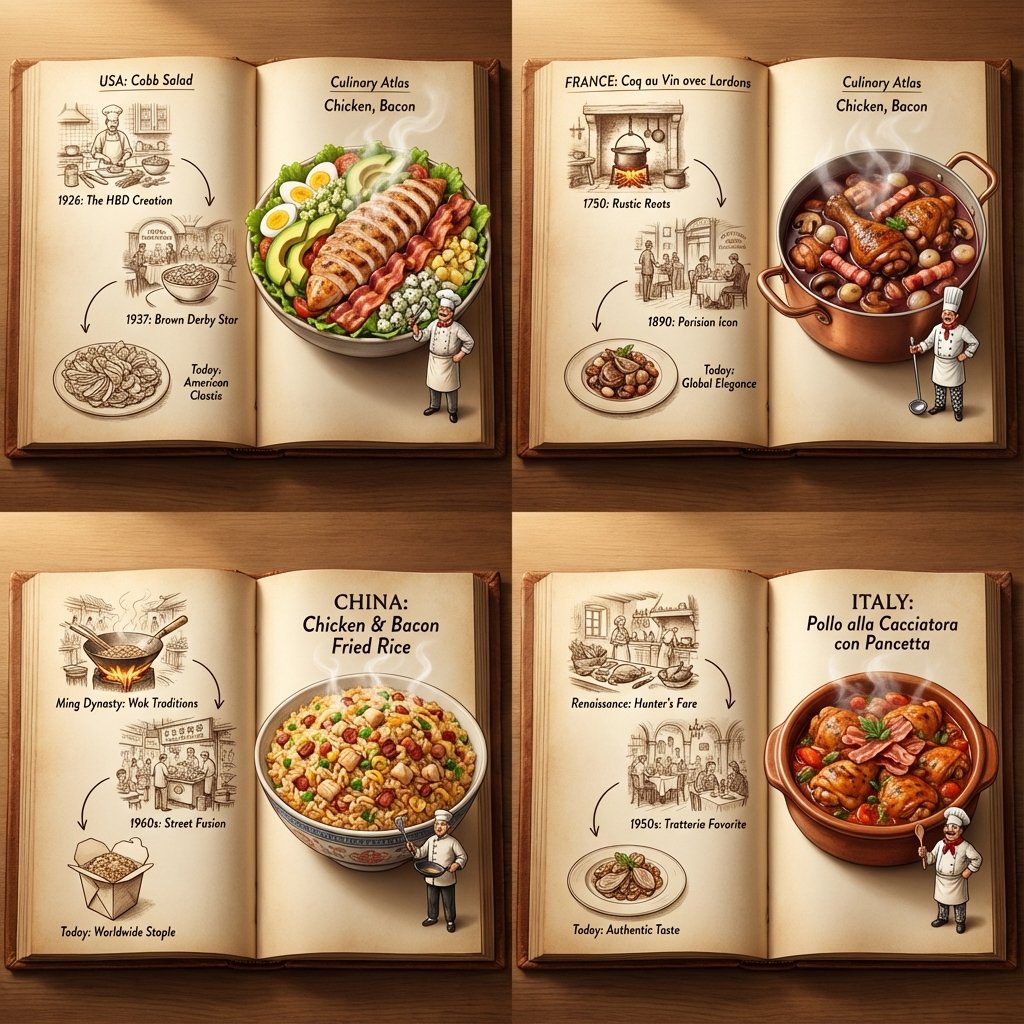
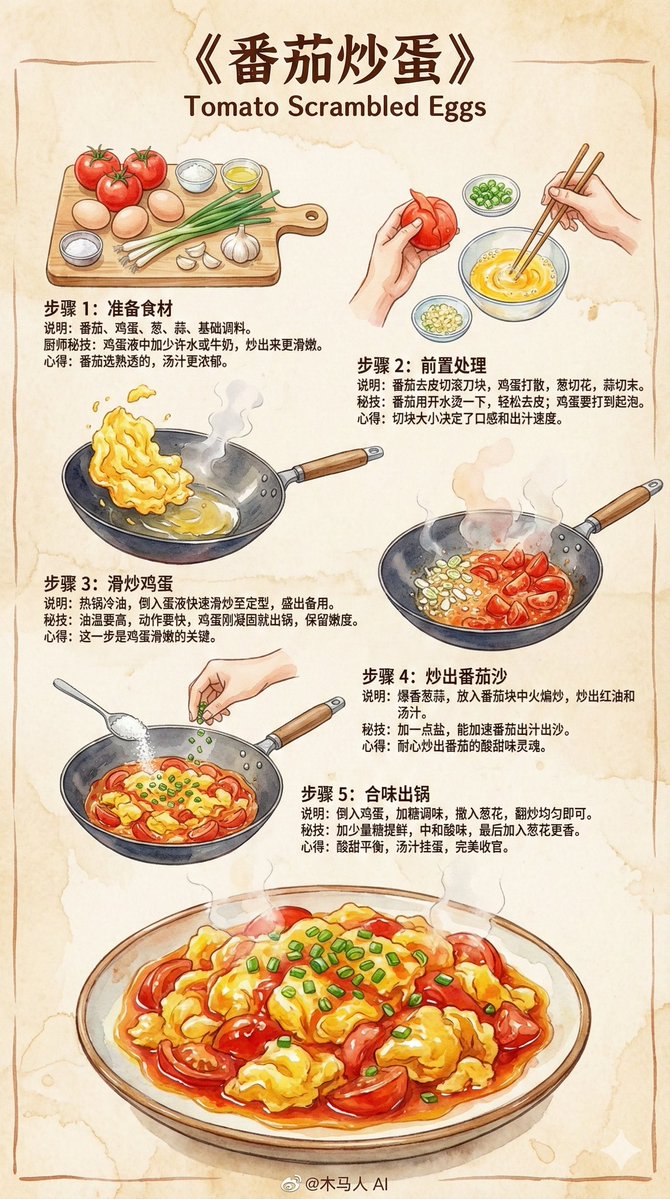
手绘风西红柿炒鸡蛋食谱信息图
Prompt
Goal: Create a cute hand-drawn Chinese recipe infographic in an open notebook, teaching how to make {argument name="dish name" default="西红柿鸡蛋"}.

Canvas: Wide 16:9 horizontal composition, like a two-page spread of a cream-colored grid-paper notebook with rounded page corners, faint beige graph lines, soft pencil outlines, and a warm watercolor texture.

Layout: At the top left, write the large handwritten Chinese title “如何制作西红柿鸡蛋” with a pale yellow highlighter stroke underneath. Across the upper middle are exactly 6 taped ingredient sticky notes, left to right: 1) red note labeled “西红柿” with a tomato drawing, 2) yellow note labeled “鸡蛋” with two eggs and a paperclip, 3) green note labeled “葱” with green onions, 4) blue note labeled “油” with a small oil bottle, 5) purple note labeled “盐” with a salt shaker, 6) pink note labeled “糖” with a sugar jar. In the upper right, show the finished tomato-and-egg dish on a white plate on a wooden tray, with a small bowl of chopped scallions, a spoon, sparkles, a red heart, and handwritten text “酸甜可口!”.

Recipe steps: Along the lower half, place exactly 5 torn-paper recipe cards connected by blue arrow lines. Card 1 has a red border and label “1. 切”, showing sliced tomatoes on a cutting board, a cleaver, and a small bowl of chopped scallions. Card 2 has a yellow border and label “2. 炒鸡蛋”, showing scrambled eggs in a black frying pan over small orange flames. Card 3 has a green border and label “3. 炒西红柿”, showing tomato slices cooking in a frying pan. Card 4 has a blue border and label “4. 混合”, showing tomatoes and eggs mixed together in the pan. Card 5 has a pink border and label “5. 调味”, showing the finished mixture in the pan, two small spoons above it, and a rounded label with a green check mark reading “完成!”.

Decorative details: Add a small smiling cartoon girl peeking from the left side near the first step card, holding a pointer. Add potted plants on the far left margin, scattered chopped scallions, tiny hearts, sparkles, a wooden spoon on the lower right, and a small bowl with spoon on the lower left. At the bottom center, write the handwritten slogan “美味家常菜,简单又健康!” with red hearts and leafy flourishes.

Visual style: Soft pastel watercolor, colored pencil sketch lines, kawaii cooking illustration, scrapbook collage aesthetic, masking tape on the notes, light shadows, cozy homemade feel, neat legible Chinese handwriting.

Constraints: Use exactly 6 ingredient notes and exactly 5 step cards; keep all Chinese text legible and in the positions described; no photorealism, no extra recipe steps, no watermark, no logo.- Category
- Charts & Infographics
- Model
- GPT Image 2
- Creator
- Gorden Sun
- Source ID
- 28166
- Published
- Jul 9, 2026
Views8