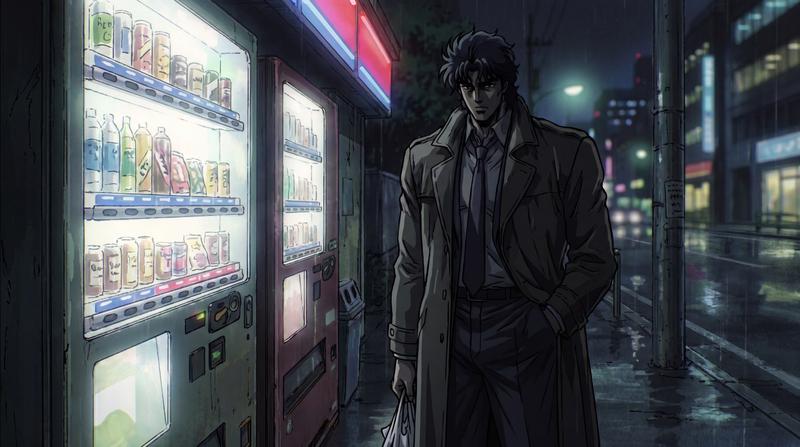
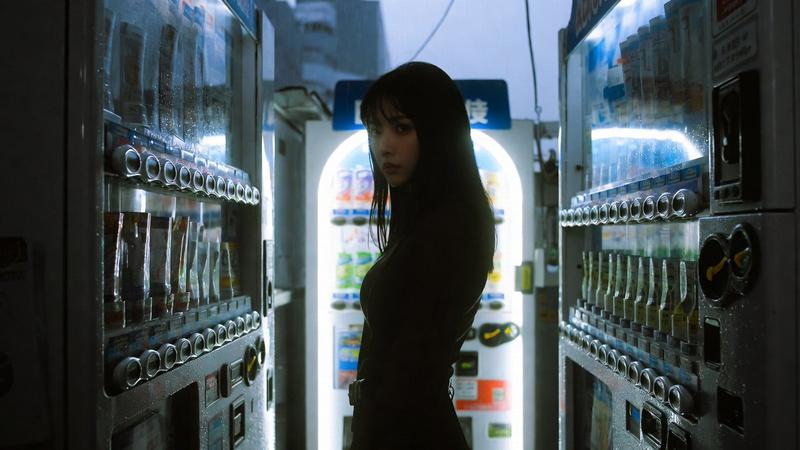
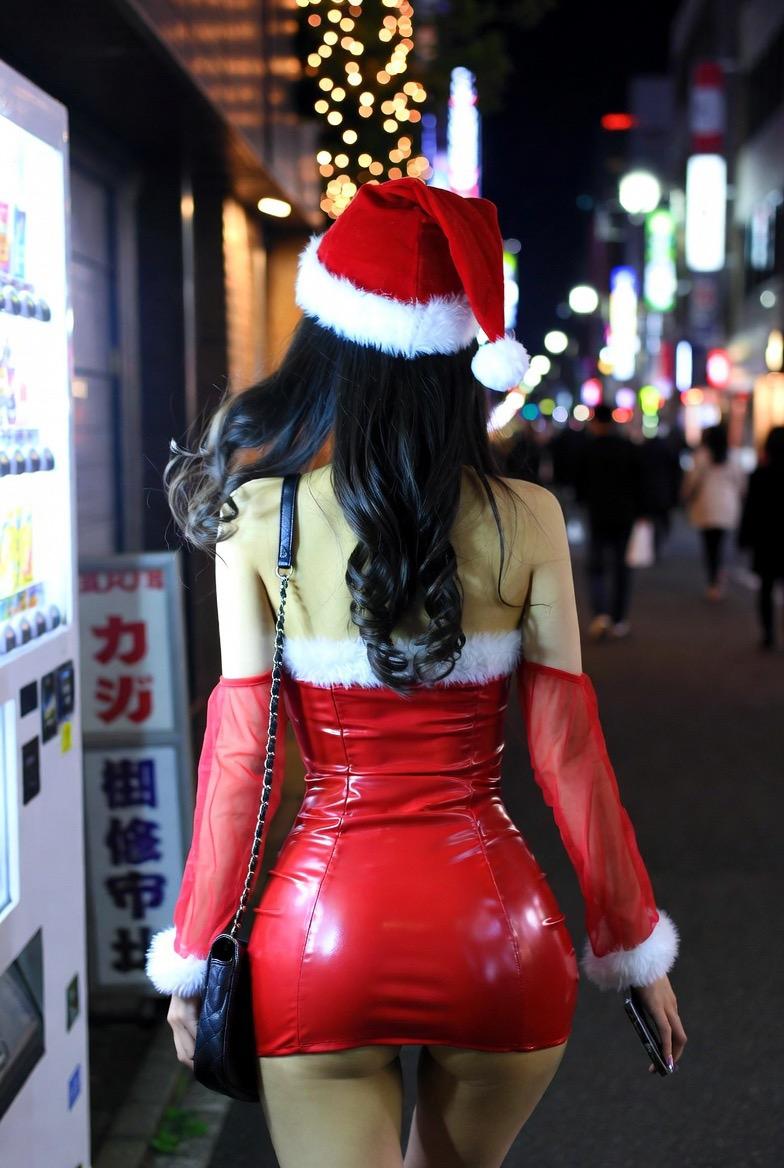
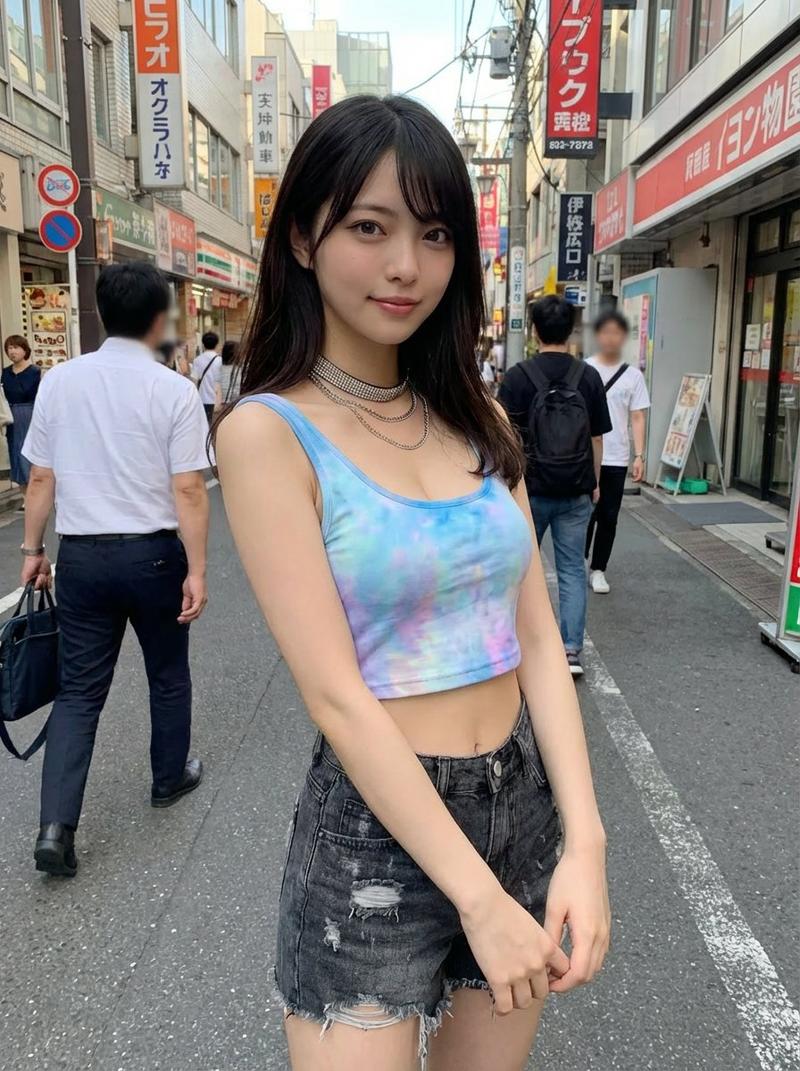
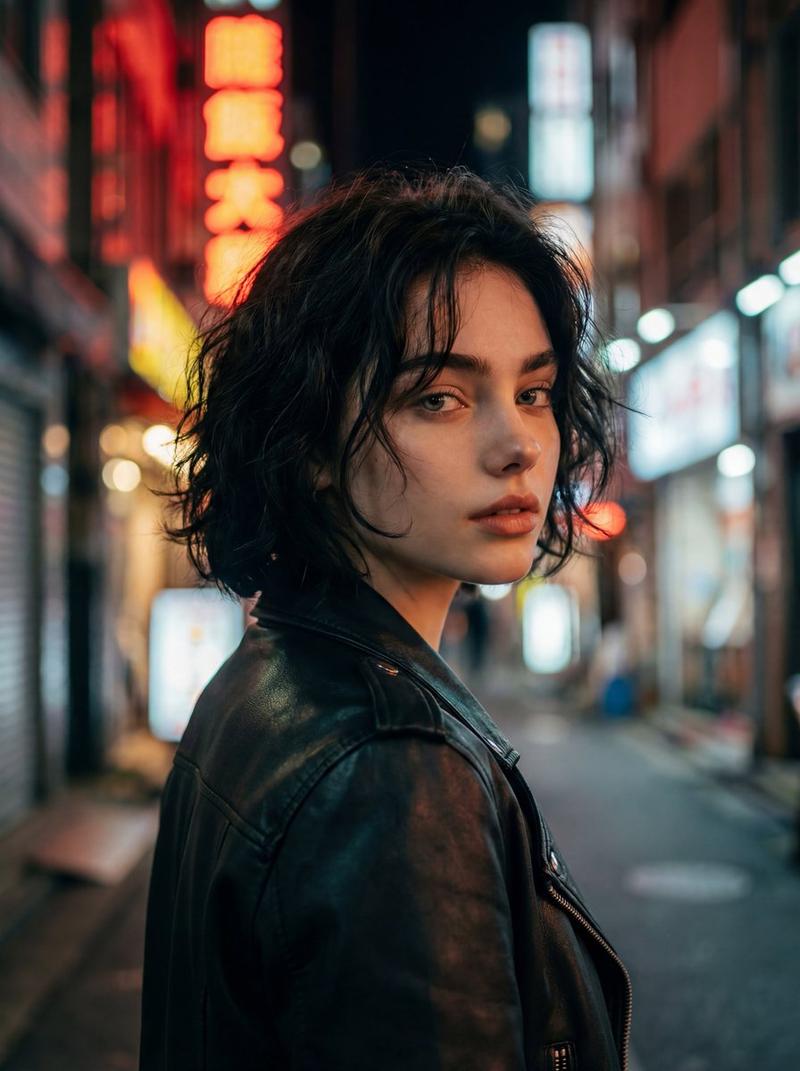
东京巷弄自动贩卖机快照
Prompt
Create a photorealistic candid street snapshot in a narrow Tokyo entertainment-district back alley, viewed from behind. The central subject is {argument name="character name" default="a young woman"} standing slightly right of center in front of two bright Japanese drink vending machines, choosing a beverage. She has {argument name="hair color" default="pale pink hair"} tied in a low ponytail with a white scrunchie, seen from the back, wearing an oversized light blue button-up shirt, a blue plaid pleated skirt, and a brown leather shoulder bag decorated with small colorful plush keychains; include a small purple plush toy tucked near the bag strap. The vending machines fill the right side of the frame, glowing cool white and blue, with rows of colorful bottles and cans visible behind glass, coin slots, buttons, product labels, and payment panels; add urban stickers, posters, graffiti marks, and partial black-and-white street signage on the wall beside them. On the left side, show an old narrow restaurant storefront with Japanese signs, warm interior lights, menu boards, wood and concrete textures, and a utility pole covered in stickers. Include exactly 5 visible pedestrians besides the main subject: 2 young women walking away on the left, 1 woman in dark pants walking down the center of the alley, and 2 smaller distant pedestrians near the vanishing point. Use a natural everyday mood, overcast daylight, muted colors, soft depth of field, realistic lens perspective, street-level eye height, 16:9 horizontal composition, no posed expression because the main subject is facing away, no watermark, no extra readable headline text.- Category
- Posters & Typography
- Model
- GPT Image 2
- Creator
- K's Al Photo Studio
- Source ID
- 28175
- Published
- Jul 9, 2026
Views0