16

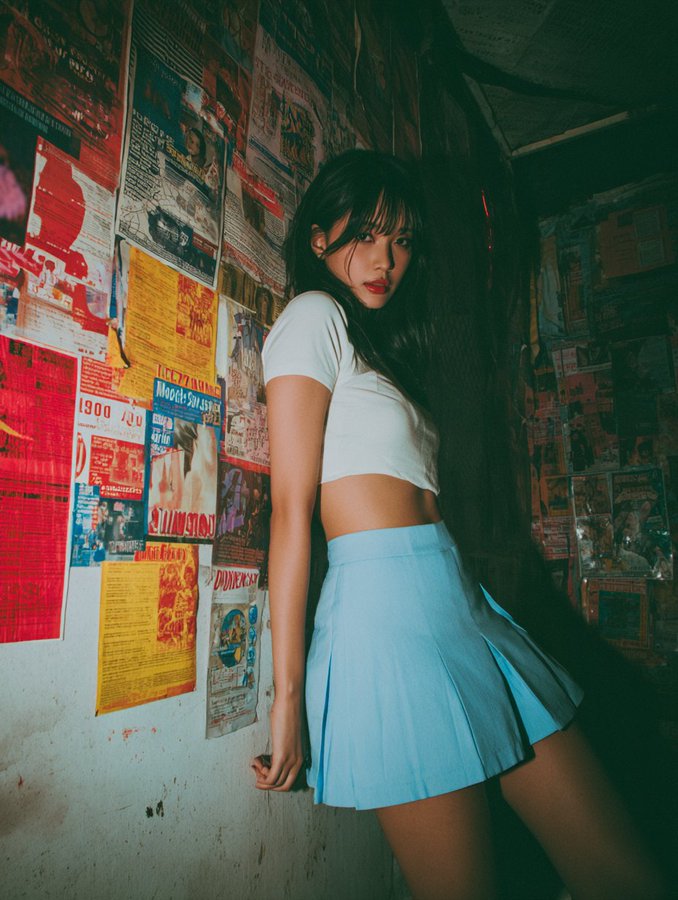
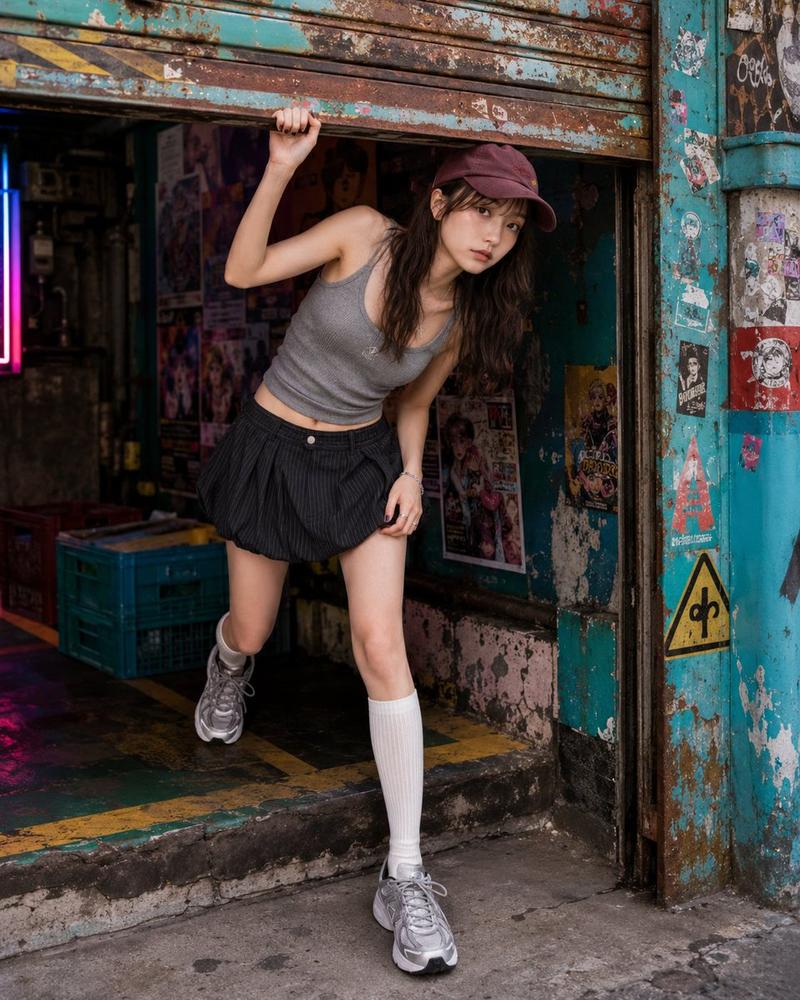
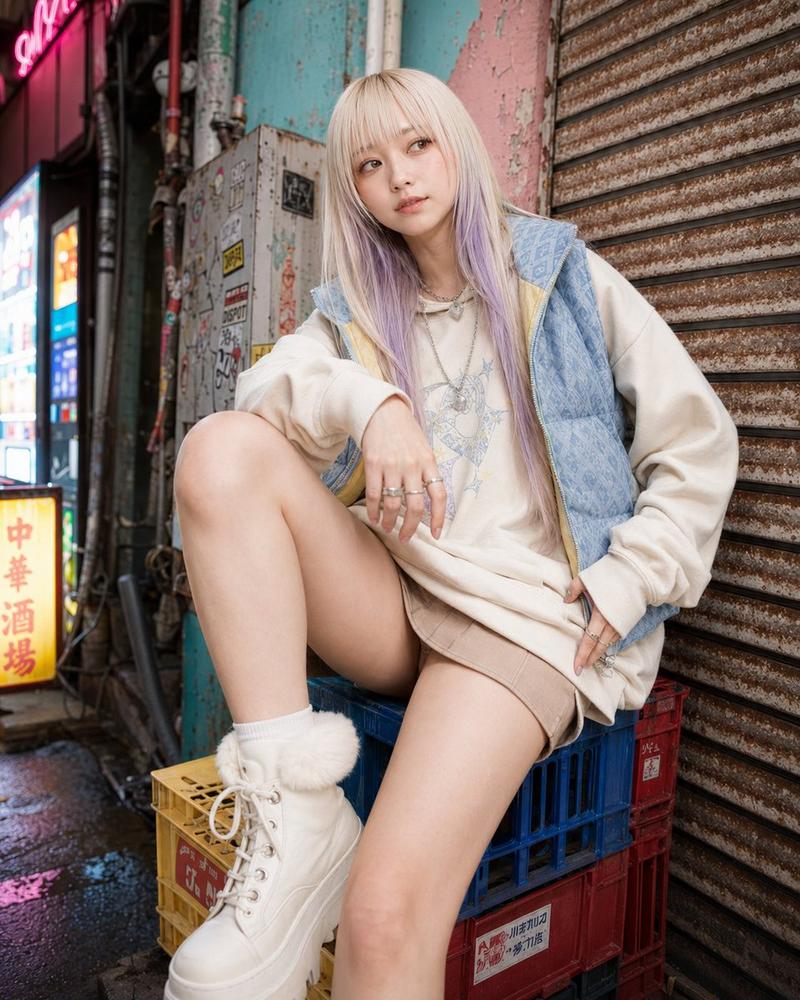
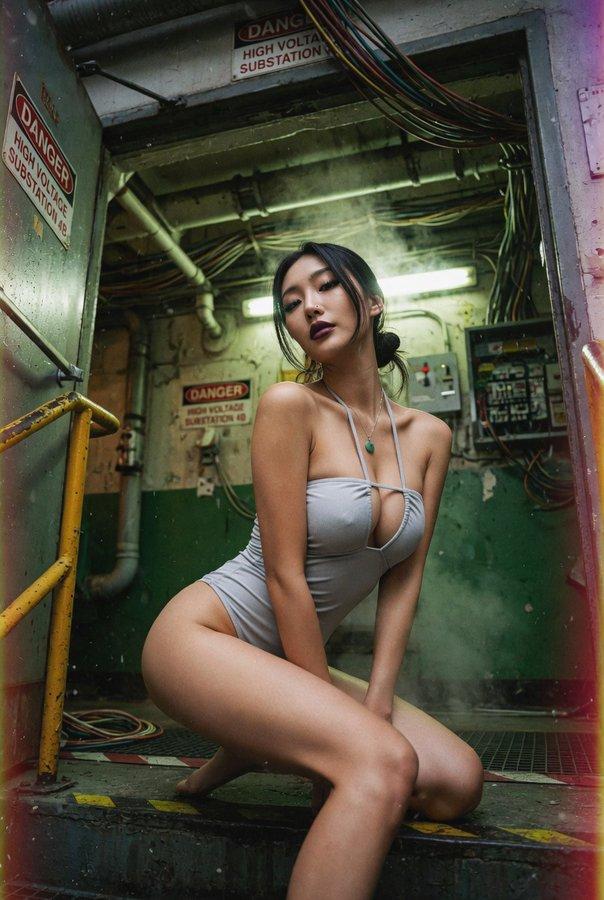
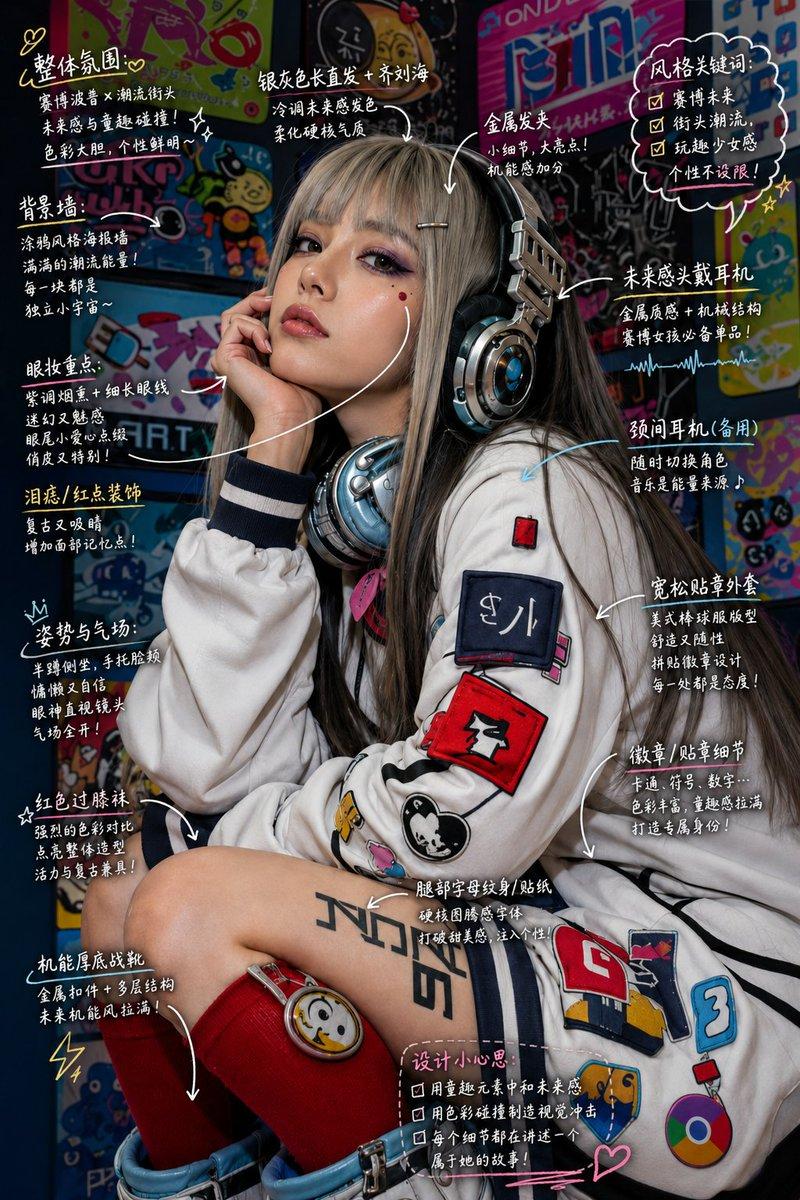
复古游戏中心时尚摄影
Enlarge

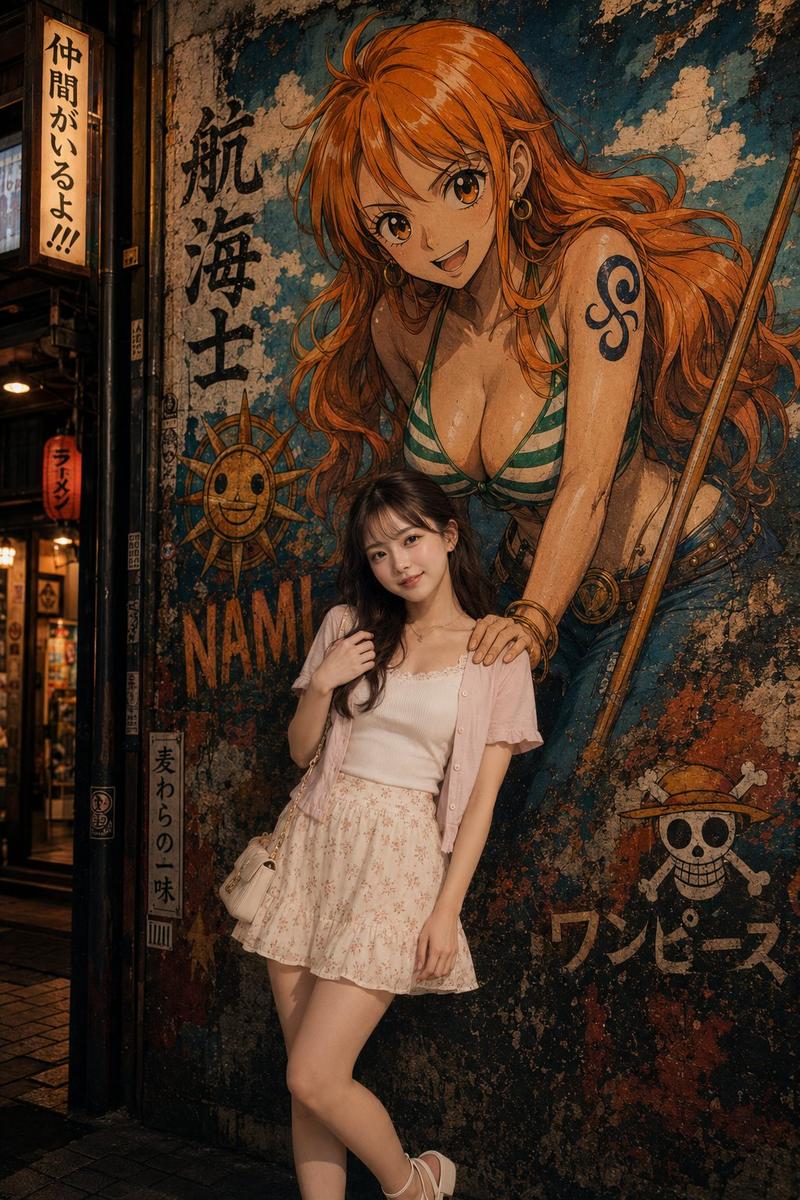
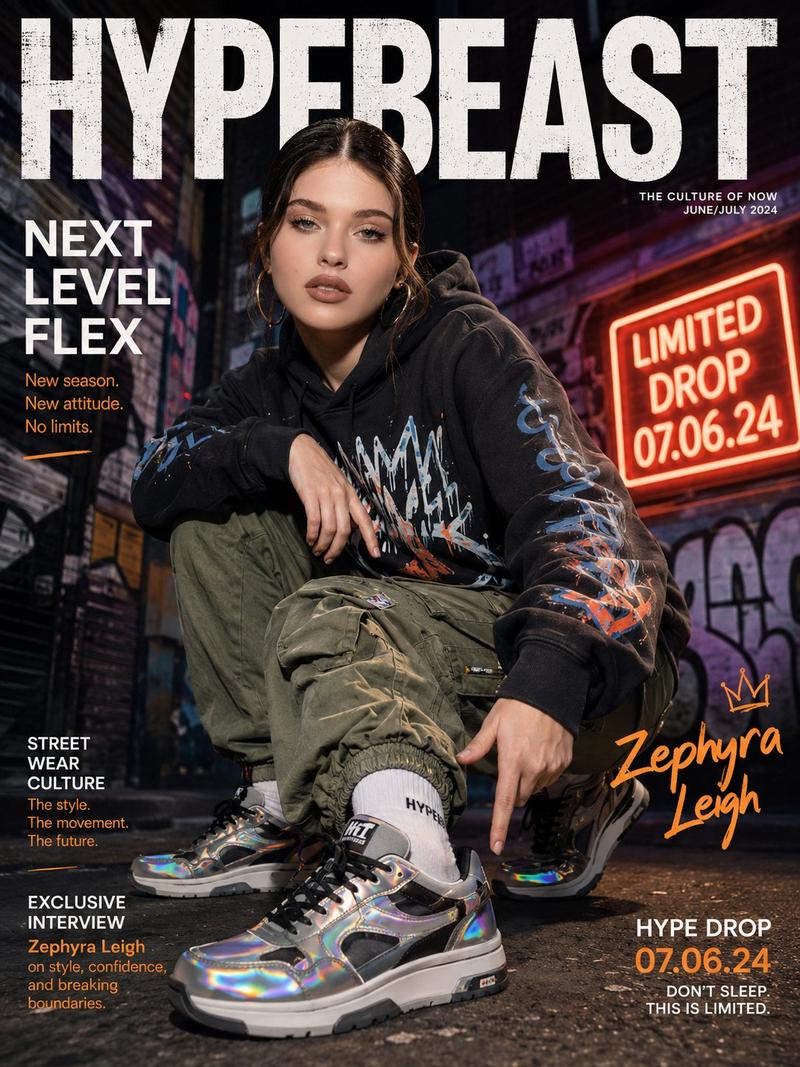
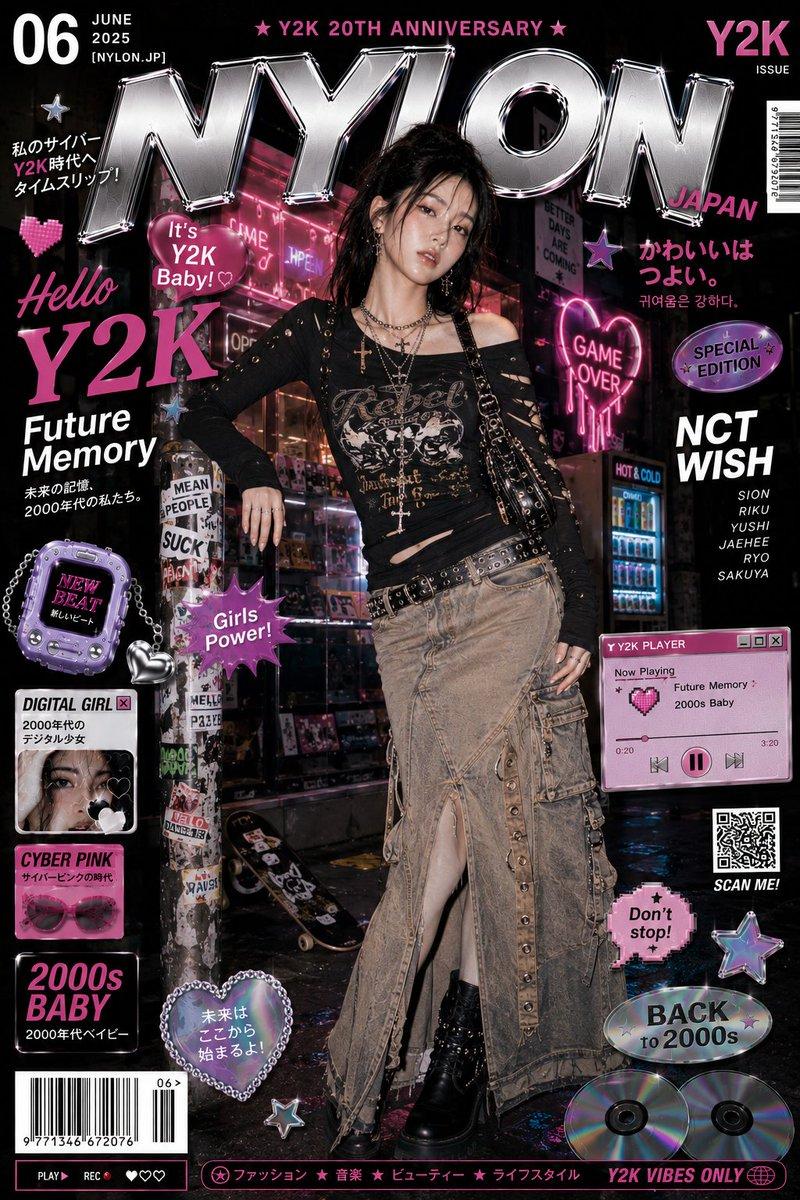
Example images

复古游戏中心时尚摄影

Prompt
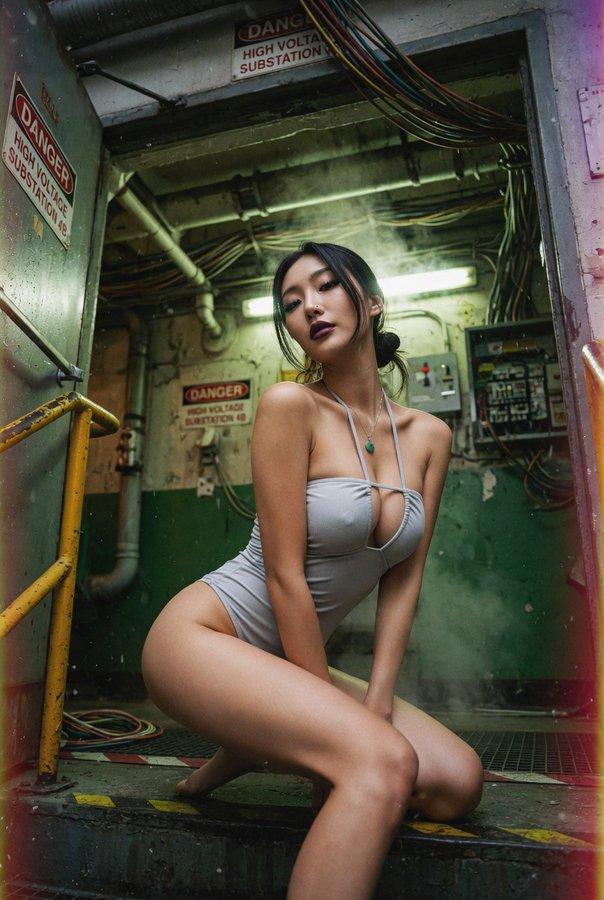
Photorealistic fashion editorial photo of {argument name="subject" default="a clearly adult woman in her twenties"}.\n\nPose lock: {argument name="pose" default="wide low stair sit"}. She sits low across two or three shallow steps, with one knee raised and the other leg extended diagonally down the stairs. Hips angled sideways, torso leaning forward but lifted, shoulders uneven. One hand is planted behind or beside her on the step for structure, the other arm rests across the raised knee or thigh. Direct eye contact, calm and magnetic. The pose should be low, strong, and graphic, not cute stair sitting.\n\nBackground identity: {argument name="background" default="a colorful underground game-center stair passage with red-blue-yellow painted steps, fictional anime arcade posters, rhythm game flyers, capsule toy ads, sticker layers, neon arrows, glowing floor strips, checkerboard wall tiles, reflective metal railings, and dense pop signage"}. The space should feel like a secret entrance to a Japanese arcade and anime shop.\n\nComposition lock: tight vertical 4:5 crop from low stair angle. Stair diagonals, raised knee, torso, poster-covered walls, and neon arrows create the image. Subject large in frame.\n\nAvoid: anime style, illustration, plain stairwell, tourist stair photo, standing on stairs, soft sitting, real logos, readable text, posters blocking the body.
Category
Posters & Typography
Model
GPT Image 2
Views0
Source ID
28241
Published
Jul 10, 2026

Guide

About "复古游戏中心时尚摄影"

What is this prompt for?

"复古游戏中心时尚摄影" AI image prompt for GPT Image 2 (Posters & Typography). 一个用于生成照片级真实感时尚编辑图像的精妙提示词,场景设定在充满活力的复古流行风格日本地下游戏中心,强调动态姿势与复杂的光影效果。 Copy it on Picva and rec…

The full copyable prompt and example visuals above are ready for AI image generation or one-click recreate in Picva.

How to use this prompt

  1. Step 1

    Open the prompt detail

    Review the example visuals, category, and full prompt text for "复古游戏中心时尚摄影".

  2. Step 2

    Copy the prompt

    Copy the prompt body from this page, or load it directly in Studio.

  3. Step 3

    Pick a model (GPT Image 2)

    Prefer GPT Image 2. If you switch models, keep subject and composition and tweak style terms.

  4. Step 4

    Generate and export

    Recreate the look in Picva, or export into your workflow for editing and publishing.

FAQ

What is the "复古游戏中心时尚摄影" prompt?
It is an AI image-generation prompt for GPT Image 2 in the Posters & Typography category. This page includes the full prompt text, example visuals, and a one-click recreate path in Picva.
How do I use this prompt to generate an image?
Copy the prompt from this page, or use Generate / Studio. Paste it into a compatible image model, or recreate the look in Picva with optional reference images.
Which model is this prompt for?
This page lists GPT Image 2. Most descriptive prompts also transfer to nearby image models such as GPT Image, Flux, or Midjourney with light style tweaks.
Can I use the result commercially?
You can usually copy the prompt for creation, but commercial use of the final image depends on the model terms, reference-image rights, and the generated content. Follow the source author and platform rules.