17

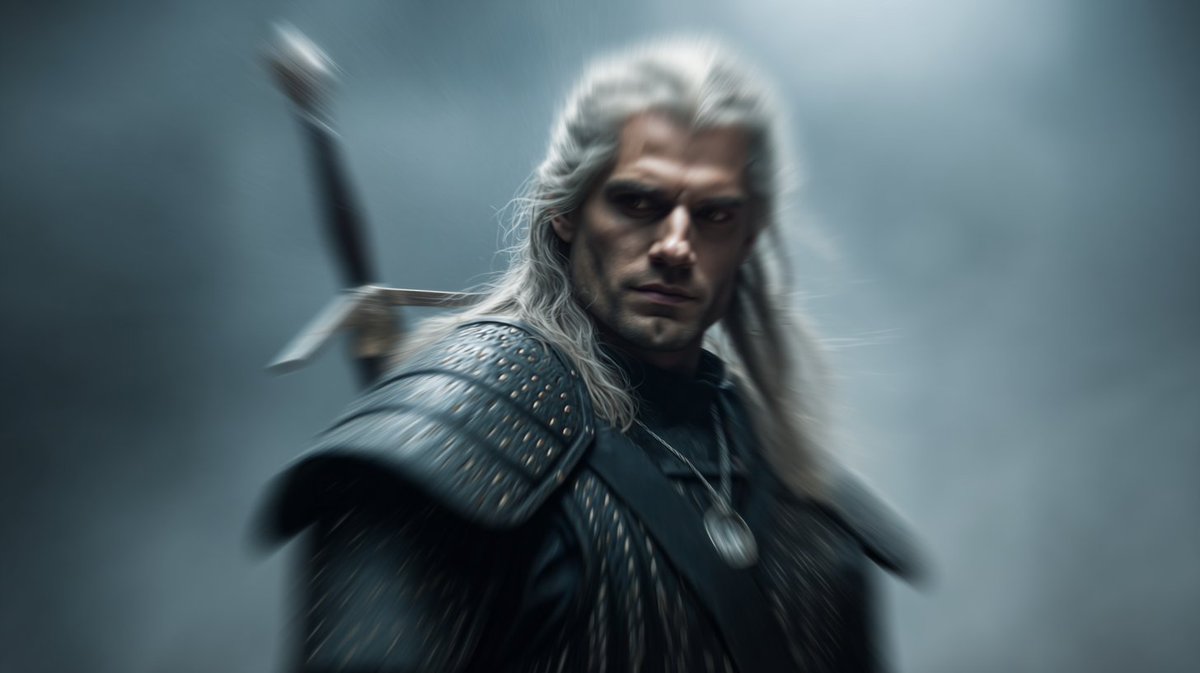
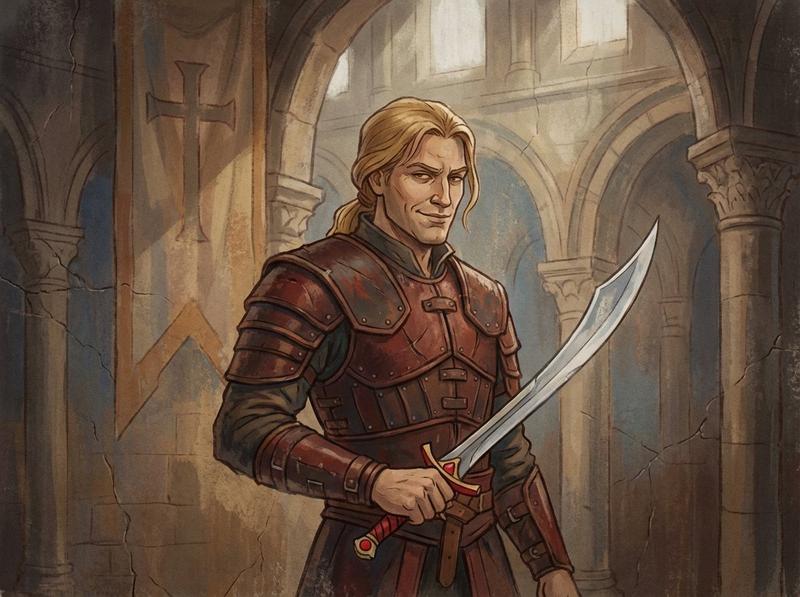
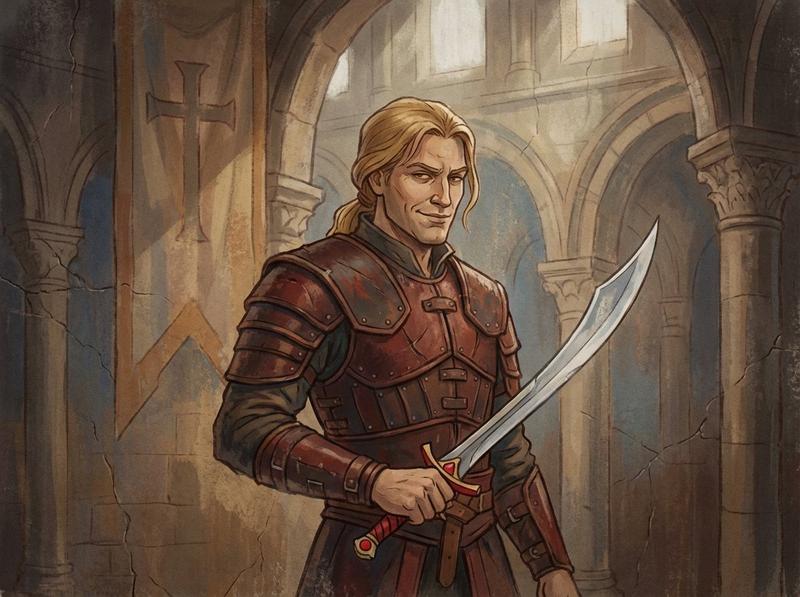
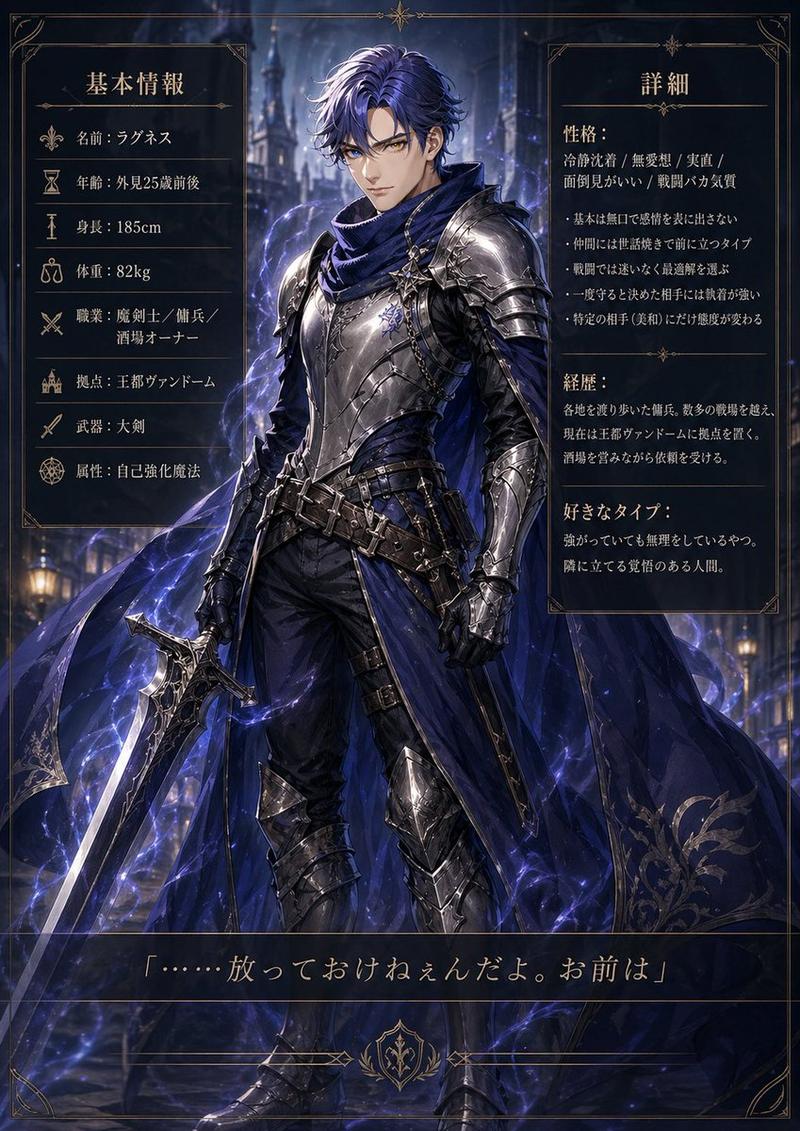
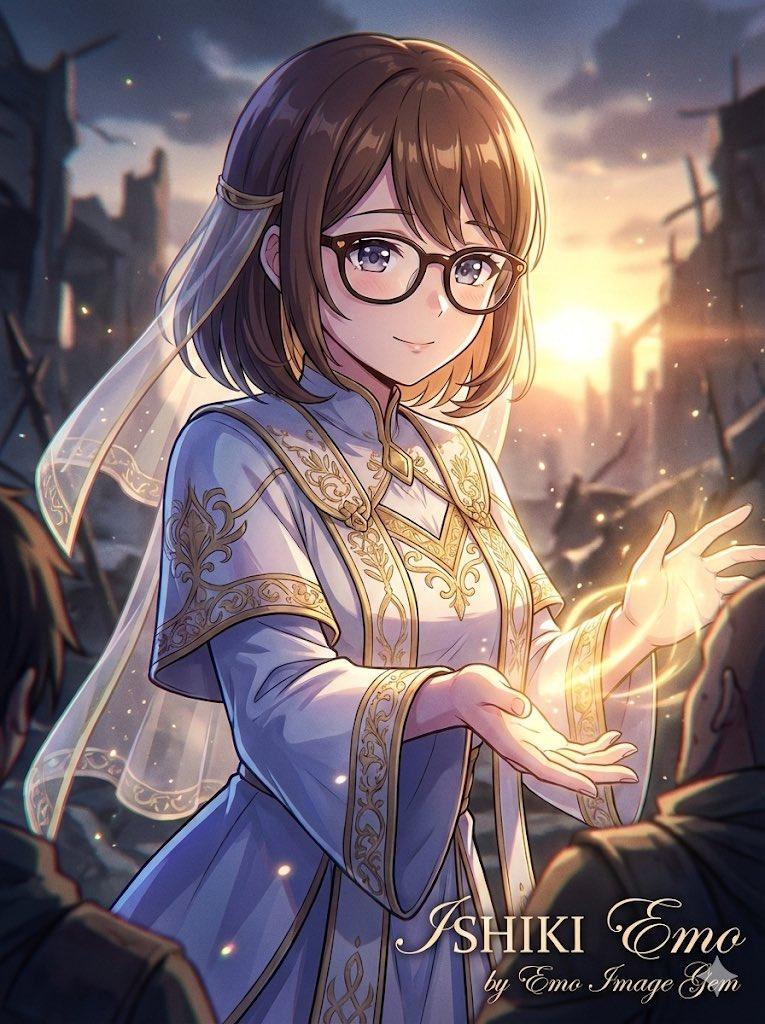
90 年代复古动漫风格重绘
Enlarge

Example images

90 年代复古动漫风格重绘

Prompt
Restyle this image into a cel-shaded {argument name="style" default="anime-style"} illustration inspired by {argument name="inspiration" default="1980s–1990s Nippon Animation"}, featuring bold clean outlines, warm muted color palette, strong contrast between light and shadow, soft gradient backgrounds with minimal detail, detailed rendering of clothing and environment, expressive linework, flat layered composition with a hand-drawn aesthetic, and cinematic {argument name="aspect ratio" default="3:4"} framing.
Category
Characters & People
Model
GPT Image 2
Views2
Source ID
28354
Published
Jul 11, 2026

Guide

About "90 年代复古动漫风格重绘"

What is this prompt for?

"90 年代复古动漫风格重绘" AI image prompt for GPT Image 2 (Characters & People). 此提示词旨在将任何参考图像转换为受 80 和 90 年代日本动画启发的经典赛璐珞风格,具有粗犷的轮廓线和温暖的色调。 Copy it on Picva and recreate…

The full copyable prompt and example visuals above are ready for AI image generation or one-click recreate in Picva.

How to use this prompt

  1. Step 1

    Open the prompt detail

    Review the example visuals, category, and full prompt text for "90 年代复古动漫风格重绘".

  2. Step 2

    Copy the prompt

    Copy the prompt body from this page, or load it directly in Studio.

  3. Step 3

    Pick a model (GPT Image 2)

    Prefer GPT Image 2. If you switch models, keep subject and composition and tweak style terms.

  4. Step 4

    Generate and export

    Recreate the look in Picva, or export into your workflow for editing and publishing.

FAQ

What is the "90 年代复古动漫风格重绘" prompt?
It is an AI image-generation prompt for GPT Image 2 in the Characters & People category. This page includes the full prompt text, example visuals, and a one-click recreate path in Picva.
How do I use this prompt to generate an image?
Copy the prompt from this page, or use Generate / Studio. Paste it into a compatible image model, or recreate the look in Picva with optional reference images.
Which model is this prompt for?
This page lists GPT Image 2. Most descriptive prompts also transfer to nearby image models such as GPT Image, Flux, or Midjourney with light style tweaks.
Can I use the result commercially?
You can usually copy the prompt for creation, but commercial use of the final image depends on the model terms, reference-image rights, and the generated content. Follow the source author and platform rules.