12

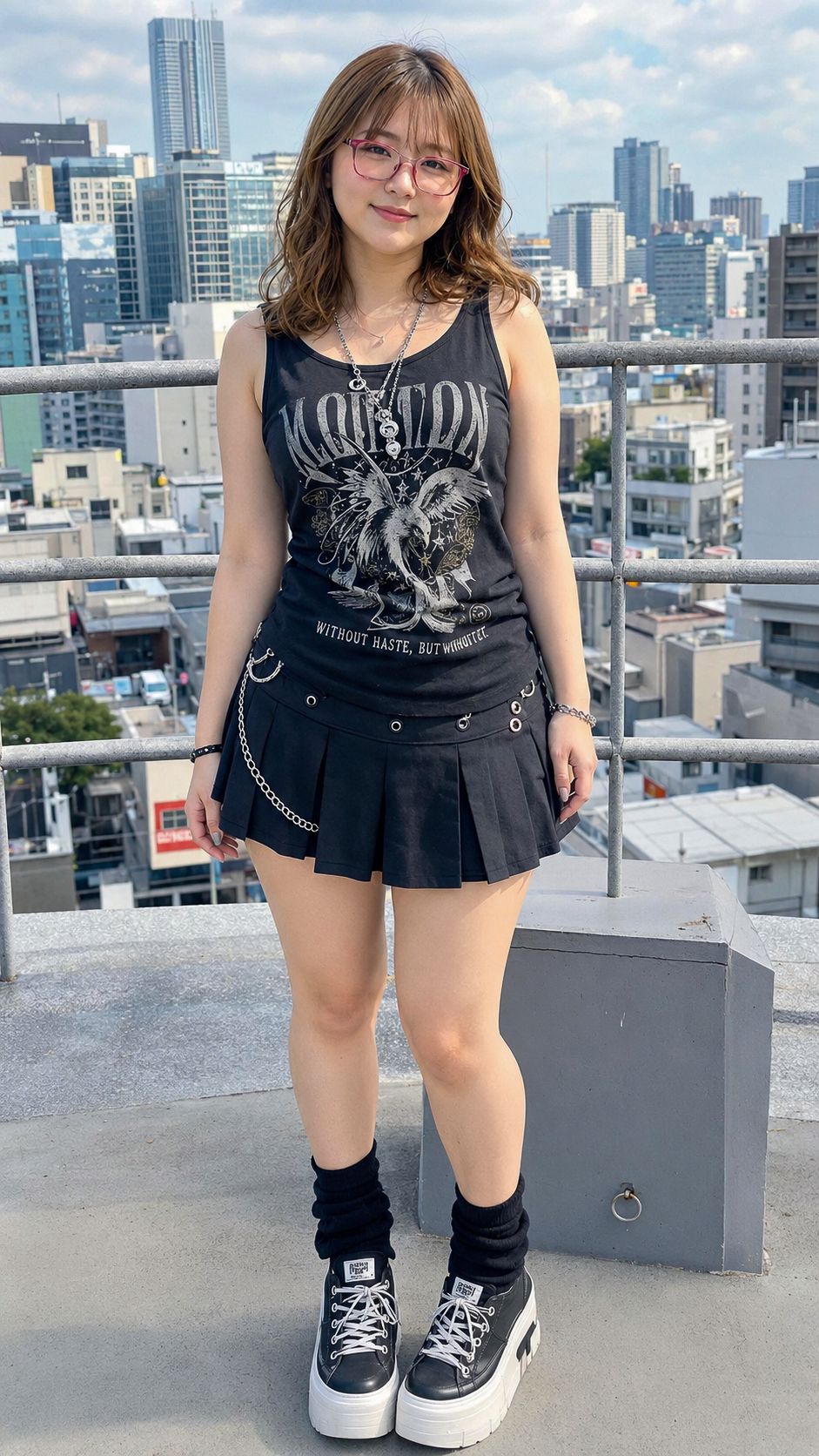
天台哥特街头时尚人像
Enlarge

Example images

天台哥特街头时尚人像

Prompt
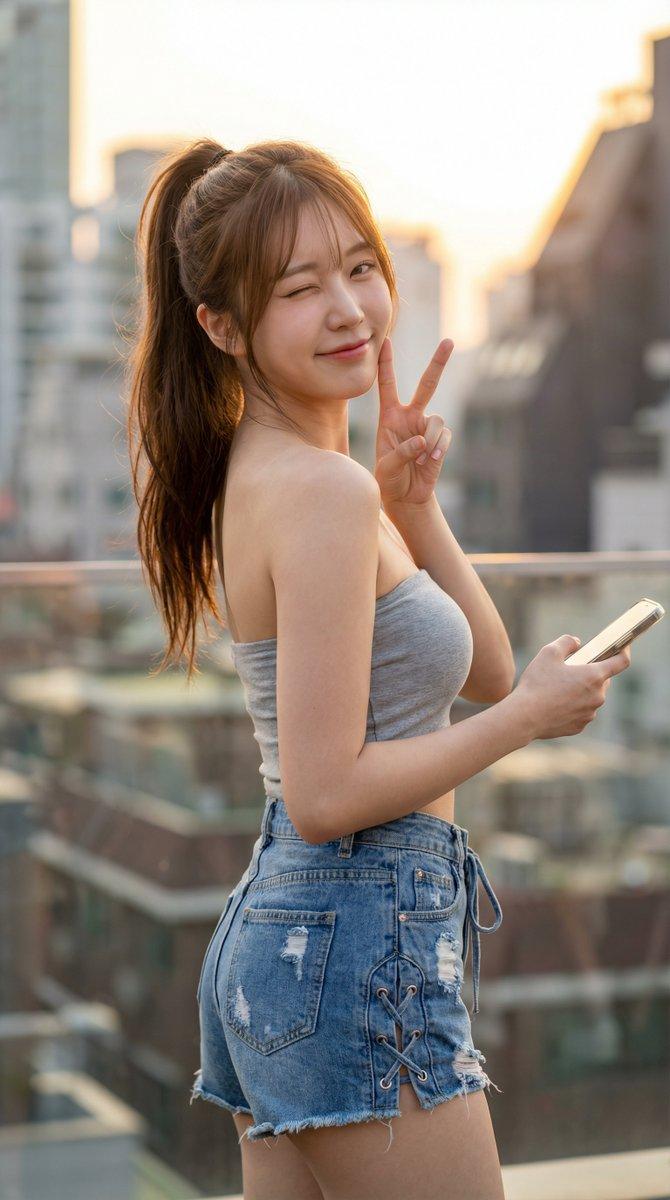
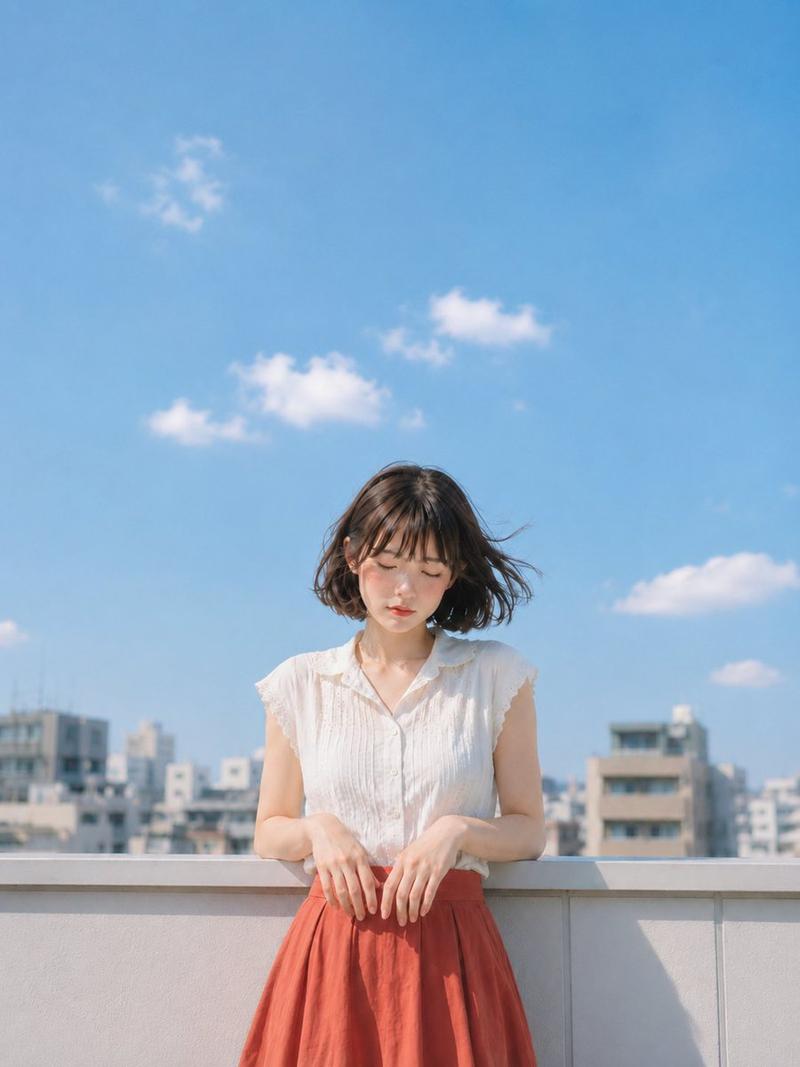
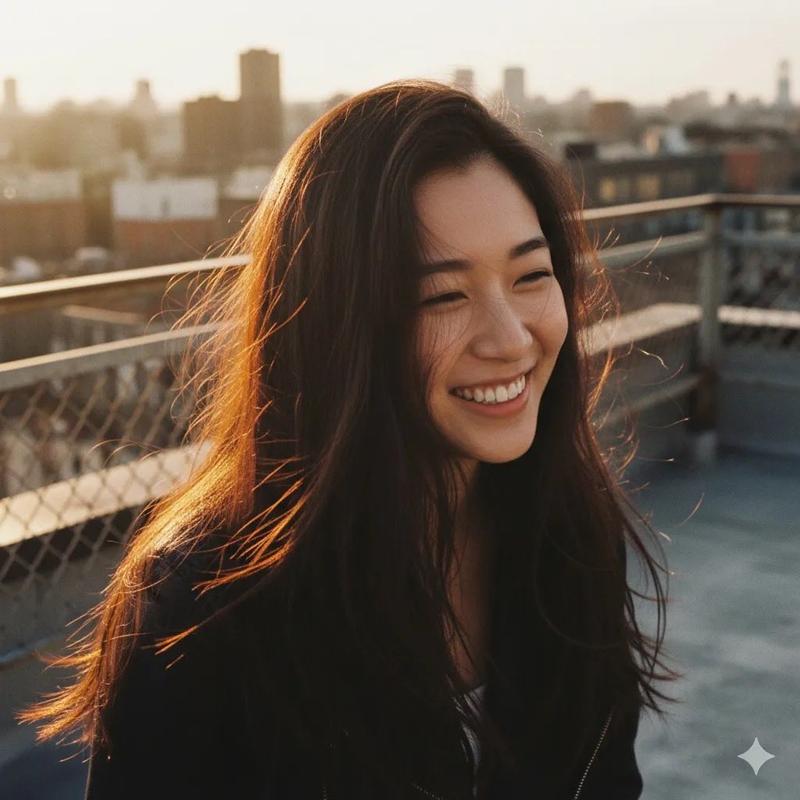
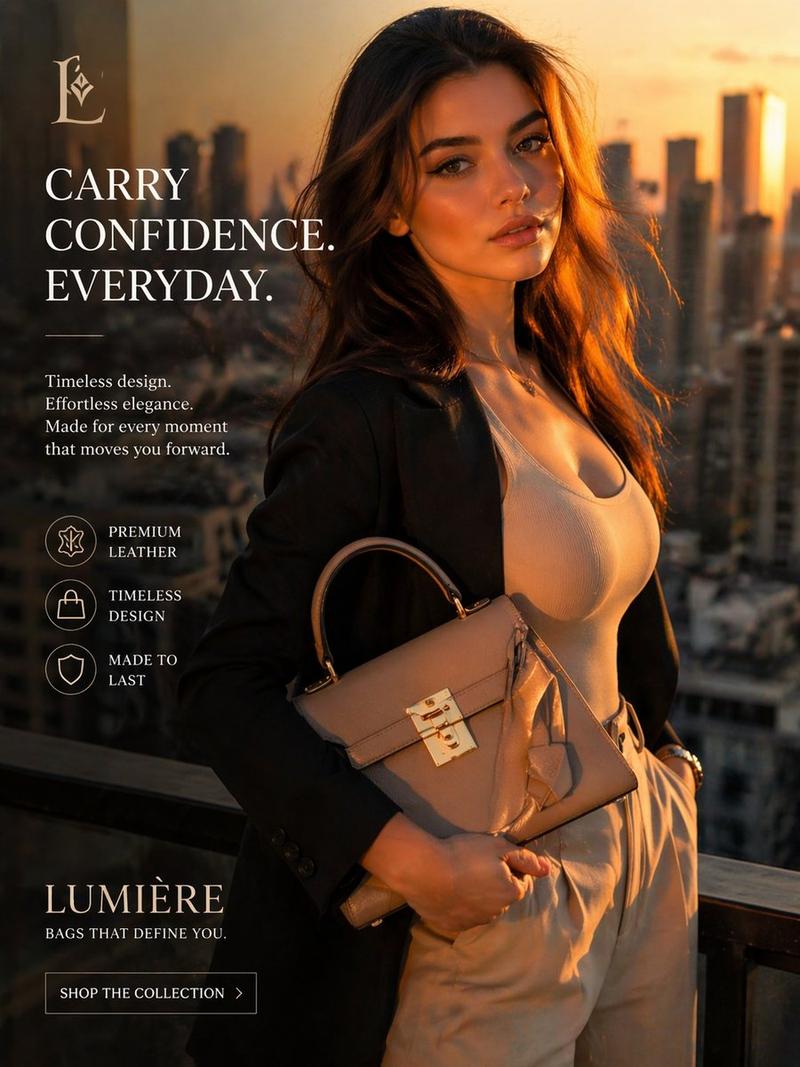
Create a full-body realistic fashion portrait of a young woman, {argument name="character name" default="a cute Japanese young woman"}, standing on a sunny rooftop observation deck in a modern city. She faces the camera with a relaxed gentle smile, slight head tilt, and casual standing pose, one knee subtly bent. She has shoulder-length wavy {argument name="hair color" default="light brown hair"} with soft bangs, natural makeup, and translucent pink eyeglasses. Outfit: black sleeveless graphic tank top with a large distressed eagle print and faded rock-style lettering, layered silver necklaces, black pleated mini skirt with metal eyelets and dangling silver chains, bracelet, black slouchy leg warmers, and chunky black-and-white platform high-top sneakers with white laces. Background: a dense urban skyline with high-rise buildings, apartment blocks, and offices, seen from an elevated rooftop with gray concrete floor, waist-high metal safety railings, and a rectangular gray utility block at her side. Lighting: bright natural daylight, soft shadows, lightly cloudy blue sky, crisp but slightly shallow depth of field with the city background mildly softened. Style: photorealistic smartphone/fashion snapshot, vertical 9:16 composition, full body centered, natural skin texture, realistic fabric folds and metal accessories, no collage, no grid, no split screen, no multi-panel layout, no watermark, no extra people.
Category
Architecture & Spaces
Model
GPT Image 2
Views4
Source ID
28643
Published
Jul 13, 2026

Guide

About "天台哥特街头时尚人像"

What is this prompt for?

"天台哥特街头时尚人像" AI image prompt for GPT Image 2 (Architecture & Spaces). 一个用于生成阳光明媚的城市天台上,身着黑色街头时尚风格年轻女性的超写实竖版人像提示词。 Copy it on Picva and recreate the look in one…

The full copyable prompt and example visuals above are ready for AI image generation or one-click recreate in Picva.

How to use this prompt

  1. Step 1

    Open the prompt detail

    Review the example visuals, category, and full prompt text for "天台哥特街头时尚人像".

  2. Step 2

    Copy the prompt

    Copy the prompt body from this page, or load it directly in Studio.

  3. Step 3

    Pick a model (GPT Image 2)

    Prefer GPT Image 2. If you switch models, keep subject and composition and tweak style terms.

  4. Step 4

    Generate and export

    Recreate the look in Picva, or export into your workflow for editing and publishing.

FAQ

What is the "天台哥特街头时尚人像" prompt?
It is an AI image-generation prompt for GPT Image 2 in the Architecture & Spaces category. This page includes the full prompt text, example visuals, and a one-click recreate path in Picva.
How do I use this prompt to generate an image?
Copy the prompt from this page, or use Generate / Studio. Paste it into a compatible image model, or recreate the look in Picva with optional reference images.
Which model is this prompt for?
This page lists GPT Image 2. Most descriptive prompts also transfer to nearby image models such as GPT Image, Flux, or Midjourney with light style tweaks.
Can I use the result commercially?
You can usually copy the prompt for creation, but commercial use of the final image depends on the model terms, reference-image rights, and the generated content. Follow the source author and platform rules.