16

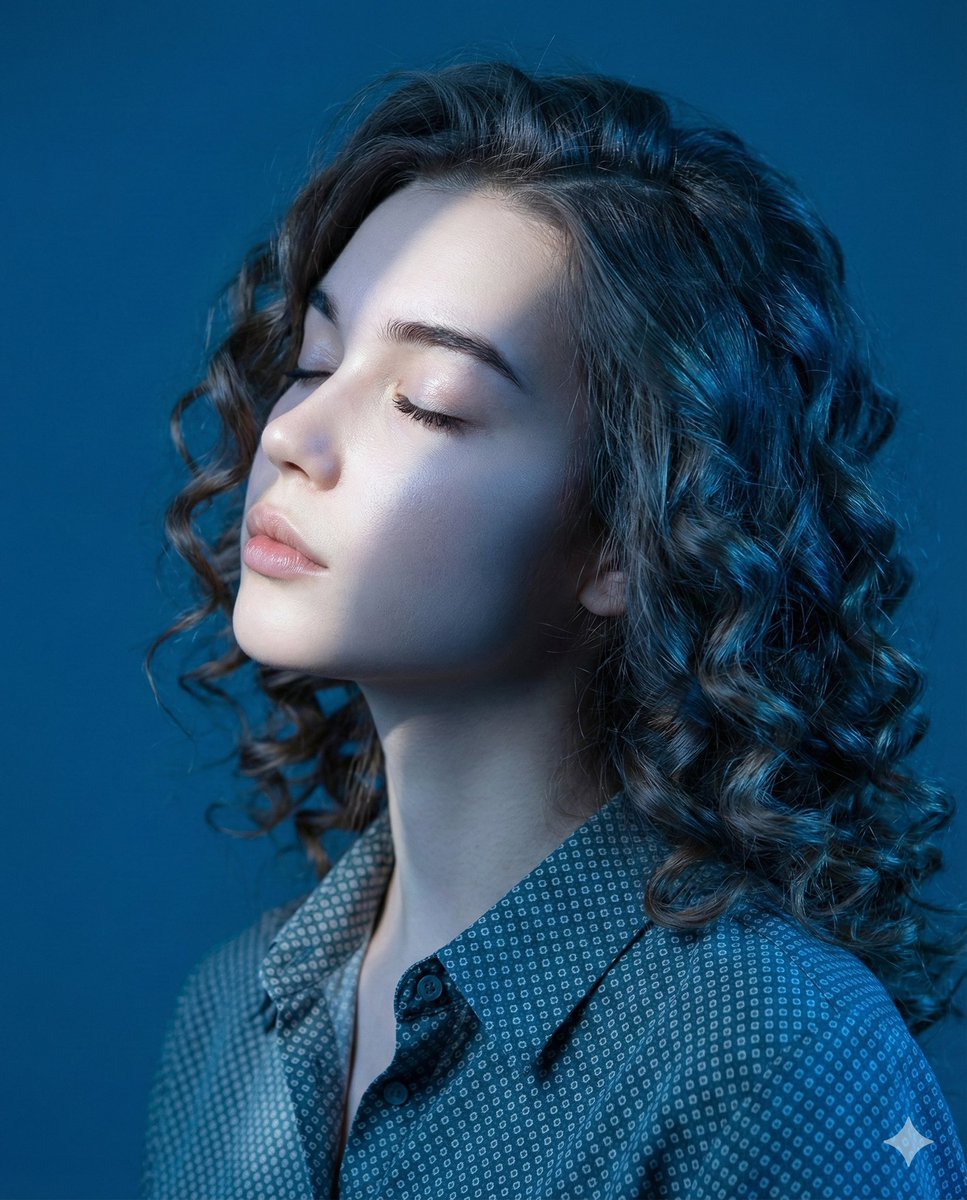
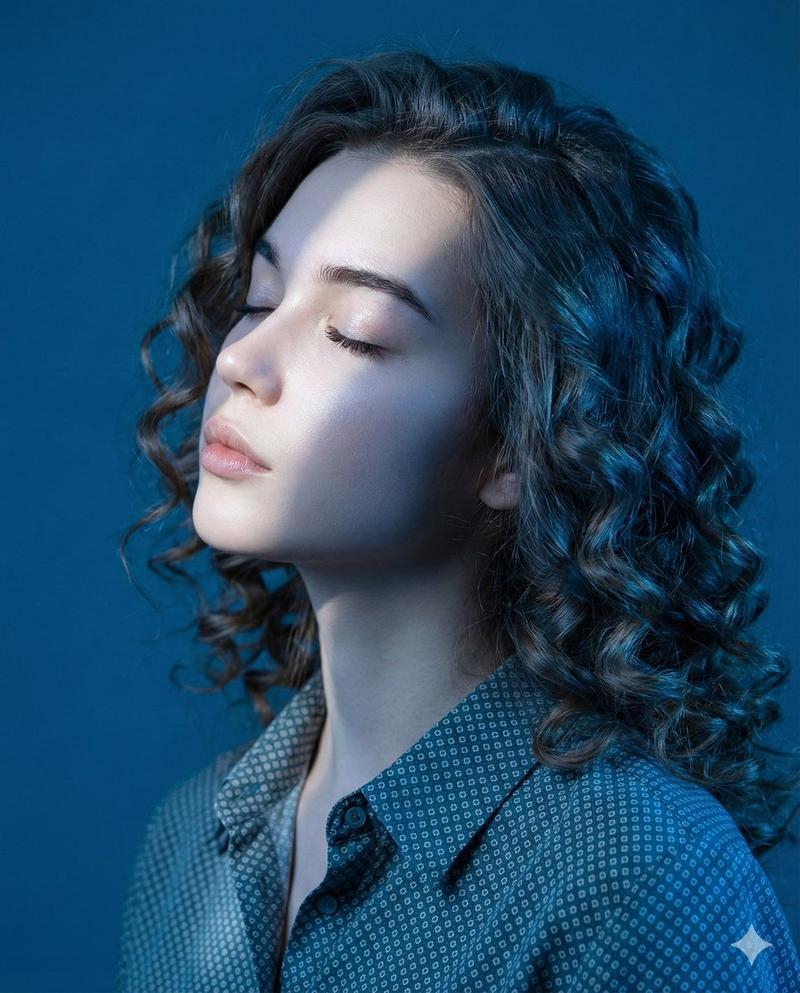
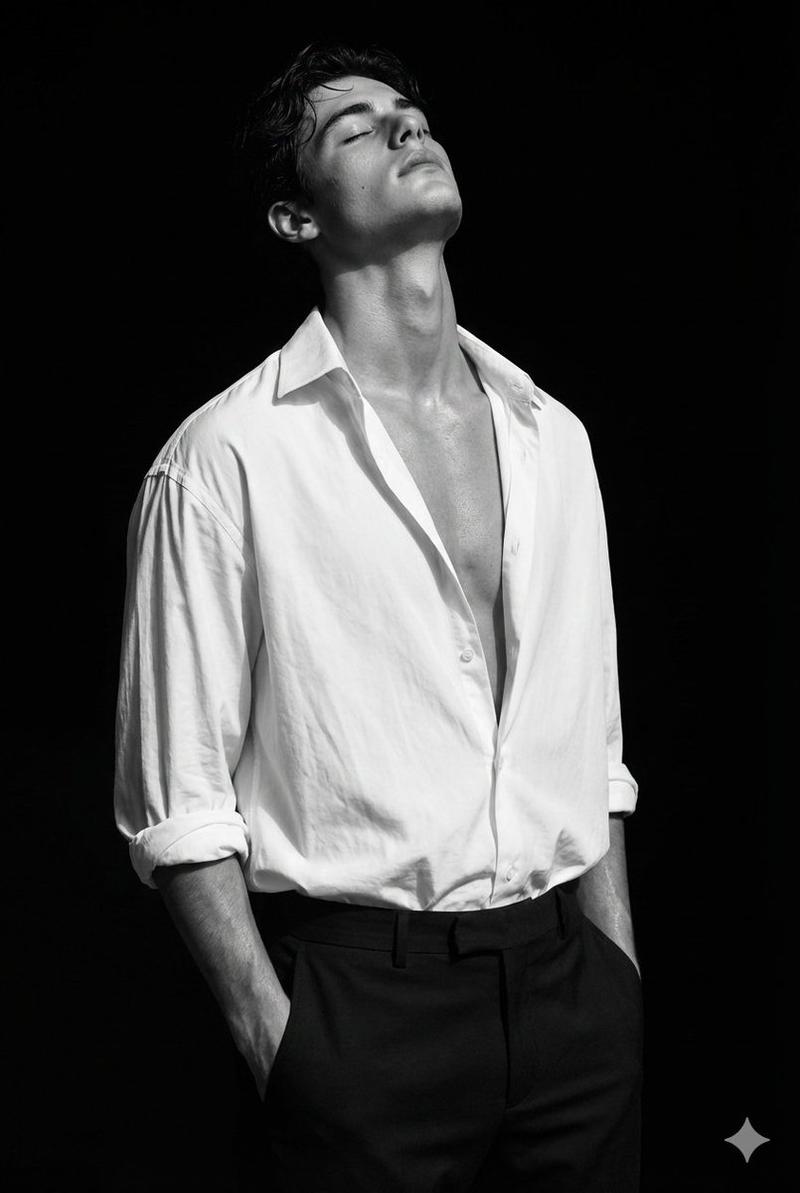
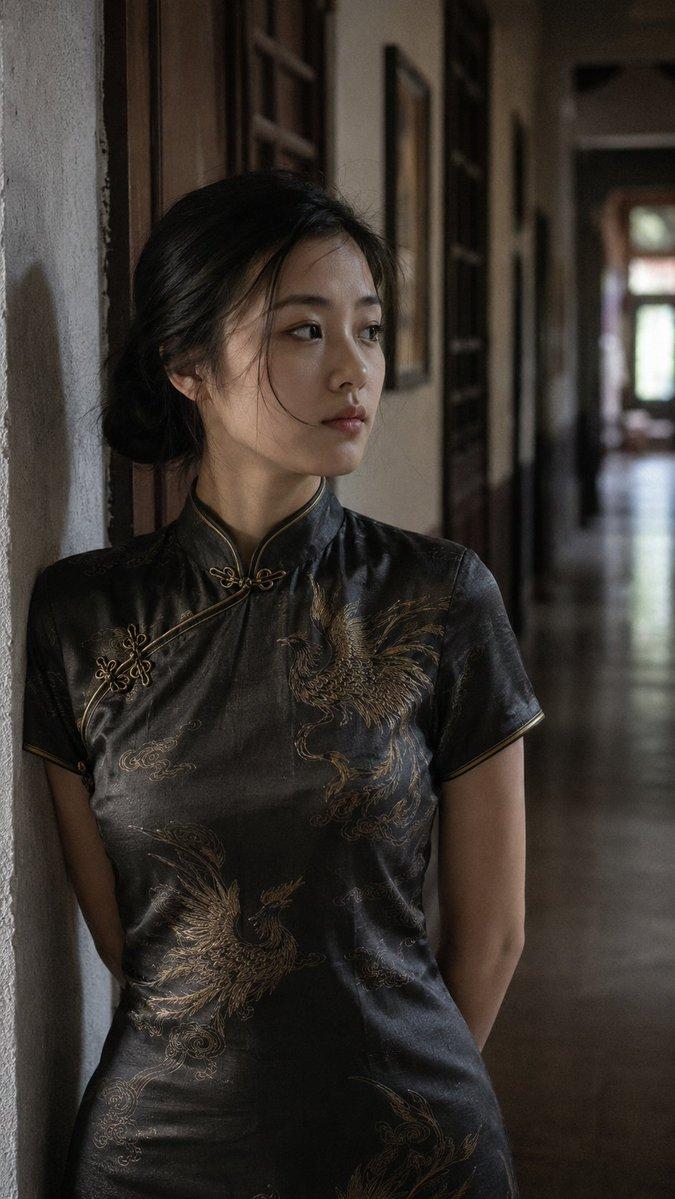
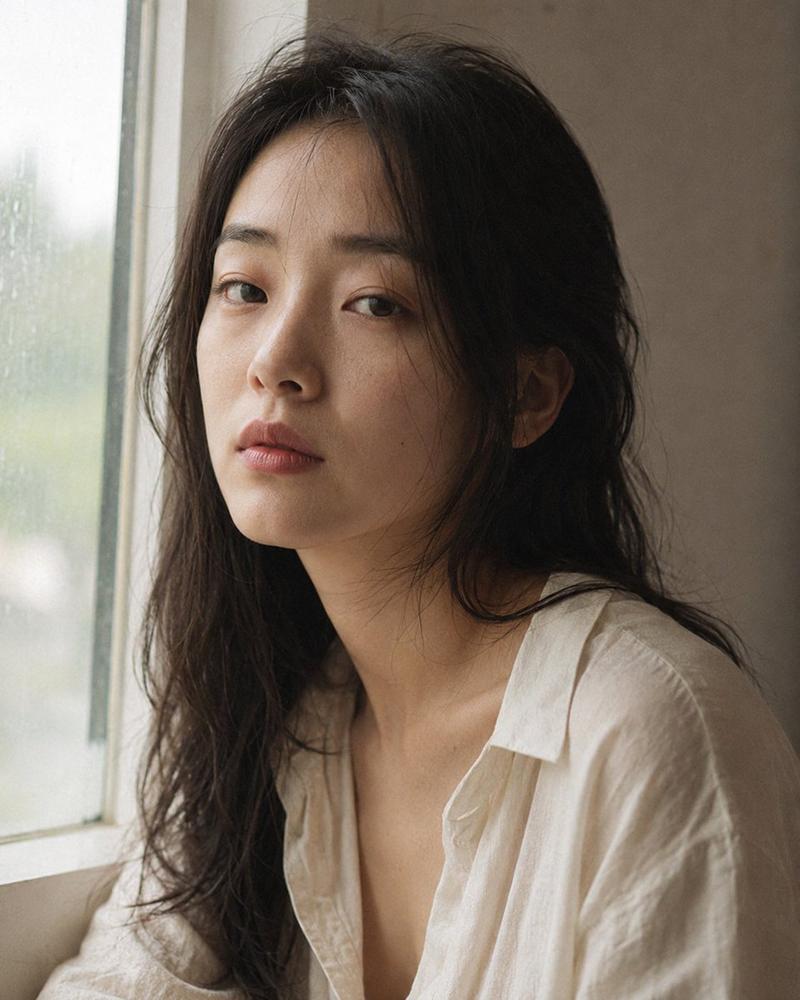
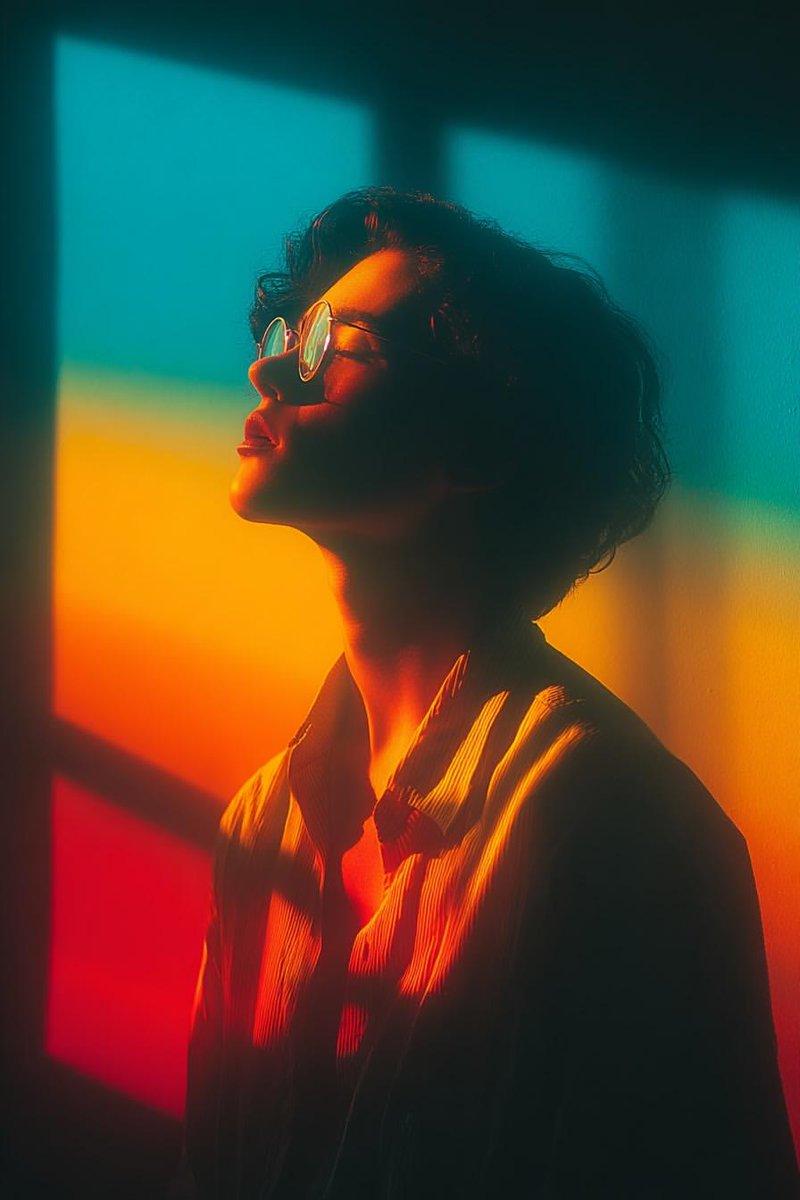
低调黑白公寓人像
Enlarge

Example images

低调黑白公寓人像

Prompt
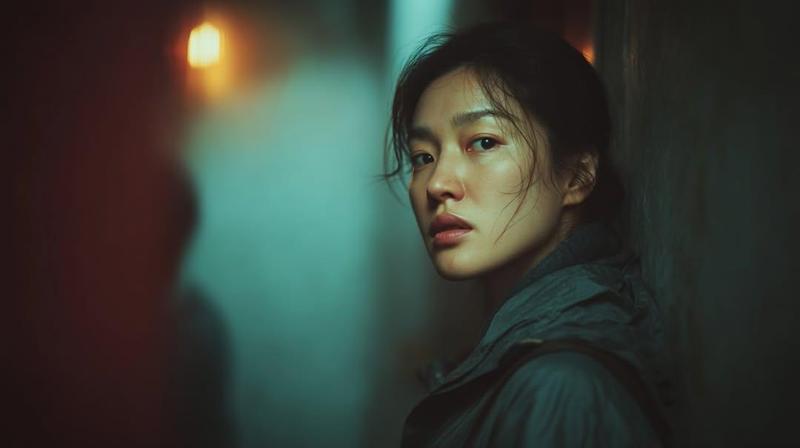
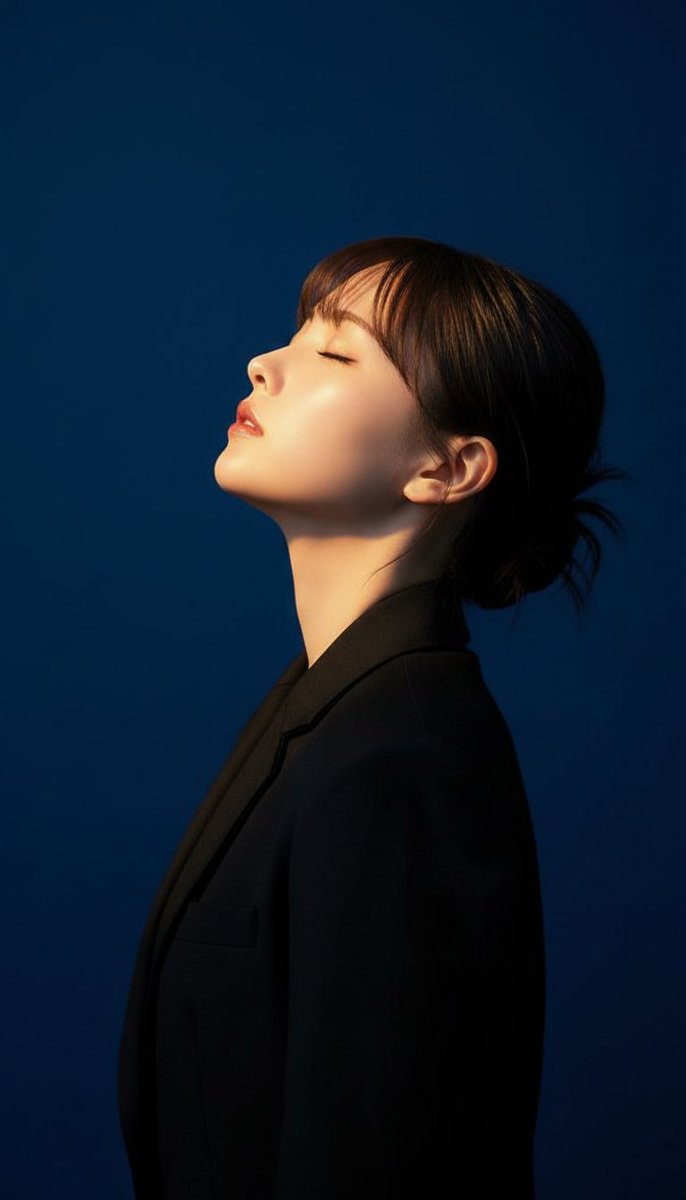
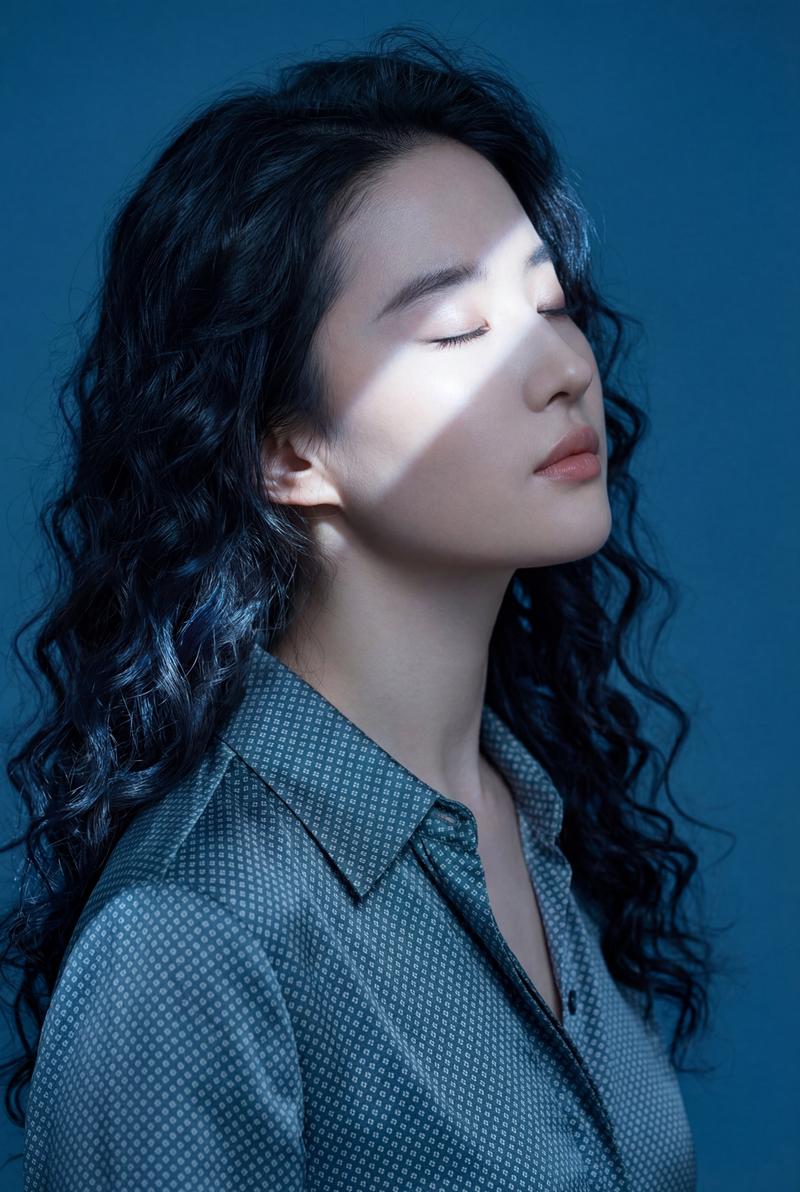
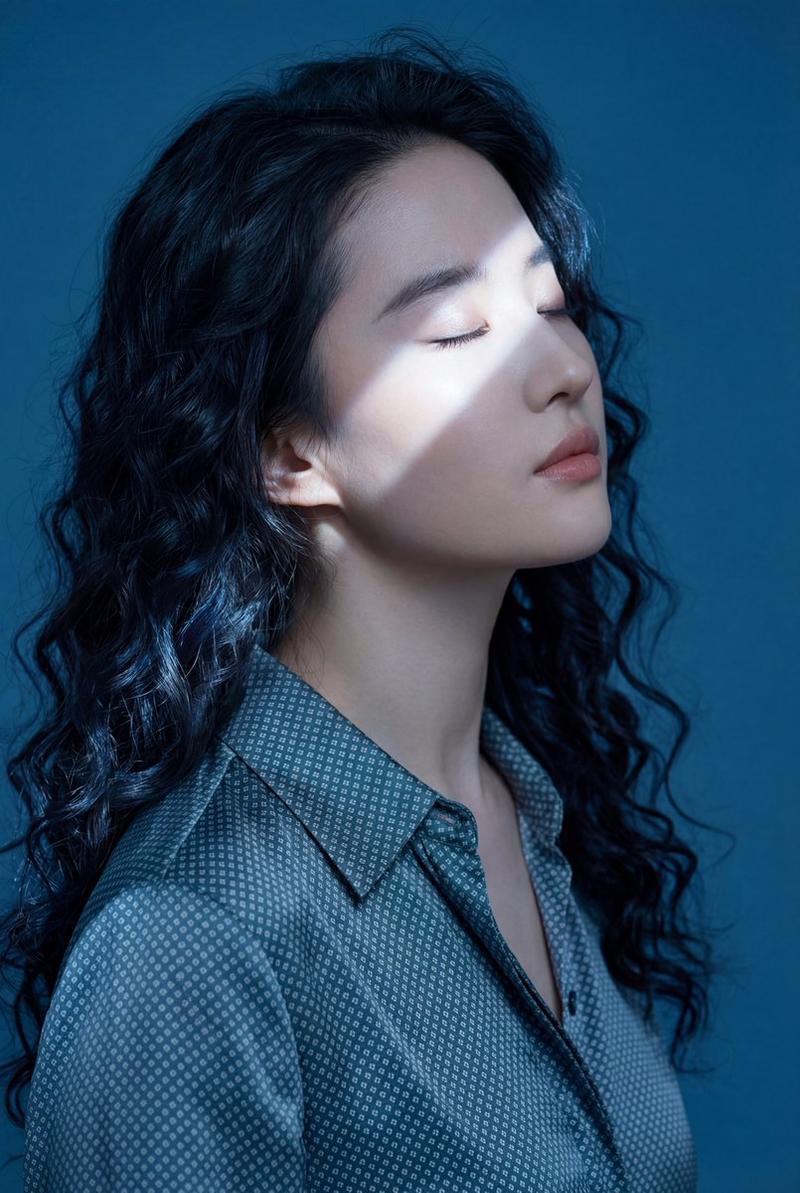
Close-up portrait, 85mm f/1.8, a {argument name="ethnicity" default="young East Asian woman"} in her {argument name="age" default="early 20s"} stands in the hallway of her apartment in near-total darkness, back against the wall, head tilted slightly back, eyes closed, authentic daily life photography, natural candid moment.

Face upward and still, eyes closed — not sleeping, not resting, just a brief suspension. Almond-shaped eyes closed, lashes resting on cheek. Clear jawline, long neck. Straight black hair loosely down, some strands at temples falling free. Skin tone fair, specular micro-highlights on nose tip and center forehead from distant light source. Natural skin texture, no makeup.

She wears an {argument name="clothing" default="oversized white long-sleeve shirt"}, untucked, collar slightly open. One hanging at side. Body in full relaxation — not posed. Stray hairs drift slightly from her exhale, natural and not arranged.

Black and white rendering. Extreme low key: near-total darkness in hallway, only a thin strip of light from a distant room doorway catching the side of her face and the edge of her shoulder — everything else falls to deep shadow. Shadow areas rendered with careful detail retention — wall texture and fabric folds visible in darkness. Fine ISO 800 grain throughout, photographic texture not CG render smoothness.

Aspect ratio 9:16. No watermark, no text overlay, not cartoon, not digitally painted, not illustration, not anime.
Category
Architecture & Spaces
Model
GPT Image 2
Views8
Source ID
28732
Published
Jul 14, 2026

Guide

About "低调黑白公寓人像"

What is this prompt for?

"低调黑白公寓人像" AI image prompt for GPT Image 2 (Architecture & Spaces). 一张电影感黑白低调人像,拍摄于昏暗的公寓走廊,聚焦于自然的皮肤纹理与戏剧性的光影效果。 Copy it on Picva and recreate the look in one c…

The full copyable prompt and example visuals above are ready for AI image generation or one-click recreate in Picva.

How to use this prompt

  1. Step 1

    Open the prompt detail

    Review the example visuals, category, and full prompt text for "低调黑白公寓人像".

  2. Step 2

    Copy the prompt

    Copy the prompt body from this page, or load it directly in Studio.

  3. Step 3

    Pick a model (GPT Image 2)

    Prefer GPT Image 2. If you switch models, keep subject and composition and tweak style terms.

  4. Step 4

    Generate and export

    Recreate the look in Picva, or export into your workflow for editing and publishing.

FAQ

What is the "低调黑白公寓人像" prompt?
It is an AI image-generation prompt for GPT Image 2 in the Architecture & Spaces category. This page includes the full prompt text, example visuals, and a one-click recreate path in Picva.
How do I use this prompt to generate an image?
Copy the prompt from this page, or use Generate / Studio. Paste it into a compatible image model, or recreate the look in Picva with optional reference images.
Which model is this prompt for?
This page lists GPT Image 2. Most descriptive prompts also transfer to nearby image models such as GPT Image, Flux, or Midjourney with light style tweaks.
Can I use the result commercially?
You can usually copy the prompt for creation, but commercial use of the final image depends on the model terms, reference-image rights, and the generated content. Follow the source author and platform rules.