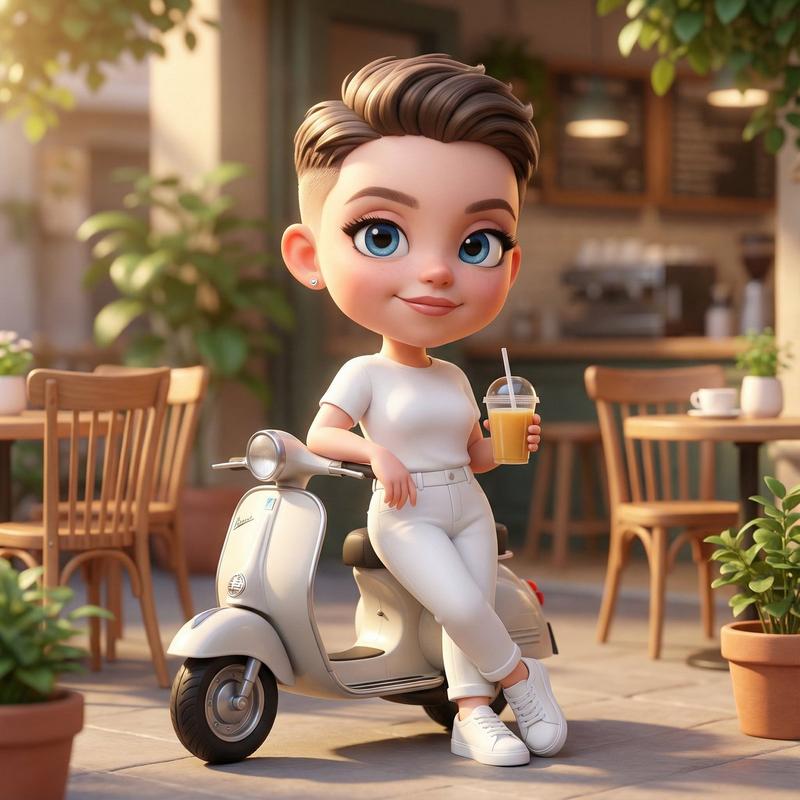
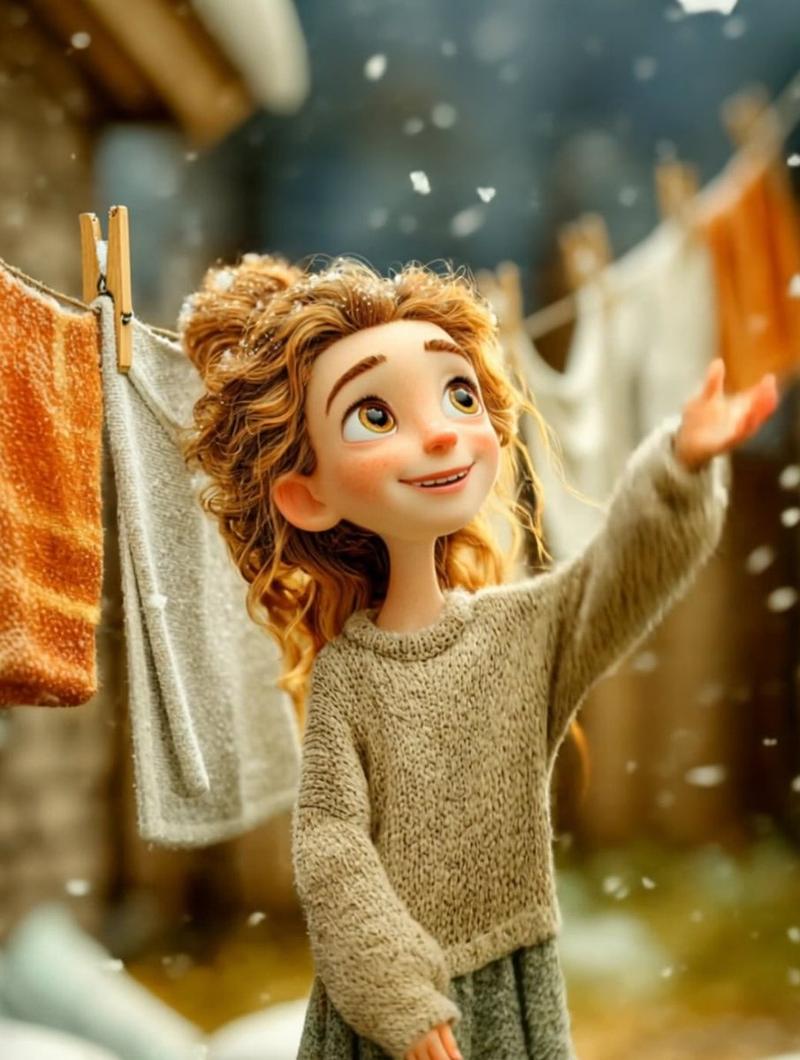
3D 烘焙动画序列
Prompt
Use the uploaded storyboard image as a visual reference only. Create a single 10-second cinematic 3D animation by recreating every storyboard panel in sequence. Do NOT animate the storyboard page itself. Rebuild every scene as a real animated environment while keeping the exact same girl, outfit, hairstyle, facial features, kitchen, colors, lighting, props, and overall style from the storyboard.

0.00–1.25s: The girl happily waves at the camera and points toward the cupcake ingredients on the table.

1.25–2.50s: She pours flour into a clear glass bowl. Soft flour particles float naturally.

2.50–3.75s: She gently whisks the cupcake batter while smiling.

3.75–5.00s: Extreme close-up of creamy batter being poured into colorful cupcake liners.

5.00–6.25s: She sprinkles rainbow sprinkles over the cupcake batter.

6.25–7.50s: Top-down shot of the cupcake tray as she carefully places it into the oven.

7.50–8.75s: Inside the oven, the cupcakes rise into fluffy golden cupcakes with warm glowing light.

8.75–10.00s: She removes the cupcakes, proudly presents them to the camera, smiles brightly, and gives a cute thumbs-up.

Style: Pixar-quality 3D animation, ultra-cute, cozy bakery kitchen, warm golden lighting, soft pastel colors, cinematic depth of field, smooth camera movements, realistic hand movements, natural facial expressions, seamless transitions, high detail, 4K look.

Camera: Follow the storyboard camera angles exactly (wide shot, medium shot, close-up, extreme close-up, top-down, close-up, wide shot).

Important: Treat the uploaded storyboard only as a reference. Never animate the storyboard page itself. Recreate every scene from scratch in full 3D animation. Do not show storyboard borders or text.
- Category
- Charts & Infographics
- Model
- seedance-2.0
- Creator
- Hania Ai
- Source ID
- 7241
- Published
- Jul 14, 2026
Views7