16

奇幻战士变身序列

Prompt
SHOT 1 (00.00–00.05) :

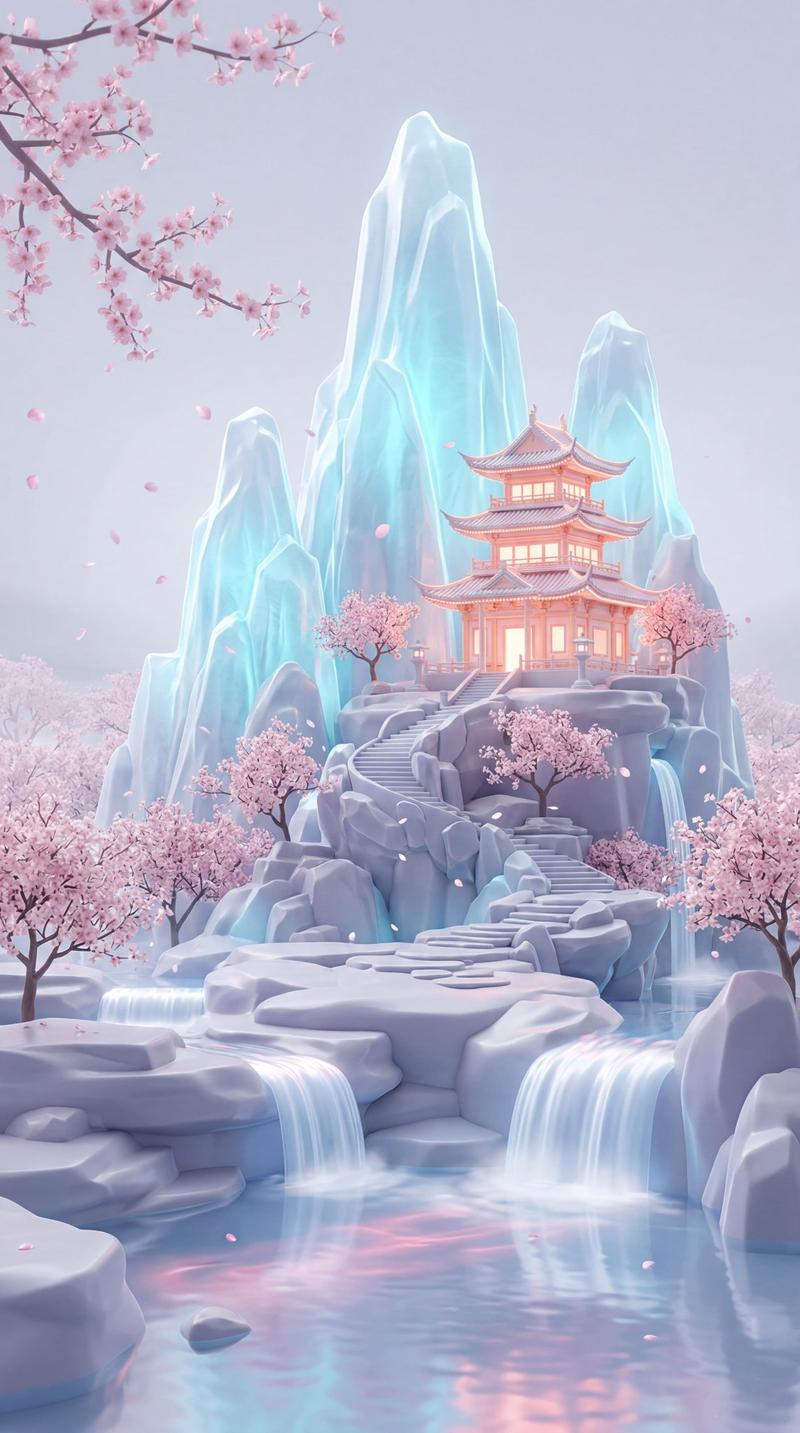
A mystical woman 📷Image 1floats above ancient pagodas. She declares, "魔障降临......启

动诛邪令" After finishing the line, she snaps her fingers. Crystal shards burst out,

forming ornate golden armor, a veil mask, and a glowing green glaive as she spins.

SHOT 2 (00.05–00.10) :

Fully armored, she dives toward two dark spear-wielding enemies. A horizontal

glaive slash strikes the first, followed by a vertical strike on the second, unleashing

a massive spiral energy blast that destroys both.

SHOT 3 (00.10–00.15) :

She lands, planting her glaive into the ground. The winds gradually calm as she rises

to her feet, her hair and garments gently flowing while she stares forward with quiet

authority.
Category
Photography & Realism
Model
seedance-2.0
Views3
Source ID
7336
Published
Jul 16, 2026

Guide

About "奇幻战士变身序列"

What is this prompt for?

"奇幻战士变身序列" AI image prompt for seedance-2.0 (Photography & Realism). 这是一个充满戏剧性的多镜头视频提示词,用于创作一段奇幻序列:一位神秘女子在宝塔上方召唤铠甲并展开战斗。 Copy it on Picva and recreate the look…

The full copyable prompt and example visuals above are ready for AI image generation or one-click recreate in Picva.

How to use this prompt

  1. Step 1

    Open the prompt detail

    Review the example visuals, category, and full prompt text for "奇幻战士变身序列".

  2. Step 2

    Copy the prompt

    Copy the prompt body from this page, or load it directly in Studio.

  3. Step 3

    Pick a model (seedance-2.0)

    Prefer seedance-2.0. If you switch models, keep subject and composition and tweak style terms.

  4. Step 4

    Generate and export

    Recreate the look in Picva, or export into your workflow for editing and publishing.

FAQ

What is the "奇幻战士变身序列" prompt?
It is an AI image-generation prompt for seedance-2.0 in the Photography & Realism category. This page includes the full prompt text, example visuals, and a one-click recreate path in Picva.
How do I use this prompt to generate an image?
Copy the prompt from this page, or use Generate / Studio. Paste it into a compatible image model, or recreate the look in Picva with optional reference images.
Which model is this prompt for?
This page lists seedance-2.0. Most descriptive prompts also transfer to nearby image models such as GPT Image, Flux, or Midjourney with light style tweaks.
Can I use the result commercially?
You can usually copy the prompt for creation, but commercial use of the final image depends on the model terms, reference-image rights, and the generated content. Follow the source author and platform rules.