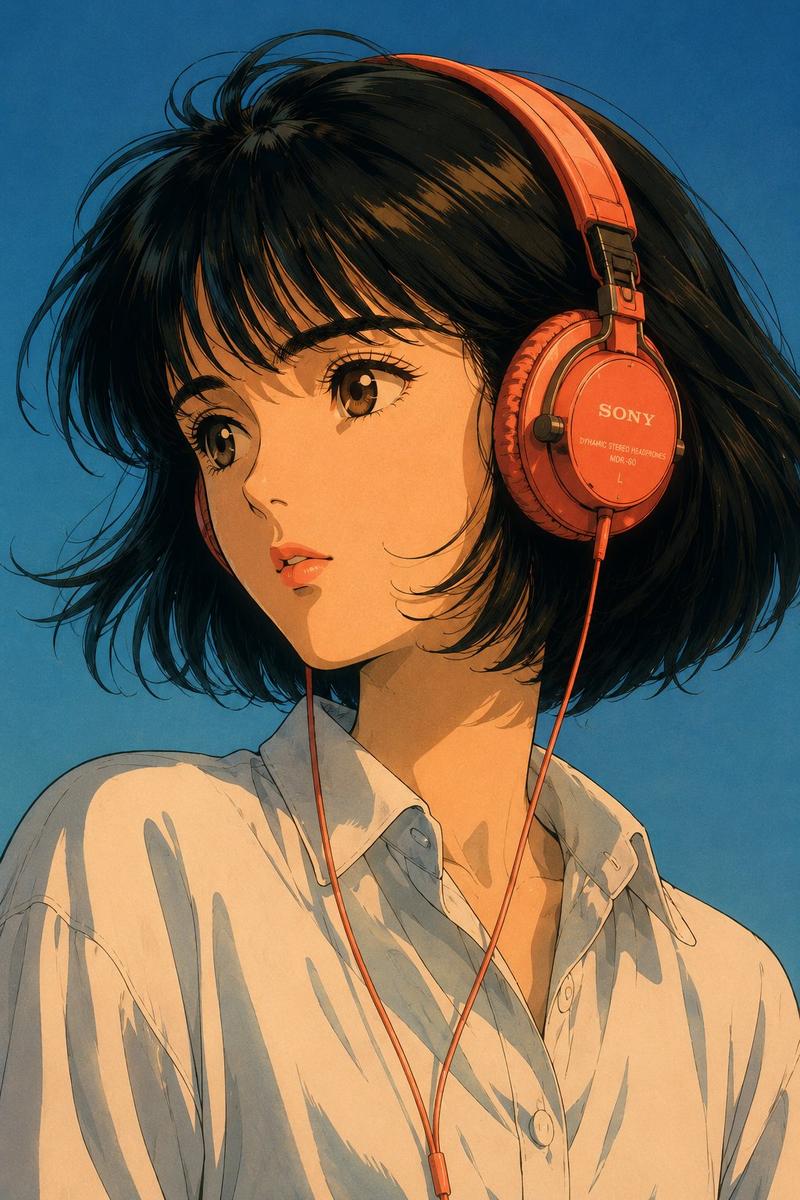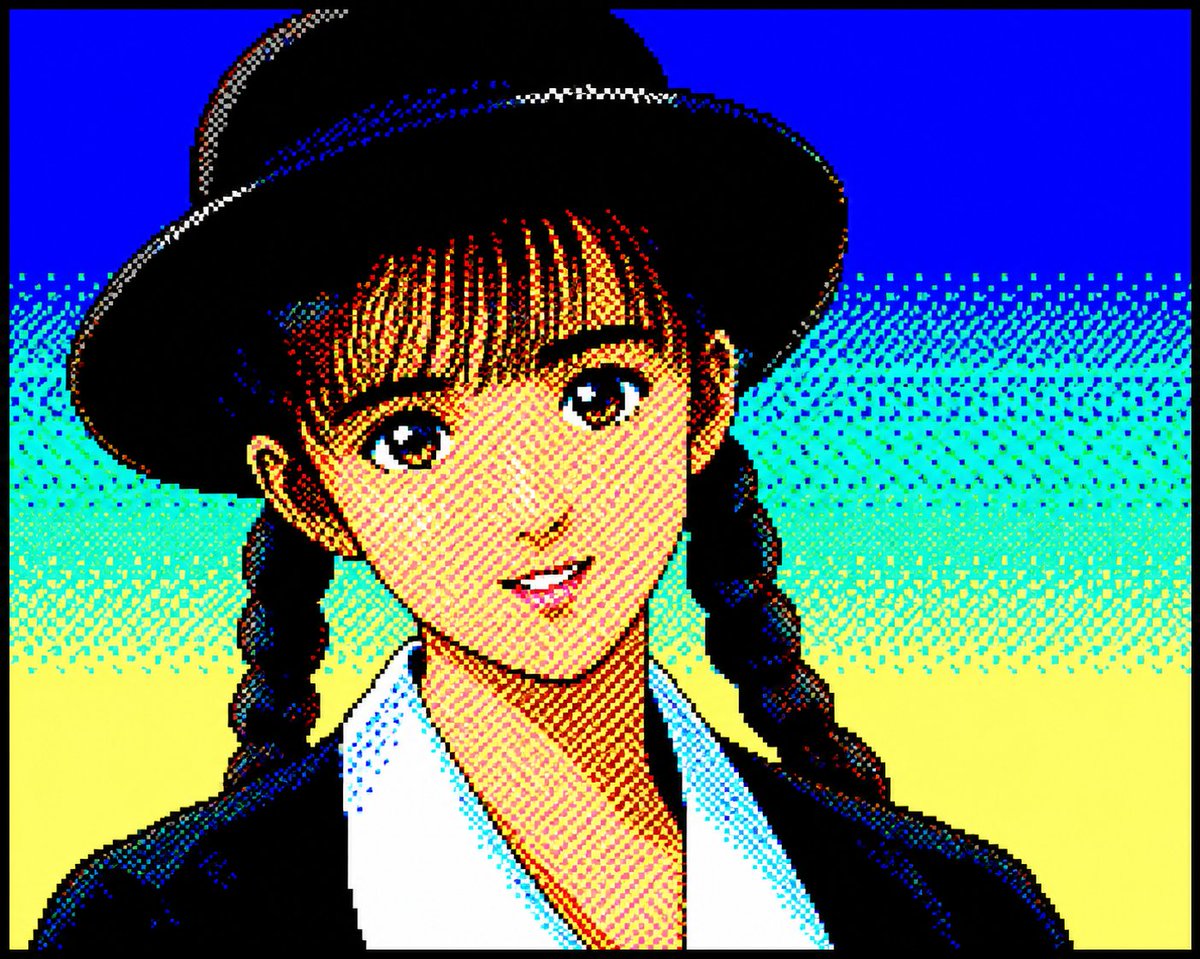
Retro PC-88 8-Bit Anime Portrait
提示词
Convert the attached portrait photo into anime artwork while preserving recognizability.

Preserve:

- facial proportions
- hairstyle silhouette
- expression
- recognizability
- clothing silhouette

PC-88 RGB rules:

- use only 8-color RGB palette
- black, blue, red, magenta, green, cyan, yellow, white
- no gradients
- no antialiasing
- strong dithering
- checkerboard shading
- 640x200 appearance
- large color blocks
- hard outlines
- slight CRT feeling

Character rendering:

- simplified facial construction
- reduce facial detail lines
- large hair highlight areas
- fewer shading layers
- preserve likeness over redesign

Composition:

- character-focused
- simple supporting background
- empty space around character
- 4:3 feeling

Avoid:

- game UI
- dialogue boxes
- excessive background density
- modern anime rendering

Goal:

Authentic late-1980s Japanese PC88 character artwork while preserving the original person.
- 分类
- 人像头像
- 模型
- GPT Image 2
- 来源作者
- metal_hk
- 来源 ID
- youmind-24126
浏览量3