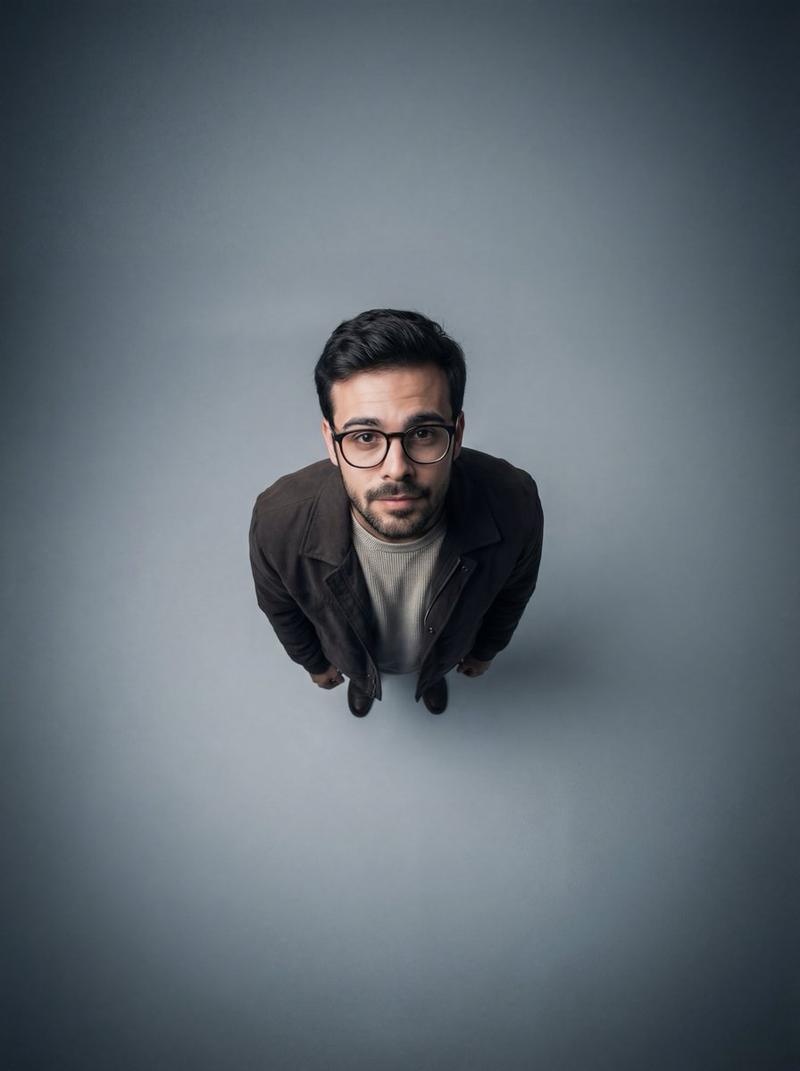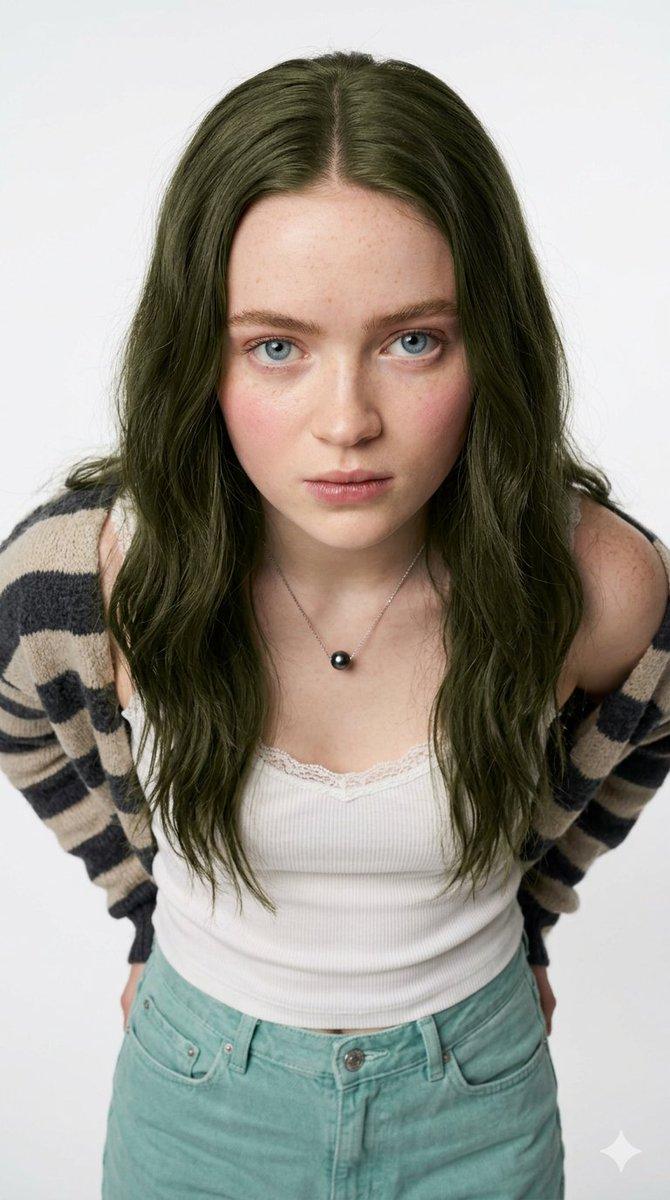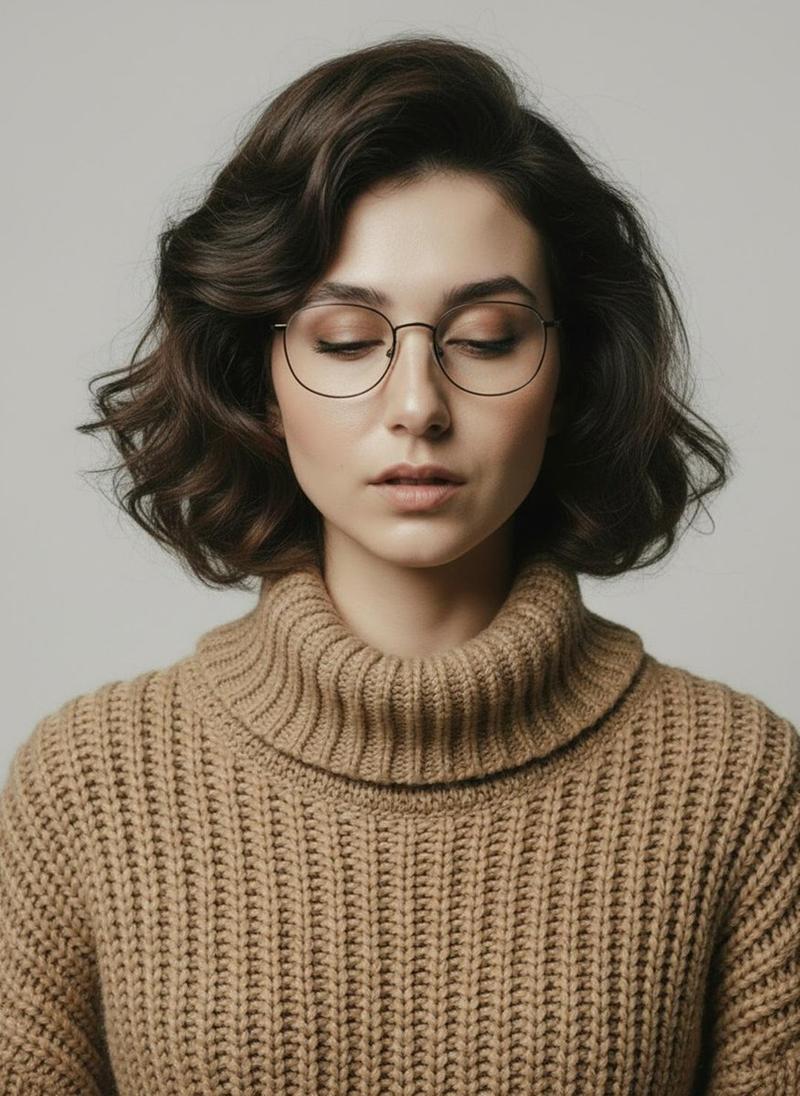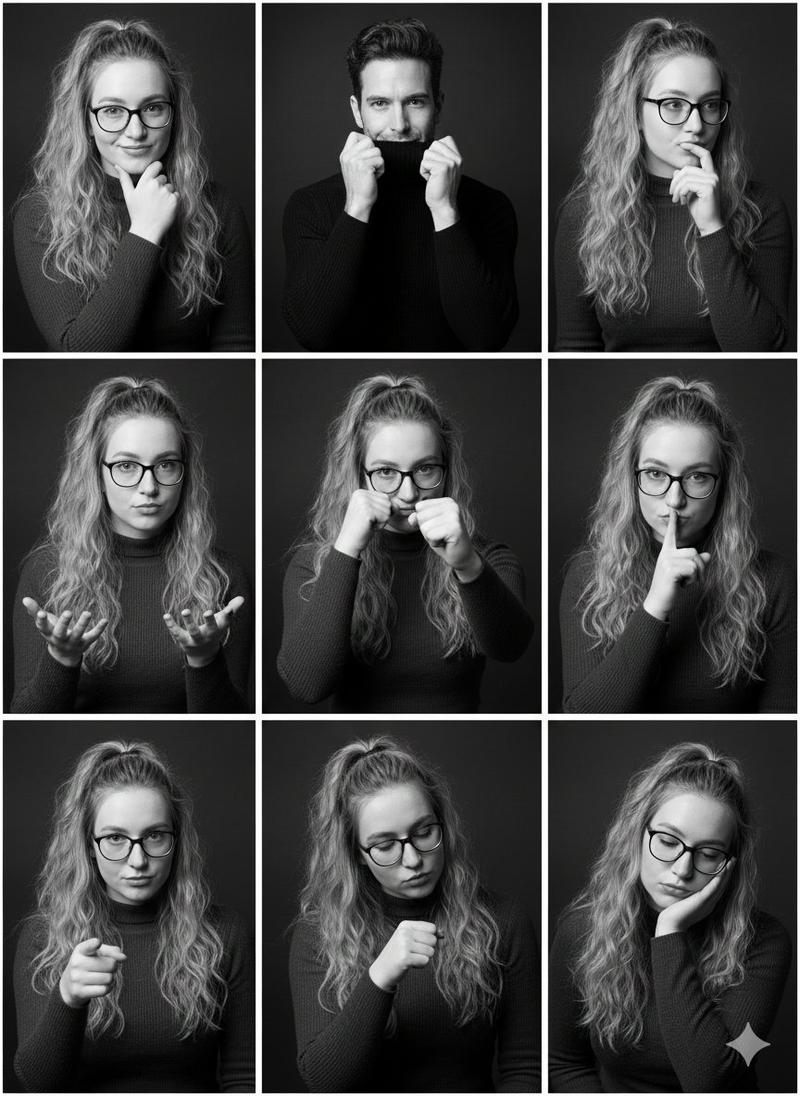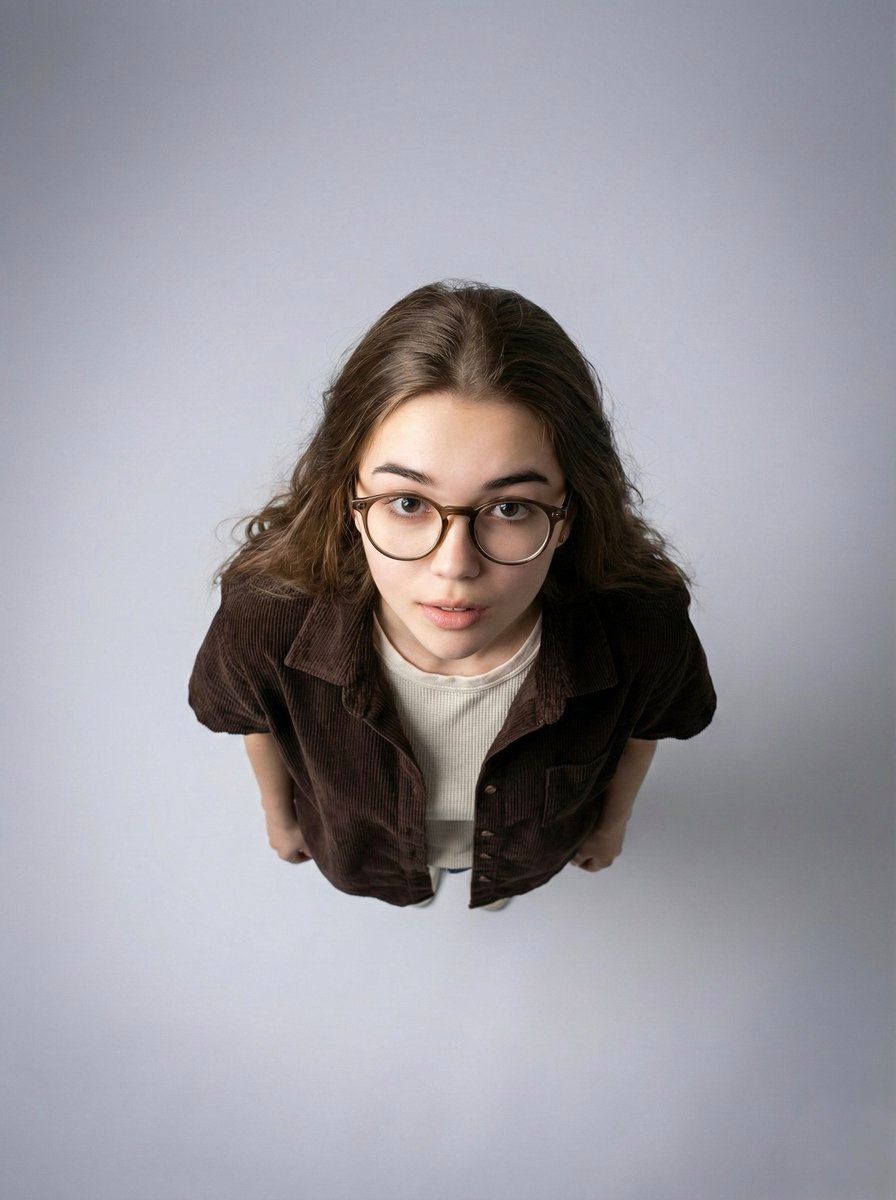
Top-down aerial portrait: GPT Image 2 prompt
提示词
{
 "type": "image_generation_prompt",
 "style": "ultra-wide angle, aerial portrait, contemporary studio photography",
 "identity_preservation": {
 "use_reference_image": true,
 "strict_identity_lock": true,
 "alter_face": false,
 "notes": "Preserve 100% of the woman’s facial features, proportions, skin texture, and natural expression from the reference image."
 },
 "composition": {
 "camera_angle": "top-down aerial view (approximately 90 degrees above the subject)",
 "framing": "full-body framing with emphasis on head and upper torso",
 "negative_space": "large amount of negative space surrounding the subject",
 "perspective_effect": "dramatic isolation and graphic impact"
 },
 "subject": {
 "gender": "female",
 "pose": {
 "body_position": "standing or lying naturally beneath the camera",
 "head_direction": "looking straight up toward the camera",
 "expression": "engaging, slightly curious or inquisitive"
 },
 "appearance": {
 "hair": {
 "style": "natural hairstyle with visible texture and volume",
 "notes": "do not alter hair color or structure from reference"
 },
 "eyewear": "round, thick-framed stylish glasses",
 "wardrobe": {
 "outer_layer": "short-sleeve button-up shirt in deep dark brown, corduroy or textured fabric",
 "inner_layer": "light beige or off-white textured sweater or t-shirt worn underneath"
 },
 "skin": {
 "tone": "natural, realistic",
 "texture": "clearly visible, not over-smoothed"
 }
 }
 },
 "environment": {
 "background": {
 "type": "studio backdrop",
 "color": "soft gray gradient",
 "gradient_style": "darker at the edges, lighter at the center directly beneath the subject"
 },
 "setup": "minimalist, distraction-free"
 },
 "lighting": {
 "type": "soft, uniform overhead lighting",
 "direction": "from above",
 "effect": [
 "subtle shadows defining facial features and clothing folds",
 "even illumination with no harsh contrast"
 ]
 },
 "camera_settings": {
 "iso": "150–200",
 "aperture": "f/1.28",
 "shutter_speed": "1/200s",
 "resolution": "high-resolution, ultra-detailed"
 },
 "color_grading": {
 "palette": "neutral, modern tones",
 "contrast": "soft and balanced",
 "look": "clean, contemporary"
 },
 "mood": {
 "atmosphere": "minimalist, modern, contemplative",
 "focus": "strong subject isolation and visual clarity"
 },
 "output_goal": "Create a high-resolution, top-down aerial studio portrait of a woman against a soft gray gradient background, with dramatic perspective, minimalist composition, and complete preservation of her facial identity and natural appearance."
}- 分类
- 真实摄影
- 模型
- GPT Image 2
- 来源作者
- 𝗦𝗮𝗻𝗶𝗮
- 来源 ID
- 2004854685438804012
- 发布时间
- 2025年12月27日
浏览量0