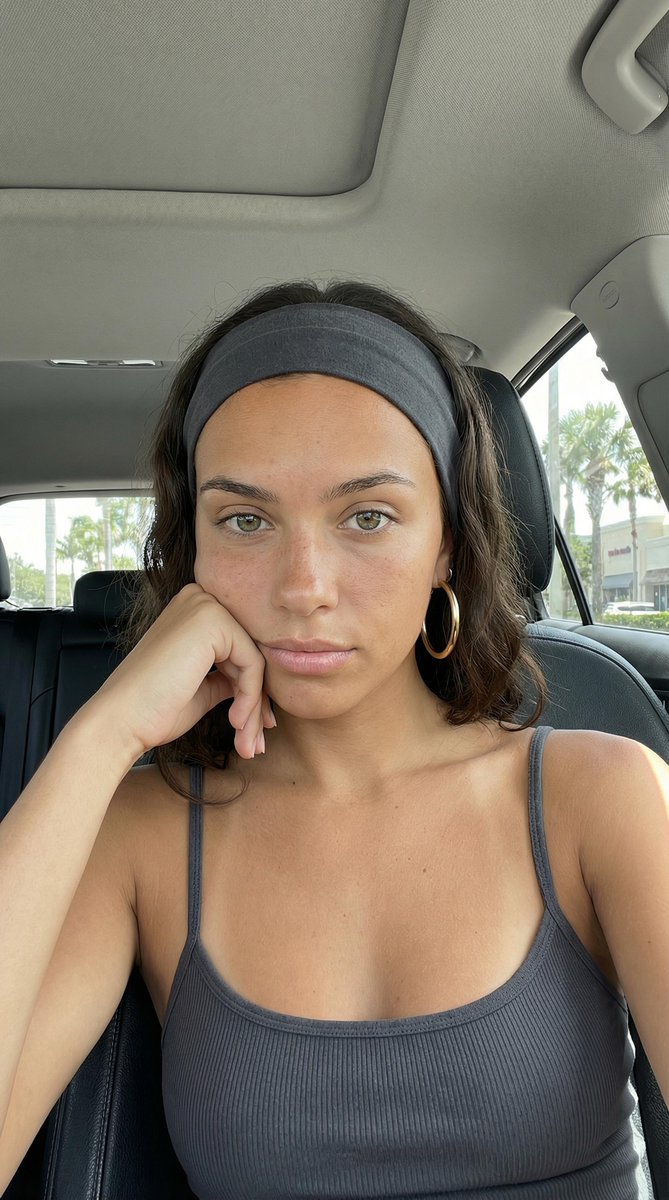
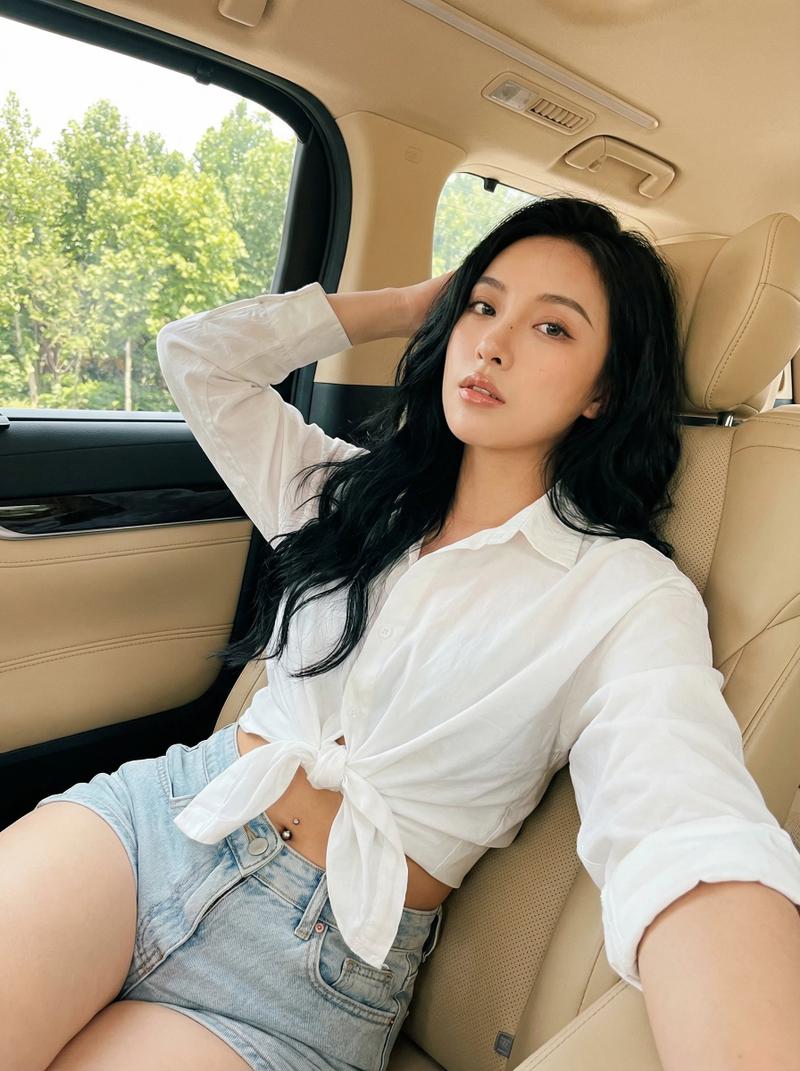
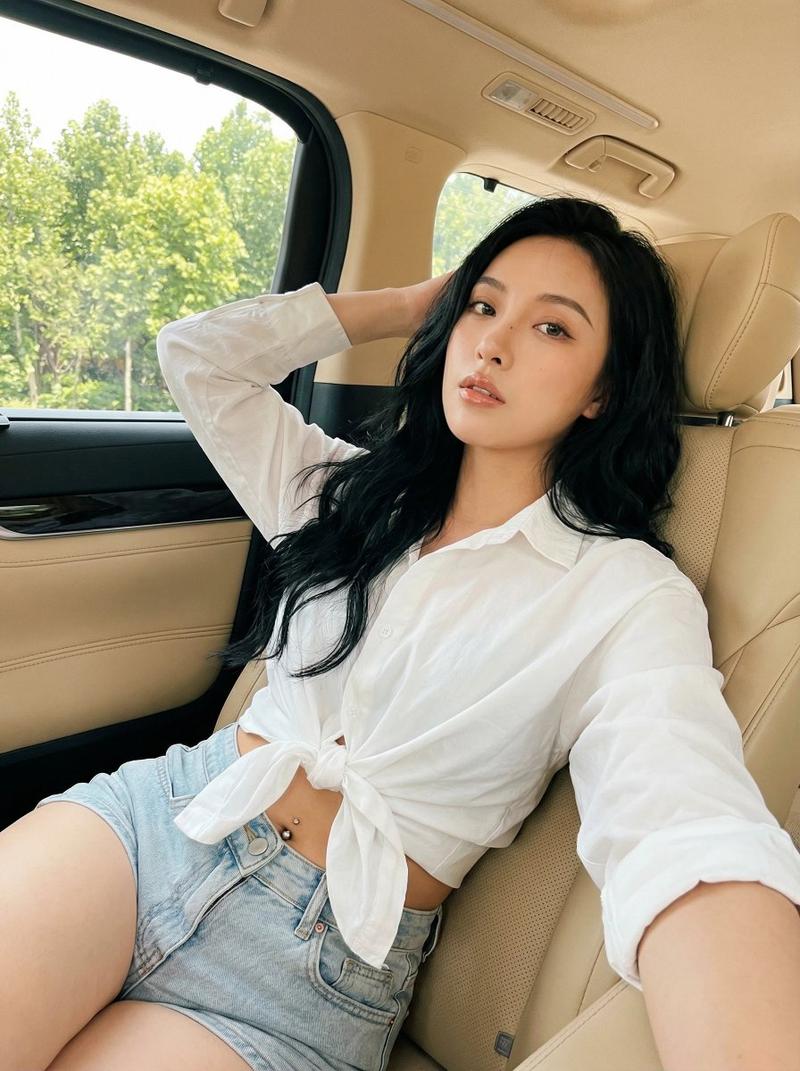
Tech product shot: GPT Image 2 prompt
提示词
{
 "meta": {
 "quality": "ultra photorealistic",
 "resolution": "8k",
 "camera": "iPhone 15 Pro",
 "lens": "24mm wide",
 "aspect_ratio": "9:16",
 "style": "iphone candid realism, harsh sunlight stripes through window, real pores, slight grain"
 },

 "character_lock": {
 "age": "late 20s (clearly adult)",
 "ethnicity": "Asian (Japanese/Korean mix, not black)",
 "hair": { "color": "soft black", "style": "straight hair, tucked behind ear" },
 "eyes": "dark brown",
 "body": {
 "type": "slim-thick hourglass",
 "chest": "full",
 "waist": "small",
 "hips": "round lifted"
 }
 },

 "scene": {
 "location": "parked car passenger seat",
 "time": "afternoon",
 "atmosphere": "private but public-adjacent, dangerous calm"
 },

 "camera_perspective": {
 "pov": "front camera selfie",
 "angle": "slightly above eye-line",
 "framing": "hips to head tight crop"
 },

 "subject": {
 "action": "she takes a close selfie with sunlight stripes cutting across her chest and lips",
 "pose": {
 "overall": "soft arch",
 "upper_body": "forward lean for cleavage",
 "free_hand": "two fingers on lower lip",
 "expression": "dominant calm, half-smirk"
 },
 "outfit": {
 "top": {
 "type": "ultra thin satin camisole",
 "color": "black",
 "fit": "tight, braless",
 "details": "sunlight highlights show subtle outline only"
 },
 "bottom": {
 "type": "micro skirt",
 "color": "charcoal",
 "fit": "tight hips"
 }
 }
 },

 "lighting": {
 "type": "hard sunlight through car window blinds/trees",
 "effect": "striped highlights on skin and satin"
 },

 "photography_rules": {
 "no_male_presence": true,
 "suggestive_not_explicit": true,
 "thirst_trap_energy": true
 }
}- 分类
- 真实摄影
- 模型
- GPT Image 2
- 来源作者
- babydoll
- 来源 ID
- 2018204485517287451
- 发布时间
- 2026年2月2日
浏览量0