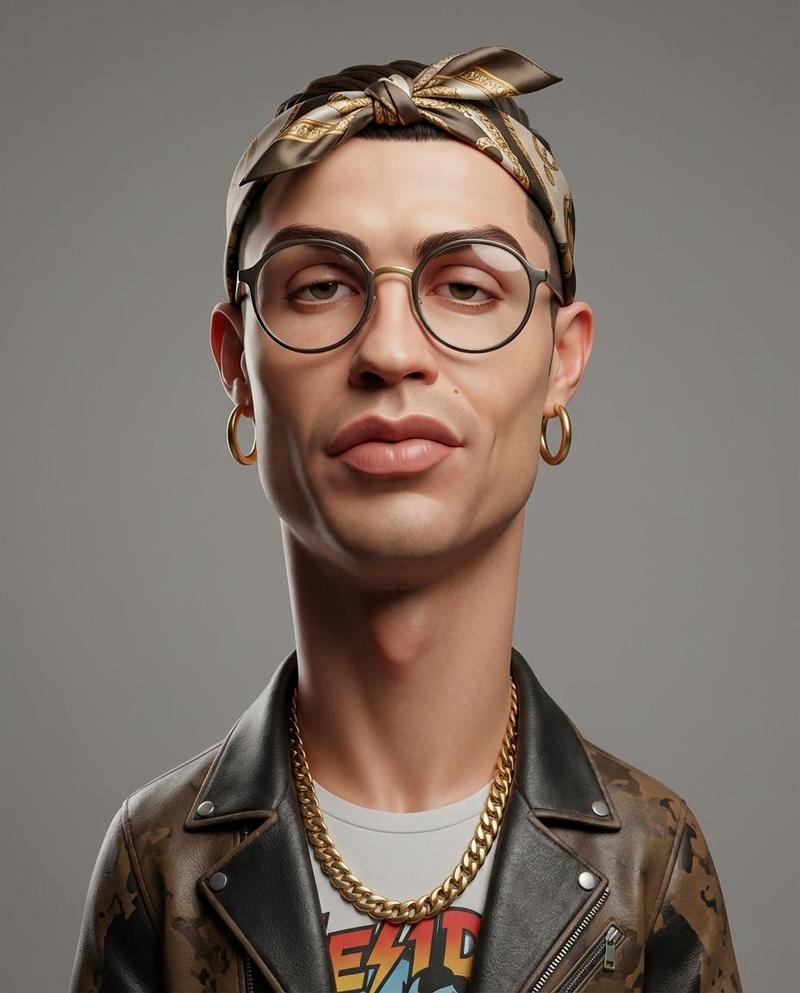
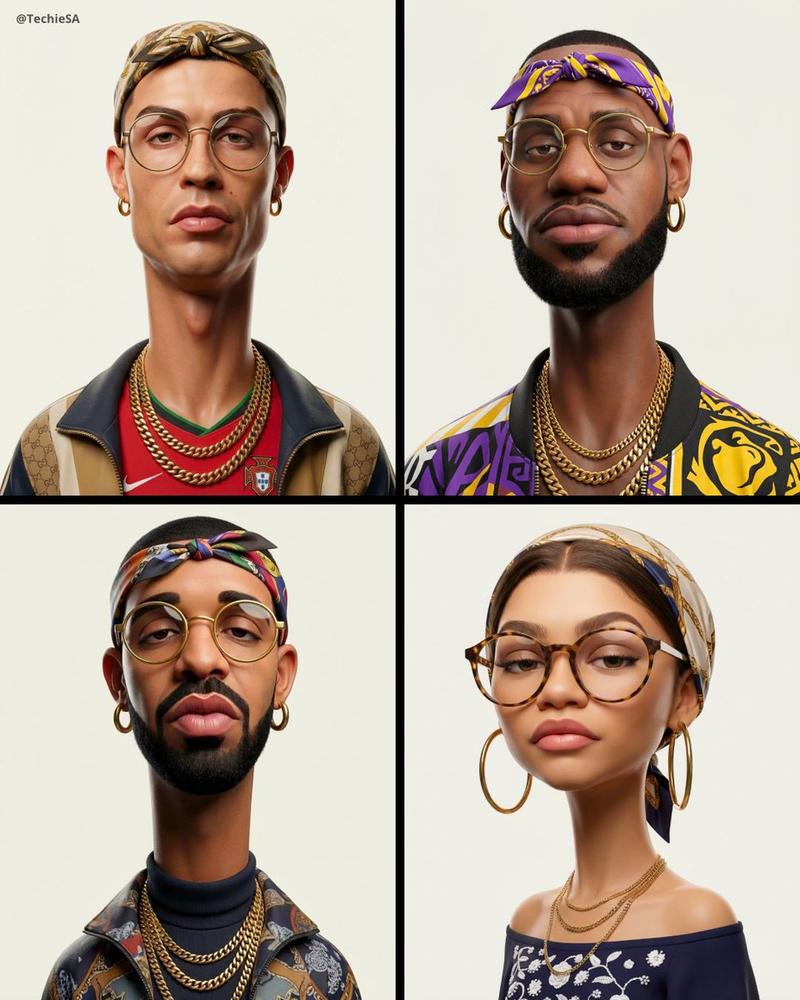
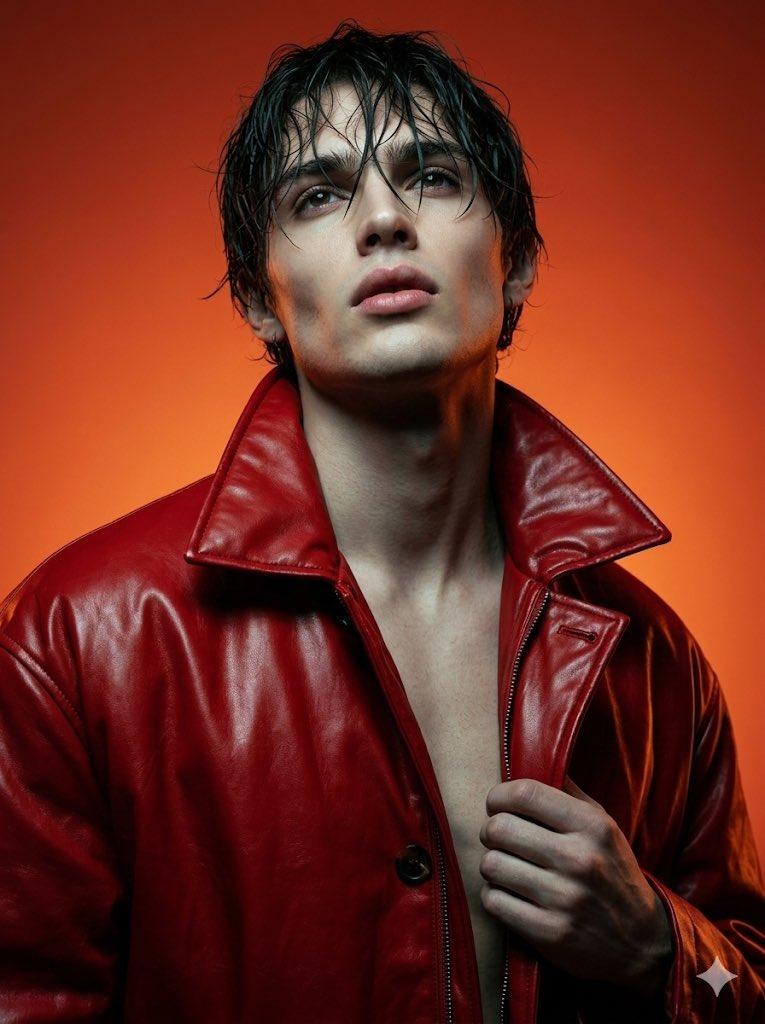
3D caricature long neck: GPT Image 2 prompt
提示词
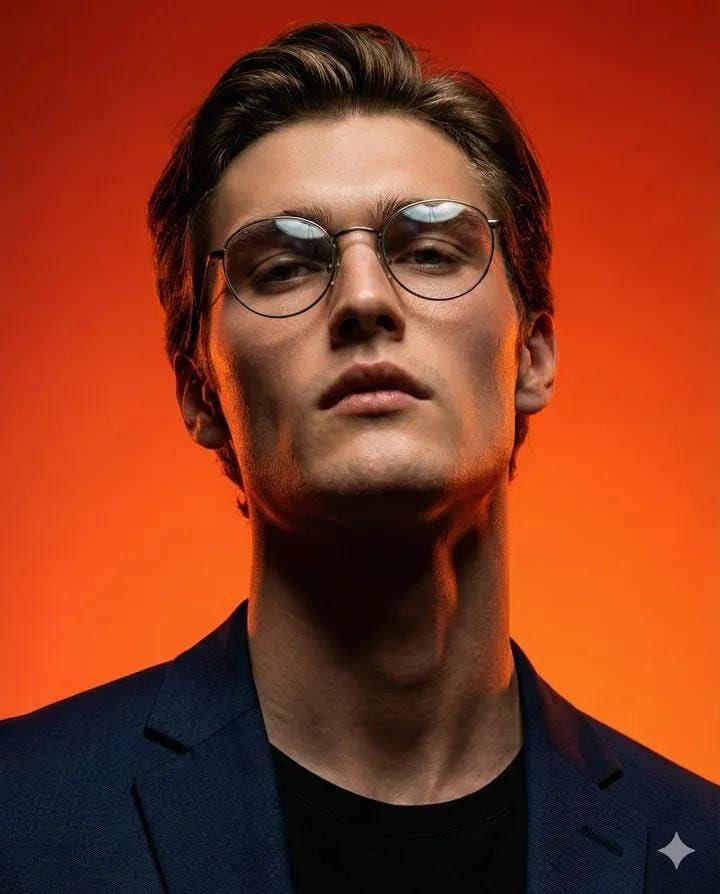
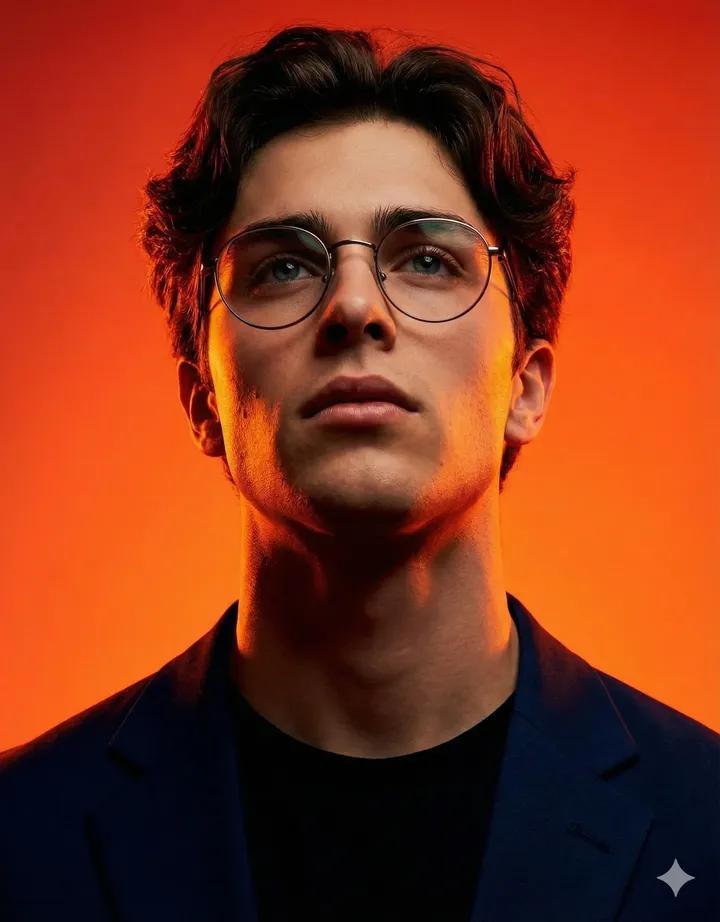
Create an exaggerated stylized 3D caricature character portrait with strong intentional deformation and a clean, controlled surface finish. Use the person from the ATTACHED REFERENCE PHOTO. Preserve the subject’s identity, facial likeness, skin tone, and defining features, but reinterpret them into a bold caricatured 3D form with an elongated neck, oversized head-to-neck ratio, droopy eyelids, heavy lips, and slightly asymmetrical facial structure.Render as a human-like 3D character with smooth, studio-clean skin and intentionally designed detail, avoiding random texture or noise. Style with bold accessories such as round or oval glasses, hoop earrings, gold chains, headscarves or bandanas, and street-luxury clothing.

Use neutral studio lighting with soft shadows and even illumination, no dramatic contrast, against a plain neutral grey or off-white background. The overall aesthetic should feel weird, fashion-forward, collectible, and character-driven rather than cute or realistic.

Ultra high definition, premium cinematic 3D render quality, hyper-realistic hyper realism, clean materials, no freckles, no dirt, no grain, no noise, no speckling, no text, no logos, no watermarks.

Aspect ratio 4:5.
- 分类
- 真实摄影
- 模型
- GPT Image 2
- 来源作者
- simeon-sanai
- 来源 ID
- 2032256273782358153
- 发布时间
- 2026年3月13日
浏览量1