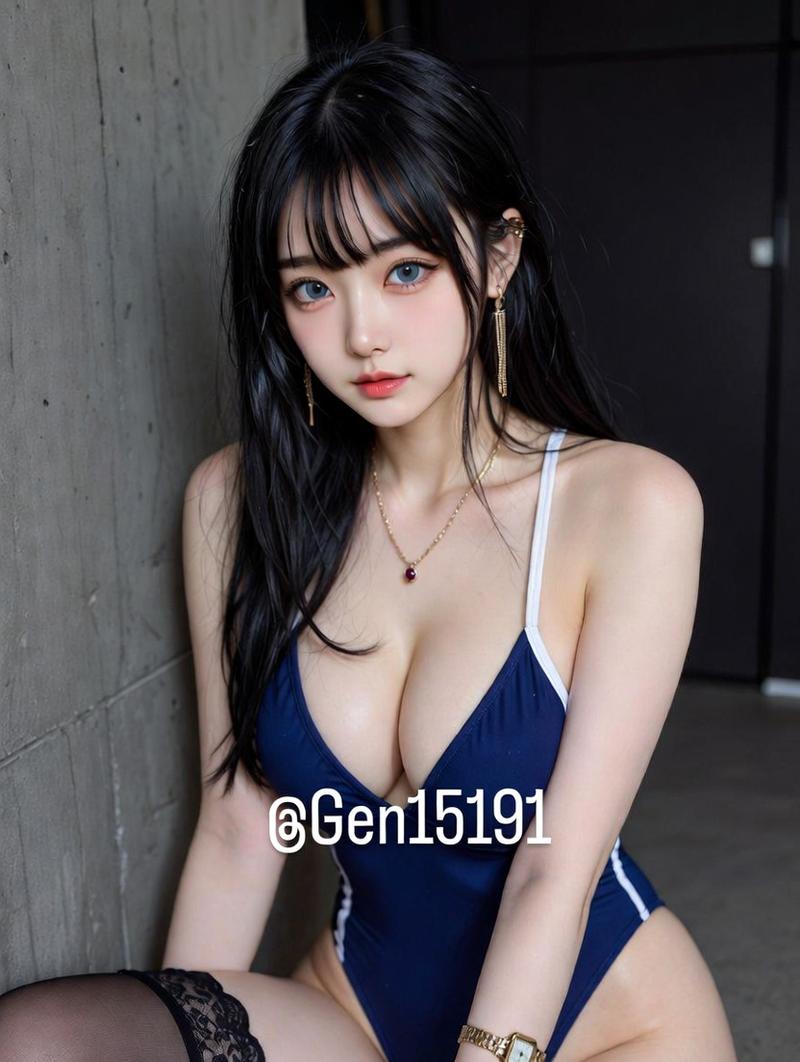
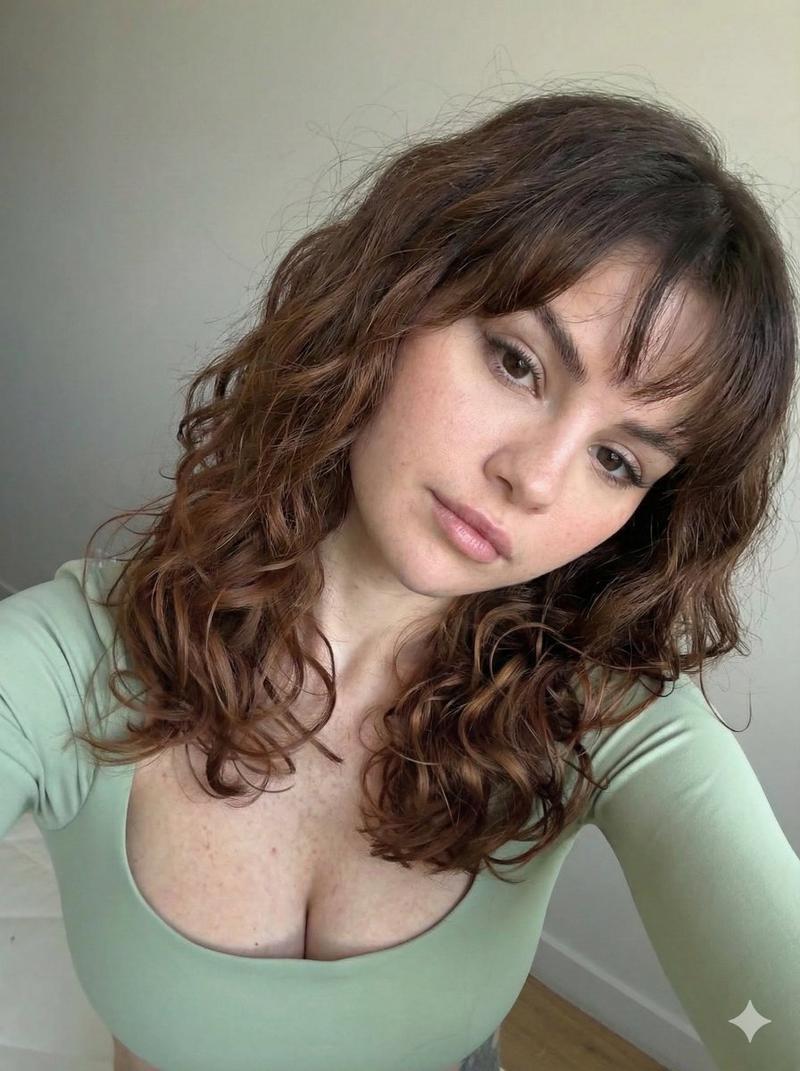
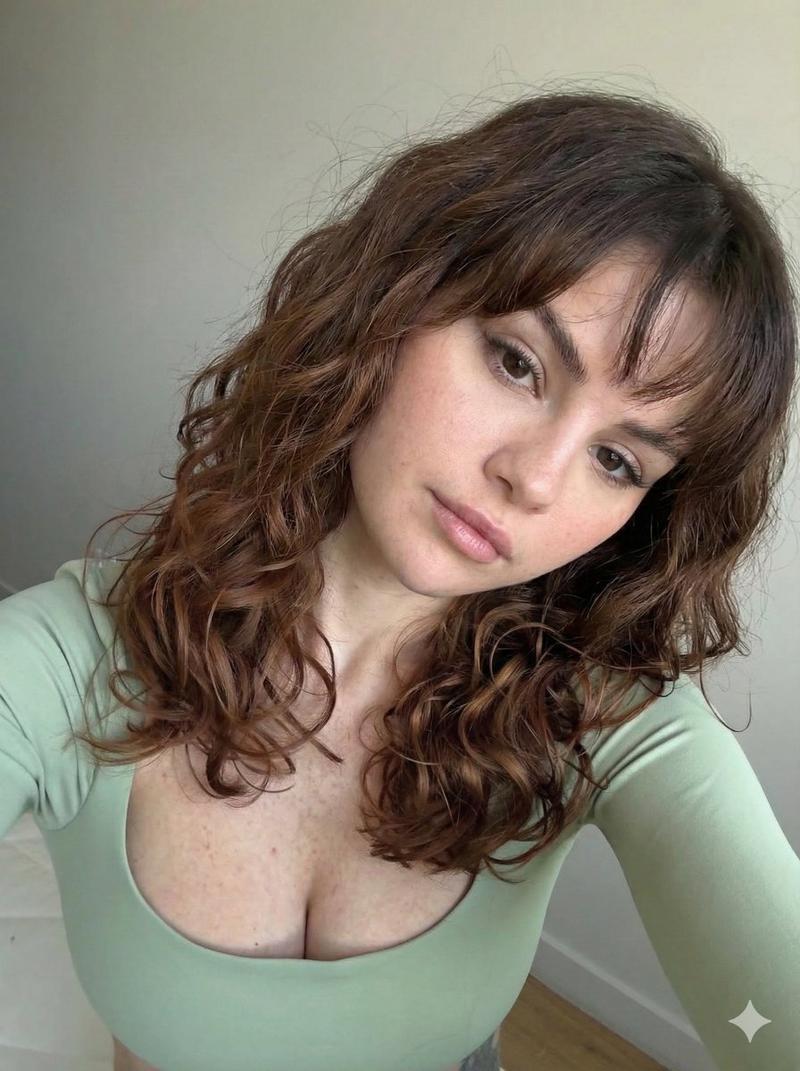
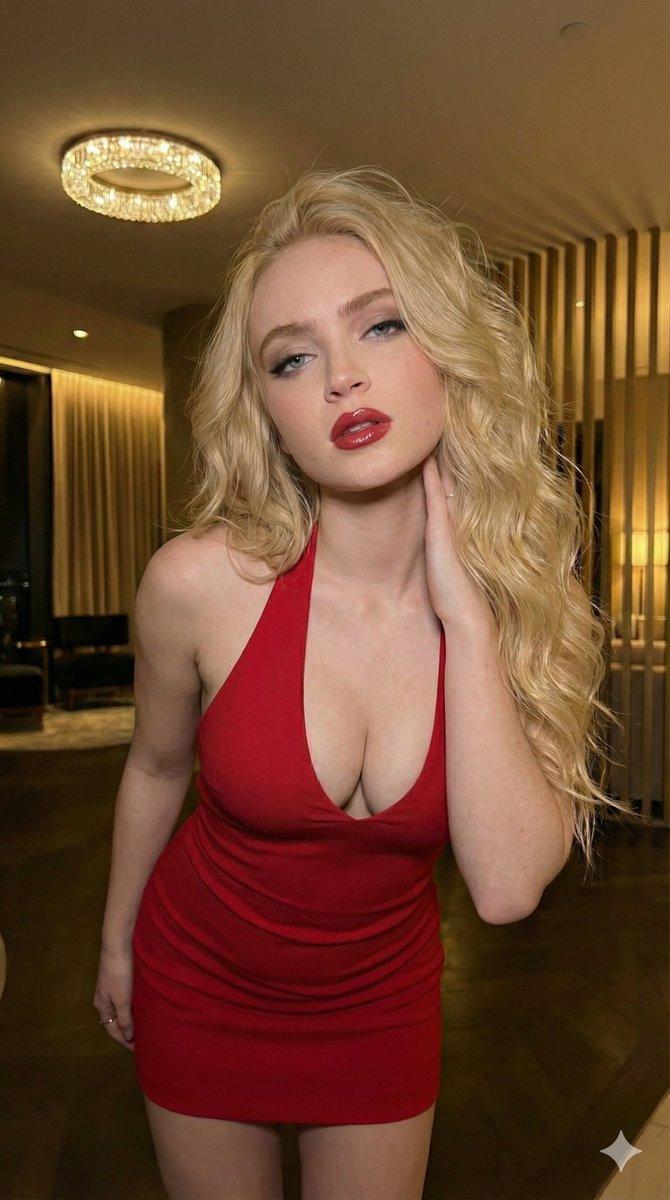
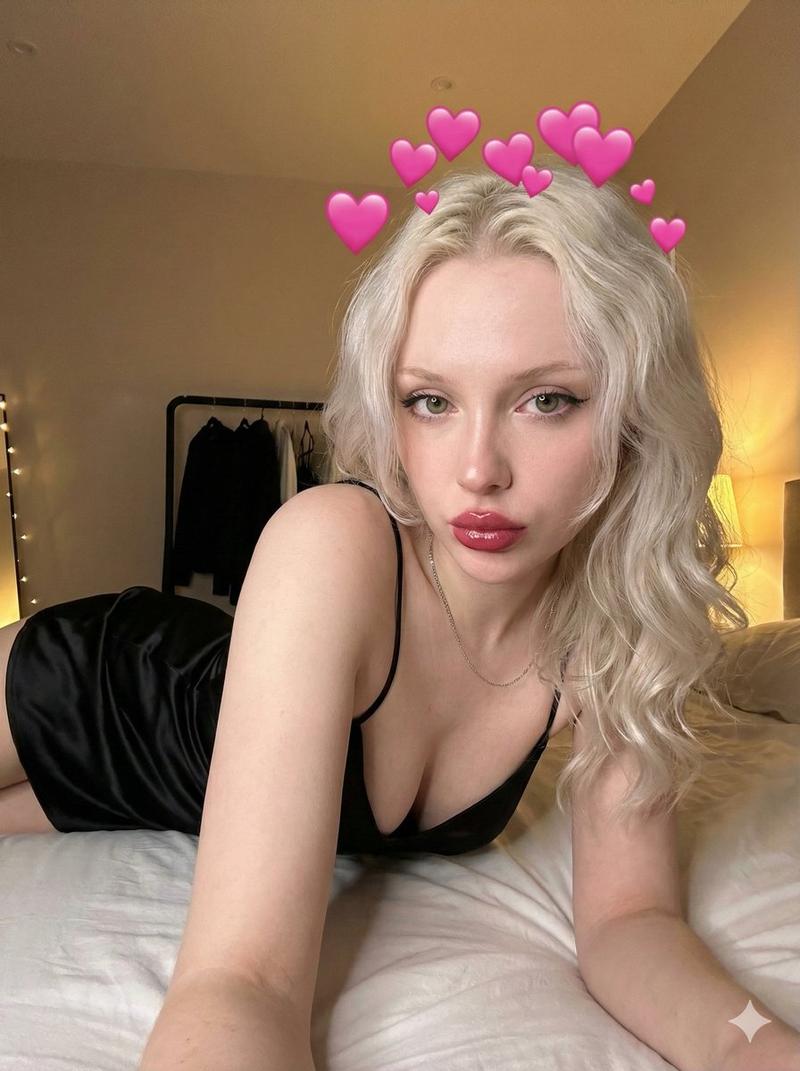
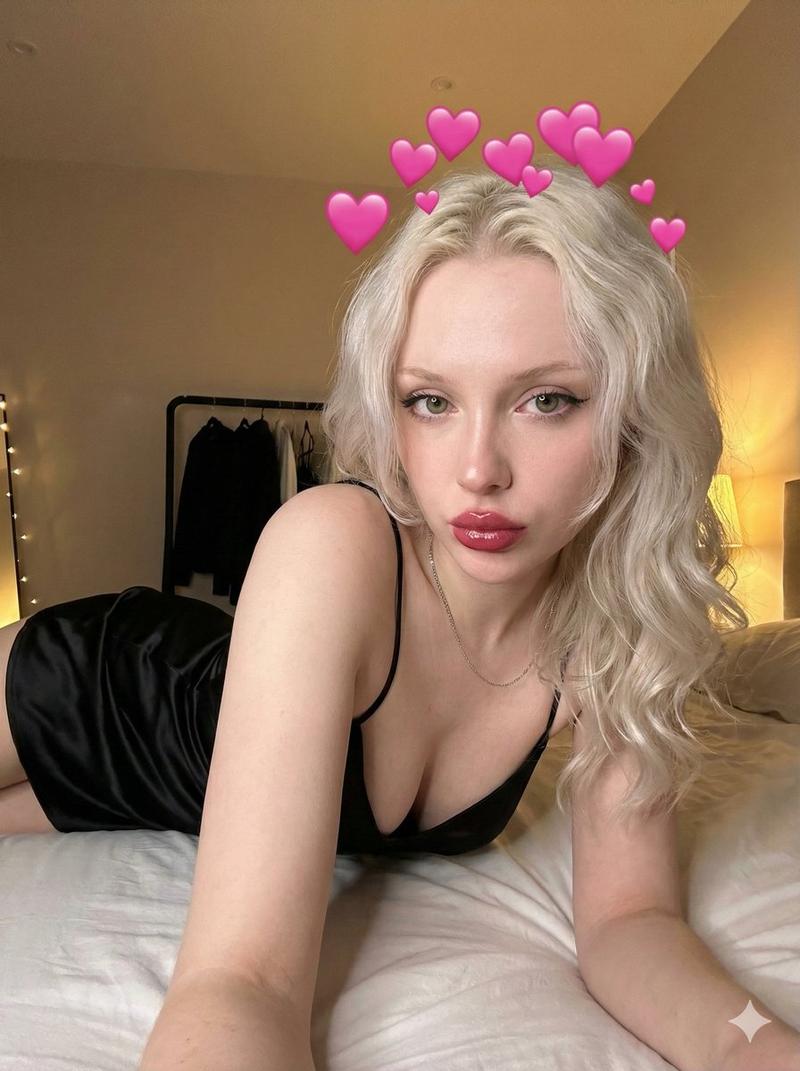
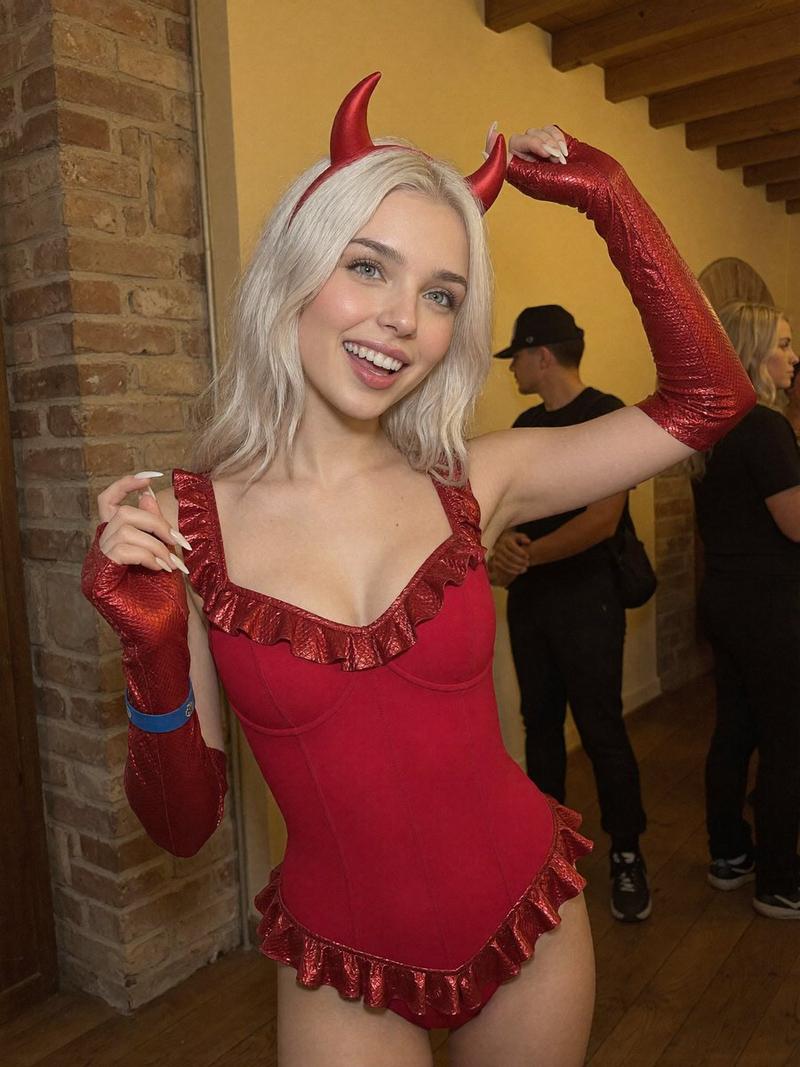
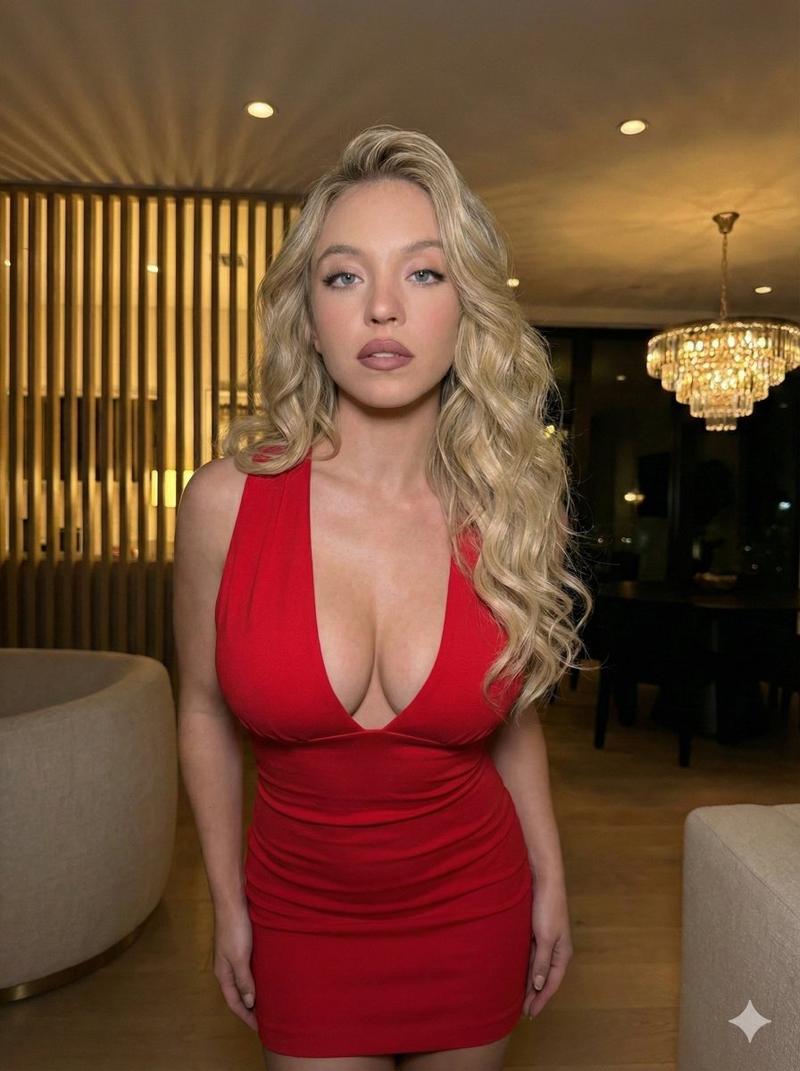
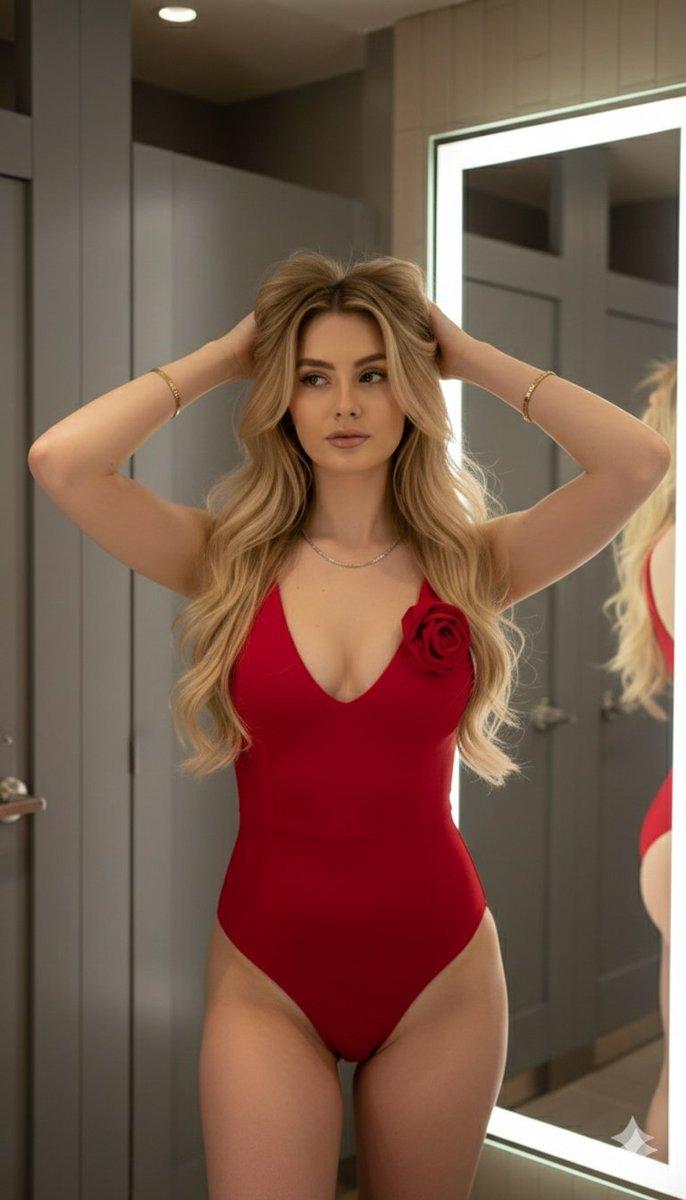
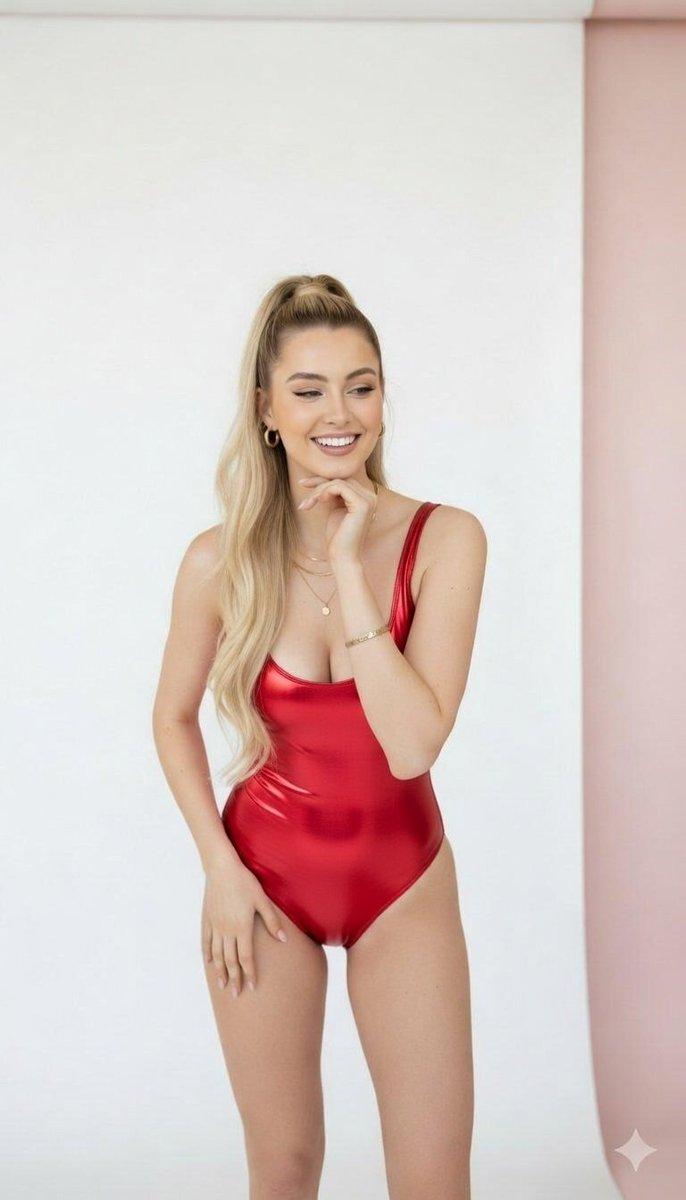
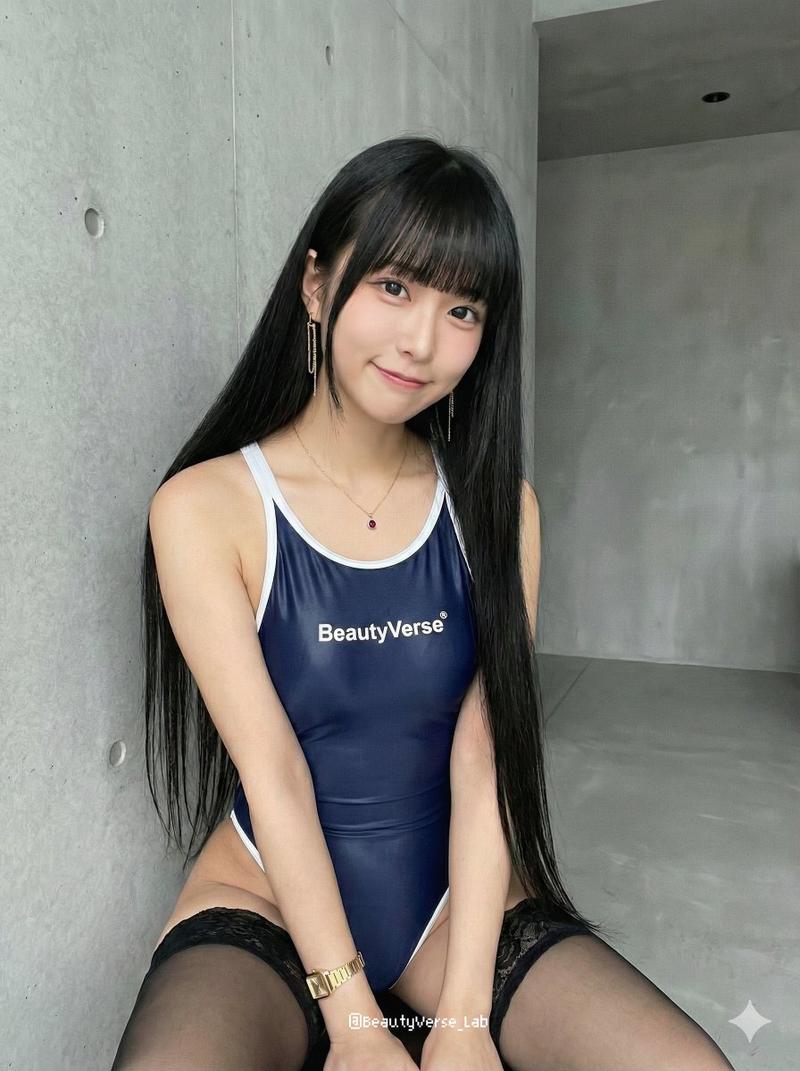
King artwork: GPT Image 2 prompt
提示词
{
"subject": {
"description": "the prettiest (G)I-DLE Yuqi taking a high-angle selfie.",
"mirror_rules": "Left arm extended holding camera.",
"age": "Early 20s",
"expression": {
"eyes": {
"look": "upward at lens",
"energy": "alluring",
"direction": "direct"
},
"mouth": {
"position": "slightly parted",
"energy": "soft"
},
"overall": "seductive and innocent"
},
"face": {
"preserve_original": true,
"features": "Yuqi's irresistibly cute yet alluring round-yet-sharp face, bright expressive eyes, charming smile lines, and vibrant fair aesthetic.",
"makeup": "Asian influencer aesthetic, heavy under-eye blush, light contacts, glossy lips."
}
},
"hair": {
"color": "Warm light brown",
"style": "Long, loose waves, voluminous.",
"effect": "Top backlit halo, strands falling over chest."
},
"body": {
"frame": "Slim with pronounced curves.",
"waist": "Narrow",
"chest": "Full, deep cleavage.",
"legs": "Upper thighs visible.",
"skin": {
"visible_areas": "Chest, shoulders, left arm, upper hips.",
"tone": "Fair, pale luminous.",
"texture": "Smooth, soft, slightly dewy.",
"lighting_effect": "Harsh warm sunlight hitting cleavage and left shoulder, casting sharp shadows."
}
},
"pose": {
"position": "Angled torso, hips pushed back, playful high-angle pose with slight hip cock and energetic lean.",
"base": "Standing/leaning.",
"overall": "Leaning forward into the high-angle lens with flirty body language."
},
"clothing": {
"top": {
"type": "Tight shiny latex bodysuit with detached left sleeve.",
"color": "Glossy Purple",
"details": "Deep scoop neck, thin straps.",
"effect": "Stretching tightly over chest."
},
"bottom": {
"type": "Latex bodysuit bottom",
"color": "Glossy Purple",
"details": "Extremely high cut exposing hips."
}
},
"accessories": {
"jewelry": "Delicate silver pendant necklace."
},
"photography": {
"camera_style": "Smartphone selfie",
"angle": "High angle, looking down.",
"shot_type": "Medium close-up.",
"aspect_ratio": "9:16",
"texture": "Digital, slight wide-angle distortion on left arm.",
"lighting": "Strong directional warm light, high contrast.",
"depth_of_field": "Shallow, blurry dark background."
},
"background": {
"setting": "Dark interior room.",
"wall_color": "Dark/black.",
"elements": [
"Lit door edge on left"
],
"atmosphere": "Intimate, private.",
"lighting": "Mostly dark with one sharp shaft of warm light."
},
"the_vibe": {
"energy": "Captivating",
"mood": "Sensual",
"aesthetic": "Soft-core, golden hour selfie.",
"authenticity": "Casual smartphone snapshot.",
"intimacy": "High, direct eye contact.",
"story": "Catching the golden hour light in a bedroom.",
"caption_energy": "Effortless glow."
},
"constraints": {
"must_keep": [
"High angle perspective",
"Harsh warm directional light",
"Bodysuit cut"
],
"avoid": [
"Flat studio lighting",
"Professional posture",
"Over-bright background"
]
},
"negative_prompt": [
"ugly",
"flat light",
"studio lighting",
"professional camera",
"overexposed",
"extra limbs",
"stiff"
]
}- 分类
- 真实摄影
- 模型
- GPT Image 2
- 来源作者
- Alice
- 来源 ID
- 2043272414918771047
- 发布时间
- 2026年4月12日
浏览量0