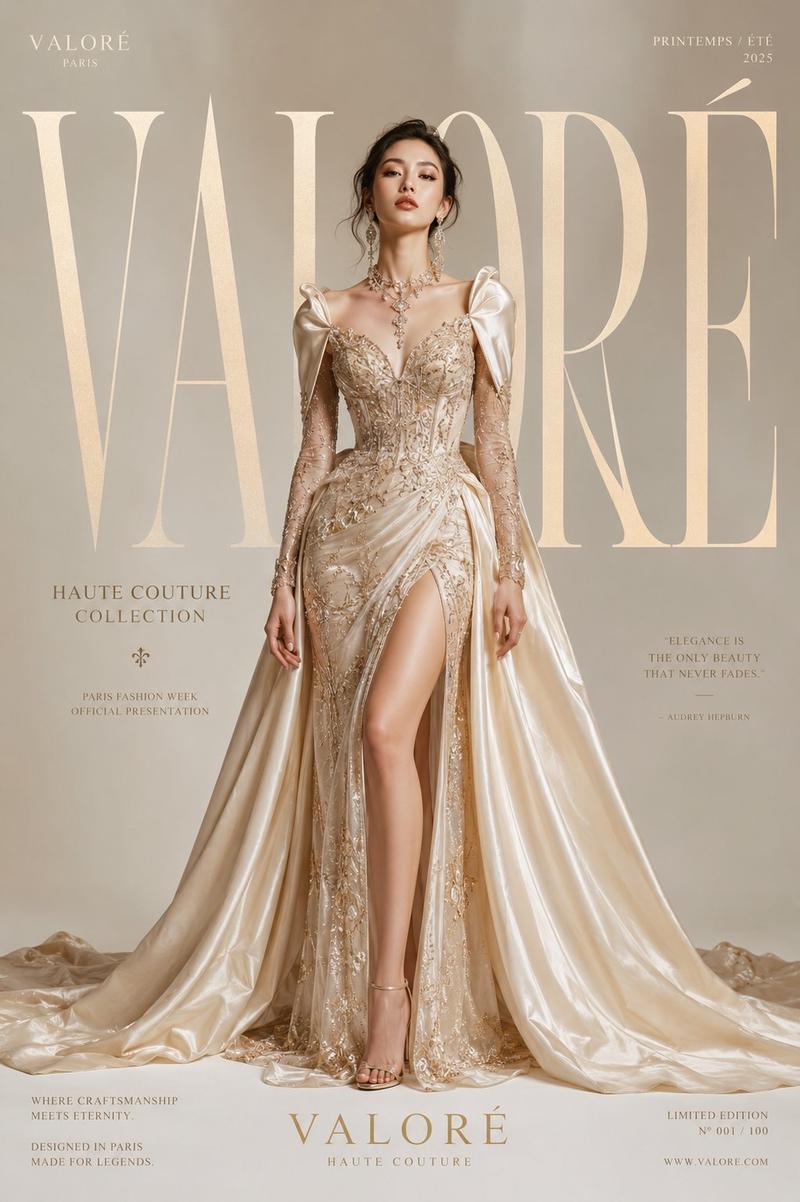
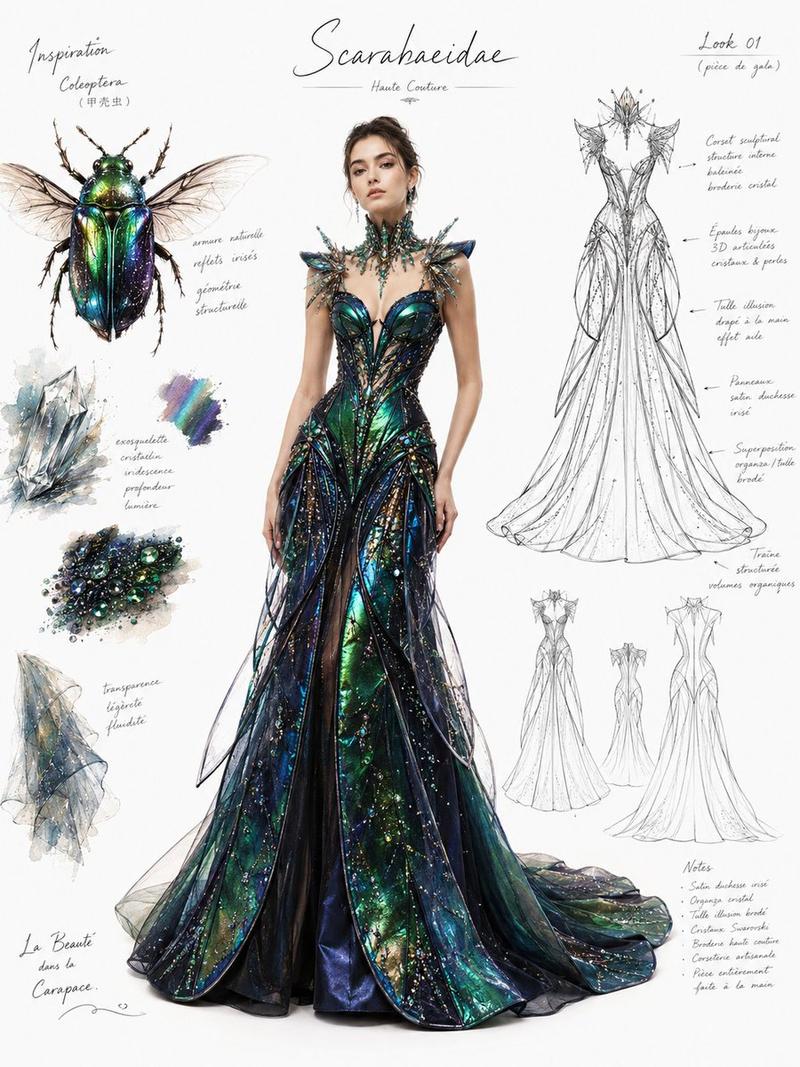
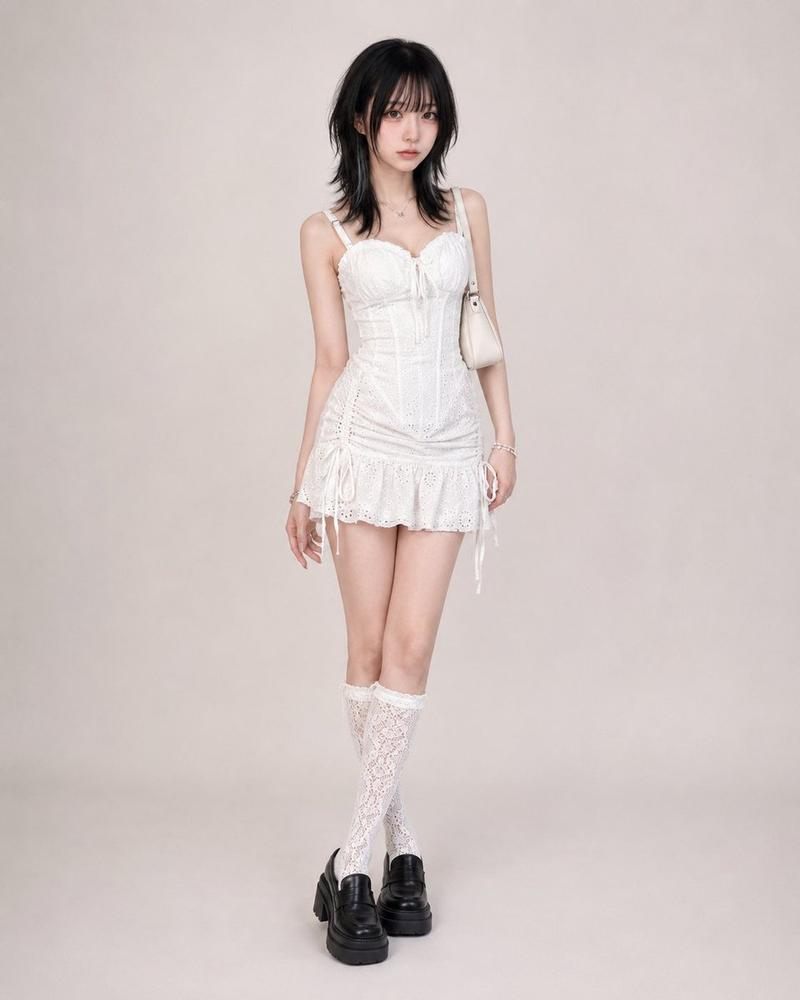
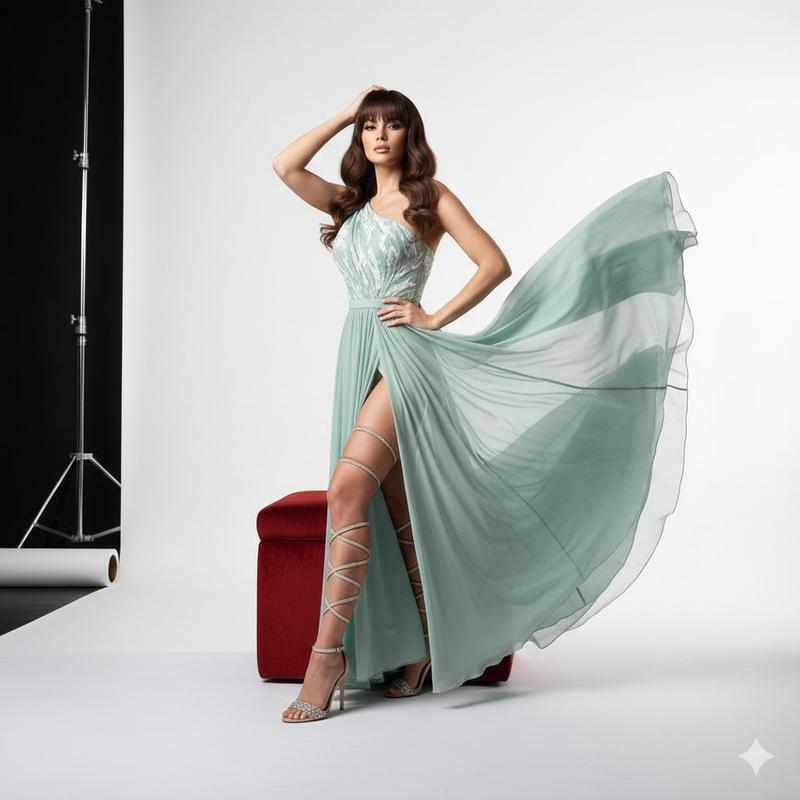
Quiet Luxe vs Loud Luxe poster: GPT Image 2 prompt
提示词
Create a luxury fashion editorial comparison poster in viral Instagram carousel style. Split-screen layout with a soft neutral beige background, minimalist aesthetic, elegant typography. Left side labeled “Quiet Luxe” and right side labeled “Loud Luxe” with a stylish “vs” in the center. Show two full-body fashionable women posing confidently.
Left side (Quiet Luxe): Minimal, timeless, classy outfit with neutral tones (beige, cream, black, blush, white), clean silhouettes, subtle accessories, effortless elegance, soft feminine energy, understated luxury, old money aesthetic.
Right side (Loud Luxe): Bold glamorous outfit with dramatic cuts, statement accessories, shinier fabrics, stronger silhouette, high-fashion editorial vibe, rich textures, confident energy, eye-catching luxury aesthetic.
Design style: Pinterest-worthy, Instagram viral carousel aesthetic, clean luxury branding, Vogue-inspired editorial, premium fashion campaign, balanced composition, realistic female models, studio lighting, ultra-detailed fabrics, soft shadows, photorealistic, high-end styling.
Text elements: Top heading: “Quiet Luxe vs Loud Luxe” Middle tagline: “Two styles. One statement.” Bottom text: “Choose your vibe.” Add small elegant side notes/icons describing each style.
Aspect ratio: 4:5 portrait
Style: ultra-realistic, premium, aesthetic, clean, viral fashion content
- 分类
- 海报营销
- 模型
- GPT Image 2
- 来源作者
- shah_zadii
- 来源 ID
- 2073651961304674677
- 发布时间
- 2026年7月5日
浏览量2