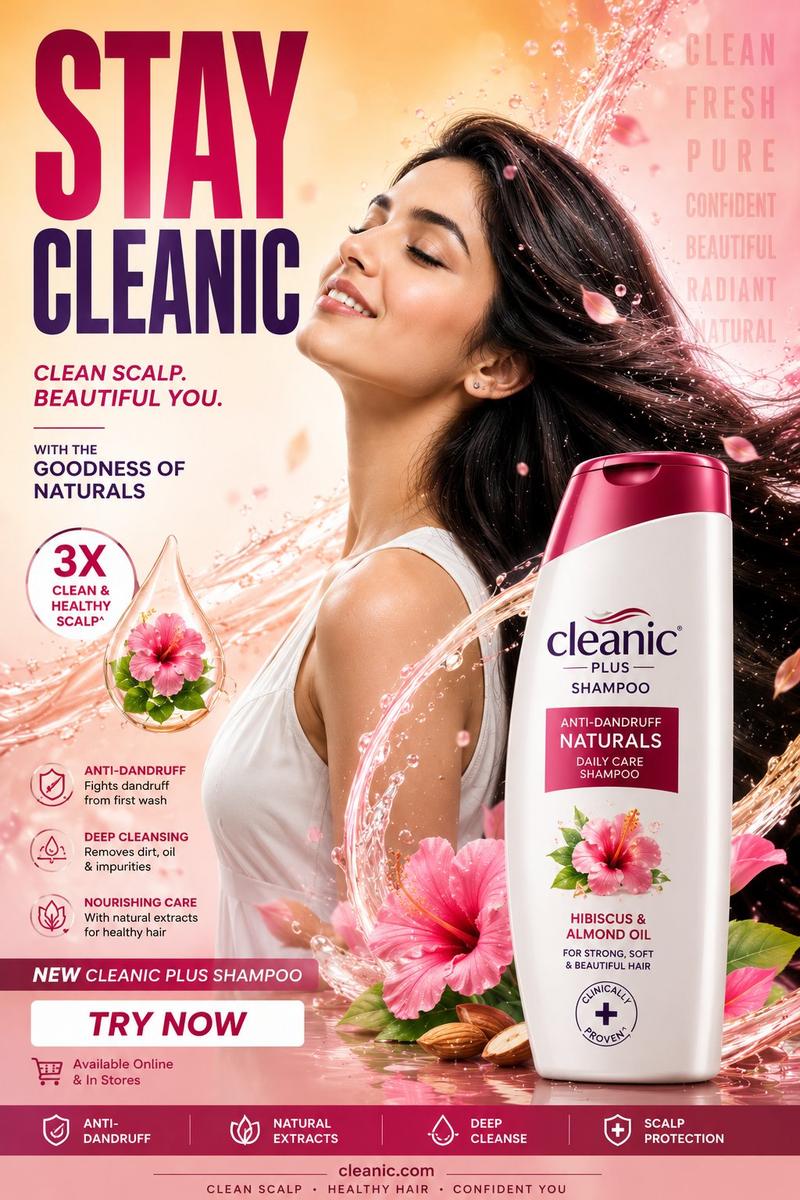
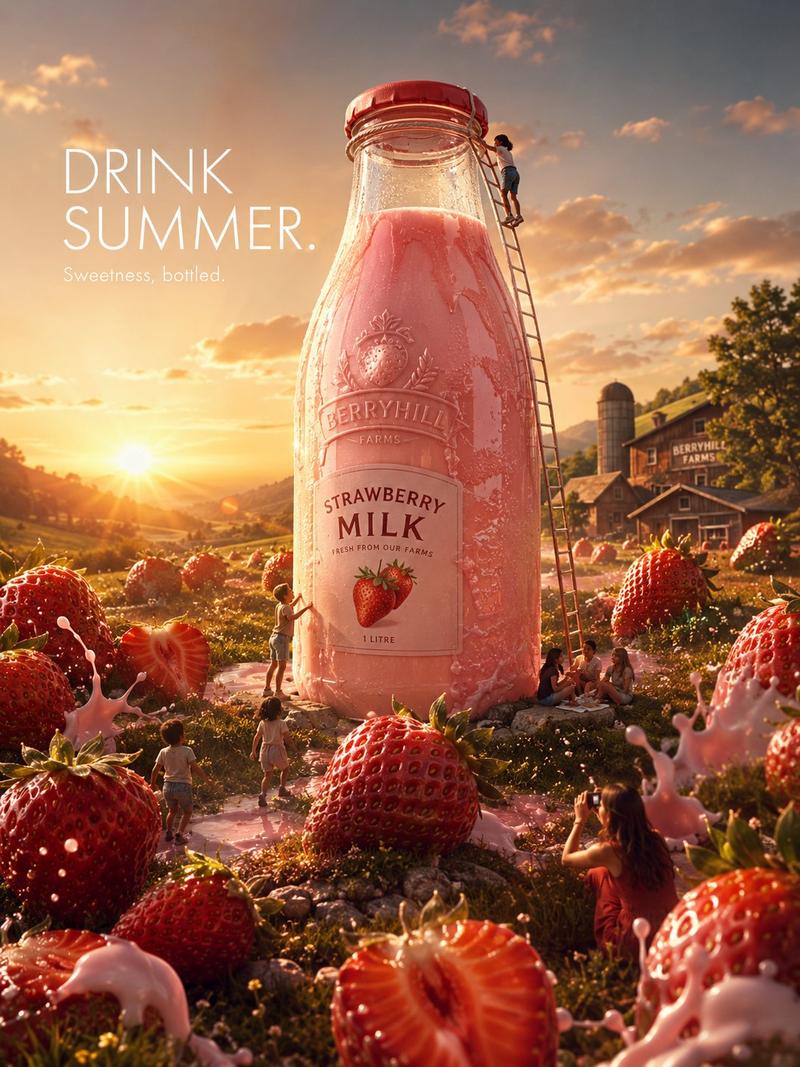
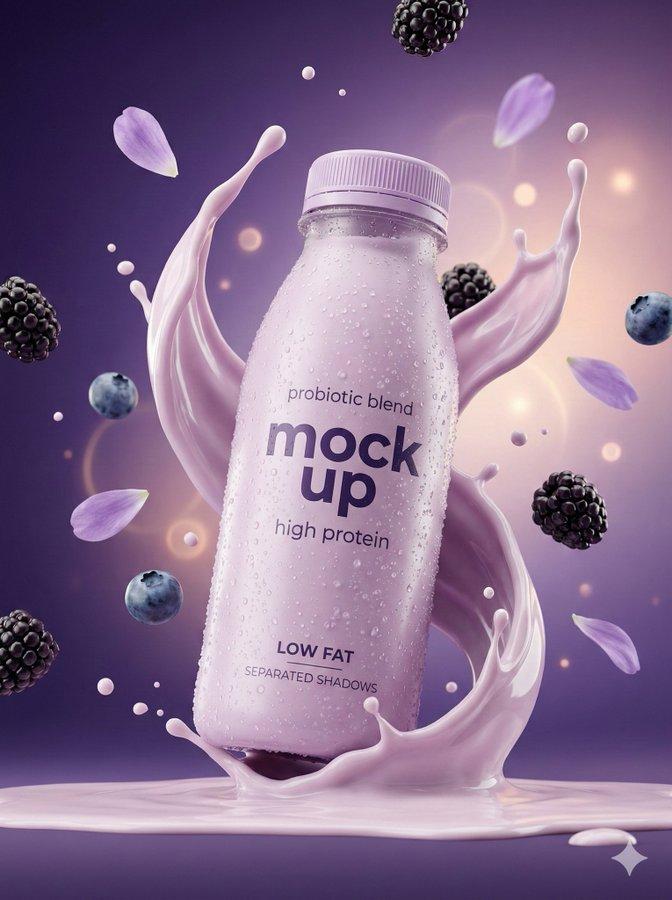
Ripple effect product ad: GPT Image 2 prompt
提示词
Upload a clear product image first.

Create a premium 16:9 commercial product ad using the uploaded product as the exact hero reference.

Visual system: "Ripple Effect"

The product must be large, sharp, premium, and instantly recognizable. Keep the logo, label, packaging shape, materials, colors, and brand details clear and readable.

Do not create a normal product beauty shot.

Make the product the starting point of a visible ripple effect that transforms the environment and proves the benefit.

The ripple can appear as:
water rings, motion trails, energy waves, cleanliness waves, scent waves, sound waves, freshness rings, protection fields, speed lines, or material reactions.

The ripple must start from the product and expand outward into the scene.

Composition:
foreground texture, midground product hero, background transformed by the ripple.

The viewer should understand the benefit in one second.

Style:
premium agency campaign, cinematic product photography, realistic physics, dramatic lighting, tactile material detail, polished reflections, controlled visual energy, clean negative space, scroll-stopping 16:9 hero image.

Avoid:
tiny people, miniature worlds, fake floating text, hidden logo, unreadable label, clutter, random effects, weak product scale.
- 分类
- 商品图
- 模型
- GPT Image 2
- 来源作者
- AZIZ | AI 🇸🇦
- 来源 ID
- 2074781026392416410
- 发布时间
- 2026年7月8日
浏览量0