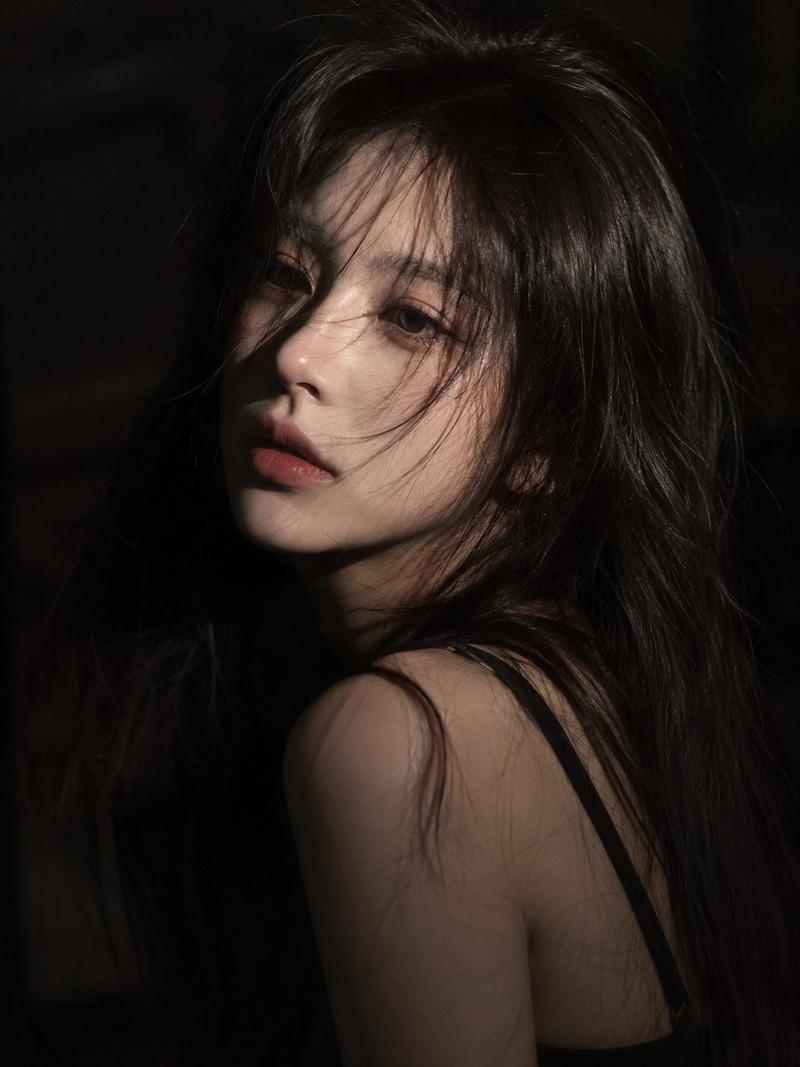
Korean PHOTOISM photo booth: GPT Image 2 prompt
提示词
Create a vertical 3x2 Korean PHOTOISM-style photo booth collage consisting of 6 photos, arranged in 2 columns and 3 rows. Each frame should be a vertical portrait photo with a thick black photo border.
Along the right side of each photo frame, include the small vertical text "MY DAY" in a soft cream/gold color.
The overall style should closely resemble an authentic Korean PHOTOISM photo booth collage, not a generic social media collage. The background should be a clean white or very light gray wall, with the scene set inside an indoor Korean-style photo booth studio.
Use direct front flash lighting, similar to an iPhone flash or a professional photo booth flash, creating slightly harsh illumination. The character should cast a visible shadow behind them, with slight overexposure, while maintaining the natural film grain and nostalgic analog aesthetic typical of original PHOTOISM photo booth prints.
The overall mood should be fun, sporty, slightly chaotic, fashionable, and street-style inspired, capturing the strong, trendy atmosphere of a genuine Korean PHOTOISM photo booth collage.
- 分类
- 图表信息图
- 模型
- GPT Image 2
- 来源作者
- Jahan Zaib
- 来源 ID
- 2076939037827604747
- 发布时间
- 2026年7月14日
浏览量5