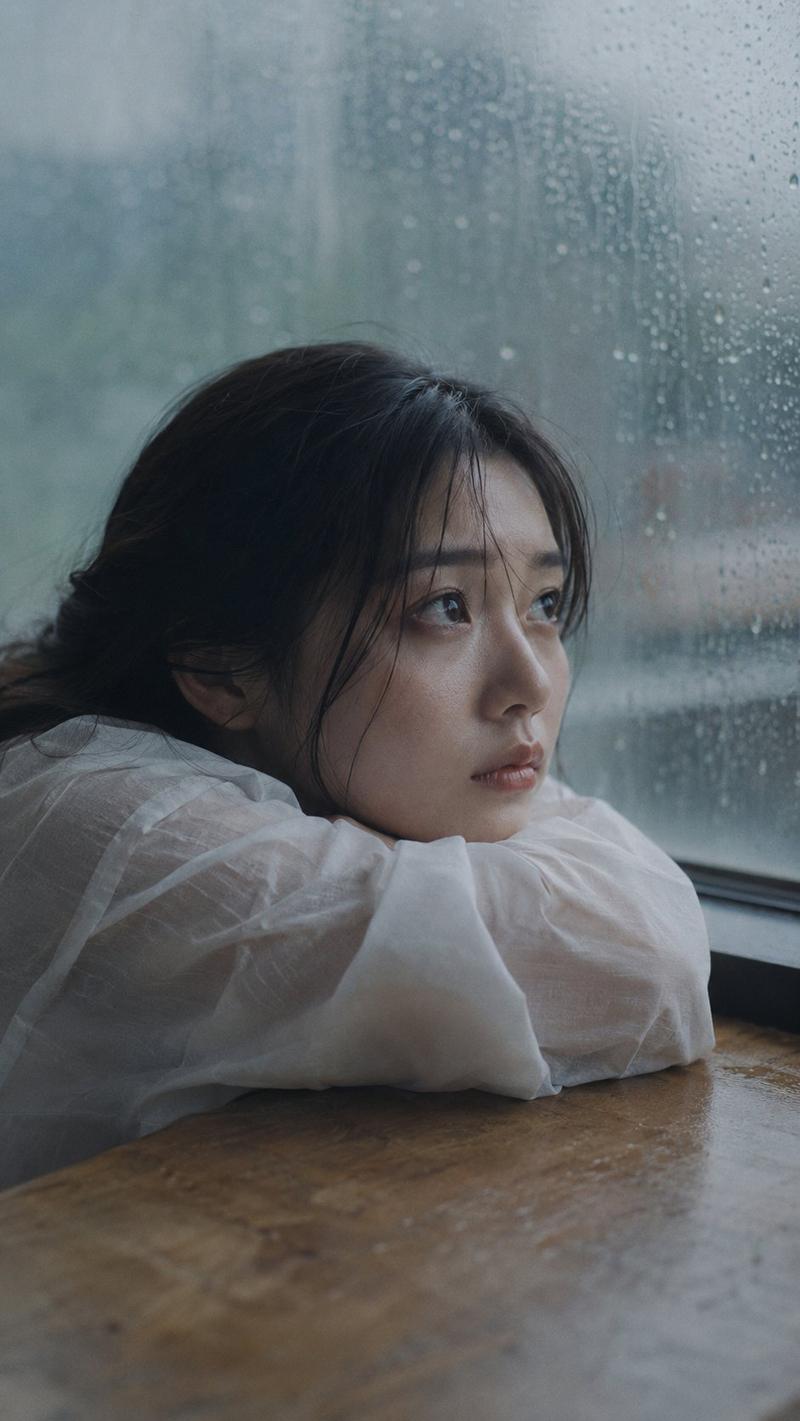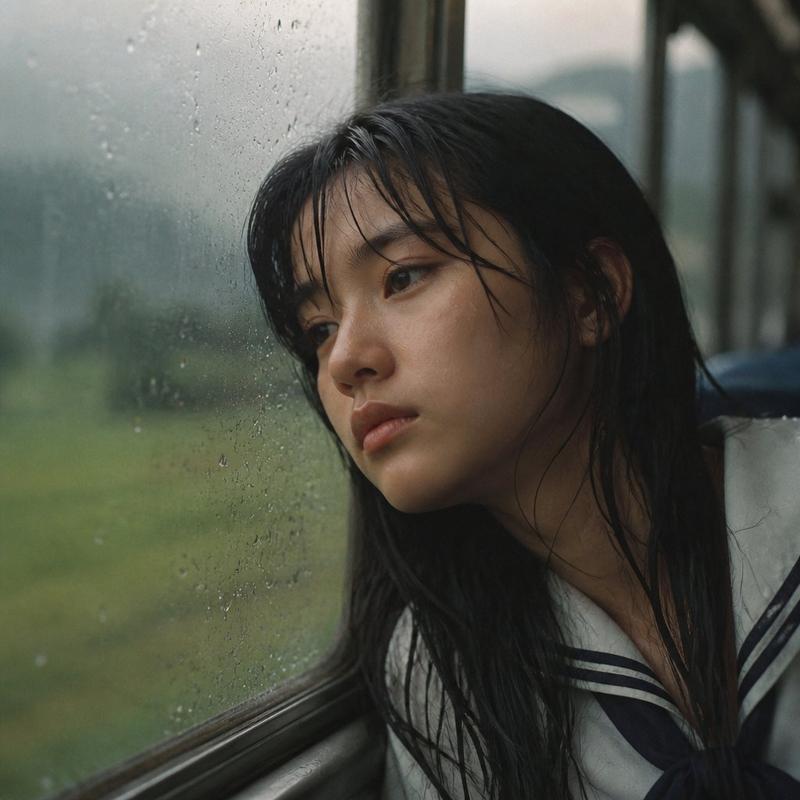
Melancholic seaside portrait: GPT Image 2 prompt
提示词
A melancholic young East Asian woman with long, slightly messy black hair sits quietly beside a large window during golden hour, soft sunlight illuminating her face with warm cinematic tones. She gazes thoughtfully into the distance, natural makeup, dewy skin, expressive eyes, loose strands of hair moving gently in the breeze. Wearing a simple oversized cream knit sweater and casual neutral clothing, hugging her knees close to her chest. Minimalist interior with a seaside view outside the window. Additional shots include: an intimate close-up of her face with windblown hair, a side profile bathed in warm sunset light, sitting alone on a weathered wooden bench overlooking a calm ocean, and an ultra-close portrait with wet hair and glowing skin. Dreamy atmosphere, emotional storytelling, nostalgic mood, soft film grain, Kodak Portra 400 color grading, shallow depth of field, creamy bokeh, subtle lens flare, natural imperfections, 85mm lens, f/1.4, photorealistic, editorial fashion photography, muted earth tones, high dynamic range, ultra-detailed, 8K, cinematic composition, quiet loneliness, poetic realism.
- 分类
- 真实摄影
- 模型
- seedream
- 来源作者
- ChillaiKalan__
- 来源 ID
- 2077627547173695645
- 发布时间
- 2026年7月16日
浏览量4