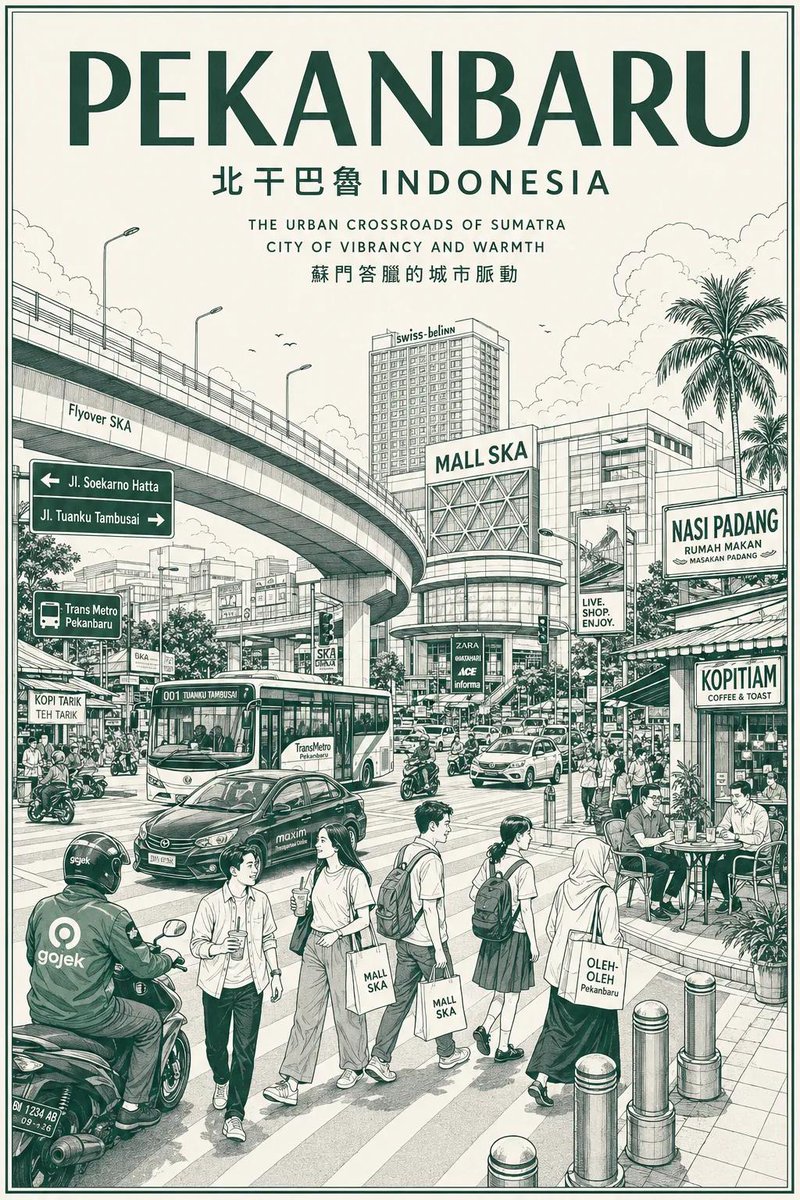
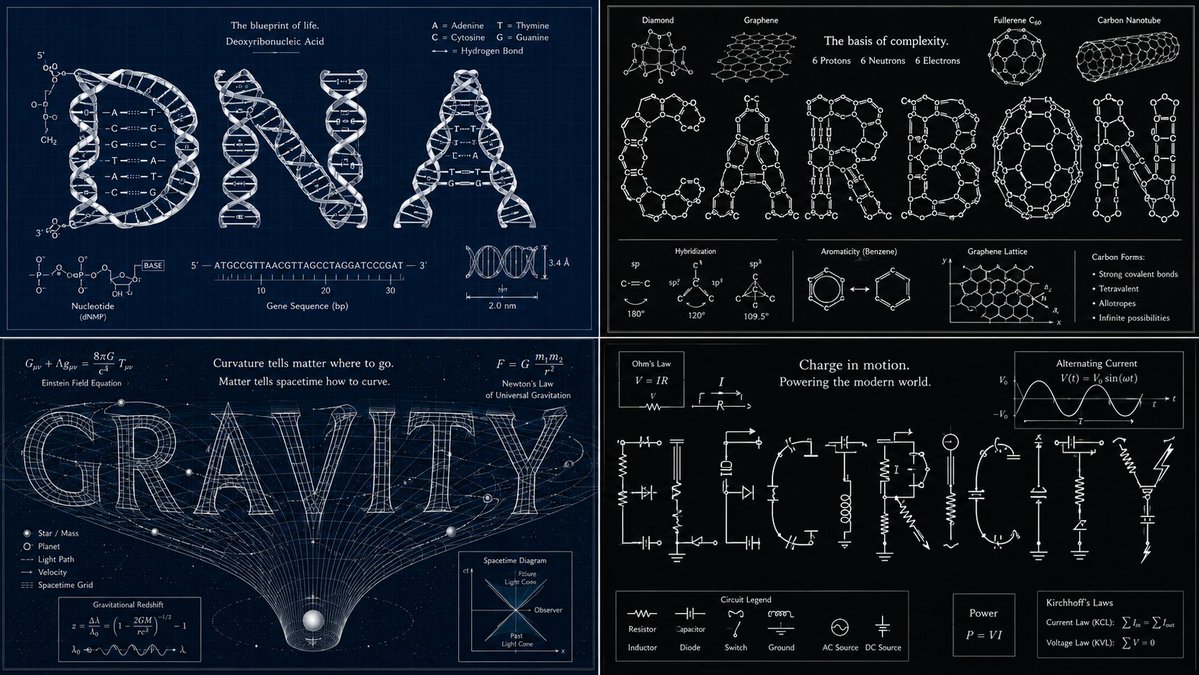
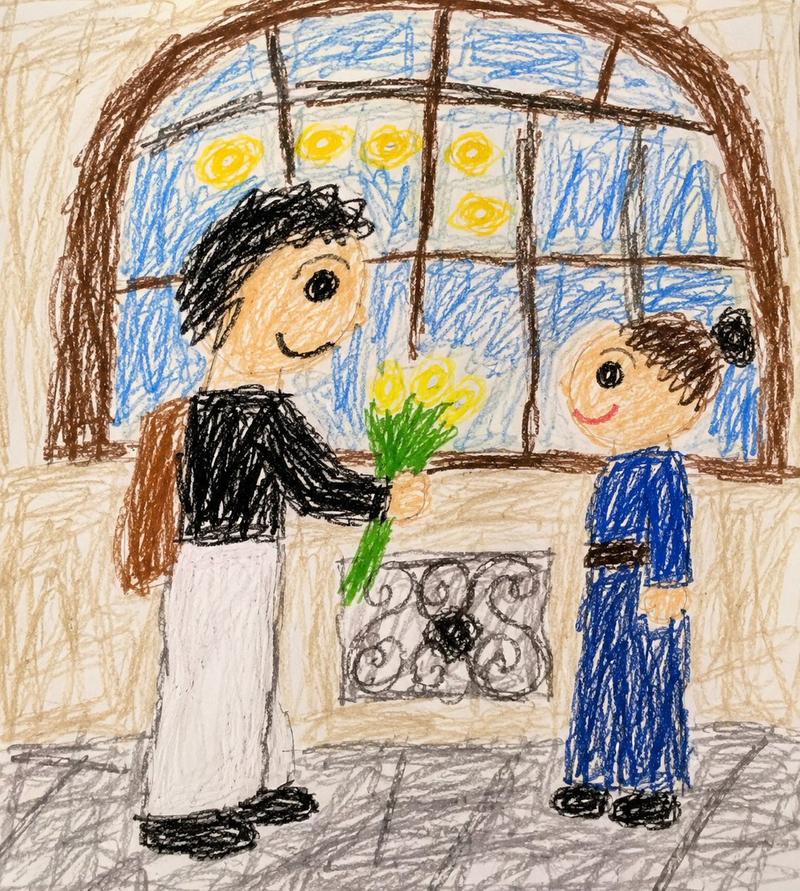
杂志纸艺拼贴重绘
提示词
Transform the uploaded image into a minimalist illustration in a magazine collage style, using paper cutouts. Retain the main subject, pose, and overall concept of the original image, but reimagine it as a warm, hand-edited collage. Style: Minimalist illustration in a magazine paper collage style, with flat, layered paper shapes, soft pastel paper textures, torn paper edges, paper shadow effects, neat black doodle accents, a handmade scrapbook atmosphere, modern Korean editorial design, a simple and cute composition, and large areas of clean white space. Character: Cute, simplified Korean characters with minimalist facial features, a small, relaxed smile, soft and rounded proportions, simple and casual clothing, and silhouettes constructed from layered paper cutouts. Composition: A 3:4 aspect ratio, with the main subject positioned slightly lower and off-center, leaving a large, open space on the opposite side for a breezy, minimalist composition that avoids clutter. Objects: Add only a few suitable collage elements: paper sticky notes, small hearts, plants, a cup of coffee, a window, tape fragments, and simple doodle icons. Typography: Add an elegant, handwritten English title that fits the scene's atmosphere. Use short phrases such as: ["May you be like the morning sunshine, full of vitality and hope, embracing the beauty of each day.","Take a small break," or "Good day, good mood."] Atmosphere: Calm, comfortable, warm, sweet, and editorial style. Avoid: Photorealistic style, anime style, watercolor style, 3D clay style, overly detailed backgrounds, excessive collage elements, a luxury poster atmosphere, dark tones, harsh shadows, and sloppy text.
- 分类
- 插画艺术
- 模型
- GPT Image 2
- 来源作者
- freestylefly
- 来源 ID
- 479
浏览量2