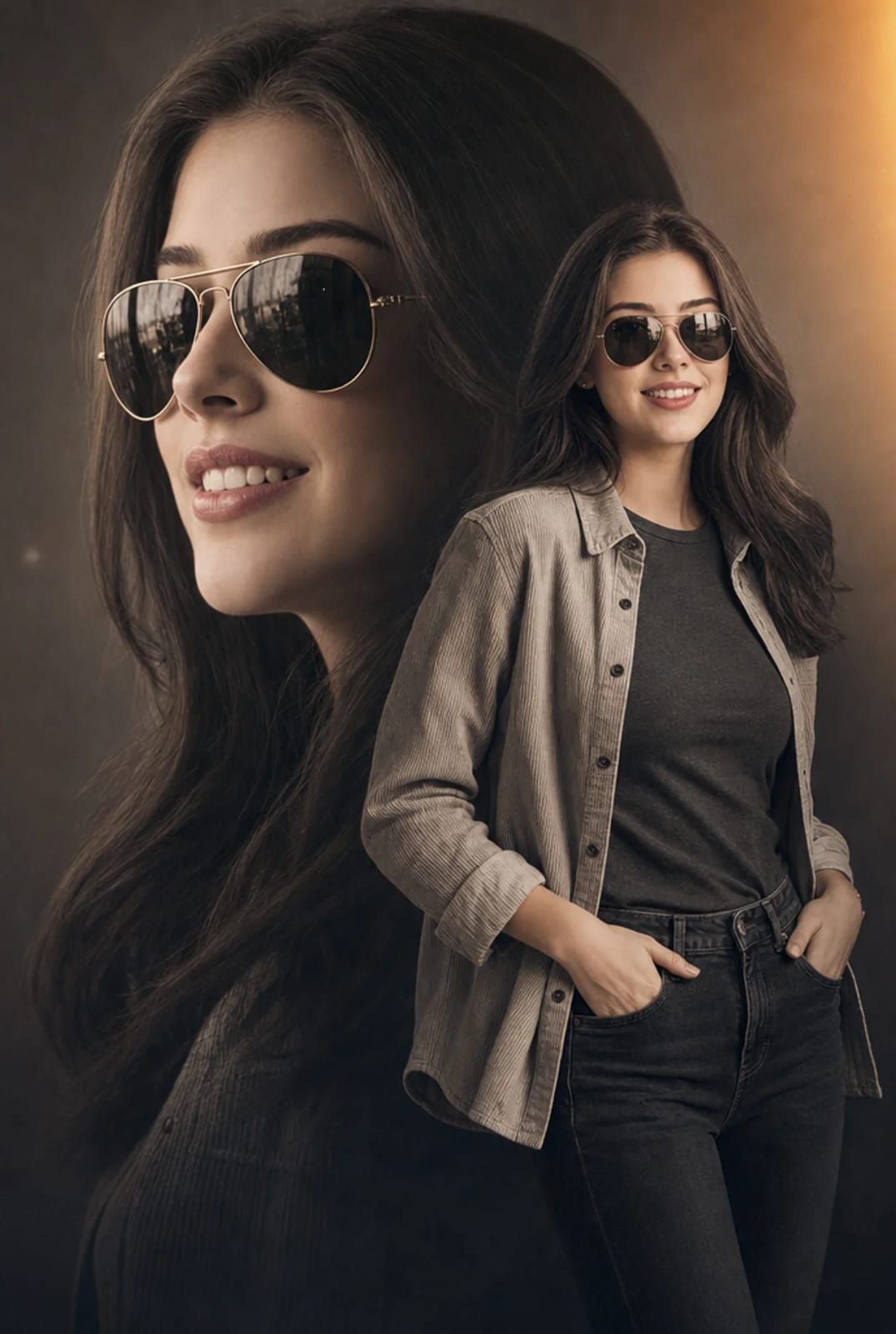
双重曝光时尚肖像
提示词
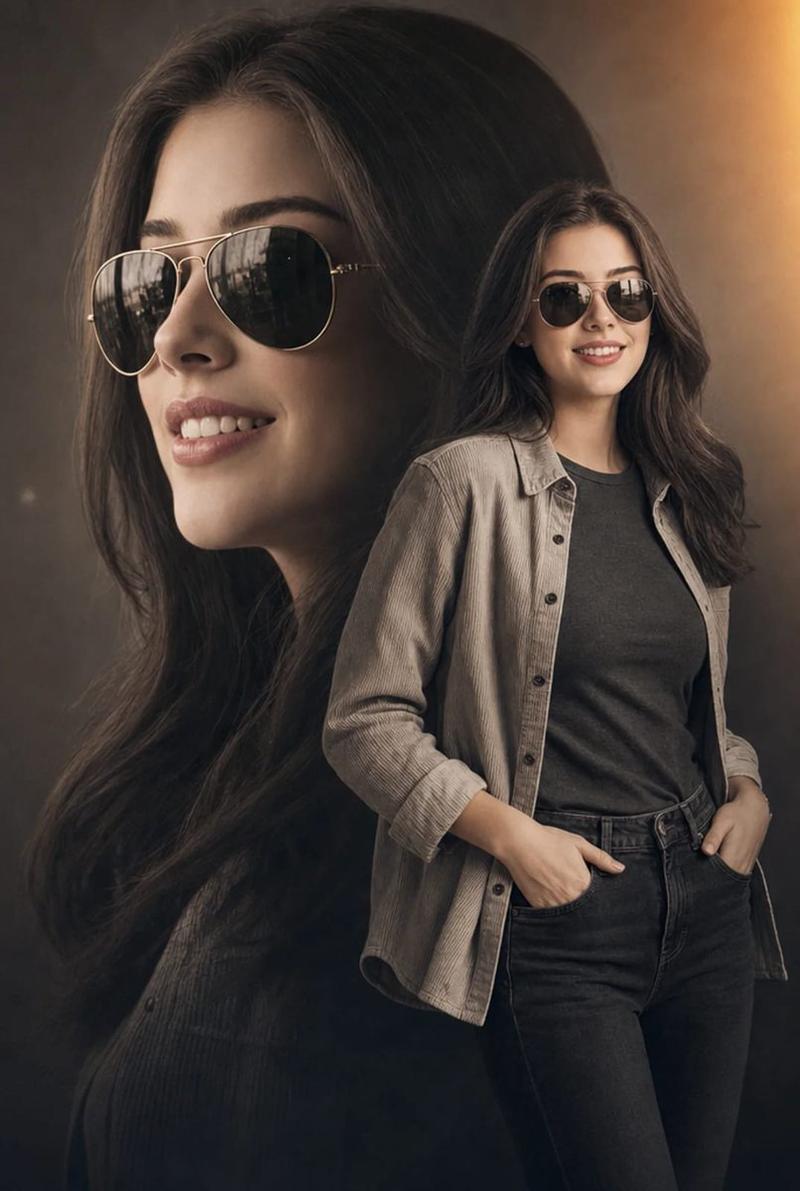
A cinematic double-exposure fashion portrait featuring a woman with the uploaded face used 100% as reference, wearing stylish metallic aviator sunglasses. The composition artfully blends a large, semi-transparent close-up profile of her face on the left with her full-body figure standing confidently on the right. She wears an open, light-grey textured corduroy shirt layered over a dark grey fitted t-shirt and dark denim jeans, posing naturally with her hands in her pockets. She has long, flowing dark hair, flawless skin, elegant feminine features, and a confident, sophisticated expression.

The background is a minimalist neutral studio setting, allowing the double-exposure composition to remain the visual focus. The color grading features a sophisticated warm desaturated sepia and charcoal palette, enhanced by a soft golden-orange light-leak flare in the upper-right corner. Professional 85mm lens photography with high-contrast yet soft cinematic lighting accentuates the fabric textures, facial details, and layered portrait effect.

Ultra-realistic skin texture, luxury fashion-editorial aesthetic, premium magazine-cover quality, subtle film grain, cinematic depth, elegant shadows, refined color grading, modern retro-inspired styling, masterpiece composition, ultra-sharp focus, visually striking storytelling, high-end commercial fashion campaign look.
- 分类
- 真实摄影
- 模型
- GPT Image 2
- 来源作者
- freestylefly
- 来源 ID
- 490
浏览量1