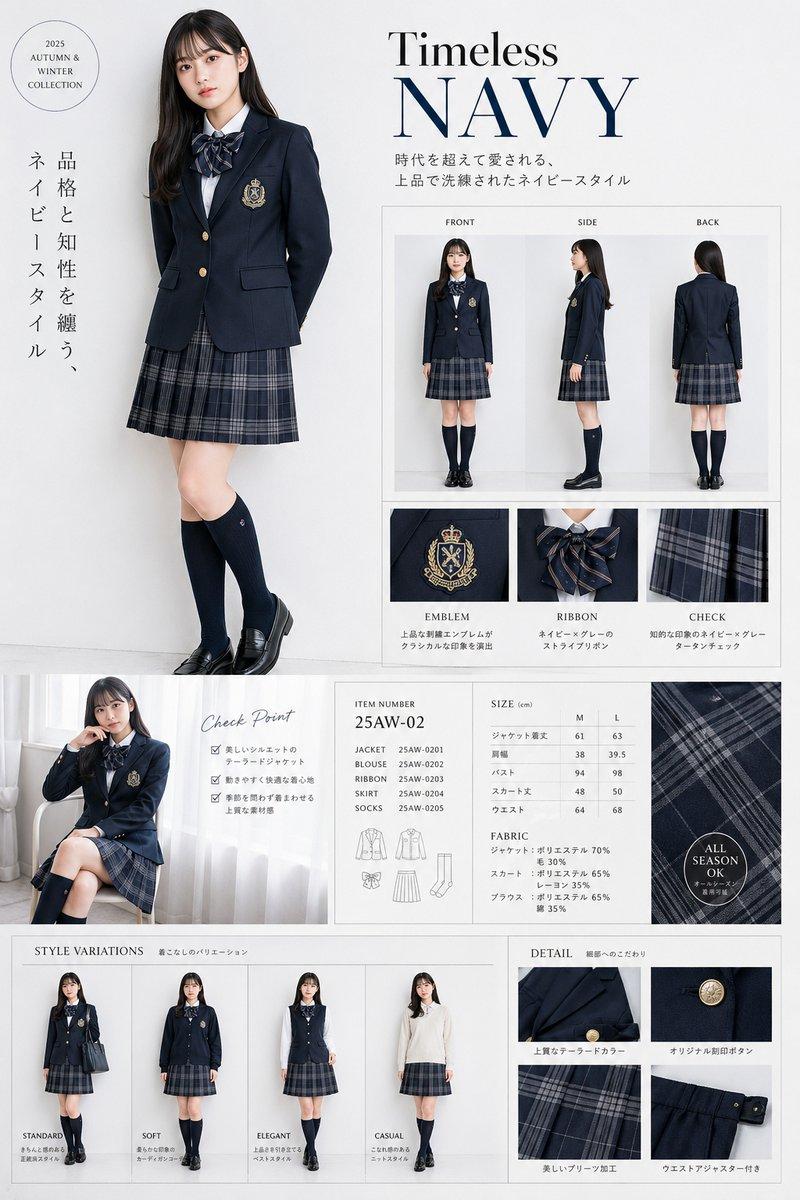
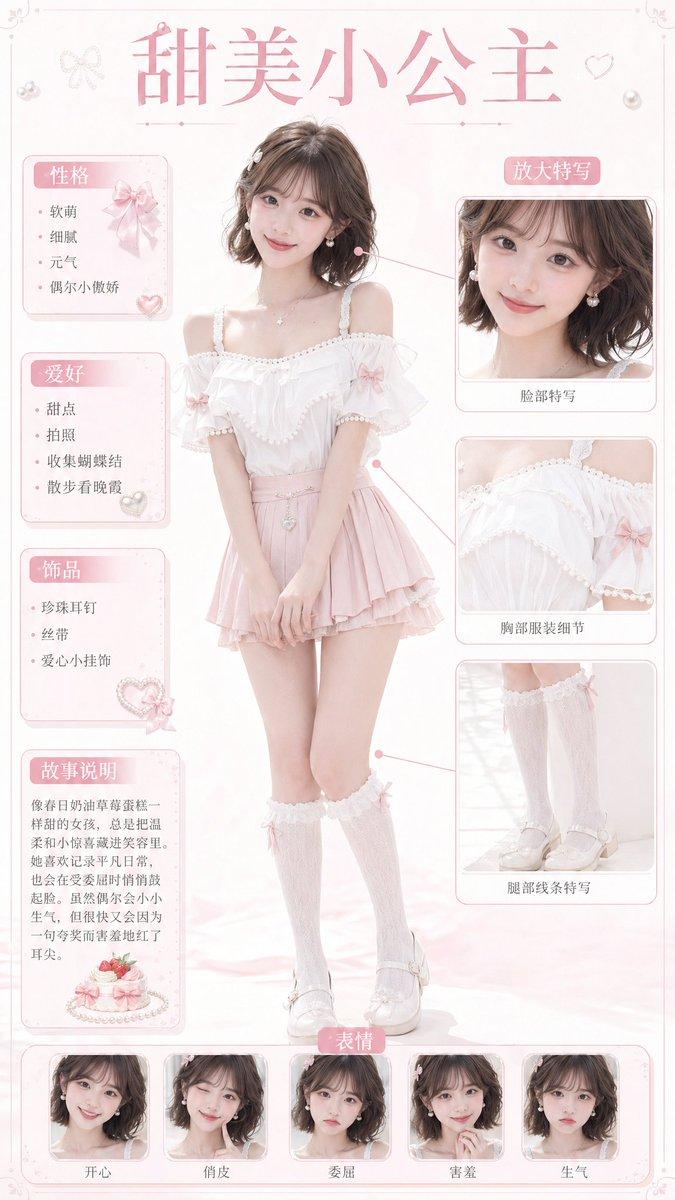
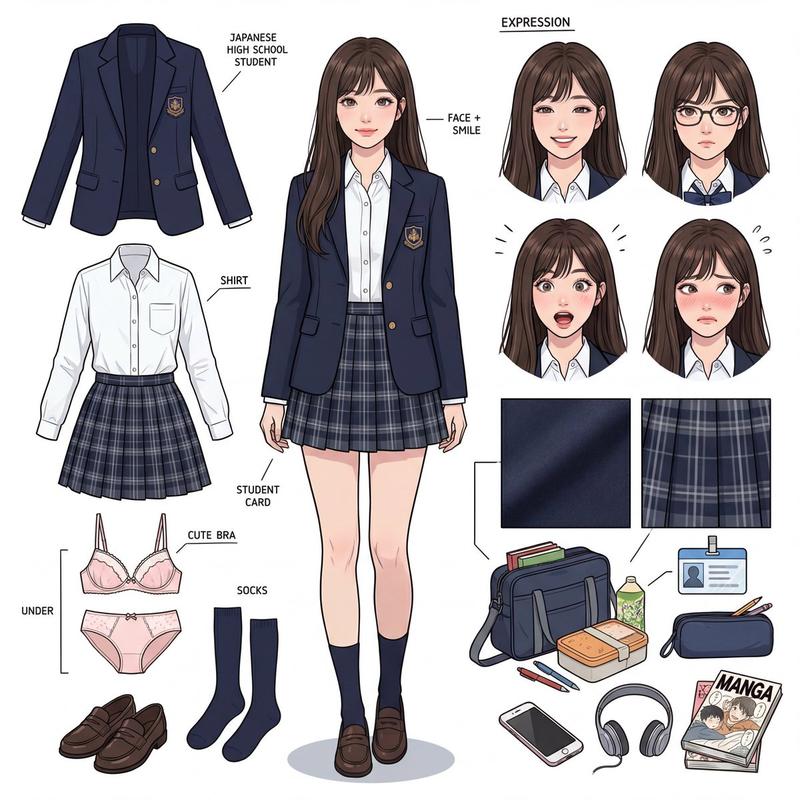
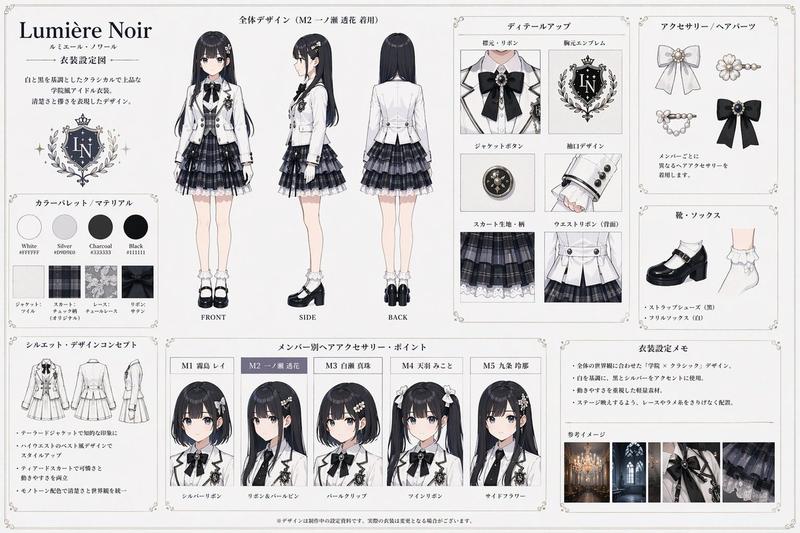
Outfit Breakdown Chart
提示词
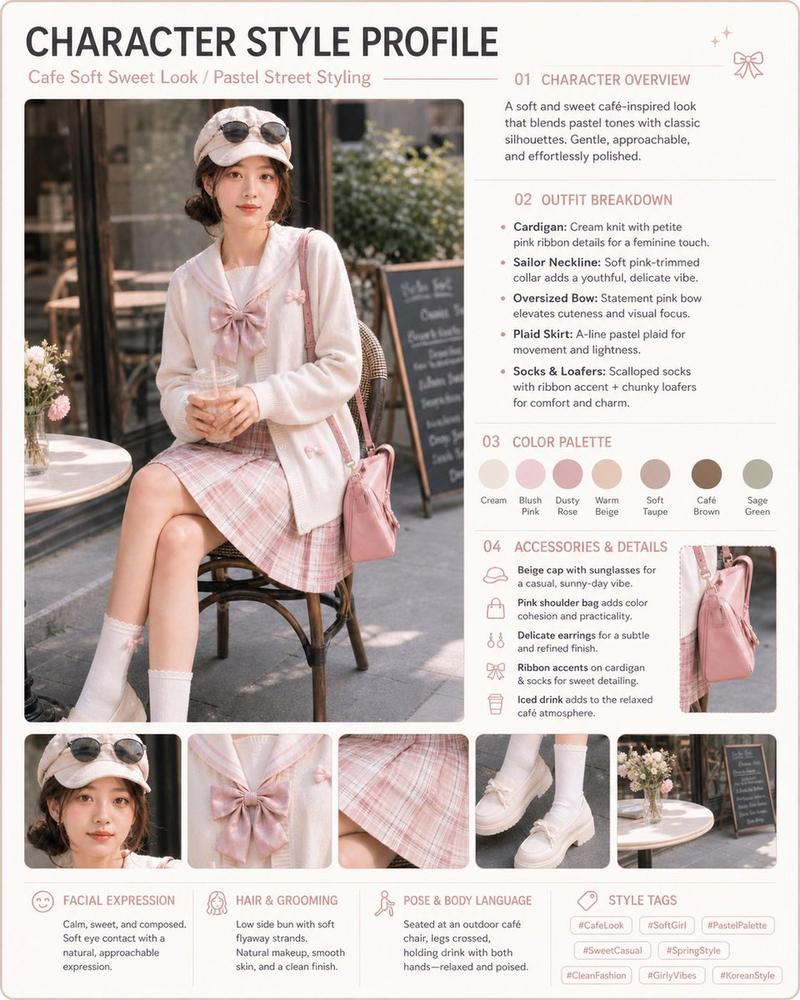
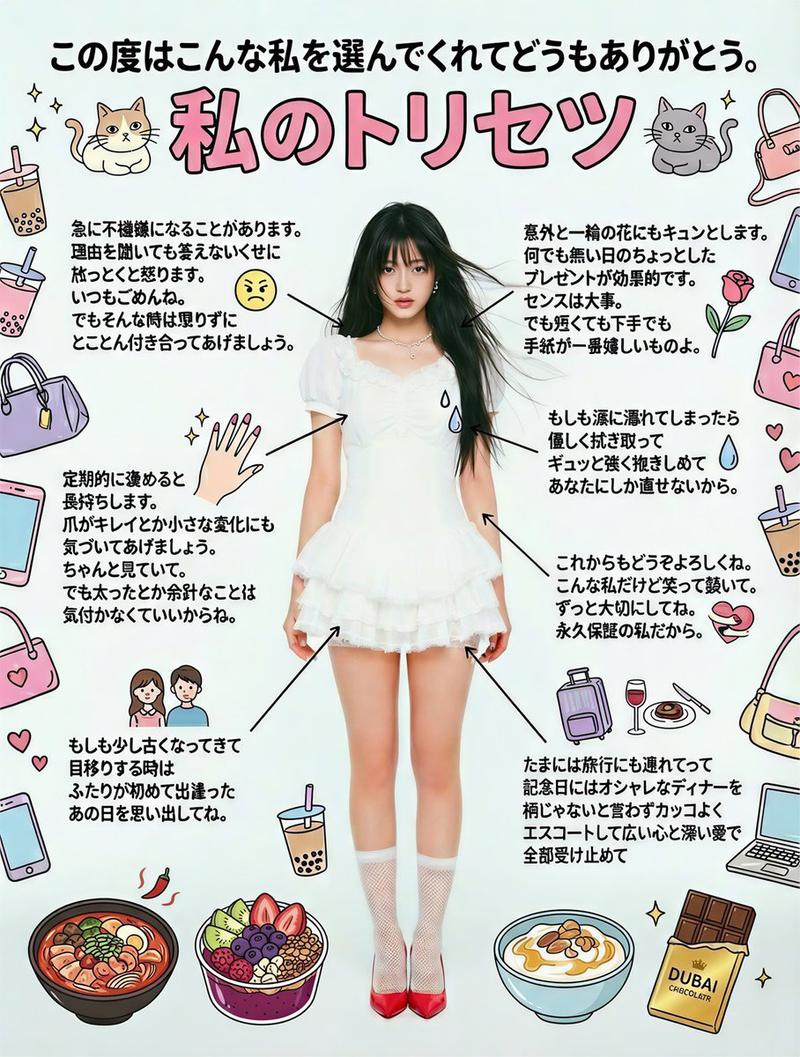
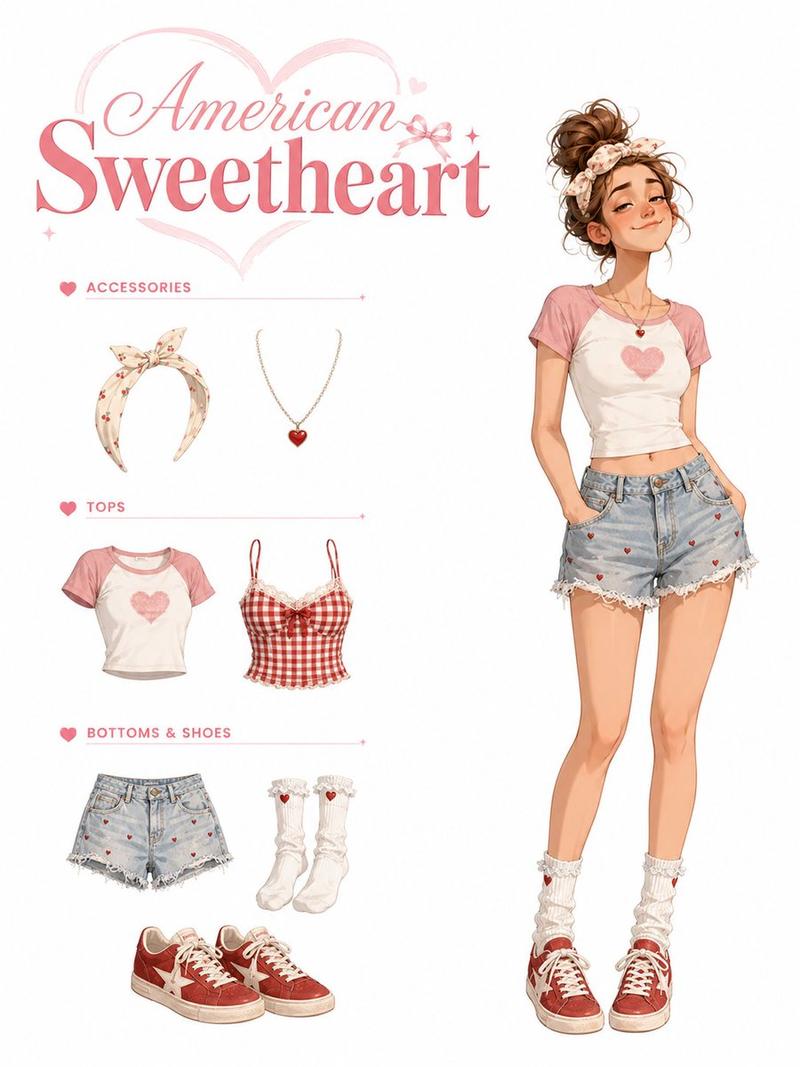
Create a clean vertical fashion infographic from the uploaded portrait. Preserve the same face identity, hairstyle, body shape, and overall outfit style. Place the full-body character in the center in a relaxed T-pose, facing forward. Surround the character with realistic photo-style outfit breakdown elements, connected by thin arrows.

Include separate cutout sections for: head details, cardigan, sailor top, inner blouse, plaid skirt, bag, socks, loafers, color palette, styling notes, and fabric texture. Add 3–4 head close-ups from different angles at the top. Use short English handwritten-style labels and concise bullet points.

Visual style: soft pastel cream and blush-pink background, clean fashion board layout, elegant magazine-style composition, sweet preppy aesthetic, realistic fabric textures, delicate borders, small bow and heart doodles, airy and polished design. Keep the text short, readable, and fully in English. Original vertical aspect ratio.

Negative Prompt:

Chinese text, long text, messy layout, old parchment background, yellow aged paper, blurry details, distorted face, changed identity, extra limbs, bad hands, duplicated body, unrealistic fabric, cartoon style, anime style, 3D render, watermark, logo, unreadable typography, overcrowded design, harsh colors, low resolution.
- 分类
- UI 与界面
- 模型
- GPT Image 2
- 来源作者
- EvoLinkAI
- 来源 ID
- ui-126
浏览量2