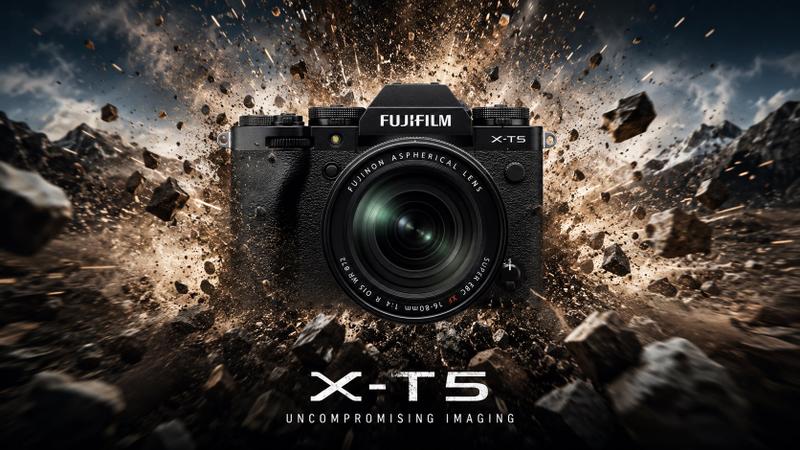
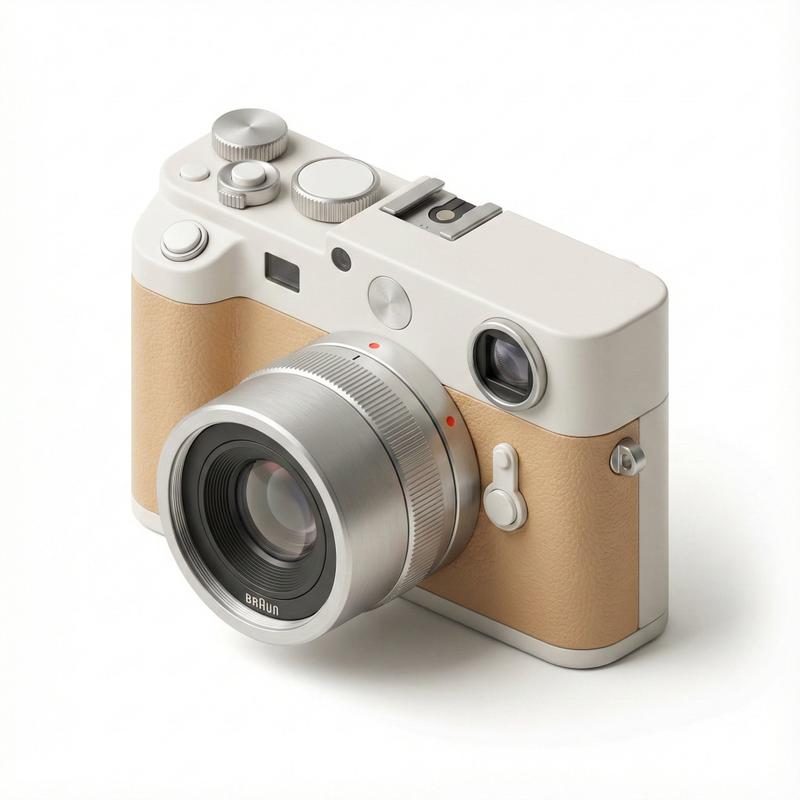
Sony Camera Reference Infographic
提示词
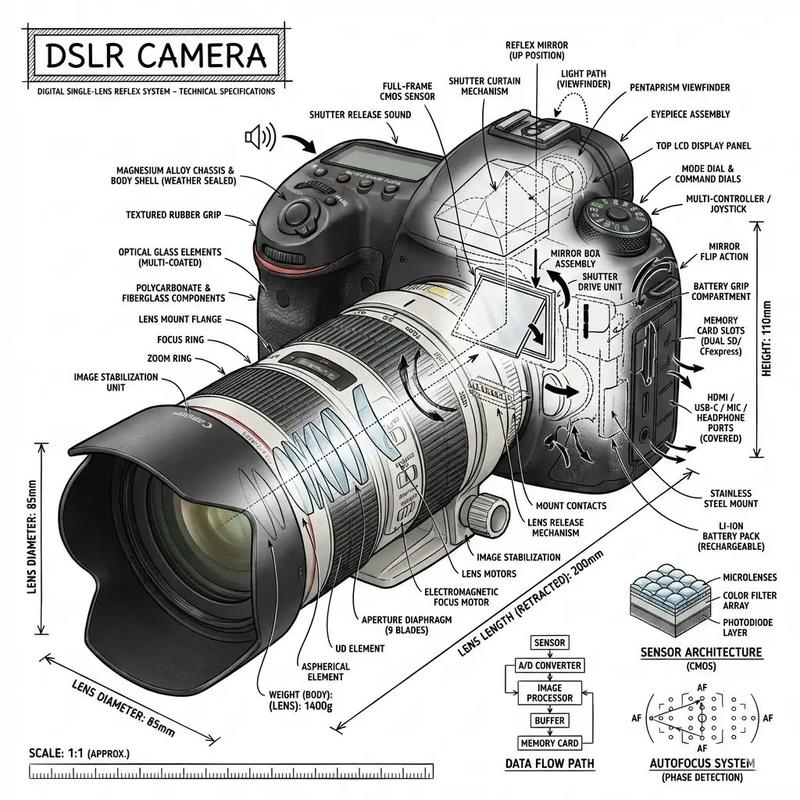
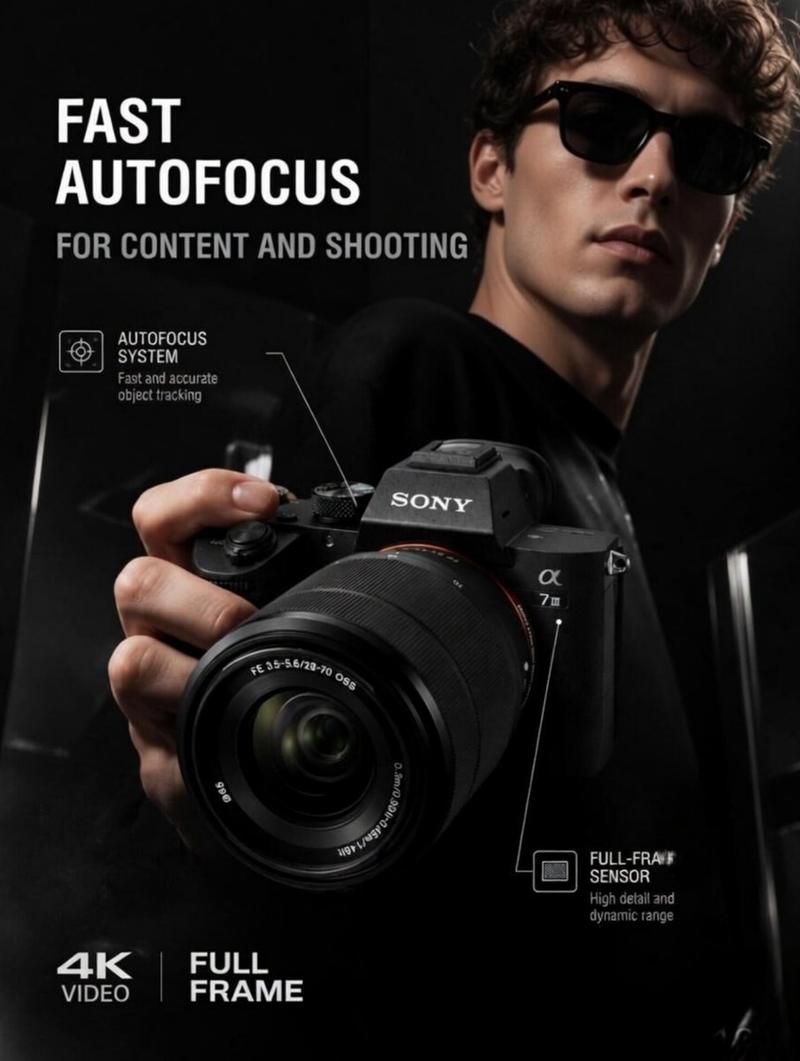
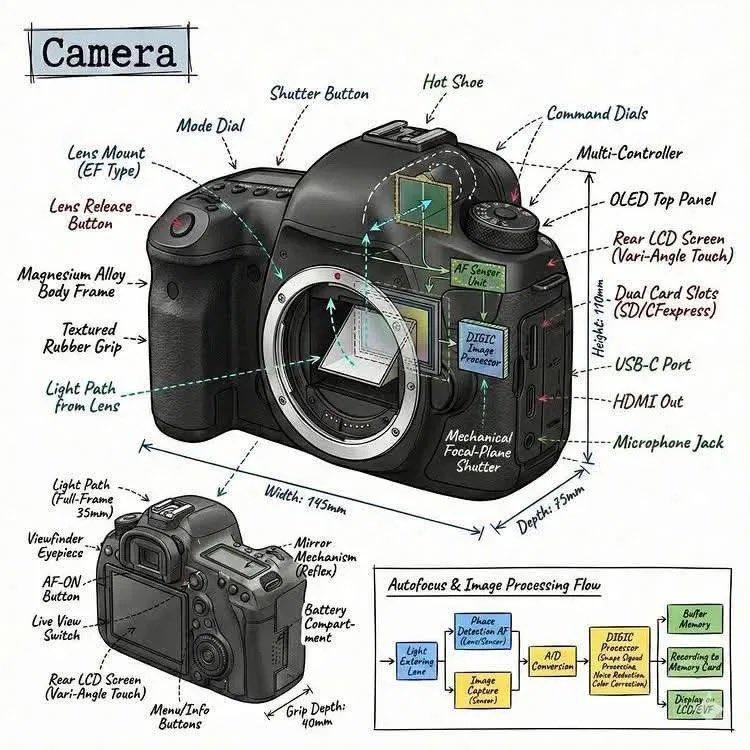
Create a premium square “reference-style photography equipment infographic” centered around a modern Sony mirrorless camera such as the {CAMERA_MODEL}, designed as a beautifully curated camera-engineering handbook page rather than a retail advertisement.

The composition should feel like a modern visual encyclopedia mixed with an elite photographer’s field guide and high-end editorial infographic system.

Visual Direction:

• 1:1 square composition
• Dark premium studio-tech background with subtle photography-grid textures, optical schematics, and cinematic UI overlays
• Elegant muted palette using matte black, graphite gray, titanium silver, warm orange accents, and subtle electric-blue highlights
• Refined editorial typography hierarchy
• Rounded modular information cards with clean spacing
• Gentle realistic reflections and premium HUD-style dividers
• Minimal professional photography iconography
• Extremely detailed central camera render viewed in dramatic three-quarter perspective with studio lighting and shallow depth-of-field aesthetics
• Thin precision annotation lines pointing toward camera hardware systems and imaging technologies
• Clean, organized “knowledge-first” layout with high information density but breathable spacing

Main Subject Presentation:

A stunning ultra-detailed realistic render of the {CAMERA_MODEL} placed at the center, featuring premium magnesium-alloy body textures, realistic lens glass reflections, tactile control dials, advanced sensor detailing, cinematic lighting, and ultra-realistic photography gear presentation.

Surround the camera with scientific and engineering callouts explaining:

• full-frame image sensor
• AI autofocus system
• image stabilization technology
• electronic viewfinder system
• advanced video recording features
• dual card-slot architecture
• battery performance system
• weather-sealed body design
• lens ecosystem compatibility
• wireless connectivity systems

Include modular infographic sections such as:

• Camera Overview
• Technical Specifications
• Dimensions & Build
• Sensor & Image Quality
• Processor & Performance
• Autofocus & Subject Tracking
• Video Recording Features
• Stabilization Technology
• Shooting Modes & Burst Performance
• Lens Ecosystem
• Battery & Power System
• Connectivity Features
• Professional Workflow Integration
• Included Accessories & Box Contents
• “Top 5 Reasons to Choose” section
• Ideal Photography & Filmmaking Use Cases

Add small premium visualization modules like:

• sensor cutaway diagrams
• autofocus coverage maps
• stabilization system graphics
• lens ecosystem displays
• battery performance charts
• video codec comparison tables
• camera blueprint dimensions
• menu/UI mockups
• accessory ecosystem visuals
• performance benchmark graphics

Style Keywords:

“premium photography encyclopedia”
“editorial camera handbook”
“high-end photography infographic”
“scientific imaging technology poster”
“museum-quality camera reference page”
“modular photography knowledge system”
“clean cinematography editorial design”
“ultra-detailed camera visualization”

Avoid:

• generic e-commerce advertisement aesthetics
• cluttered tech layouts
• unrealistic sci-fi hologram effects
• cartoon camera styling
• excessive cyberpunk neon overload
• low-detail product renders

The final result should resemble a professionally published photography-equipment reference-book page created for photographers, cinematographers, content creators, camera collectors, engineers, and educational imaging archives.- 分类
- UI 与界面
- 模型
- GPT Image 2
- 来源作者
- EvoLinkAI
- 来源 ID
- ui-155
浏览量0