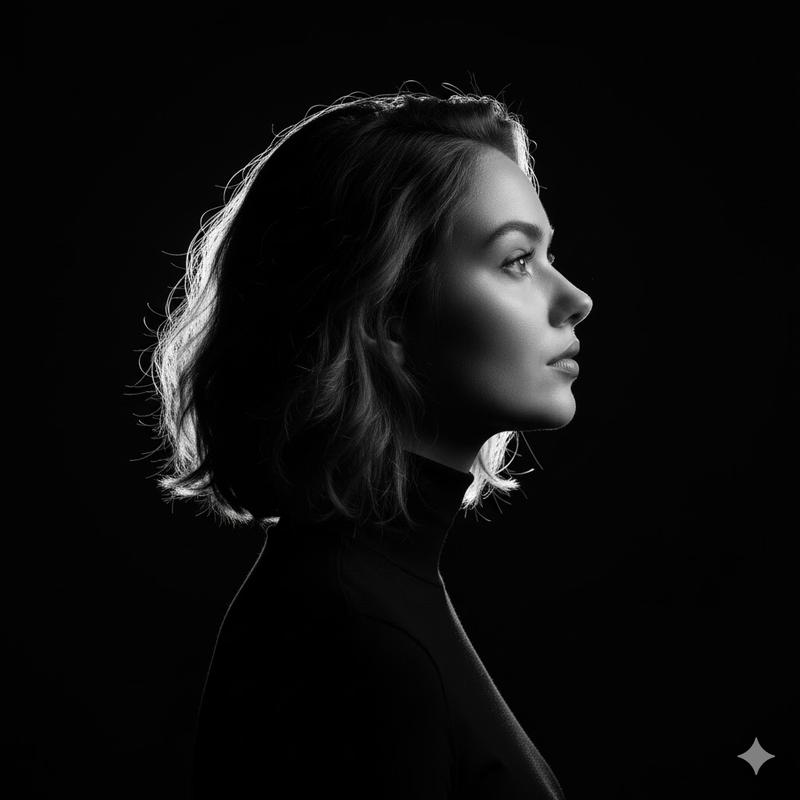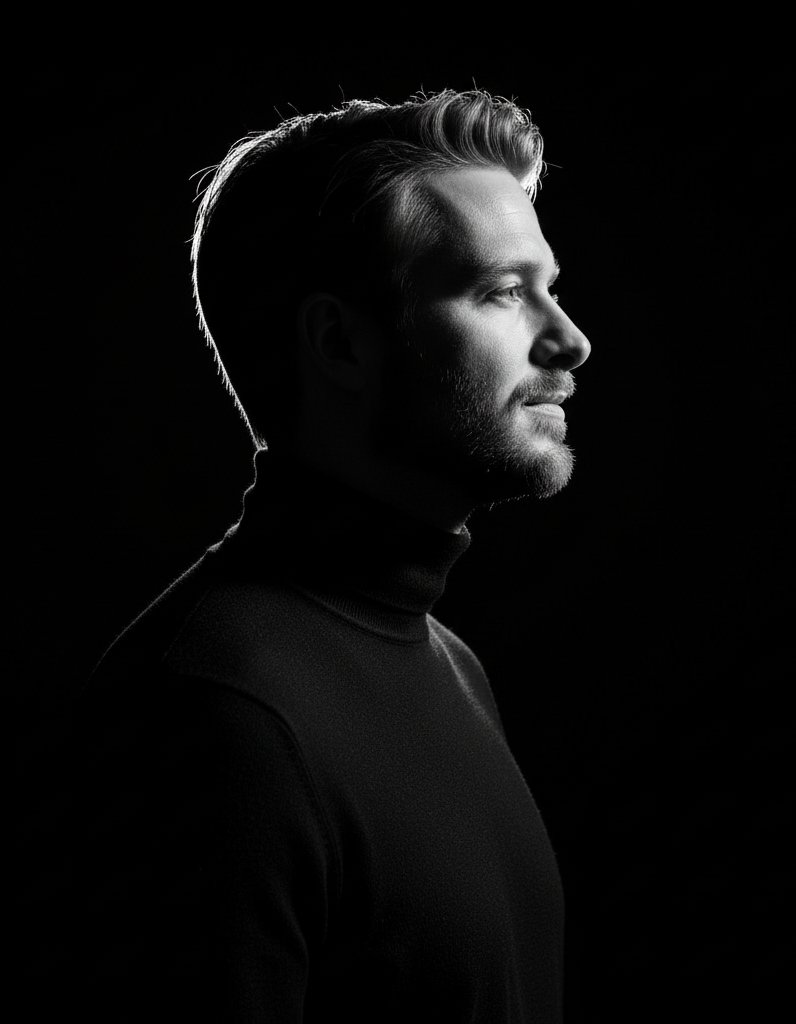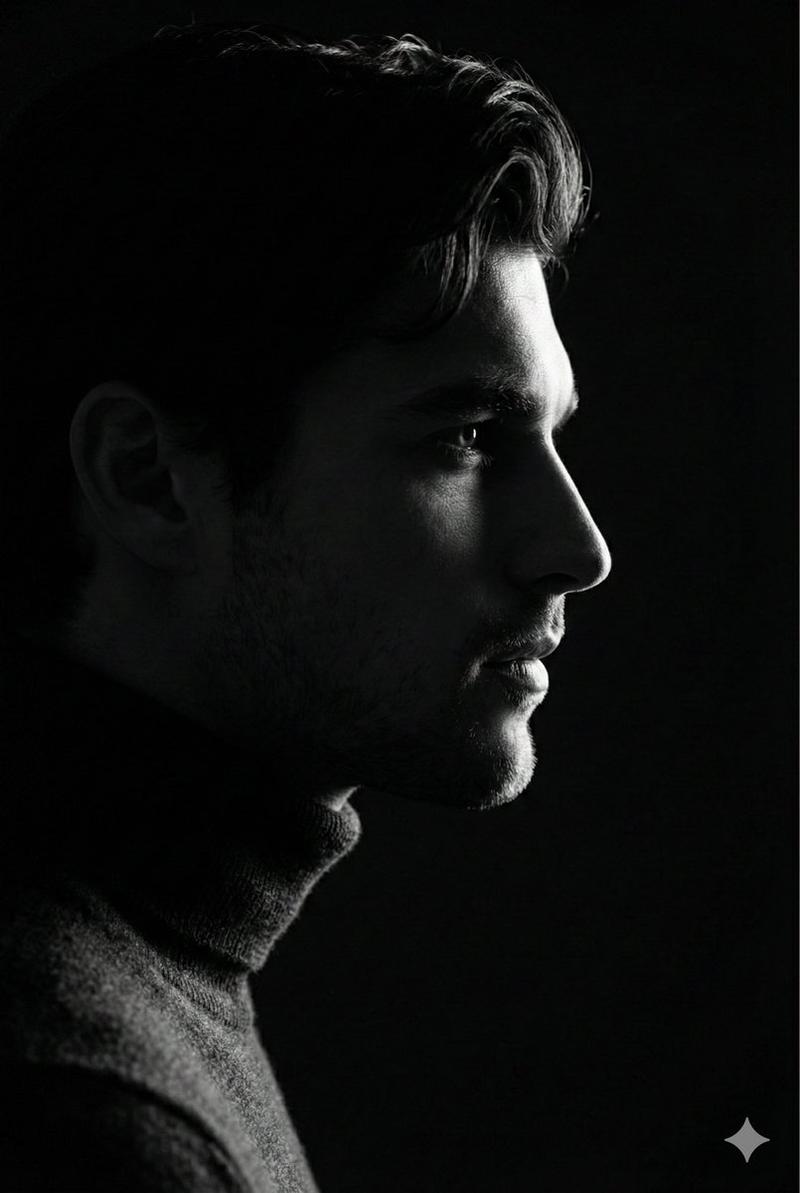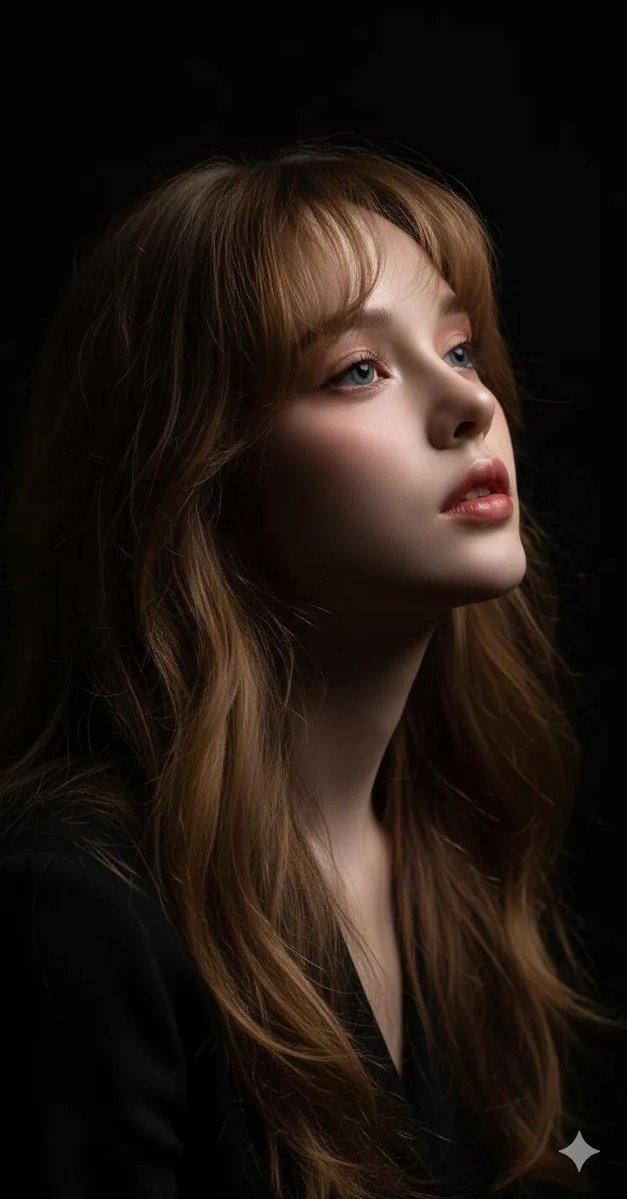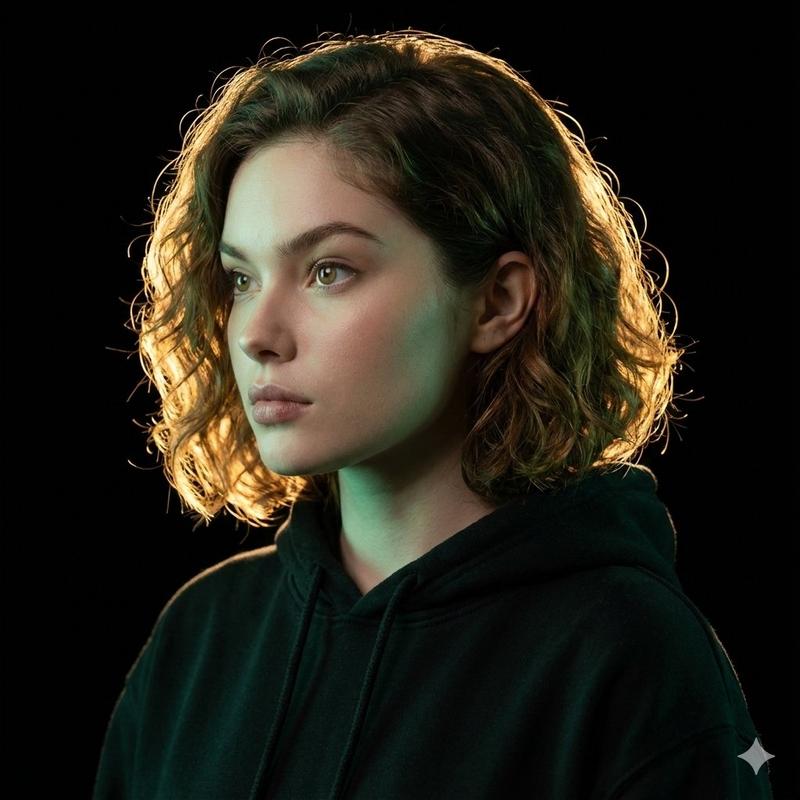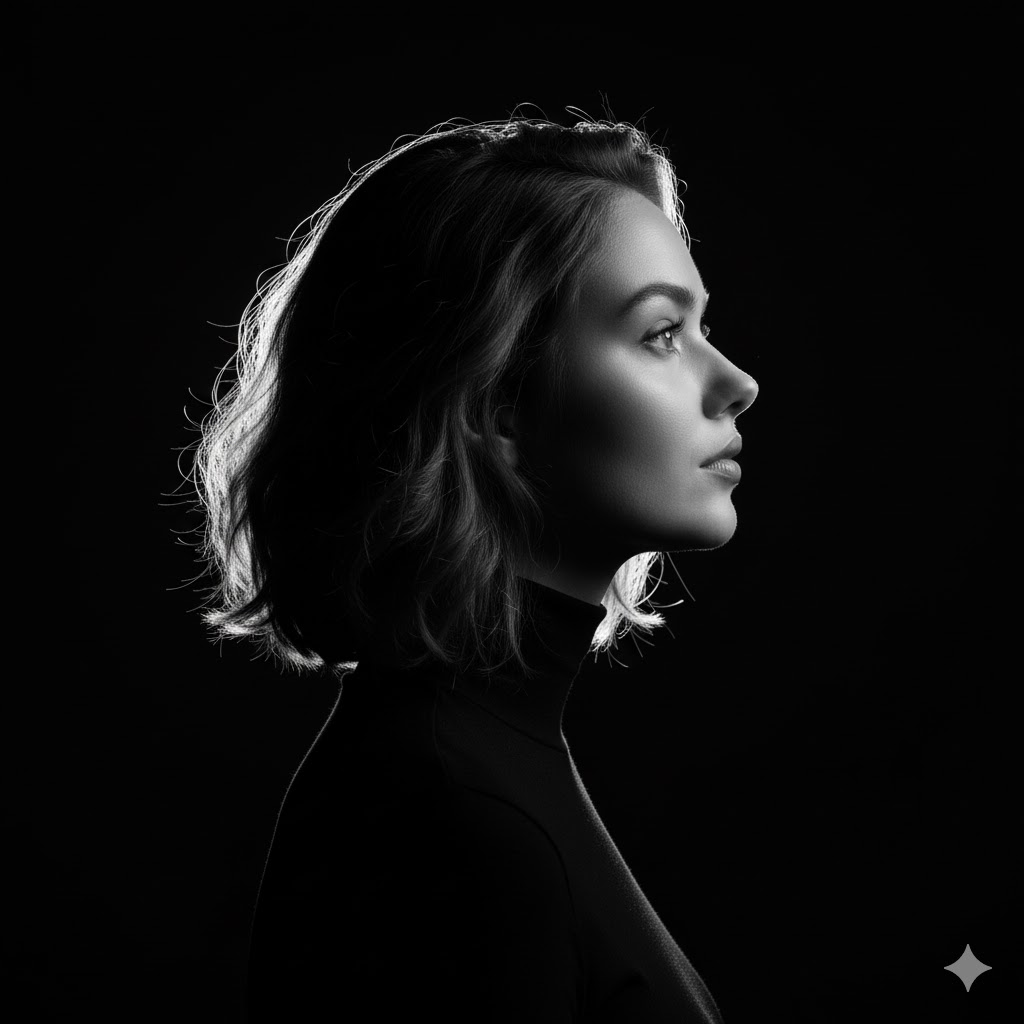
{ "title": "High-Contrast Monochrome Side-Profile Rim-Lit Portrait (use user face reference)", "m...
提示词
{
  "title": "High-Contrast Monochrome Side-Profile Rim-Lit Portrait (use user face reference)",
  "model": "stable-diffusion-xl-v1-0",
  "size": "2048x3072",
  "reference_image": "face.jpg",
  "use_reference_for": ["face", "hairstyle", "skin_tone", "facial_proportions"],
  "prompt": "Use the provided face reference (preserve identity and same short hairstyle, no face-morphing). Create a stark, high-contrast black-and-white side-profile portrait (monochrome). Subject: gender-neutral / slightly masculine, short hair, clean profile, wearing a dark form-fitting turtleneck that disappears into pure black background. Composition: strict side-profile (face turned ~90° from camera) looking slightly upward and to the side, conveying contemplation/aspiration. Lighting: single extremely hard, concentrated light placed directly behind and slightly to the side of the subject to produce a very narrow, intense rim light that traces the head, jawline, brow, neck and arm — rim should be razor-sharp and bright white against a true black background; the rest of the face should remain in deep shadow with only the rim defining contours. Camera & technical: photorealistic, 85mm medium telephoto, shallow depth of field (tight head-and-shoulders crop), fine film grain, extremely high dynamic range (emphasize bright rim vs deep black), crisp detail at edges, subtle skin texture visible where rim light catches it. Mood & style: cinematic, minimalist, austere, dramatic. Preserve natural facial features, avoid stylization or exaggeration. Ensure the turtleneck blends into the background with no visible seams, and avoid visible props or background elements. Final output: black-and-white, high contrast, ultra-photorealistic, high-resolution.",
  "negative_prompt": "no color, no makeup exaggeration, no glasses, no jewelry, no logos, no text, no watermark, no extra limbs, no face-morphing, no heavy retouching or plastic look, no smiling, no open mouth, no visible teeth, no background details, avoid painterly or illustrative styles, avoid soft or diffuse rim light (rim must be hard and narrow).",
  "sampling": {
    "sampler": "Euler a",
    "steps": 28,
    "cfg_scale": 7.5,
    "seed": -1
  },
  "postprocessing": {
    "convert_to_monochrome": true,
    "contrast_boost": 1.4,
    "sharpen_edges": true,
    "add_film_grain": "subtle"
  },
  "safety": {
    "preserve_identity": true,
    "allow_face_reference": true,
    "consent_required": "user_provided_reference",
    "face_editing_rules": "do not alter identity, maintain hairstyle, no age or gender shifting beyond subtle photorealistic lighting effects"
  },
"notes_for_operator": "Attach the user's reference image as 'face.jpg' before running. Verify the generator uses the reference only for face & hairstyle; enforce strict negative prompts to prevent stylization or background artifacts. Output requested: one high-resolution PNG, monochrome.- 分类
- creative_scene
- 模型
- Nano Banana Pro
- 来源作者
- Pixshop
- 来源 ID
- 30e091f1-c171-4e7c-a53e-fb5a54711b78
- 发布时间
- 2026年1月14日
浏览量33