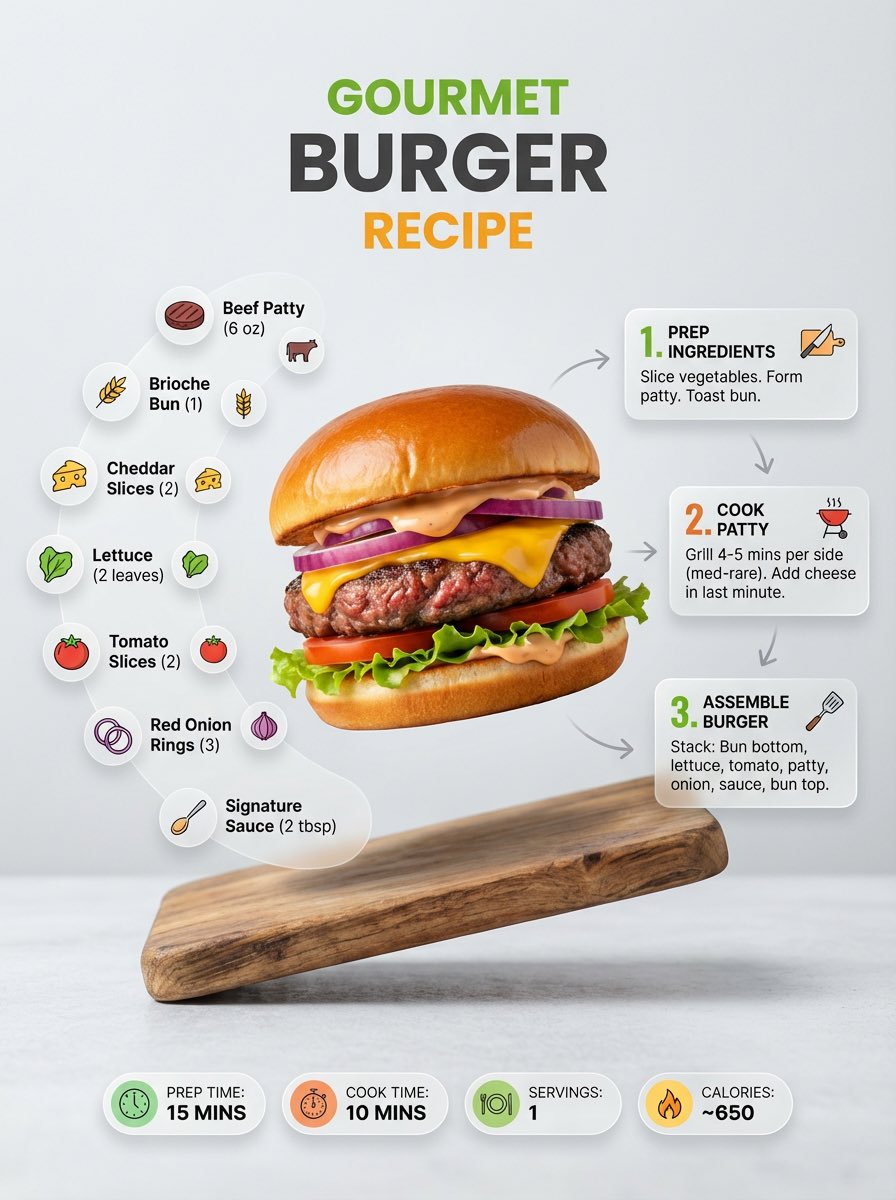
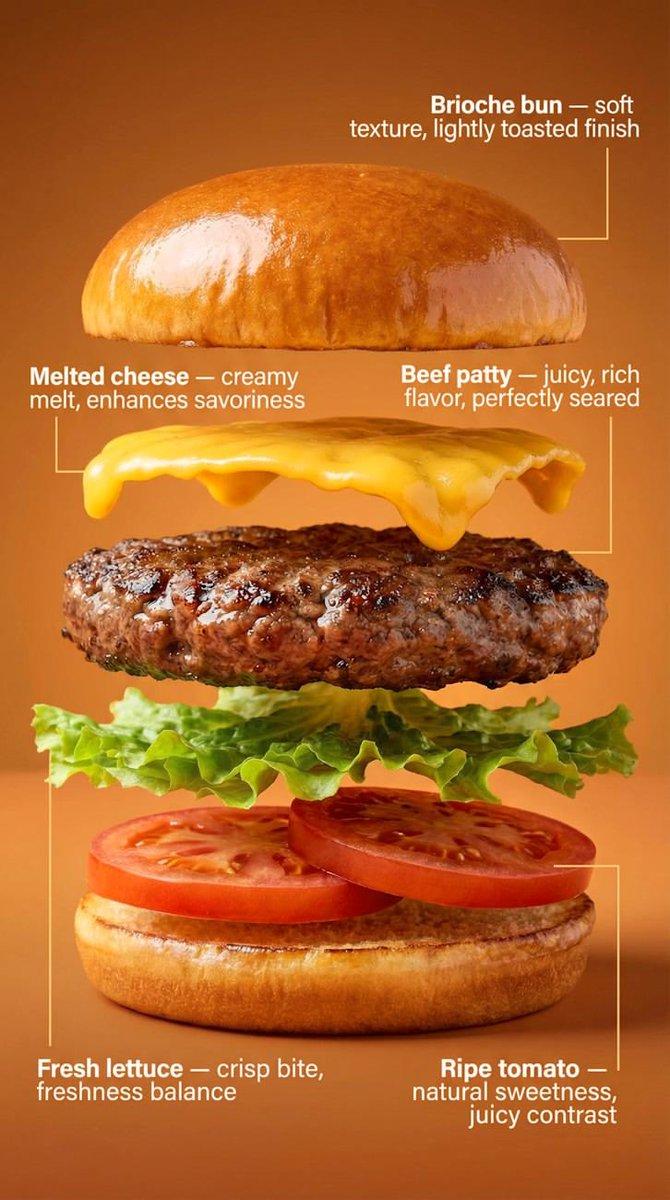
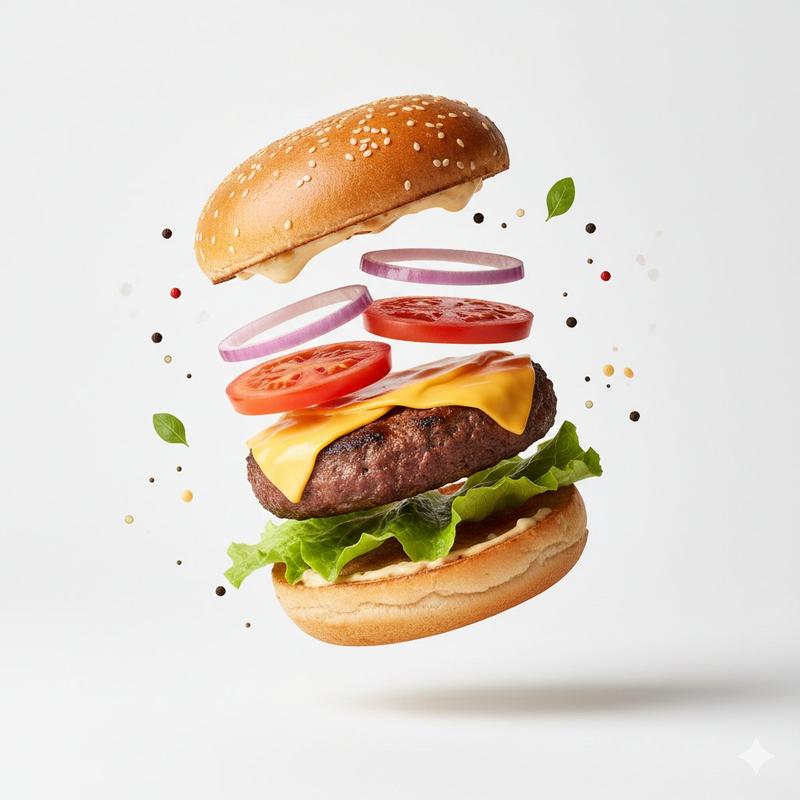
Create a highly detailed miniature surreal scene in which tiny human figures int
提示词
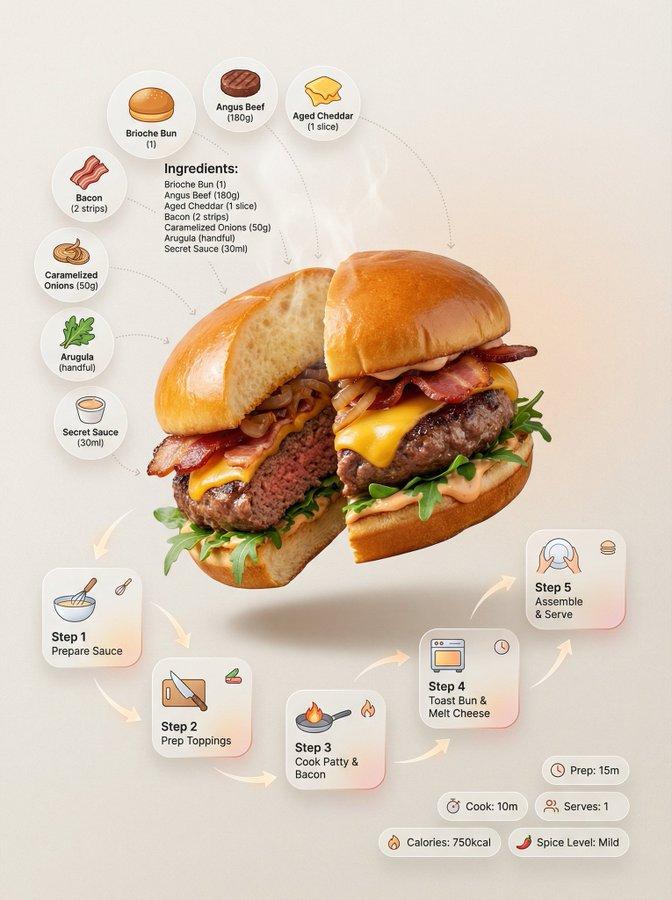
Create a highly detailed miniature surreal scene in which tiny human figures interact realistically with the Hamburger product shown in the reference image. The characters should behave as if the product is their entire world, with all visual elements naturally adapting to the product’s shape, scale, and characteristics—without any forced or predefined assumptions.

Ensure that the interactions between the figures and the product subtly and coherently convey the Hamburger brand identity and its intended use. Use a clean visual composition with a minimalist background to keep the focus on the product and the storytelling.

Apply cinematic lighting, crisp shadows, and sharp photographic techniques. Seamlessly integrate the Hamburger logo into the scene, and add a short tagline that naturally adapts to the product context.

Requirements:
1:1 aspect ratio · ultra-detailed · photorealistic · clean, professional production style.
- 分类
- 商品图
- 模型
- Nano Banana 2
- 来源作者
- xie underwood
- 来源 ID
- 1222
- 发布时间
- 2026年3月24日
浏览量53

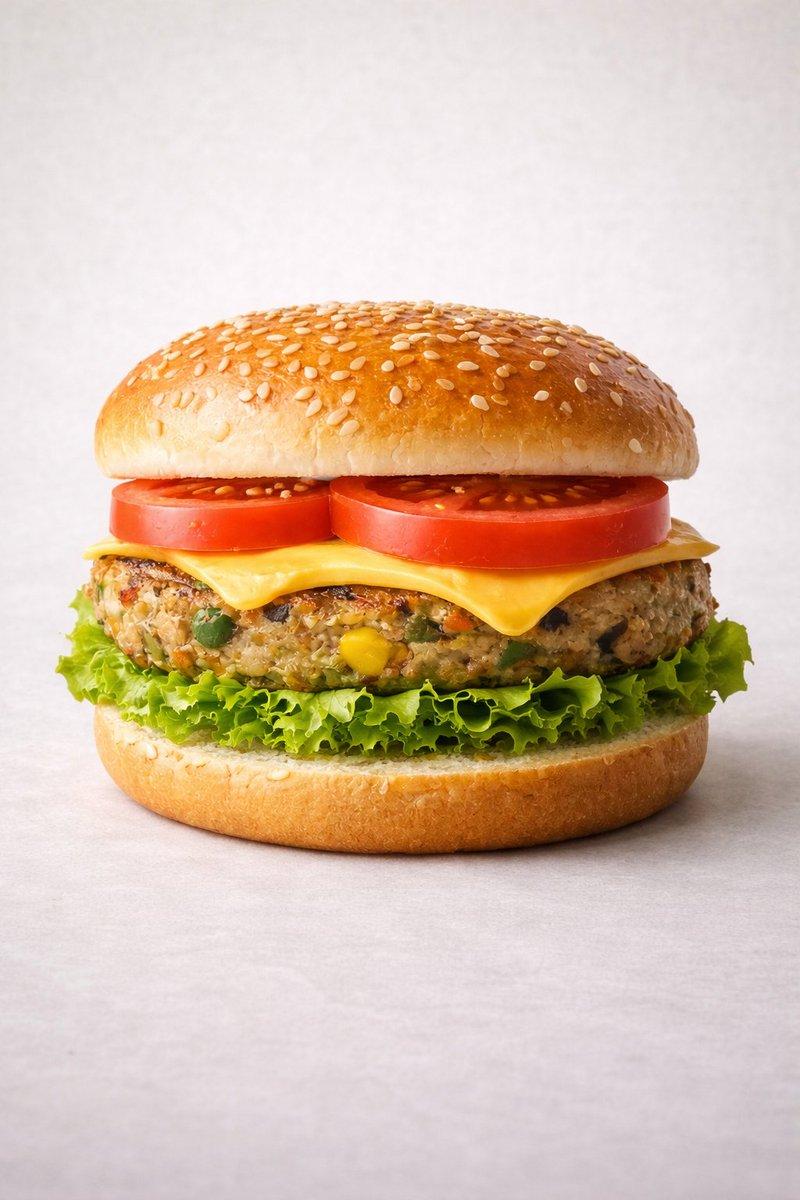


![Clean contemporary square culinary poster featuring [FOOD_ITEM] against a flat [](https://i.pixshop.app/storage/v1/render/image/public/prompt-source-media/promptsref/work-47/image-1-07e81b6d0aabbe55.png?width=800&quality=75&resize=contain)