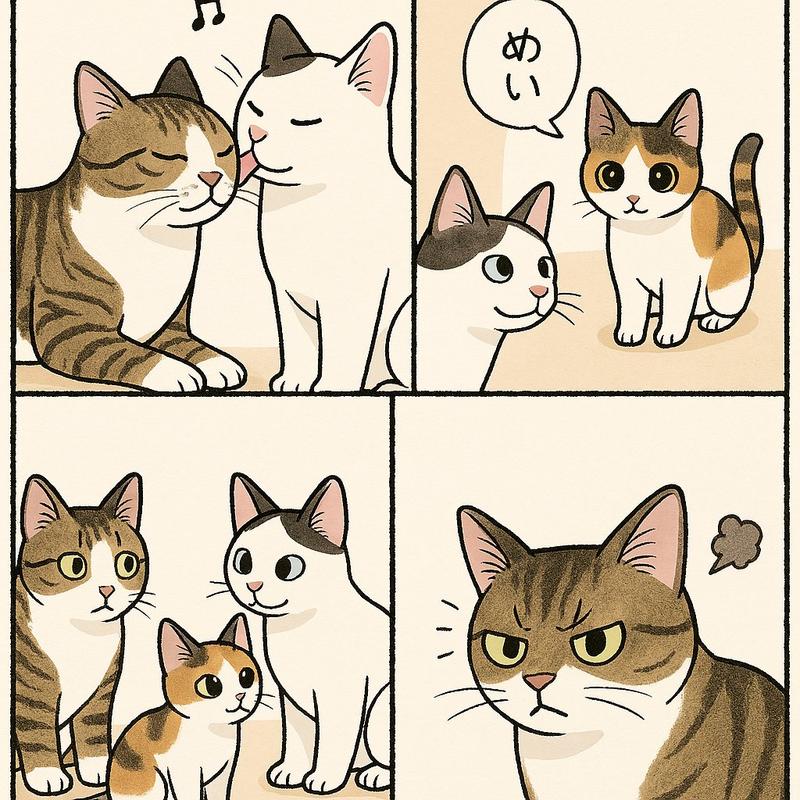
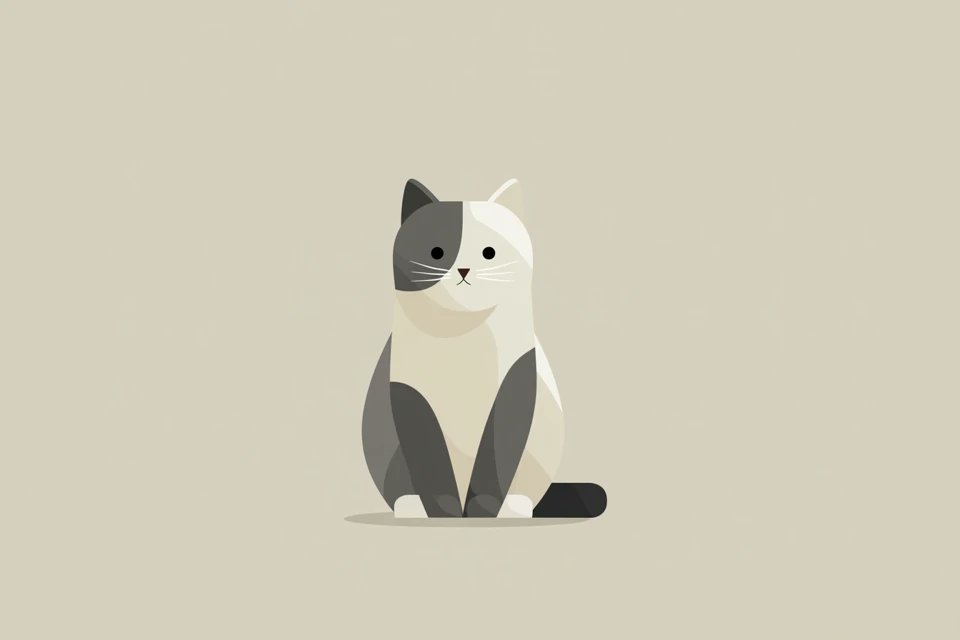
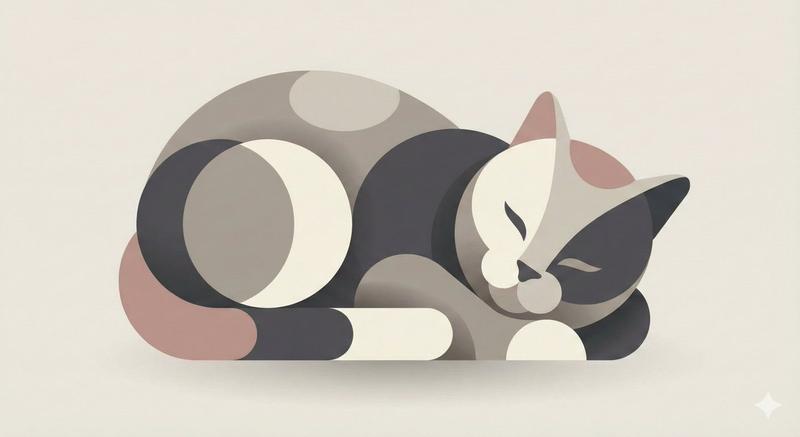
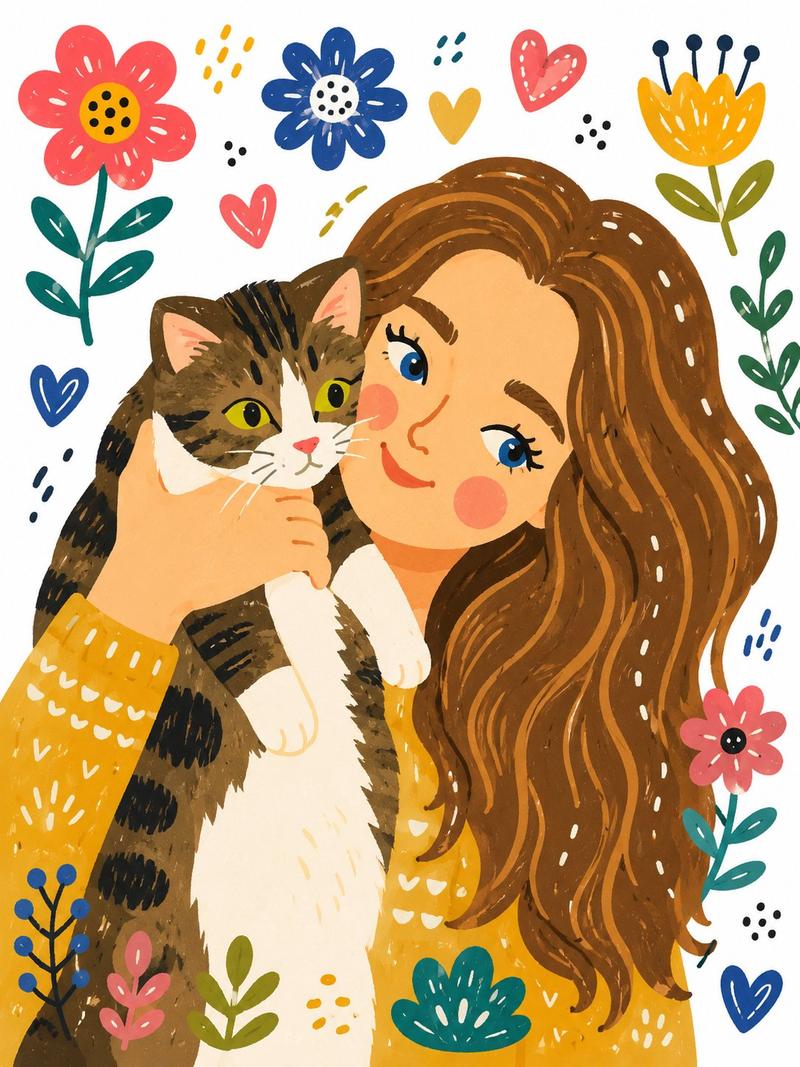
{ "style_name": "Loose Scribble Riso Print Style", "style_slug": "loose-scribble
提示词
{
"style_name": "Loose Scribble Riso Print Style",
"style_slug": "loose-scribble-riso-print-style",
"style_version": "1.0.0",
"style_summary": "A sparse handmade riso or screenprint poster style with one large simplified subject, wavering black contour drawing, rough off-white paper, flat blue and coral-red overprint accents, handwritten margin text, and visible print grain.",
"environment_variables": {
"SUBJECT": "The new main subject or simplified object for the print.",
"SUBJECT_ACTION": "The simple pose, placement, or action of the subject.",
"PRODUCT_OR_PROP": "A small supporting prop or object detail that is not the original source prop.",
"LOCATION": "A minimal setting or surface that grounds the subject.",
"BACKGROUND_ELEMENTS": "Sparse background details such as a border, ground line, paper speckles, or one small accent mark.",
"MAIN_TEXT": "A short handmade phrase to place near the margin.",
"SECONDARY_TEXT": "Tiny supporting handwritten text or edition-like microcopy that does not mimic the source identity marks.",
"ACCENT_SYMBOL": "One small decorative mark, scribble, star, arrow, dot, or stamp-like accent.",
"WARDROBE_STYLE": "Styling direction for any character or object treatment, kept flat and handmade.",
"STYLE_FIDELITY_ANCHORS": "Observable style traits that must remain visible in the generated sample.",
"SOURCE_CONTENT_TO_AVOID": "Literal source content that generated samples must not recreate.",
"ASPECT_RATIO": "9:16 or 16:9"
},- 分类
- 海报营销
- 模型
- GPT Image 2
- 来源作者
- xie underwood
- 来源 ID
- 29902
- 发布时间
- 2026年6月17日
浏览量71