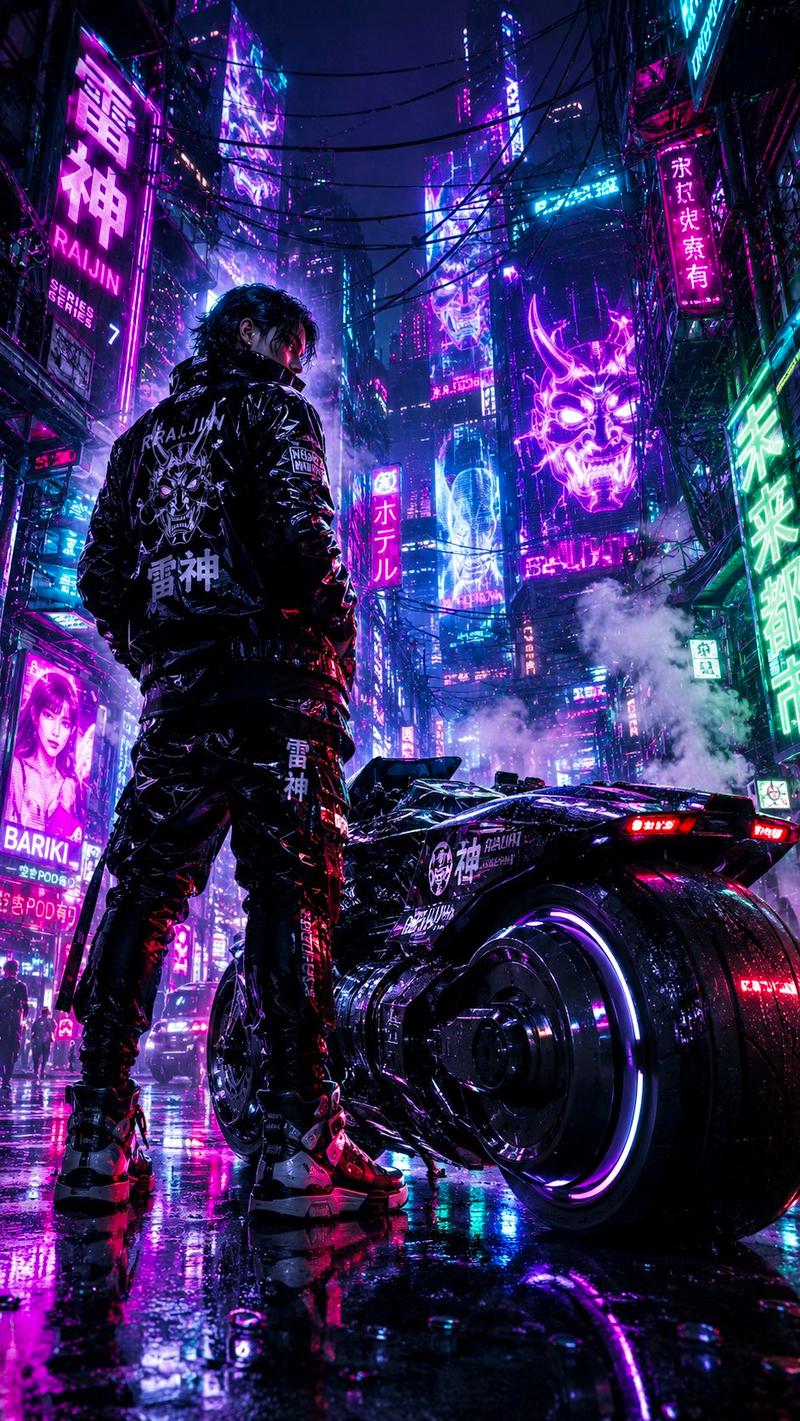
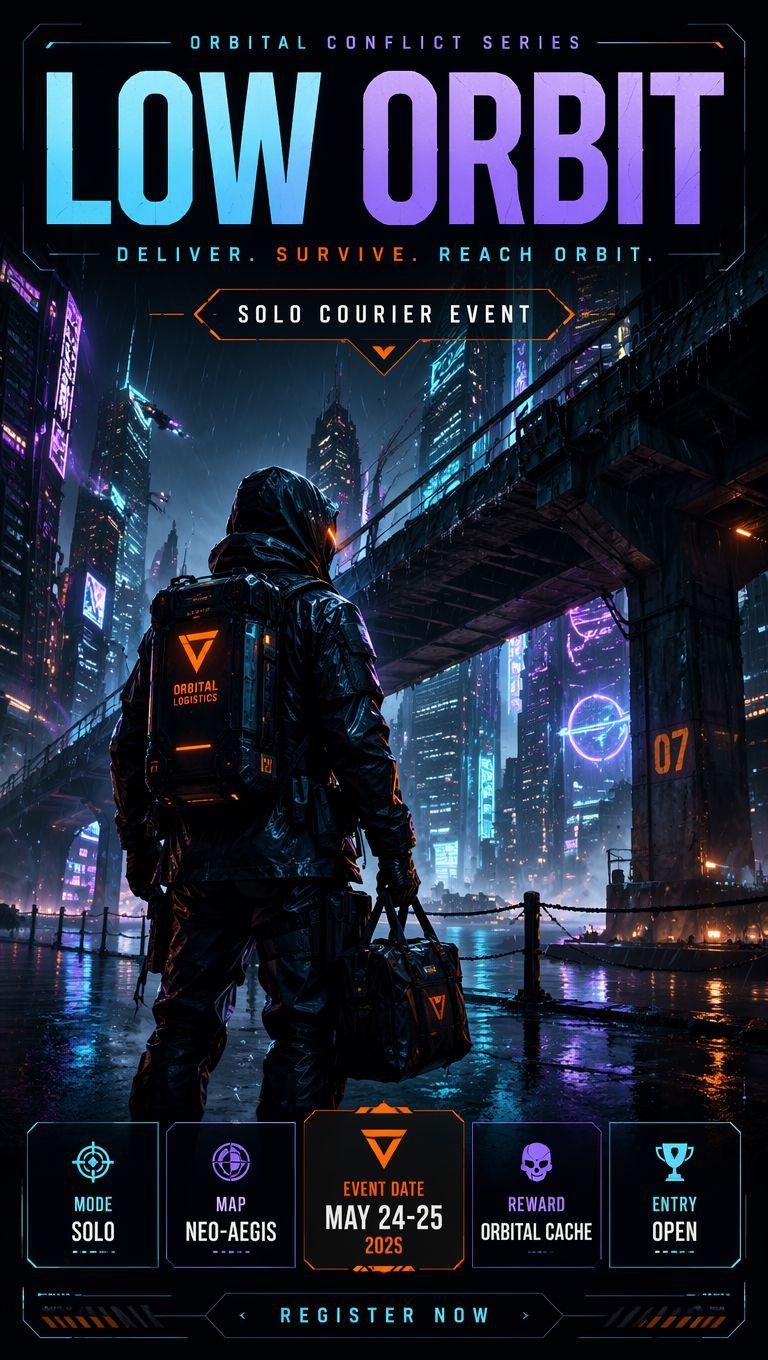
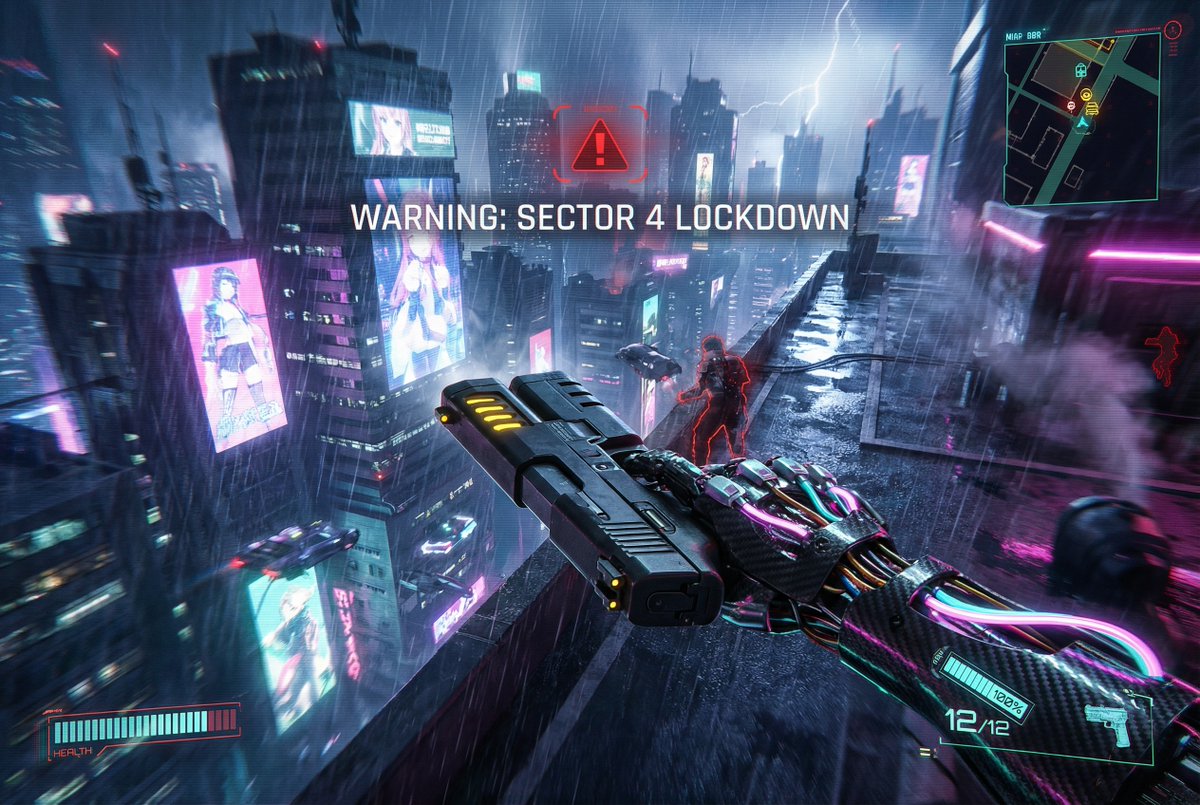
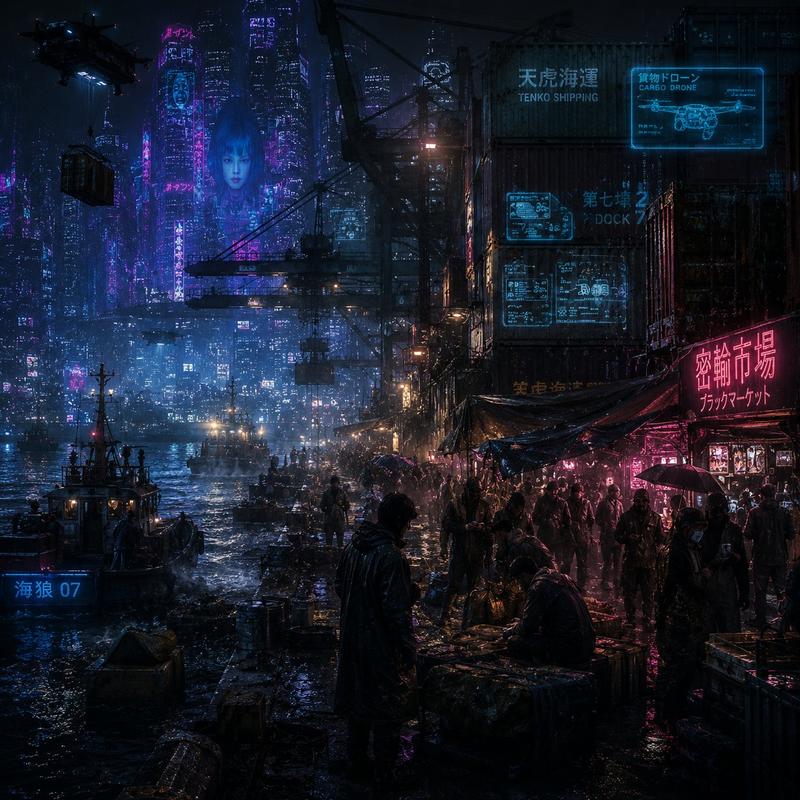
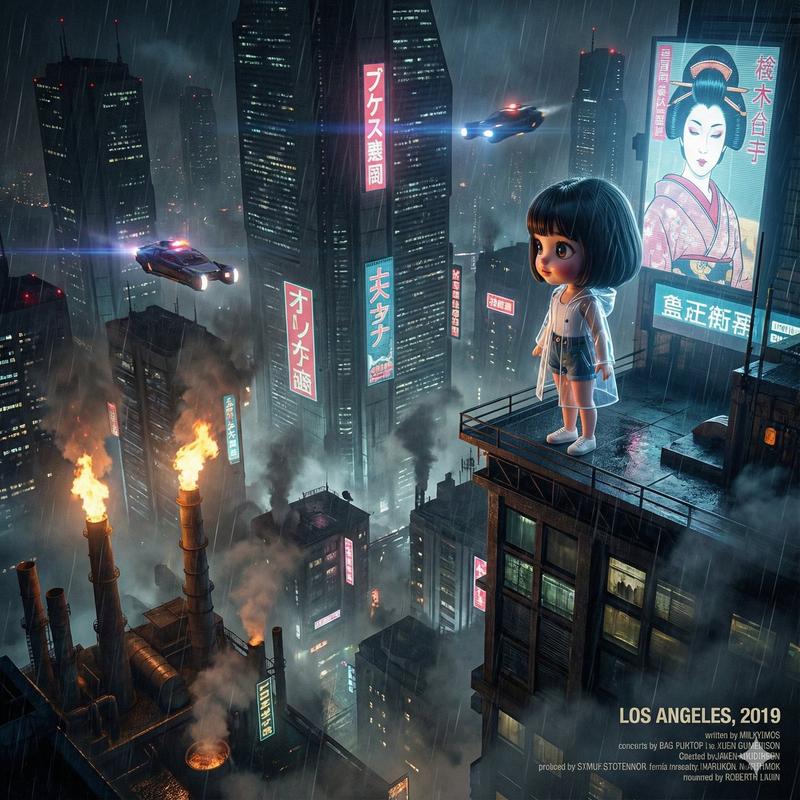
Use the uploaded photo as the facial and body reference
提示词
Use the uploaded photo as the facial and body reference. Preserve the same facial structure, skin tone, glasses, durag, silver chain, and confident expression. Transform the outfit into a futuristic drive-in restaurant employee uniform inspired by cyberpunk Japan. The uniform should be sleek black with neon cyan and purple accents, holographic name badge, illuminated shoulder patches, high-tech utility belt, fingerless gloves, and subtle armor plating. Standing at a retro-futuristic drive-thru ordering station during the late evening in a neon-lit city. Behind him are glowing menu screens with holographic food icons, autonomous delivery drones, self-driving vehicles, rain-slick pavement reflecting colorful lights, animated billboards, and futuristic skyscrapers. The restaurant blends 1990s American drive-in aesthetics with advanced cyberpunk technology. Cinematic composition, low-angle perspective, dramatic rim lighting, volumetric fog, reflective surfaces, ultra-detailed anime rendering, realistic proportions, intricate clothing folds, vibrant neon lighting, highly detailed eyes, Ghost in the Shell (1995) aesthetic, Production I.G.-inspired mechanical design, futuristic technology, sharp line art, beautiful color grading, masterpiece, best quality, 8k anime illustration.
- 分类
- 商品图
- 模型
- GPT Image 2
- 来源作者
- KINGTAE330
- 来源 ID
- 37251
- 发布时间
- 2026年6月27日
浏览量25