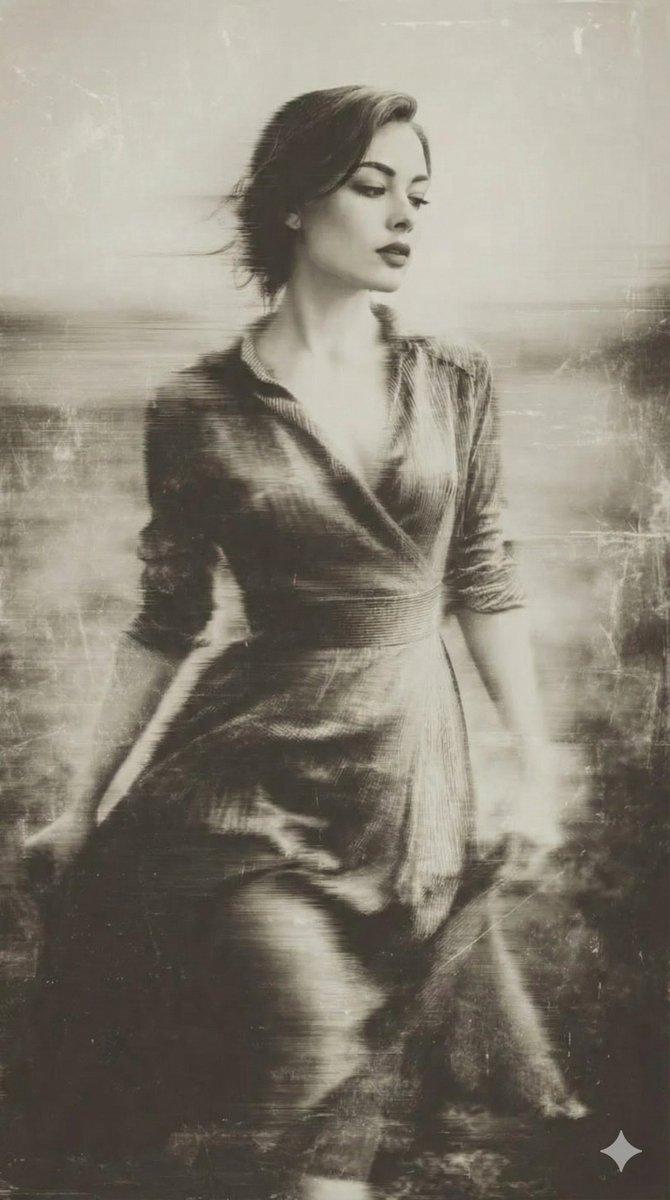
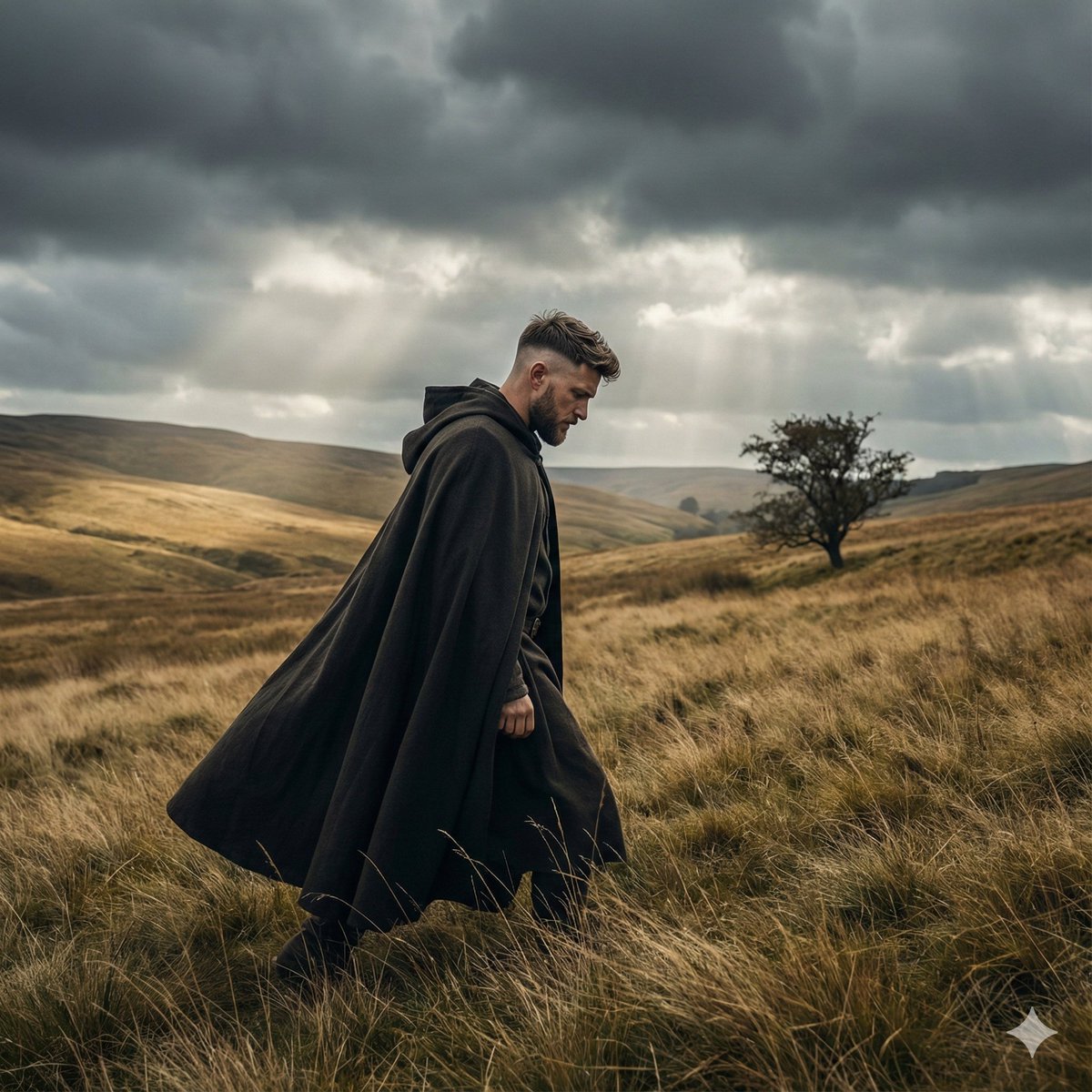
![[Title]: [custom] [Series Name]: [Wind Field Portraits / custom] [Subject]: [e](https://i.pixshop.app/storage/v1/render/image/public/prompt-source-media/promptsref/work-48111/image-1-f474054bb999c133.png?width=1200&quality=80&resize=contain)
[Title]: [custom] [Series Name]: [Wind Field Portraits / custom] [Subject]: [e
提示词
[Title]: [custom]
[Series Name]: [Wind Field Portraits / custom]
[Subject]: [e.g. young East Asian woman]
[Outfit]: [e.g. black knit dress / white dress / dark green long dress]
[Scene]: [e.g. grass field / reed field / hillside / coastal grassland]
[Weather]: [e.g. overcast / stormy / strong wind]
[Mood]: [e.g. quiet / cold / distant]
[Color Tonel: [e.g. grey-green low saturation / film-like]
[Aspect Ratio]: [e.g. 3:4 | 4:5 / 9:16]
Create a cinematic outdoor editorial portrait poster titled [Title] from the series [Series Name].
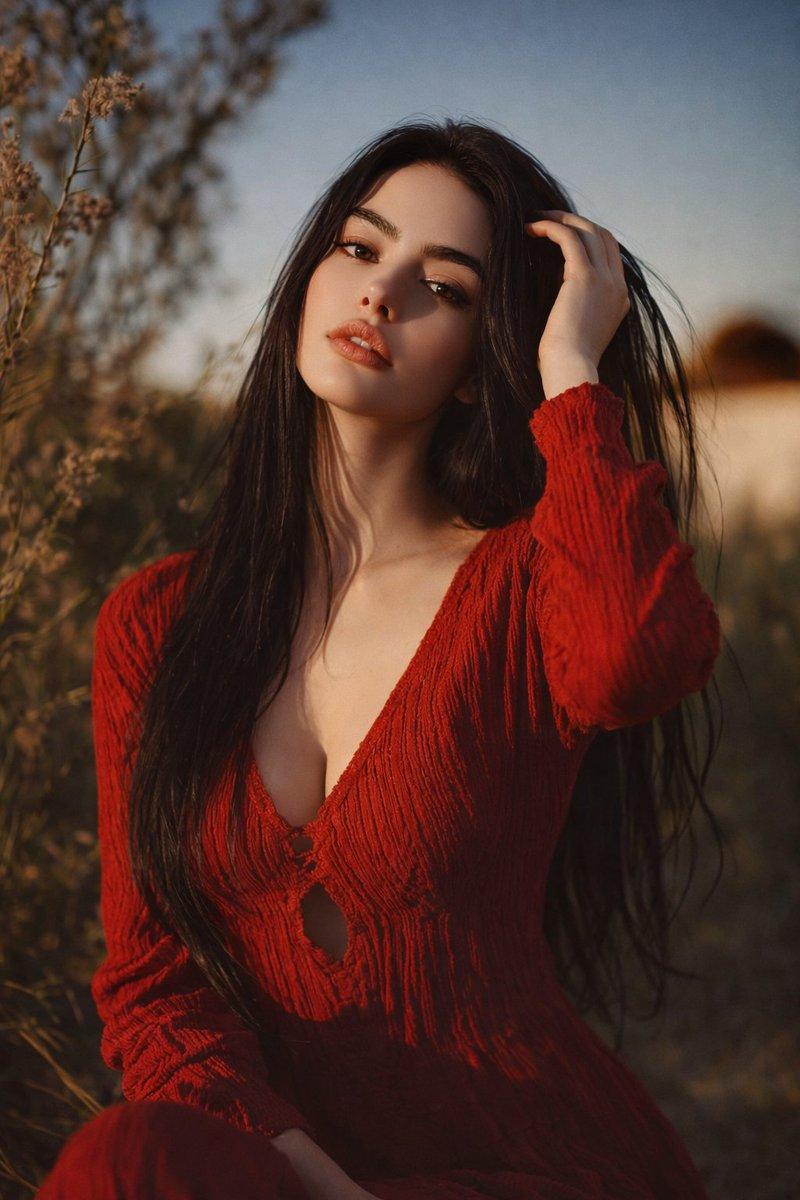
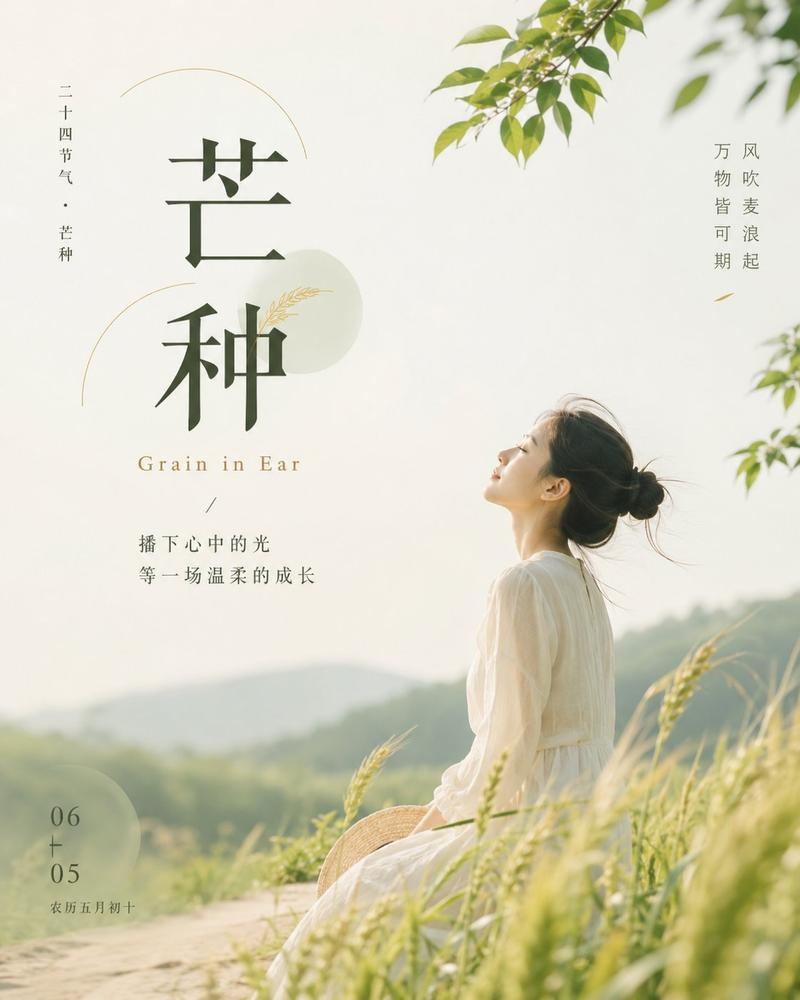
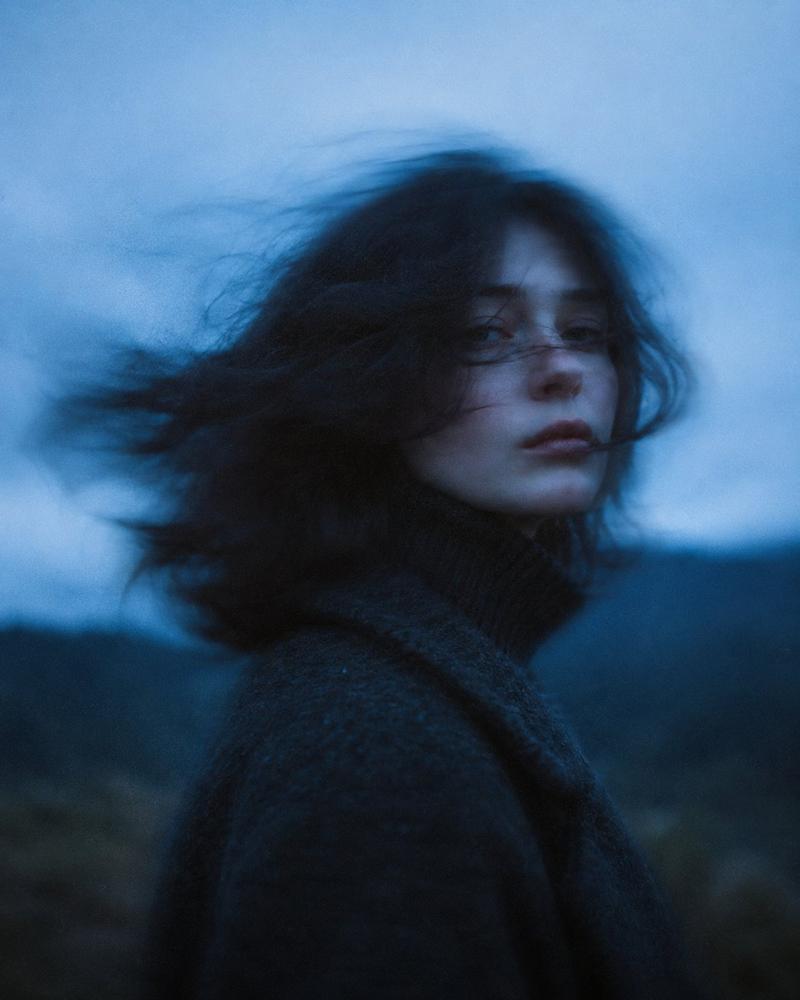
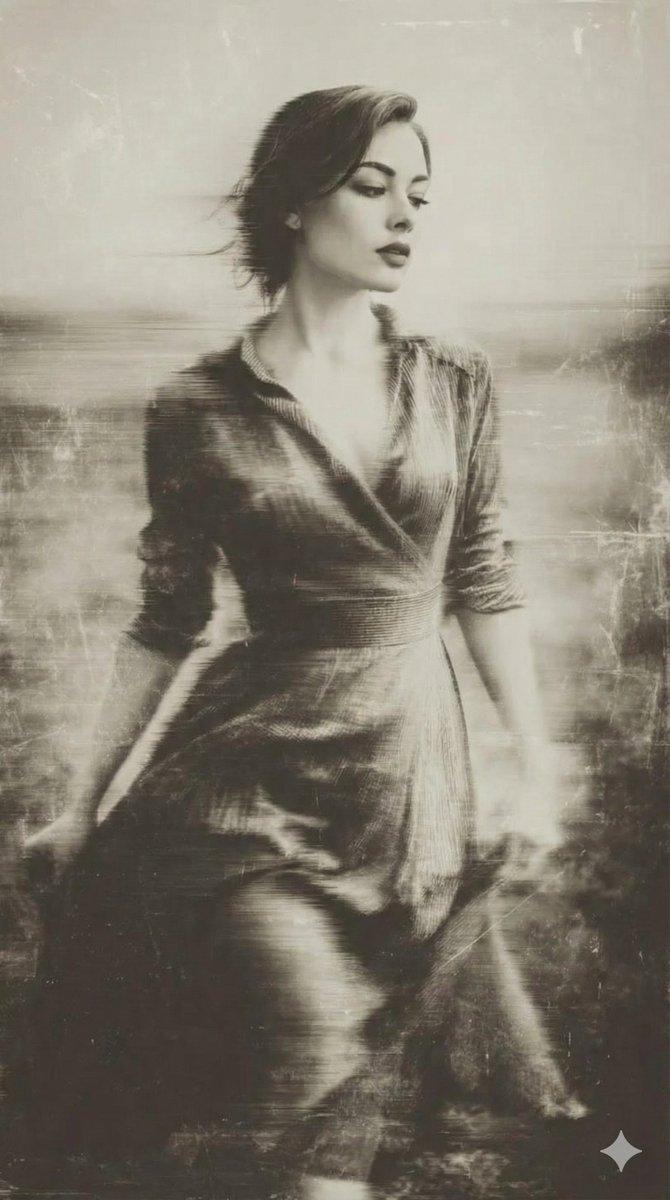
Show [Subject] in [Outfit], standing in [Scene] under [Weather], with strong wind moving through her hair and the surrounding grass.
Her expression should feel [Mood], with realistic skin, natural hair strands, and a vivid lifelike presence.
Use blurred foreground plants for depth, muted [Color Tonel tones, subtle film grain, and a quiet fashion-editorial mood.
Vertical composition in [Aspect Ratio].
Add original minimal white typography at the bottom with a custom main title, subtitle, and slogan.
Do not copy any text from the reference images.
Avoid e-commerce posing, fake beauty retouching, oversaturated colors, and cheap poster design.
- 分类
- 海报营销
- 模型
- GPT Image 2
- 来源作者
- xie underwood
- 来源 ID
- 48111
- 发布时间
- 2026年7月14日
浏览量38