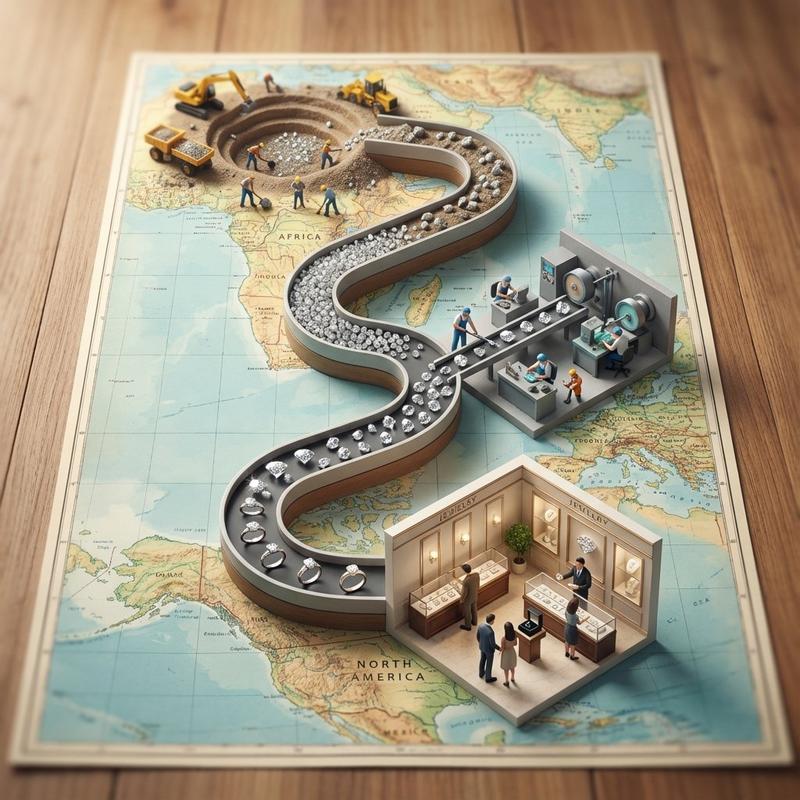
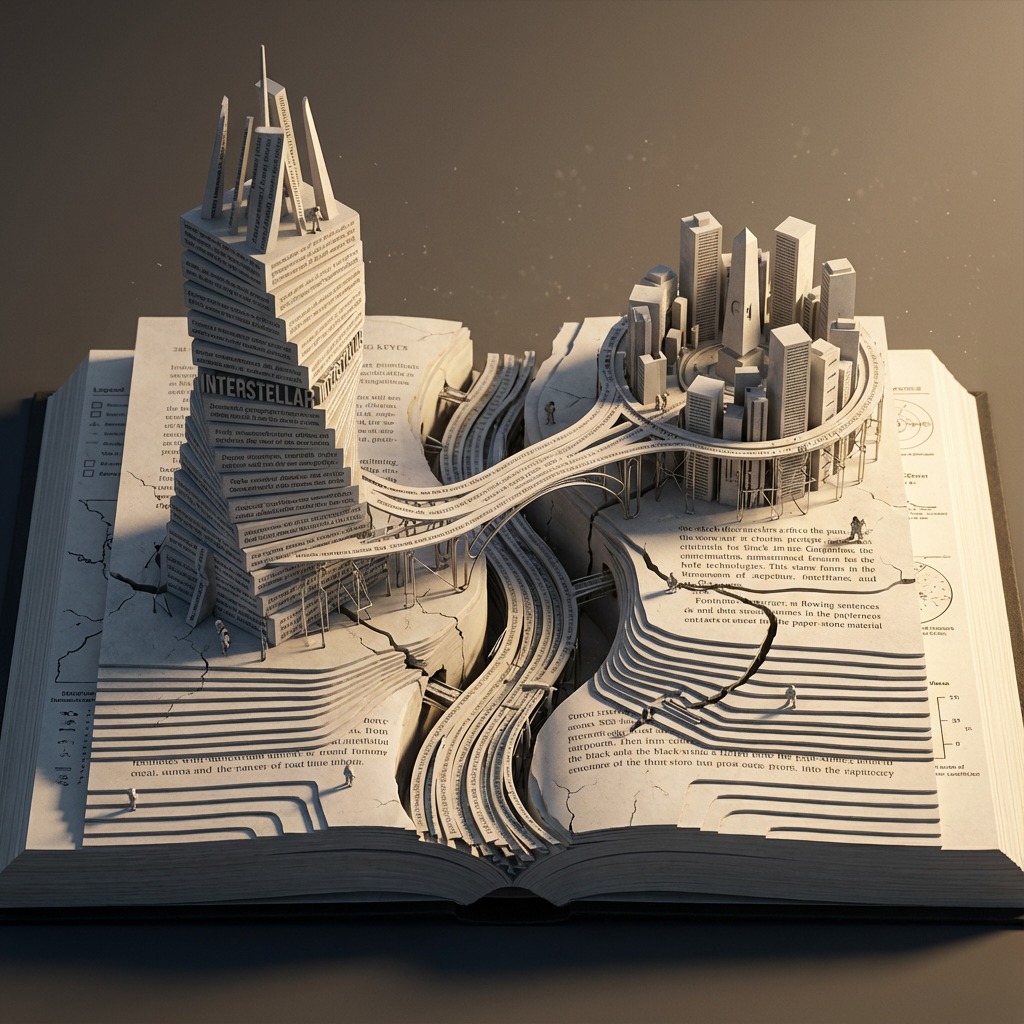
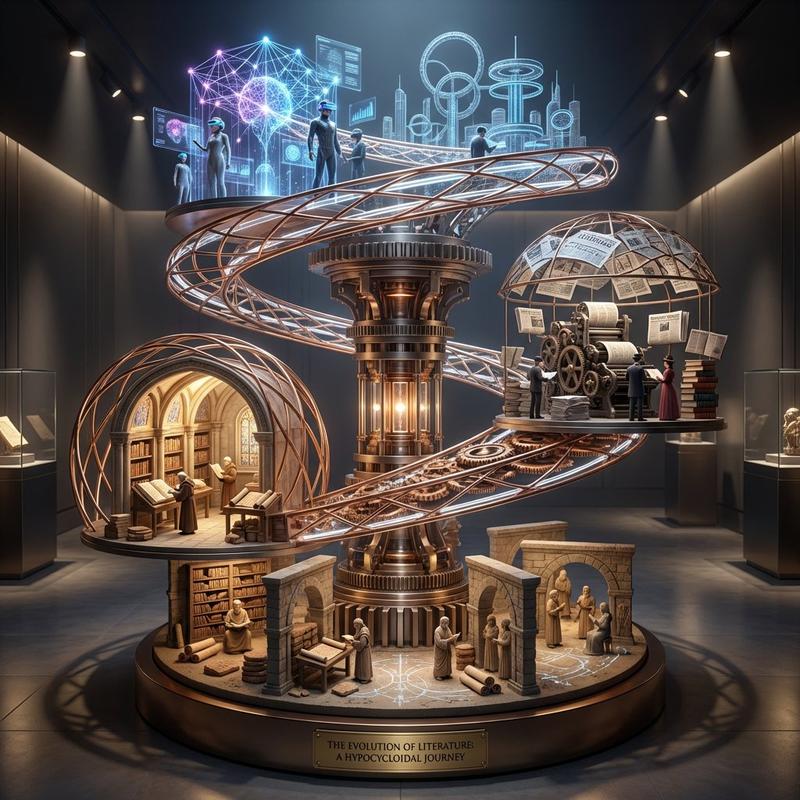
宝玉老师电影风格微缩模型
提示词
借鉴了一下宝玉老师的思路,改了一版电影风格的,效果也很不错
提示词放评论区👇👇👇 https://t.co/zsQ2Ly2w3f
Subject & Style:Present a high-fidelity, 45° top-down isometric miniature diorama inspired by [INSERT MOVIE TITLE], crafted with premium PBR materials, sculptural fidelity, and [INSERT ATMOSPHERE ADJECTIVE, e.g., whimsical/gritty/magical] lighting. The diorama should feel like a finely carved, hand-crafted miniature of the [MOVIE TITLE] world—immersive, rich in detail, and emotionally charged.
Composition & Elements:Focus the composition on iconic imagery and symbolic environments from the film: [LIST 3-5 KEY LOCATIONS OR SCENES]. All elements should appear stylized yet realistic, with slightly exaggerated miniature proportions to emphasize the storytelling. Use layered depth, volumetric lighting, and [COLOR PALETTE, e.g., warm gold & teal / high contrast black & white] contrast.
Textures & Details:Textures must be tactile: [LIST 3-5 RELEVANT MATERIAL TEXTURES, e.g., worn wood, rusted metal, velvet, stone, slime]. Maintain a clean, unified vertical 9:16 composition with a soft solid background to isolate the miniature world.
Typography Integration (Required):At the top-center, display the film title: [MOVIE TITLE]. Beneath it, in x-small text: Directed by [DIRECTOR NAME]. Inside the diorama, organically embed one to two iconic quotes, physically integrated into the world through: [INTEGRATION METHOD, e.g., carved into stone, written in clouds, neon signs, graffiti]. All text must appear in original English (or original language), naturally part of the environment. Recommended quotes: "[INSERT ICONIC QUOTE 1]" or "[INSERT ICONIC QUOTE 2]".
Rendering Style Requirements: [GENRE] inspired lighting. Ultra-refined micro-details & sculptural fidelity. Soft ambient occlusion with strong shadow direction. Subtle rim light on key elements. Desaturated but cohesive palette with [SPECIFIC COLOR] accents.
Pre-Rendering Film Analysis (Instruction for AI):From [MOVIE TITLE], extract and integrate:
Iconic settings: Key locations from the film.
Symbolic motifs: Visual symbols representing the theme.
Emotional tone: The specific mood of the movie.
Lighting language: Colors and shadows that define the film's look.
Signature elements: Unique objects or weather effects associated with the film.
Final Output Goal:Transform [MOVIE TITLE] into a sculptural, [GENRE ADJECTIVE] miniature diorama—visually distinct, atmospheric, and emotionally charged—with iconic quotes physically integrated into the environment.
哈利波特: https://t.co/6R6YPkFWiK
- 分类
- 插画艺术
- 模型
- Unknown
- 来源作者
- cnyzgkc
- 来源 ID
- baoyu-teacher-s-movie-style-miniature-diorama
浏览量4