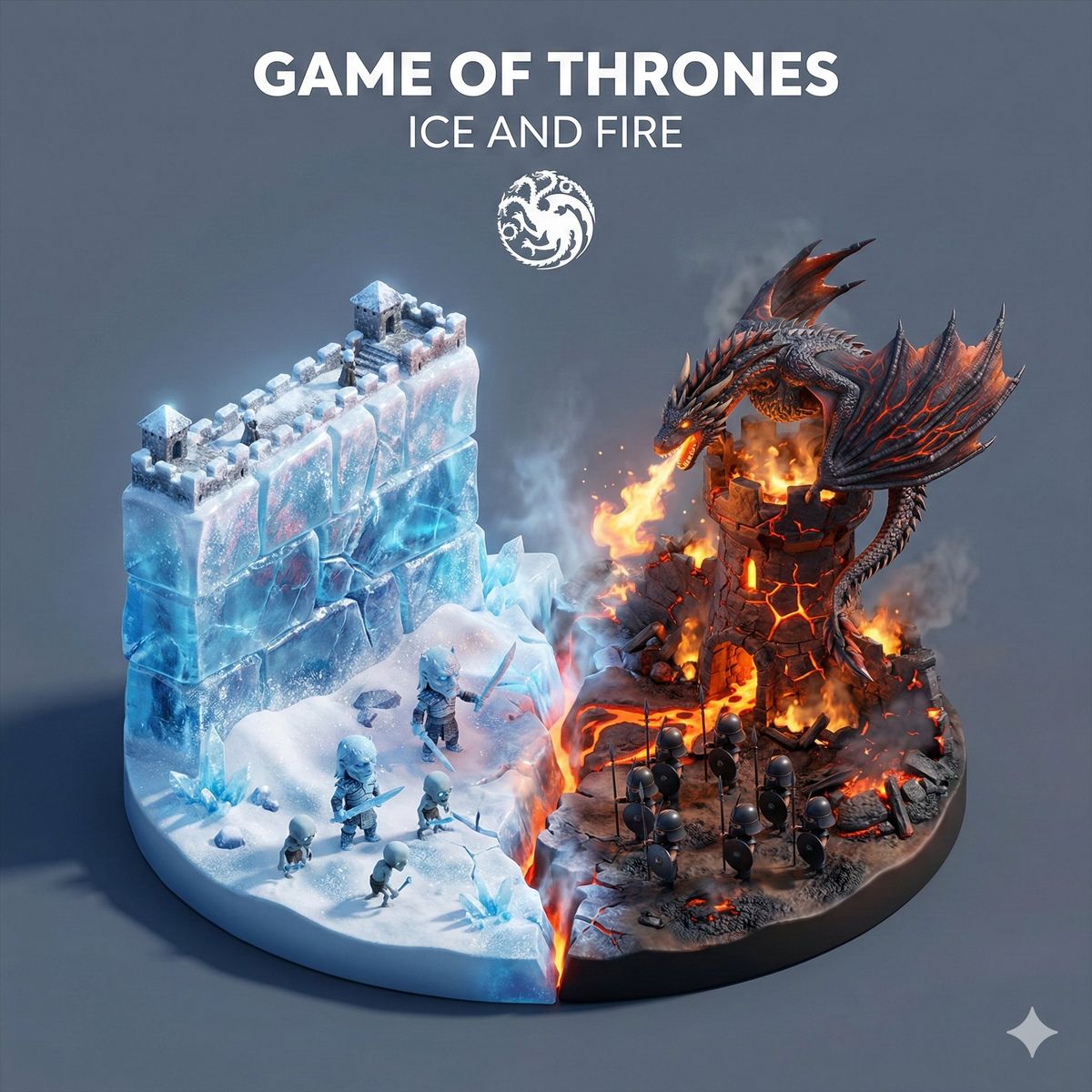
冰与火之歌的3D卡通微型场景
提示词
Great prompt!
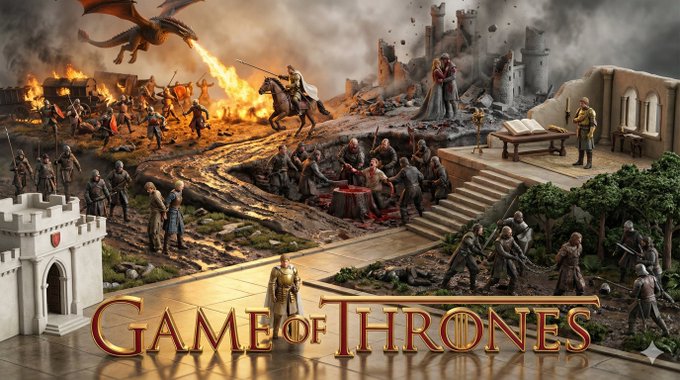
I created one for Game of Thrones with Gemini Nano Banana Pro.
Prompt:
"Present a clear, 45° top-down isometric miniature 3D cartoon scene of the central thematic concept Ice and Fire from Game of Thrones, with soft refined textures, realistic PBR materials (emphasizing glittering frost contrasts against glowing embers and scaled skin), and gentle lifelike lighting that creates a dramatic clash of cool blue and warm orange light.
Create a small raised diorama-style base that is split down the middle. The left side features a section of The Wall made of ice with tiny stylized White Walker figures on snowy terrain. The right side features a stylized dragon (Drogon) perched atop a burning castle turret, with tiny stylized Unsullied soldiers on charred ground. A crack runs down the center of the base where the ice meets the lava.
Use a clean solid Neutral Slate Grey background.
At the top-center, display Game of Thrones in large bold text, directly beneath it show Ice and Fire in medium text, and place the official logo associated with Game of Thrones below the subtext.
All text must automatically match the background contrast (white).
Composition: perfectly centered layout, square 1080x1080, ultra-clean, high-clarity diorama aesthetic."
- 分类
- 插画艺术
- 模型
- Nano Banana Pro
- 来源作者
- kate
- 来源 ID
- game-of-thrones-3d-cartoon-miniature-scene
浏览量0