新纳米香蕉Pro提示
提示词
New Nano Banana Pro prompt
{
 "image_parameters": {
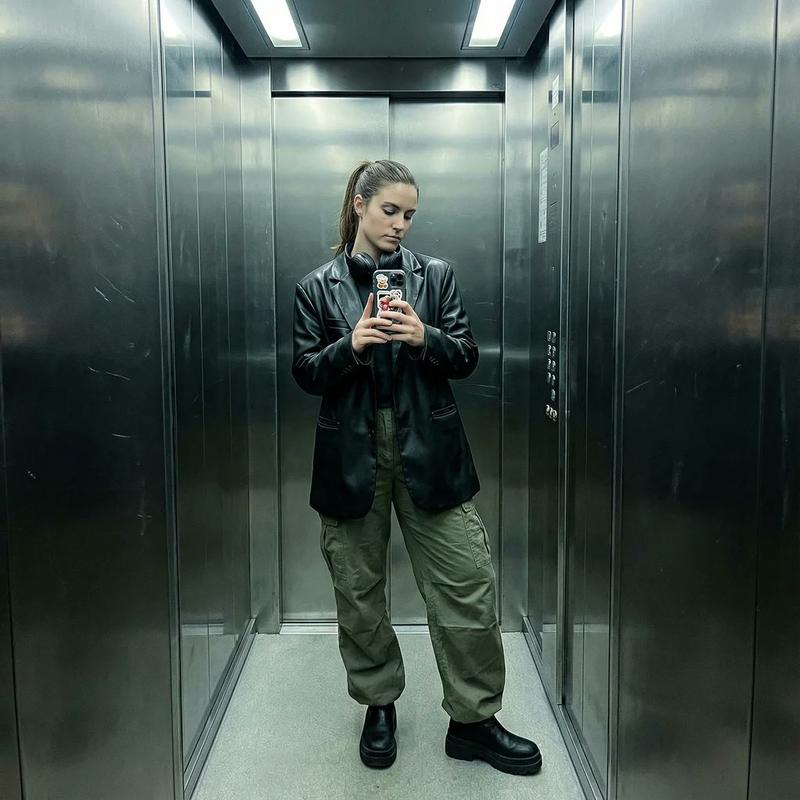
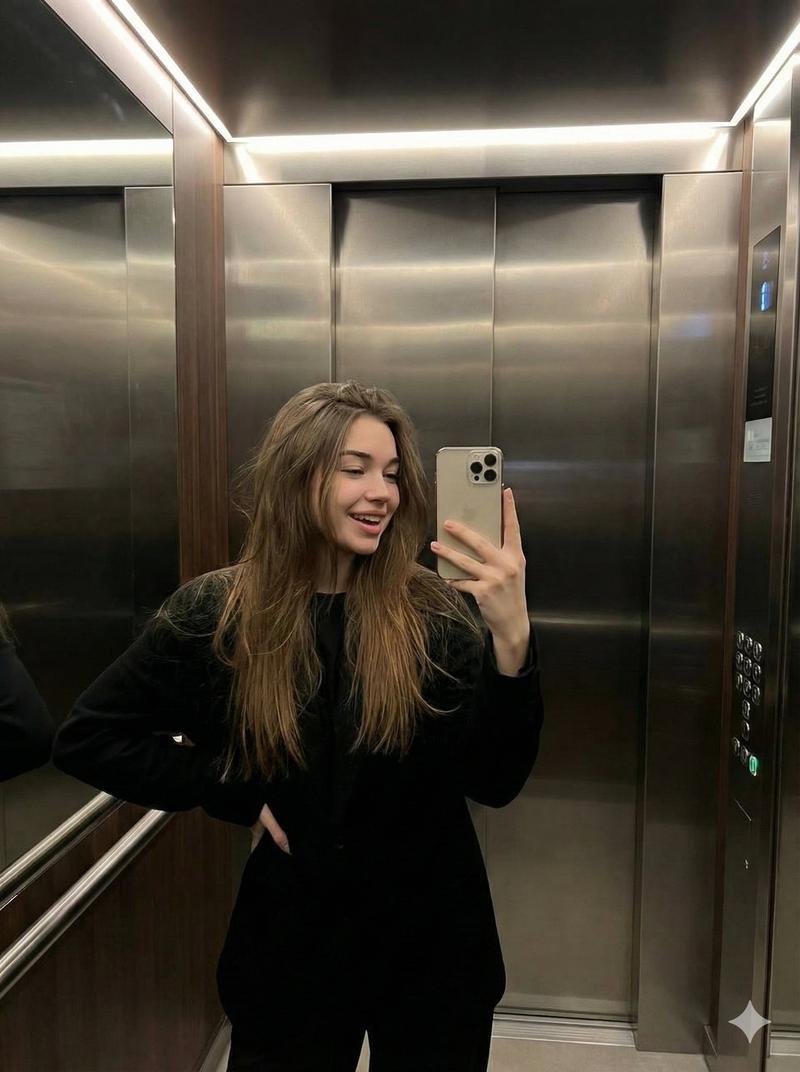
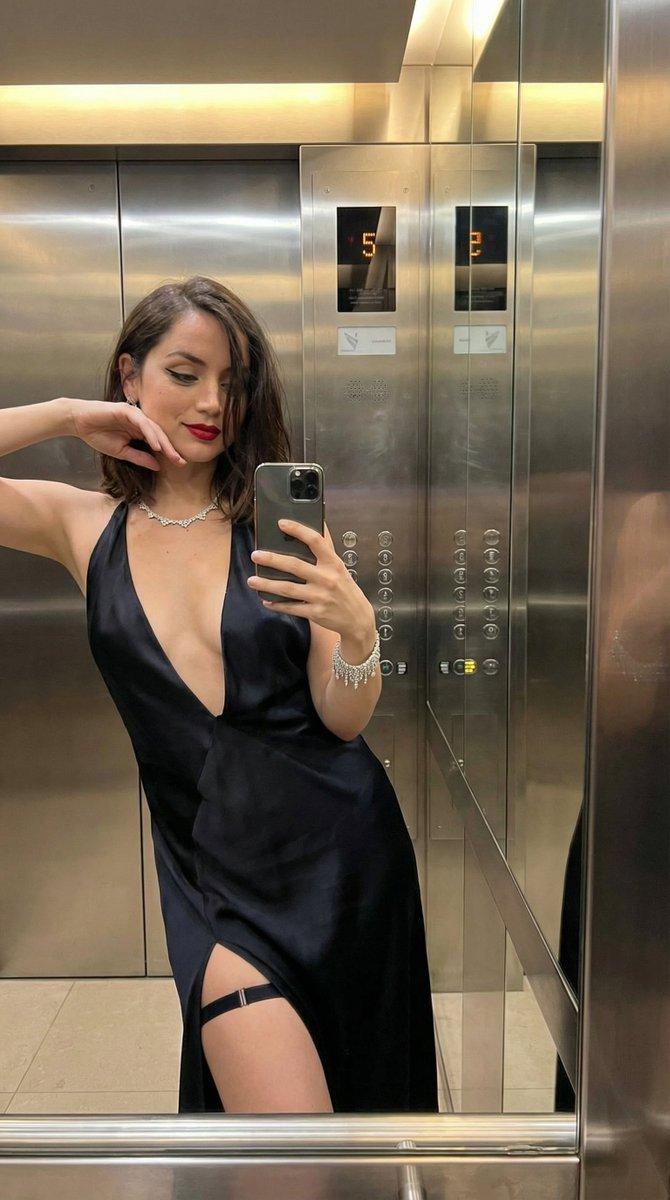
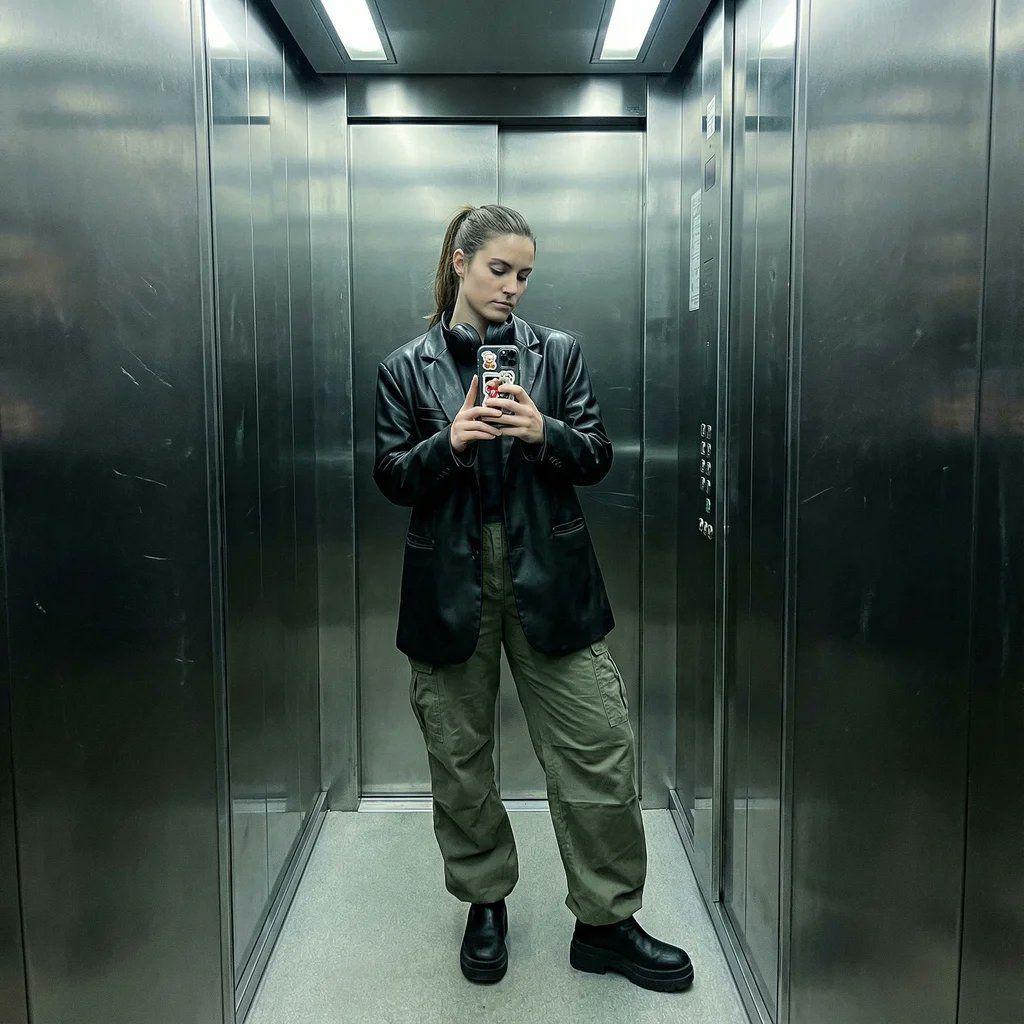
 "style": "Smartphone mirror selfie",
 "type": "Outfit check / POV",
 "quality": "Sharp digital noise, slightly desaturated",
 "tone": "Cool, edgy, modern, industrial",
 "lighting_and_atmosphere": "Overhead fluorescent elevator lighting, unflattering but gritty. Reflections on metallic walls."
 },
 "subject": {
 "constraints": {
 "facial_identity": "Match reference image exactly 100%",
 "face_edits": "None allowed"
 },
 "expression": [
 "Cool/Neutral",
 "Looking at phone screen",
 "Obscured by phone",
 "Sassy tilt"
 ],
 "pose": {
 "body_position": "Standing casually, hip cocked to one side.",
 "action": "Holding phone up to mirror, maybe one hand in pocket or adjusting hair.",
 "details": "Full body or 3/4 shot."
 },
 "clothing": {
 "style": "Streetwear or Night-out chic",
 "top": "Leather jacket or oversized blazer",
 "bottom": "Baggy cargo pants or mini skirt with patterned tights",
 "shoes": "Chunky platform boots or sneakers"
 },
 "accessories": [
 "Phone case with stickers",
 "Over-ear headphones around neck",
 "Beanie or cap"
 ]
 },
 "environment": {
 "setting": "Inside a metal elevator",
 "background": [
 "Reflective metal walls",
 "Elevator buttons panel",
 "Dirty mirror texture",
 "Infinite reflection if multiple mirrors"
 ]
 }
}- 分类
- 人像头像
- 模型
- Nano Banana Pro
- 来源 ID
- new-nano-banana-pro-prompt
浏览量0