日常物品变身潮流单品
提示词
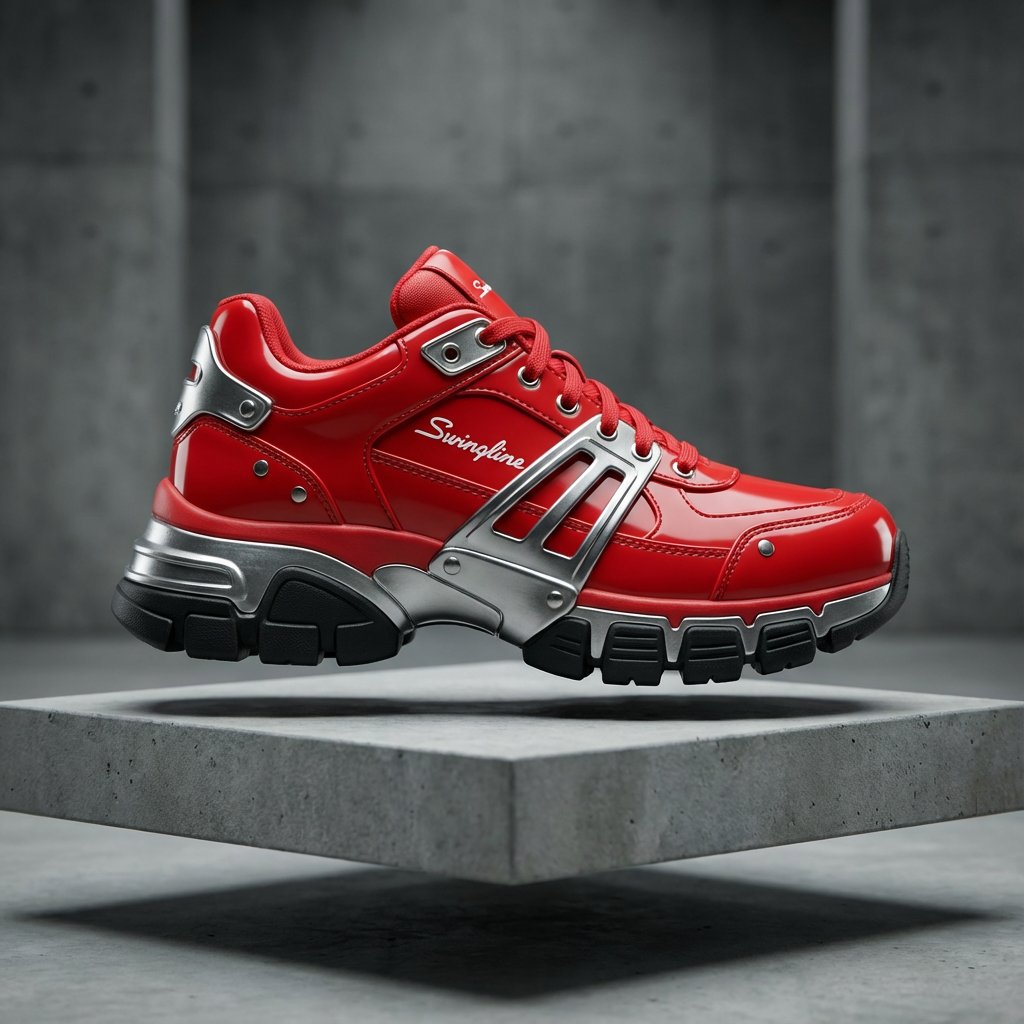
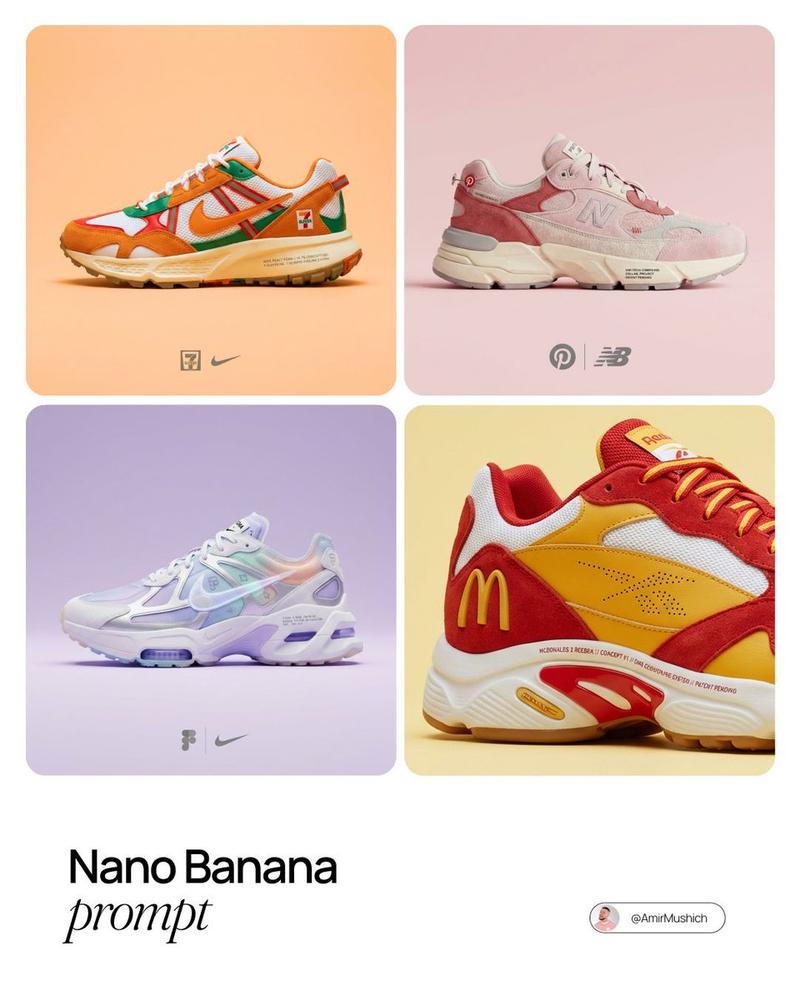
This Nano Banana Pro prompt turns everyday objects into sneakers or jackets, depending on what you want. I used a stapler, marble run, bitcoin, and ramen with eggs meal
<instructions>Act as the "Streetwear Algorithm" AI.
Turns any organic texture or random object into a limited-edition "Hypebeast" sneaker or puffer jacket drop.
Input A : [look at attached image]
Input B: Chunky Sneaker (or Puffer Jacket - choose one based on what fits the shape best)
Smart Logic - Execute Step-by-Step :
Analyze Input A: Extract the Color Palette (primary, secondary), Material Physics (soft vs. hard), and Key Features (logos, hinges, buttons).
2. Apply Design Language:
IF Input A = Organic (food/nature), apply "Bio-Mimicry" (wavy curves, soft volume).
IF Input A = Industrial/Grunge (rust/wires), apply "Deconstructivist" (exposed stitching, raw edges).
IF Input A = Rigid/Household (stapler, appliance, car), apply "Hard-Surface Integration."
(must follow: The shoe must look like it is MANUFACTURED from the object parts. Example: Use the red plastic casing for the shoe upper, metal hinges for the sole, logos as branding tags).
3. Render: Generate a studio product shot on a floating pedestal. 8k resolution, cinematic lighting.
Output: A viral hype-fashion item that looks 100% real.
- 分类
- 插画艺术
- 模型
- Nano Banana Pro
- 来源作者
- Gadgetify
- 来源 ID
- transform-everyday-objects-into-hypebeast-fashion-items
浏览量3