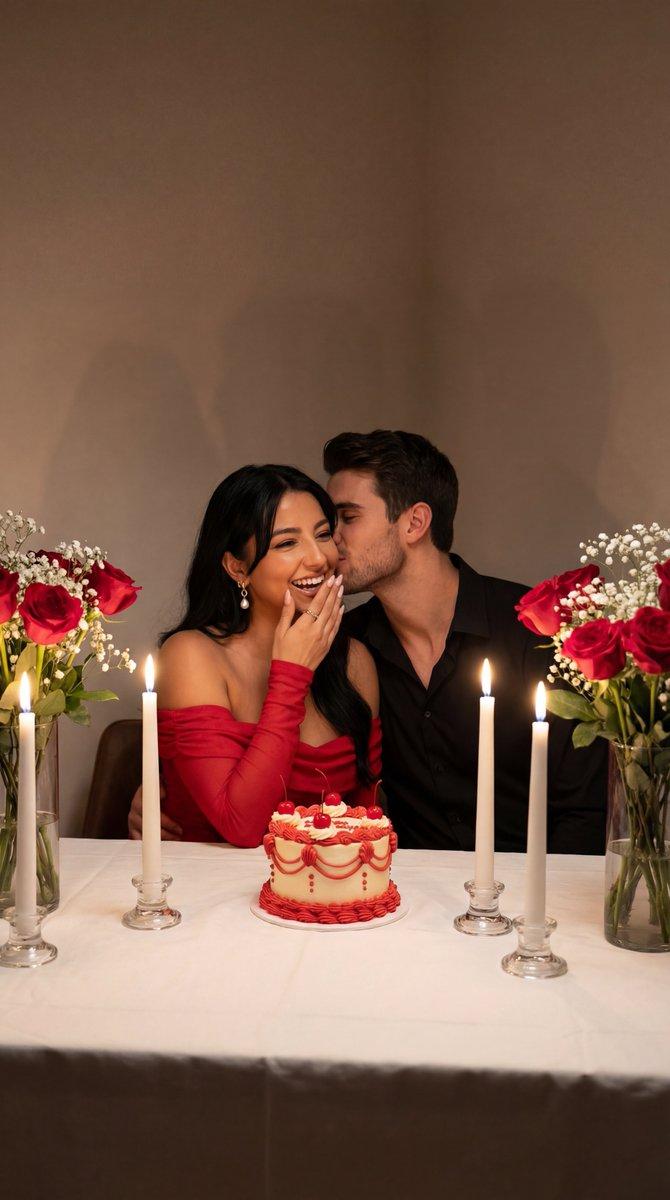
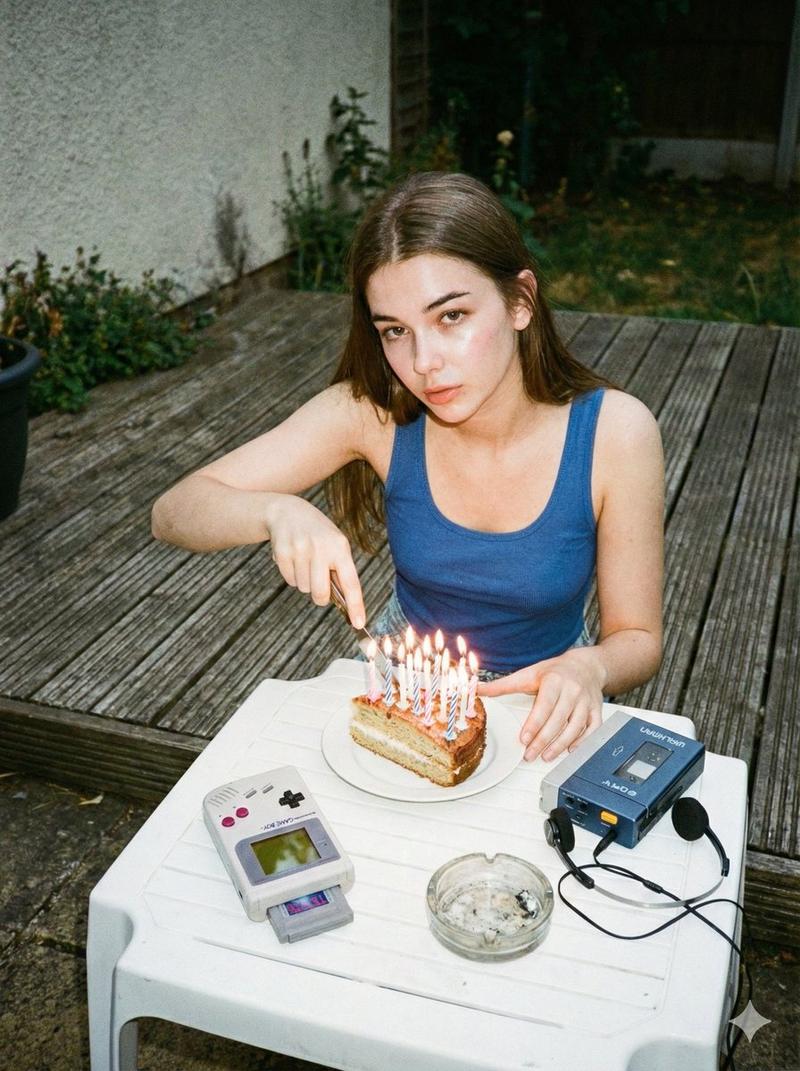
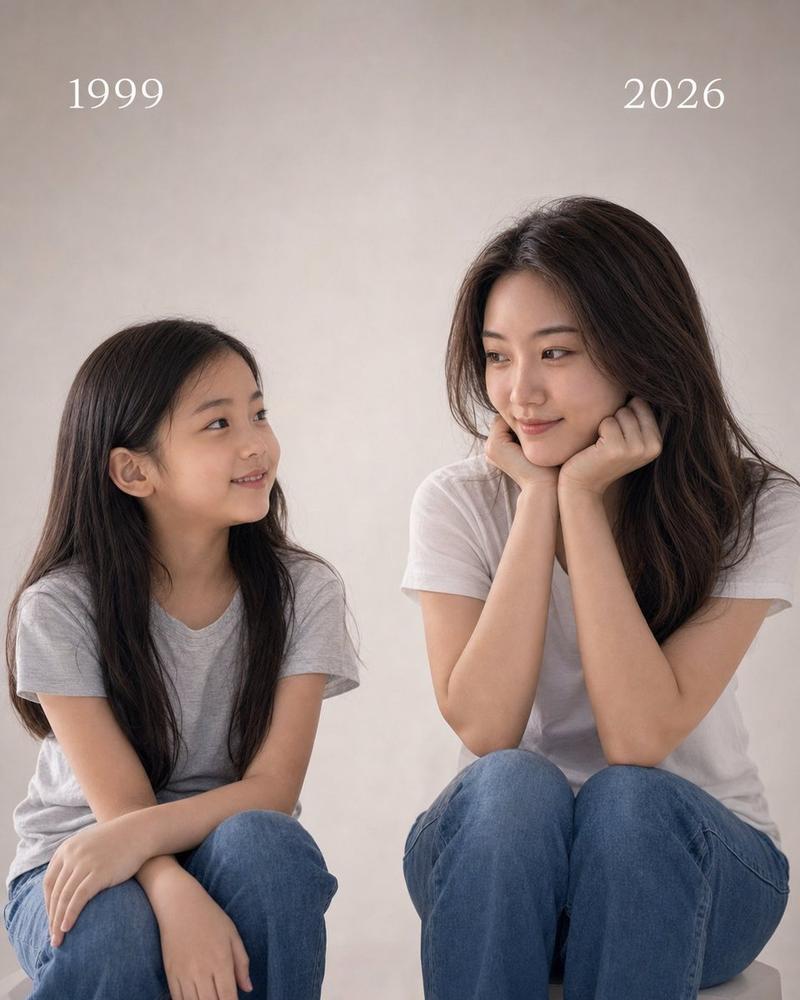
Split-Time Birthday Portrait
提示词
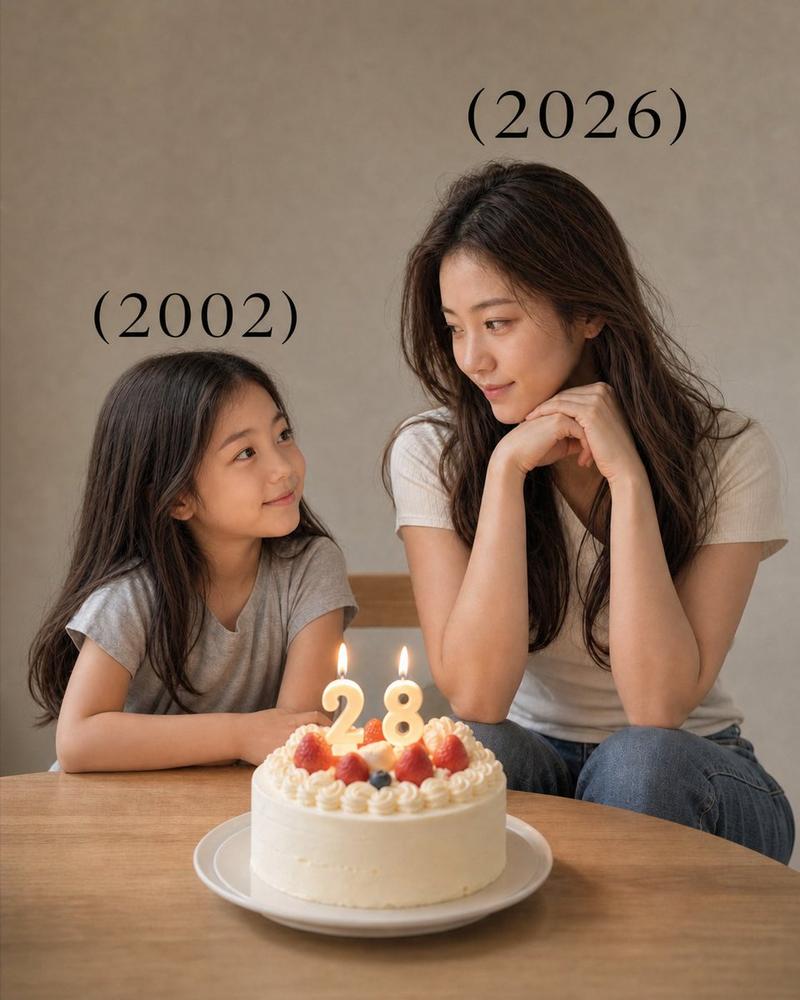
A highly realistic split-time portrait of the same person meeting her younger self. The image is divided vertically into two perfectly aligned halves with identical camera angle and composition. On the left side: a black-and-white photo of a {argument name="child subject" default="young girl (3–4 years old)"}, same facial features as the adult, natural smile, sitting at a table, soft diffused lighting, minimal gray background, nostalgic mood, slightly grainy film texture. On the right side: a realistic color photo of the same person as an adult {argument name="adult age" default="[AGE]"}, identical pose and camera angle, resting her face on her hands, smiling warmly, modern outfit, soft cinematic lighting, shallow depth of field. In the center between them: a birthday cake placed exactly at the middle line, with lit candles forming the number "{argument name="birthday number" default="[AGE]"}", warm candle glow illuminating both sides. Both versions are looking at each other with emotional connection, perfectly aligned eye level. Text "(2000)" above the child side and "(2026)" above the adult side, minimal elegant font. Ultra realistic, 8K, high detail skin texture, soft shadows, cinematic color grading, clean composition, emotional storytelling.- 分类
- 图表信息图
- 模型
- GPT Image 2
- 来源作者
- K
- 来源 ID
- 18049
- 发布时间
- 2026年5月3日
浏览量2