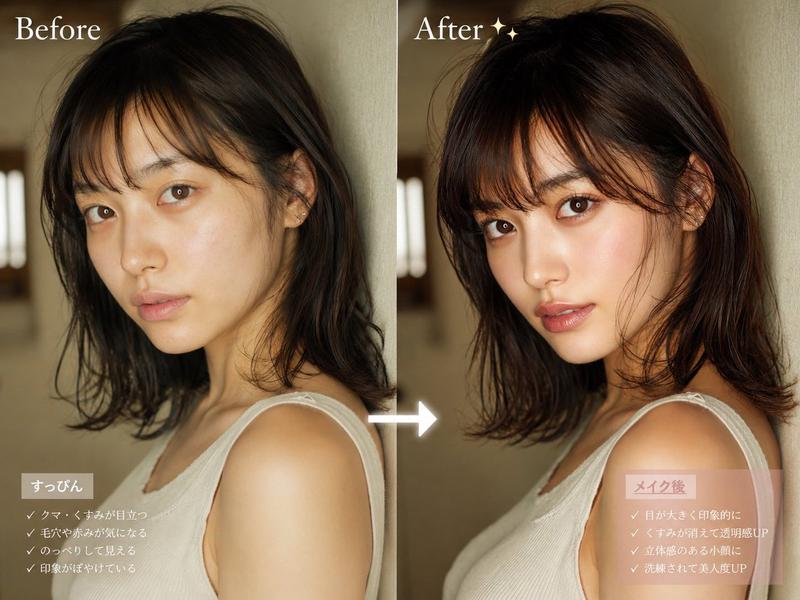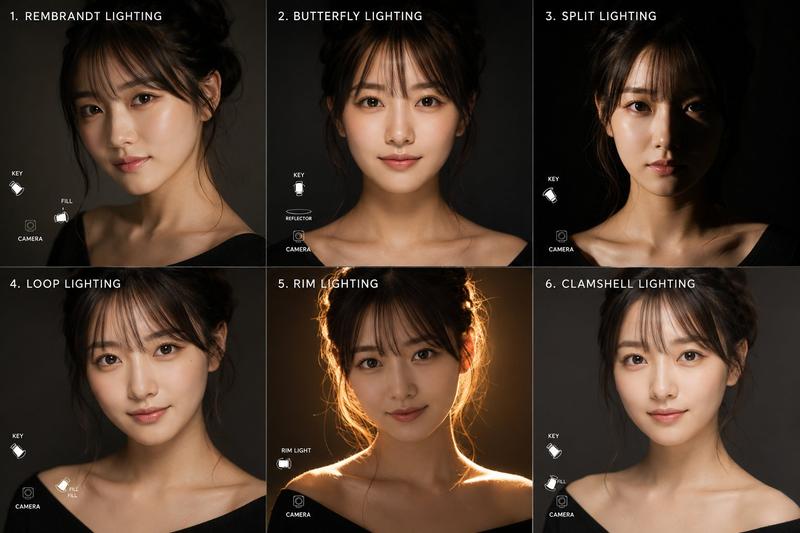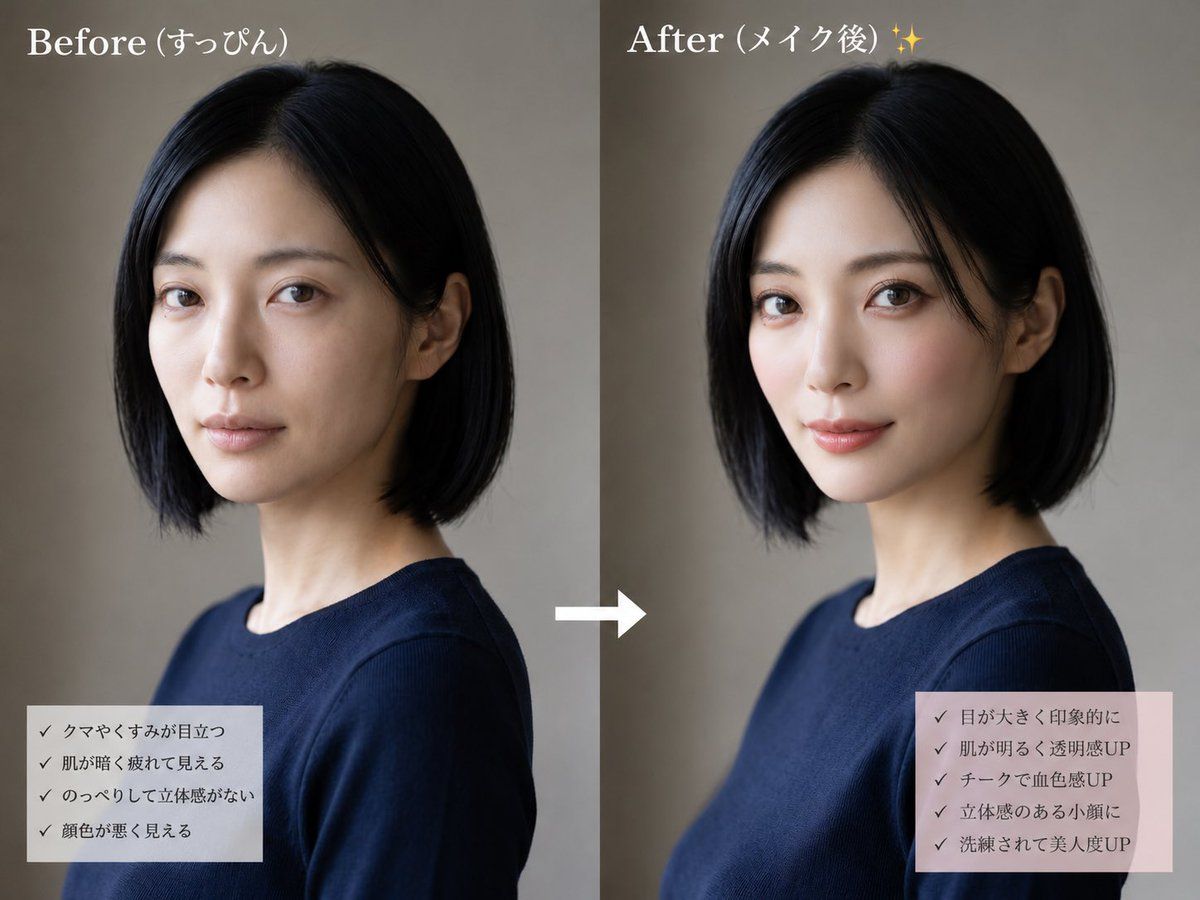
妆前妆后对比
提示词
{"type":"side-by-side beauty transformation comparison image","style":"realistic editorial photo, soft natural studio lighting, muted beige-gray background, clean social-media makeover layout","subject":{"description":"same adult woman shown twice from chest up in a three-quarter side profile, short straight black bob haircut, slim neck, wearing a simple navy crew-neck top","face treatment":"large opaque rectangular mosaic/privacy block covering the entire face in both panels, preserving only hair, ears, neck, and clothing visible","hair color":"{argument name=\"hair color\" default=\"black\"}","outfit":"{argument name=\"outfit\" default=\"navy crew-neck top\"}"},"layout":{"canvas":"landscape 4:3 composition split into two equal vertical panels","panel count":2,"left panel":{"title":"{argument name=\"before title\" default=\"妆前 (すっぴん)\"}","position":"left half","visual state":"before makeup, subdued and slightly tired impression, darker overall tone","checklist box":{"position":"bottom left","background":"semi-transparent pale gray rectangle","count":4,"items":["黑眼圈和暗沉明显","肤色暗沉显疲态","面部扁平缺乏立体感","气色看起来较差"]}},"right panel":{"title":"{argument name=\"after title\" default=\"妆后 (メイク後) ✨\"}","position":"right half","visual state":"after makeup, brighter polished impression, warmer skin tone and more refined styling while keeping the same pose and outfit","checklist box":{"position":"bottom right","background":"semi-transparent pale pink rectangle","count":5,"items":["双眼变大更有神","肤色提亮通透感提升","腮红增加血色感","立体小颜效果","精致感与美貌度提升"]}},"center element":{"description":"single white right-pointing arrow between the panels","count":1}},"typography":"large white serif titles at the top, small dark Japanese checklist text with checkmark symbols","overall instruction":"Create a convincing no-reference before-and-after makeup comparison using the same woman, same pose, same clothing, and same background, with the right panel subtly more flattering and luminous than the left."}- 分类
- 图表信息图
- 模型
- GPT Image 2
- 来源作者
- うみつる
- 来源 ID
- 18643
- 发布时间
- 2026年5月6日
浏览量1