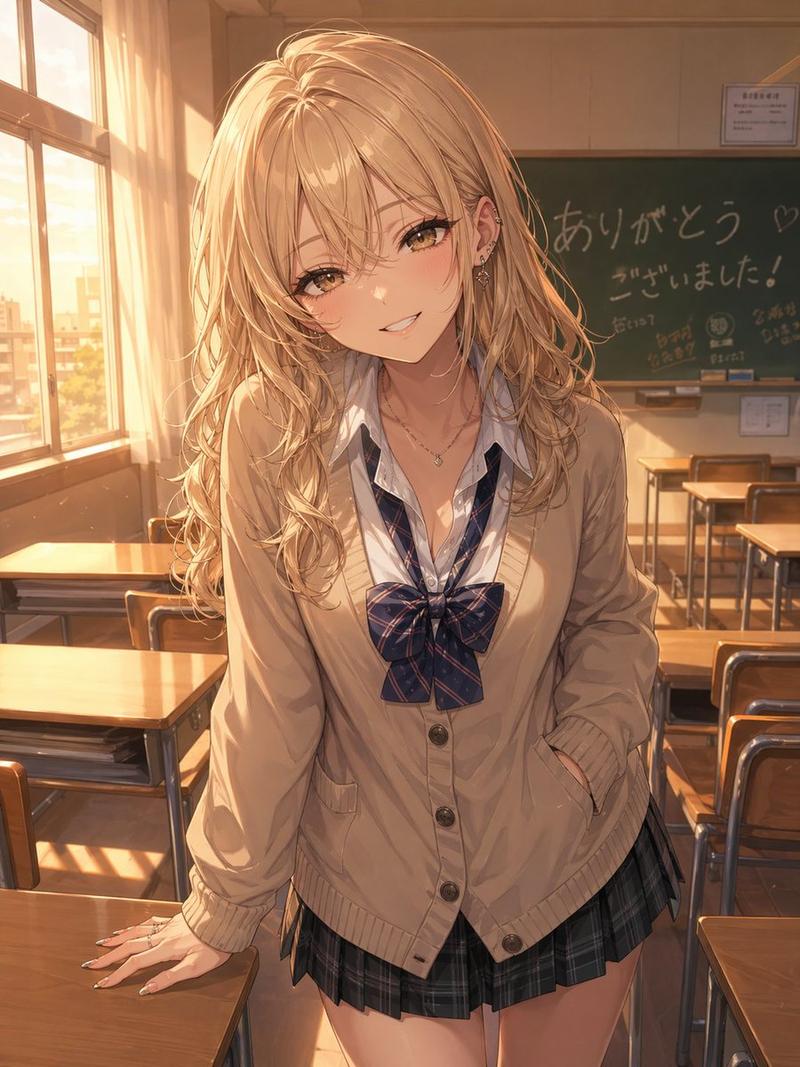
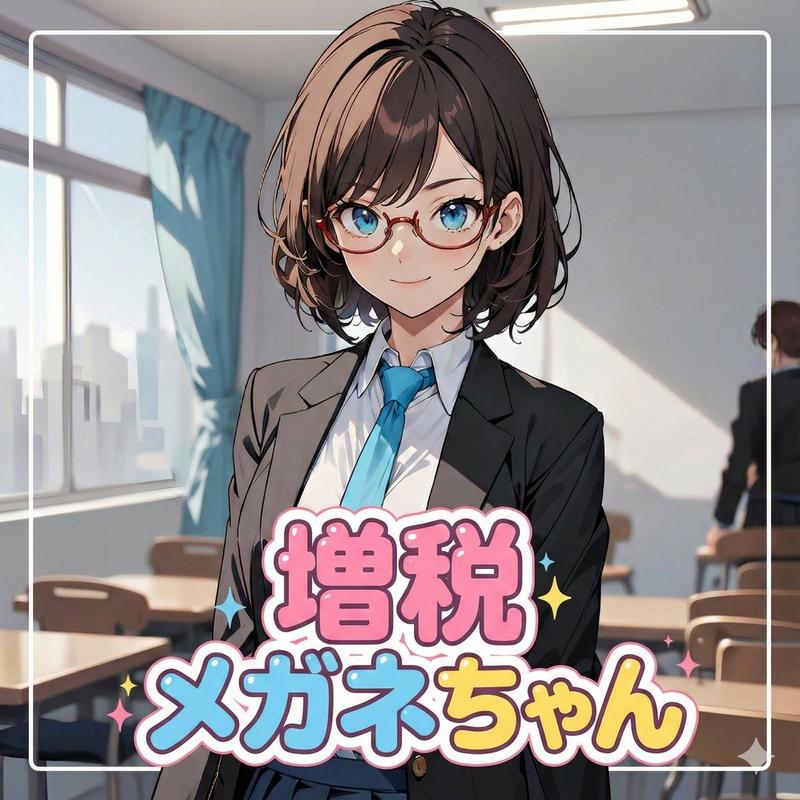
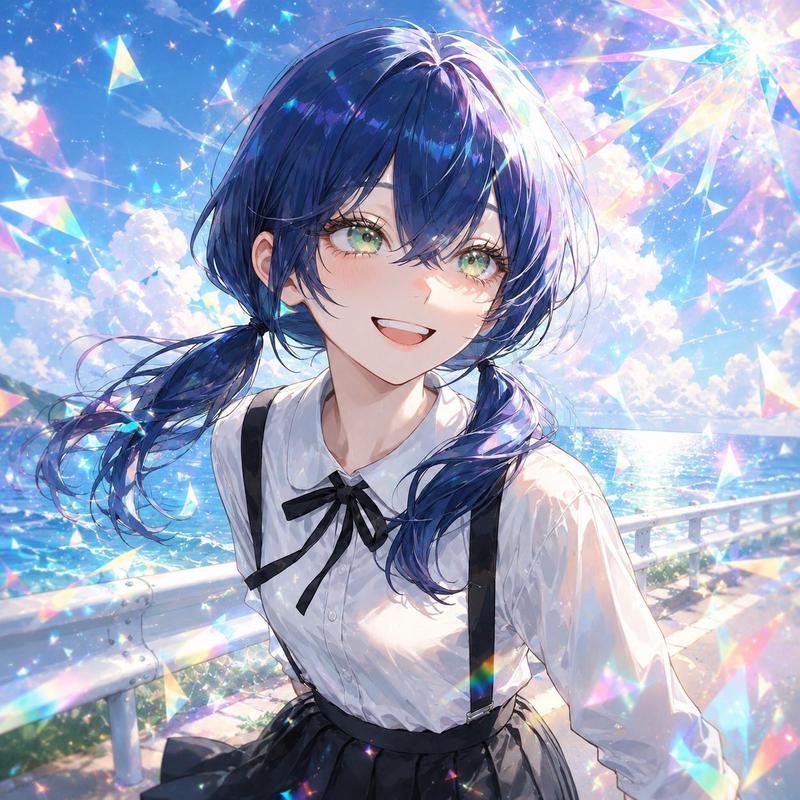
教室里的动漫女学生自拍
提示词
Create a high-quality vertical anime illustration of {argument name="character name" default="Reina"}, a Japanese high school girl taking a close-up arm-extended selfie inside a sunlit classroom. She has very long flowing {argument name="hair color" default="dark forest green hair with pale mint-green tips"}, glossy layered strands, and one hand raised near her temple as if adjusting her hair. Her face is intentionally covered by a large centered opaque square censor block with a muted gray-to-beige color, hiding all facial features from forehead to chin. She wears a neat navy school uniform blazer with gold buttons, a crisp white shirt, and a large {argument name="bow color" default="deep red ribbon bow"} at the collar, with a pleated navy skirt partially visible. The camera angle is a dynamic wide-angle selfie perspective from slightly above and in front, with her extended left arm dominating the lower-left foreground and her torso centered. Background: a bright empty classroom with wooden desks and chairs, a green chalkboard on the left, tall windows on the right, warm morning sunlight streaming in, soft bloom, dust motes, and gentle depth of field. Style: polished modern anime key visual, detailed hair highlights, clean line art, soft painterly shading, warm cinematic lighting, vertical 3:4 composition, no text, no watermark, no extra characters.- 分类
- 图表信息图
- 模型
- GPT Image 2
- 来源作者
- 葵 詩安(E)
- 来源 ID
- 22414
- 发布时间
- 2026年5月24日
浏览量15