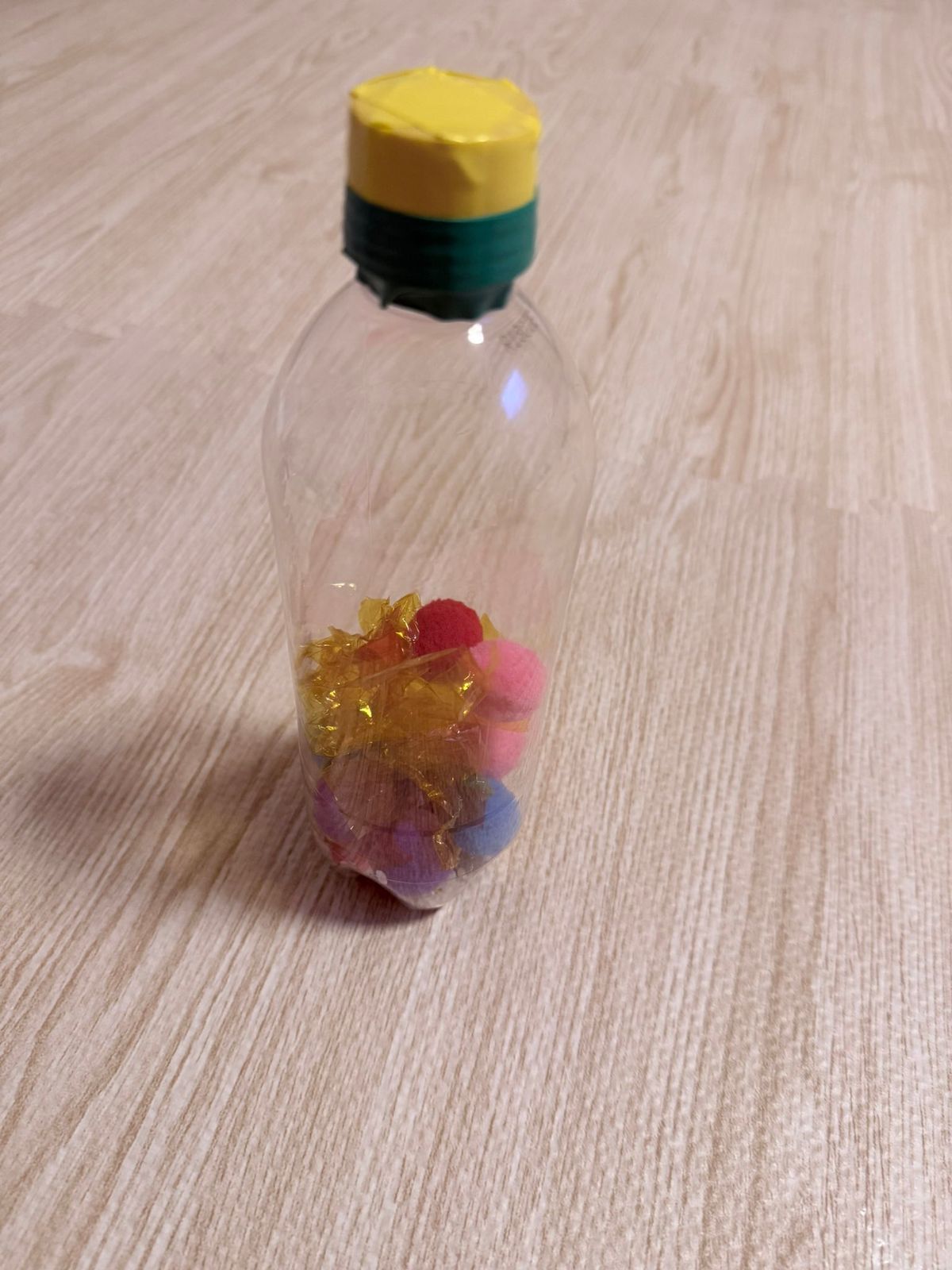
成品婴儿感官瓶
提示词
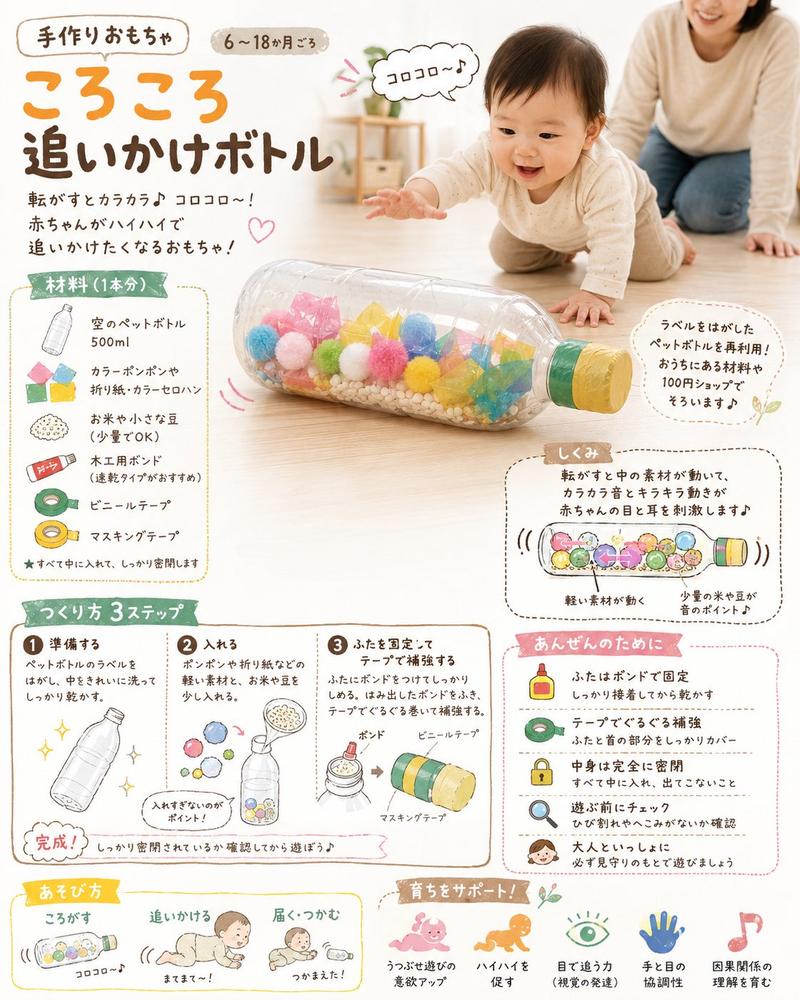
Using REFERENCE_0 as the materials source, show the finished handmade baby sensory toy made from those supplies instead of the unopened products. Create a realistic smartphone photo on the same light wood floor: one clear empty plastic bottle standing upright, with its cap secured and wrapped in exactly two colored tape sections from the reference materials — a yellow top and a dark green band below it. Put the craft materials inside the bottle: exactly four clearly visible colorful pom-poms in pink, red, blue, and purple, plus crumpled translucent yellow-orange color film pieces. Remove the packaging, labels, and foam mat edge from the scene so the focus is only on the completed toy. Keep natural indoor lighting, casual home-photo perspective, mild blur, and realistic reflections on the plastic bottle. Optional customization: make the toy a {argument name="toy type" default="baby sensory bottle"} using {argument name="cap tape colors" default="yellow and dark green"} and {argument name="inside materials" default="colorful pom-poms and crumpled translucent yellow-orange film"}.- 分类
- 海报营销
- 模型
- GPT Image 2
- 来源 ID
- 24522
- 发布时间
- 2026年6月6日
浏览量1647