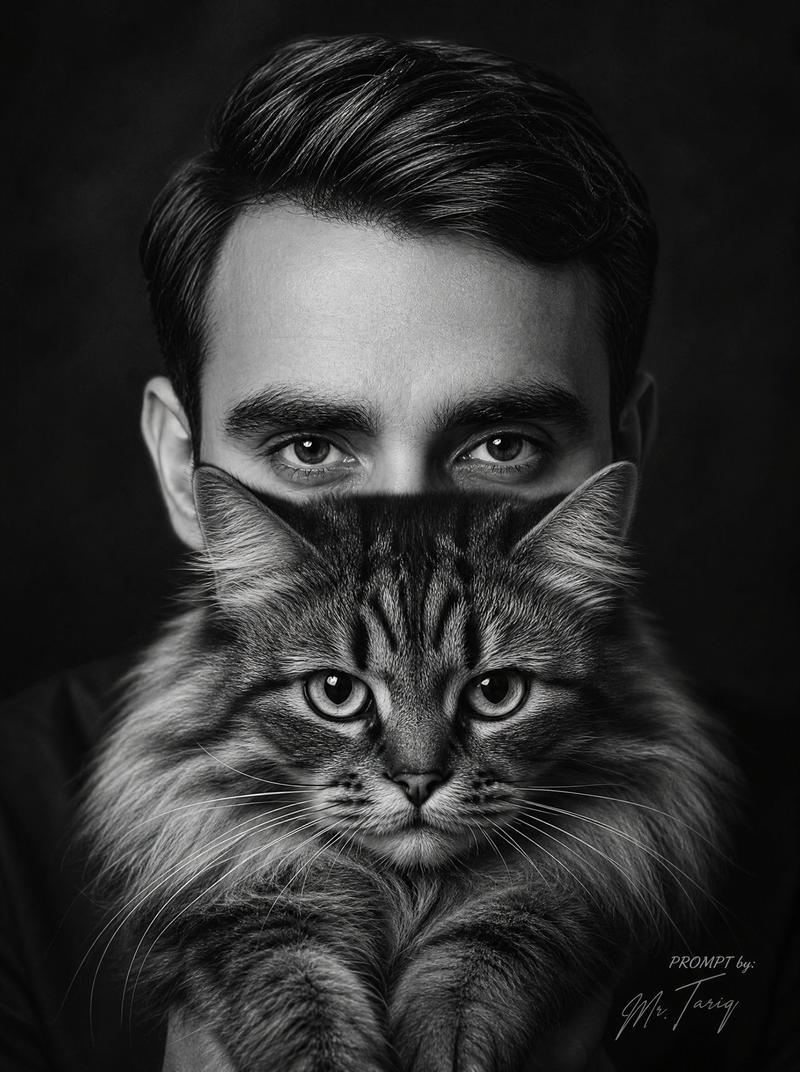
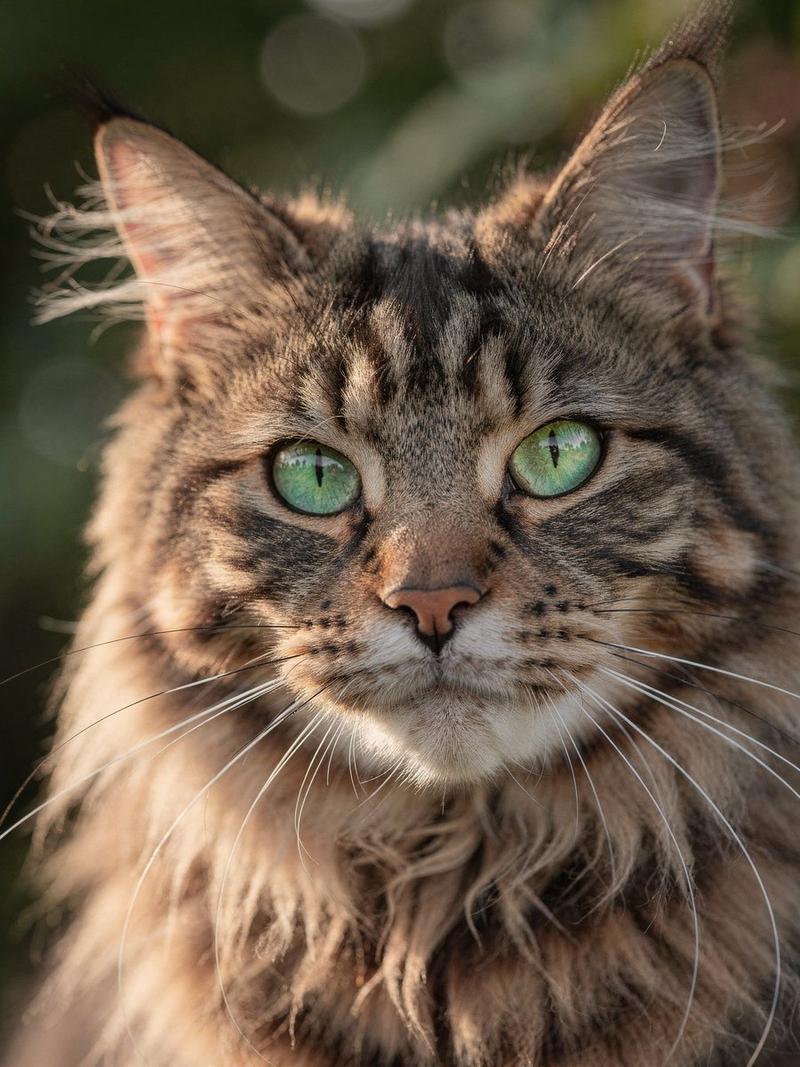
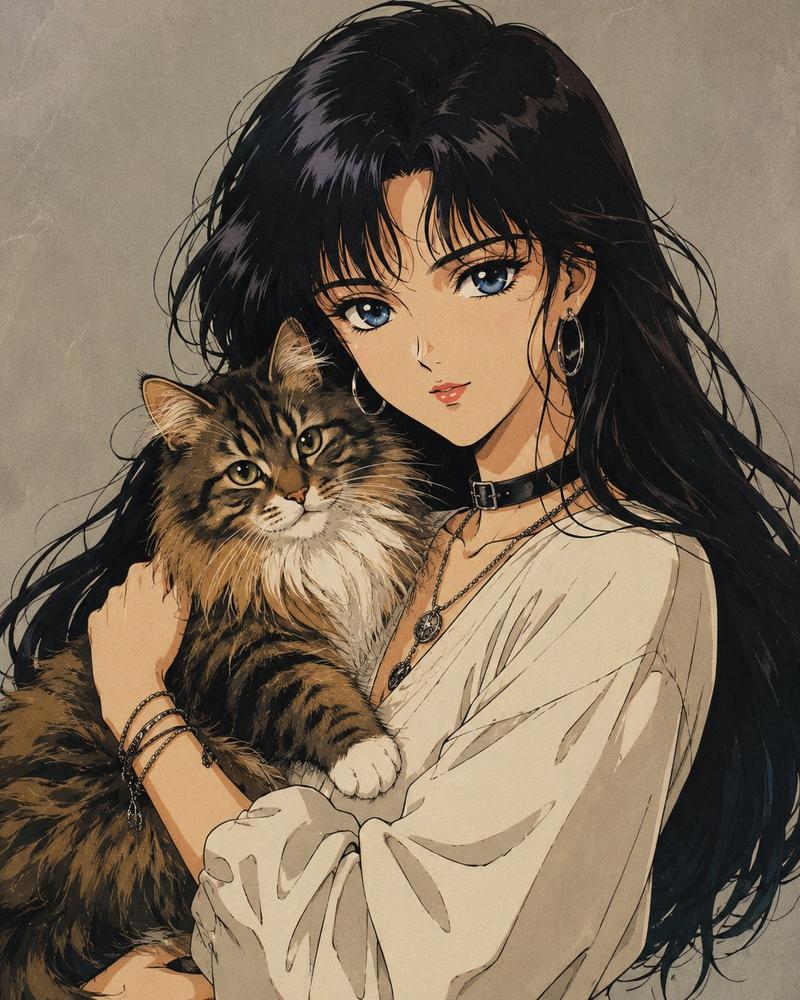
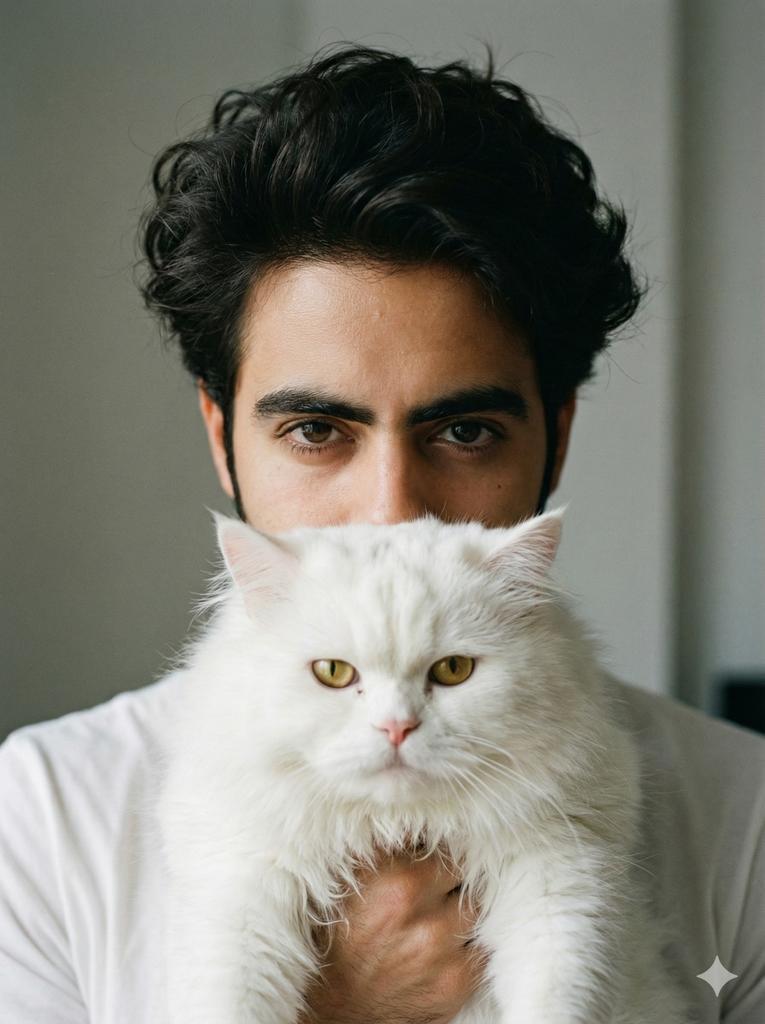
被遮挡的男子怀抱猫咪肖像
提示词
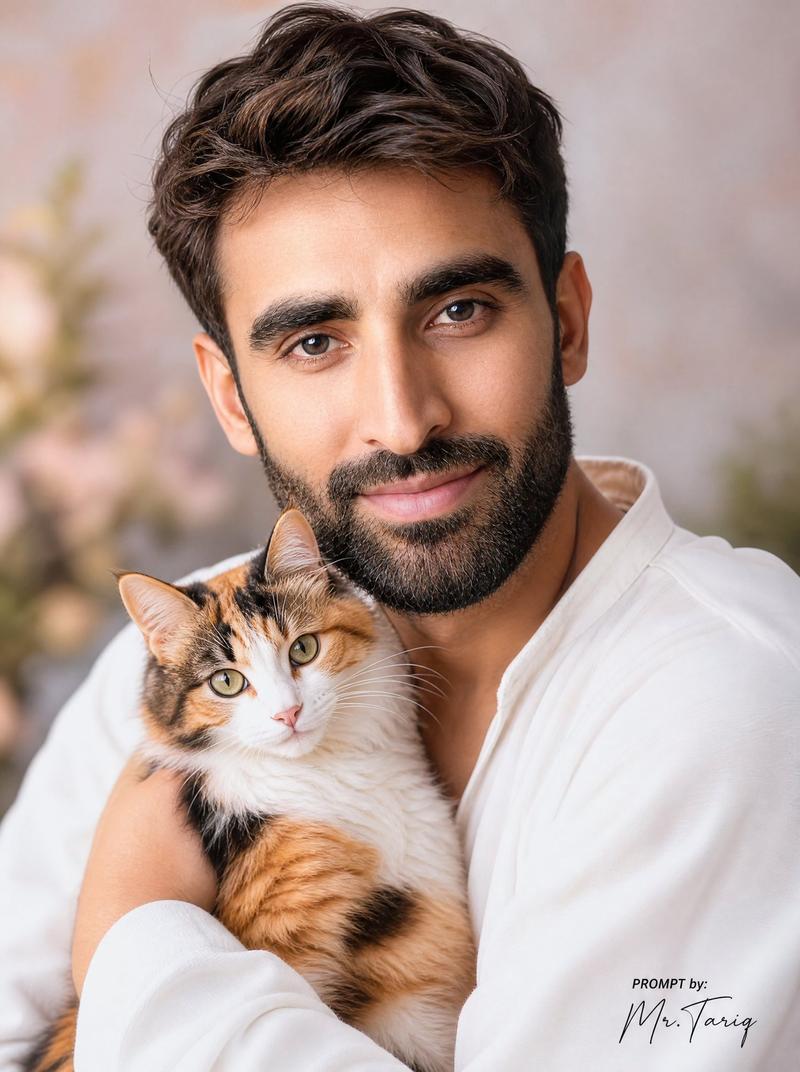
Create an ultra-realistic black-and-white surreal studio portrait of a {argument name="subject age and gender" default="25-year-old man"} facing straight toward the camera in a tight vertical crop. He has thick, dark, glossy hair swept back with a side part, visible ears, and wears a dark shirt that blends into the shadowy background. He holds a large fluffy {argument name="cat type" default="long-haired tabby cat"} directly in front of his face like a living mask; the cat is centered, with its lower face, nose, whiskers, mane-like fur, and two front paws visible near the bottom of the frame. Add a large opaque square censor block in the center of the image, medium gray with a subtle left-to-right gradient, covering most of the man's face and the upper half of the cat, leaving only the man's hair and ears visible above and around it and the cat's muzzle, whiskers, chest fur, and paws visible below it. Use dramatic low-key lighting, high contrast monochrome tones, crisp fur texture, sharp hair detail, a dark vignetted studio backdrop, and a cinematic editorial fashion-photography mood. Place a small handwritten signature-style credit in the bottom-right corner reading {argument name="signature text" default="PROMPT by: Mr. Tariq"}. No color, no extra props, no text other than the small signature.- 分类
- 图表信息图
- 模型
- GPT Image 2
- 来源作者
- Mr. Tariq
- 来源 ID
- 24685
- 发布时间
- 2026年6月7日
浏览量3941