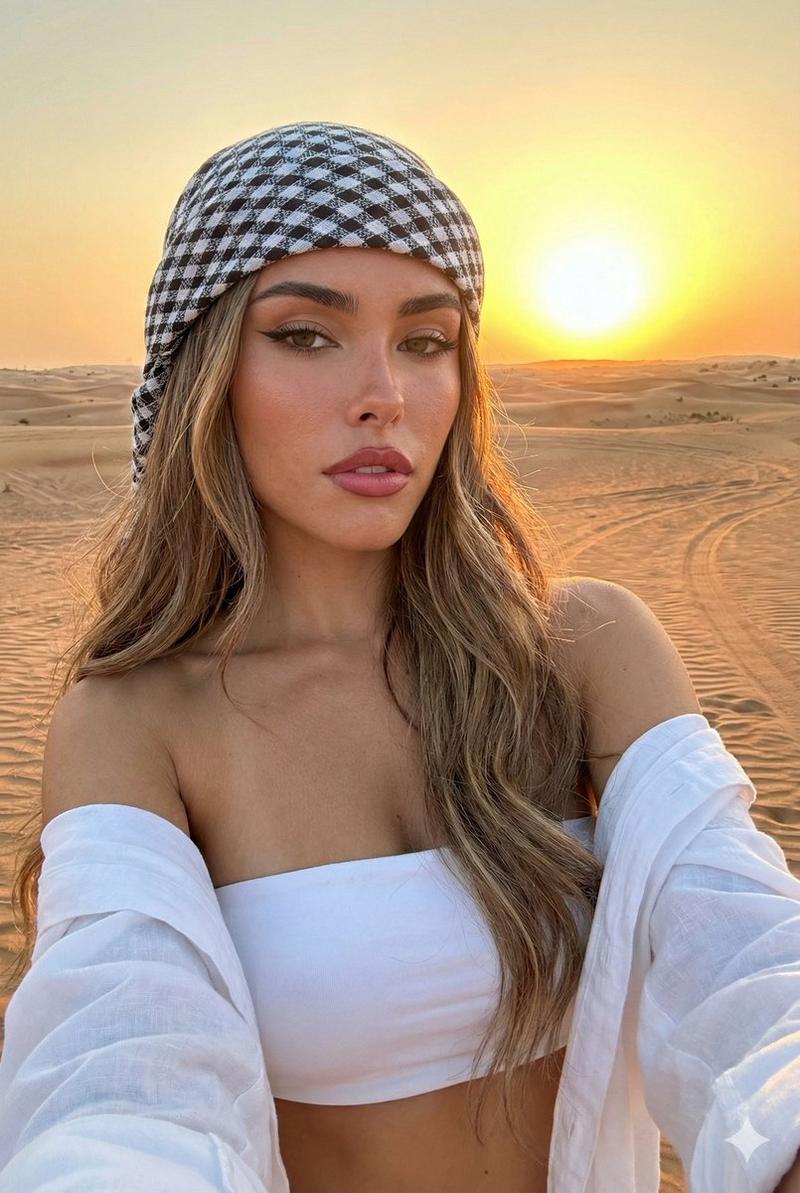
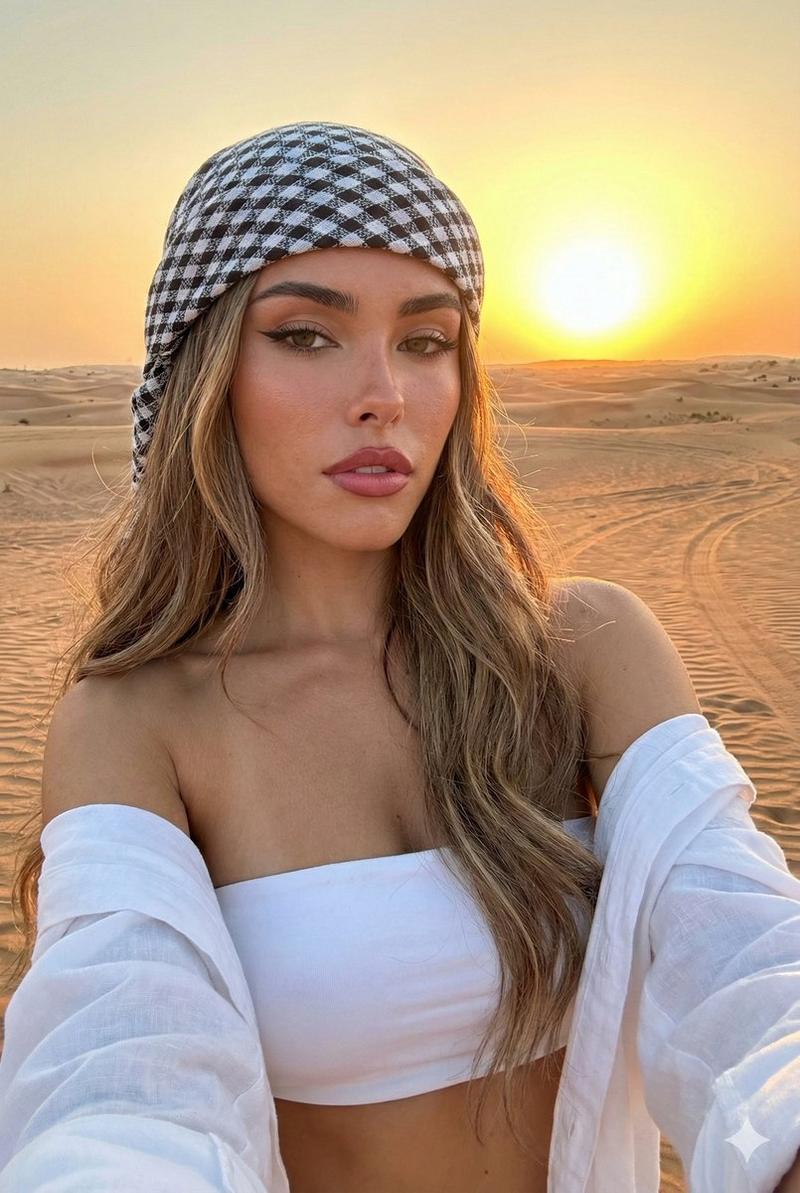
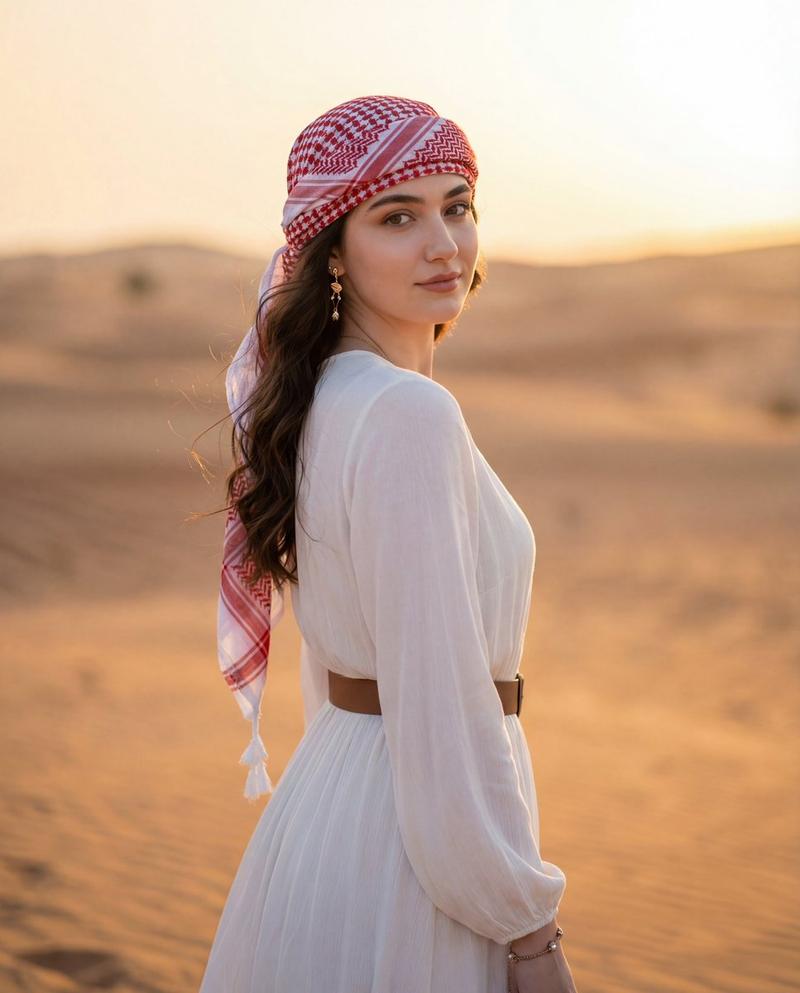
金色沙漠时尚肖像
提示词
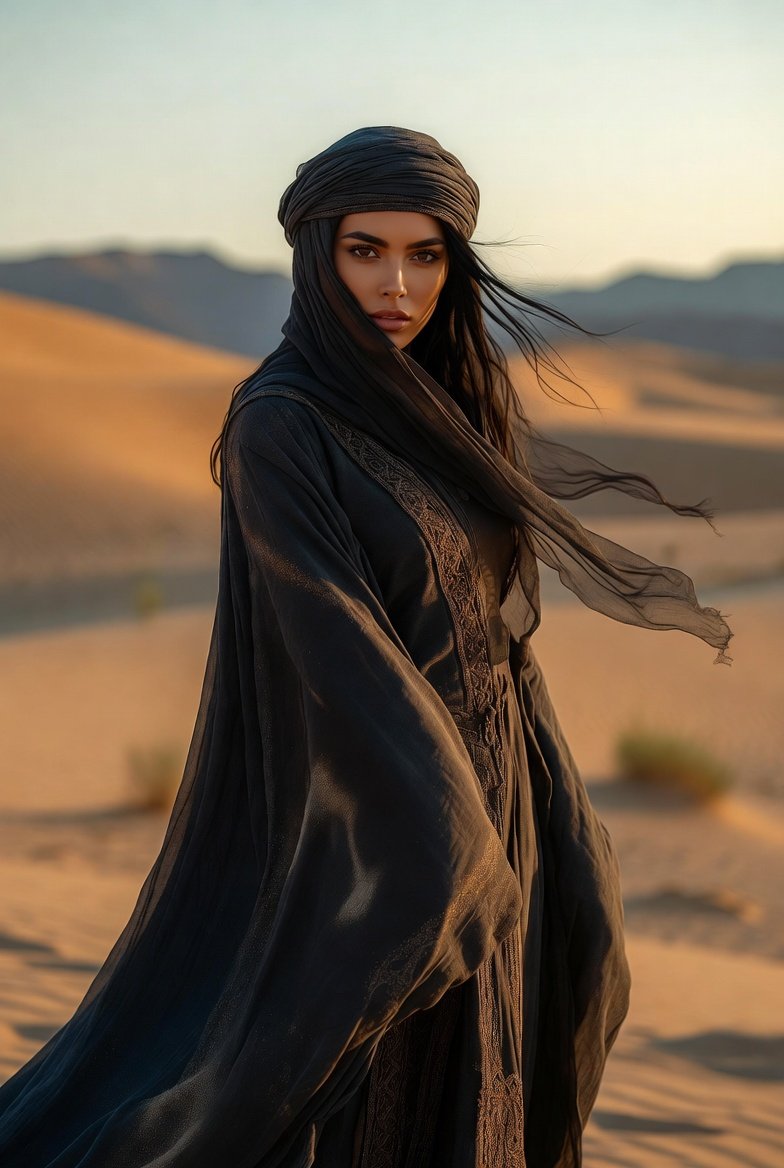
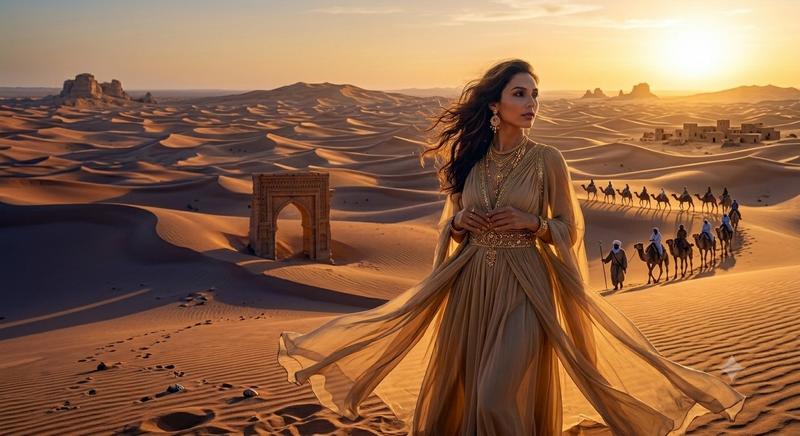
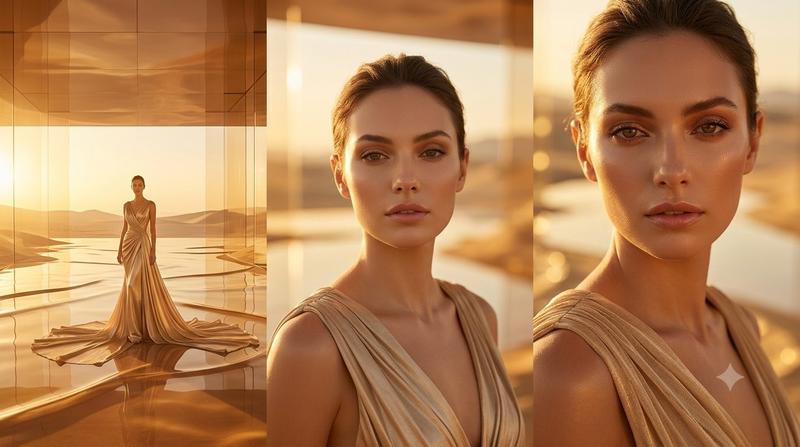
Create a cinematic photorealistic half-body portrait of {argument name="subject" default="a stylish woman"} standing in sweeping desert sand dunes at golden hour, centered slightly right of frame, with warm sunset backlighting and a shallow depth of field. She has {argument name="hair color and style" default="long wavy brunette hair blowing in the wind"}, wears a flowing sheer beige bohemian dress with embroidered beadwork along the neckline and sleeves, and layered ornate gold necklaces with pendants. The background is softly blurred rolling dunes and distant low hills under a glowing amber sky, with the sun high on the upper right creating rim light, lens warmth, and a luxurious editorial travel-fashion mood. Place a single opaque solid brown rectangular censor block over the entire face, aligned vertically from forehead to chin, matching the warm brown shadow tones of the scene. Use a wide 16:9 horizontal composition, realistic skin and fabric texture, rich golden color grading, natural wind movement, and no visible text, logos, or watermarks.- 分类
- 图表信息图
- 模型
- GPT Image 2
- 来源作者
- Cherry 2.O
- 来源 ID
- 24698
- 发布时间
- 2026年6月6日
浏览量2060