15

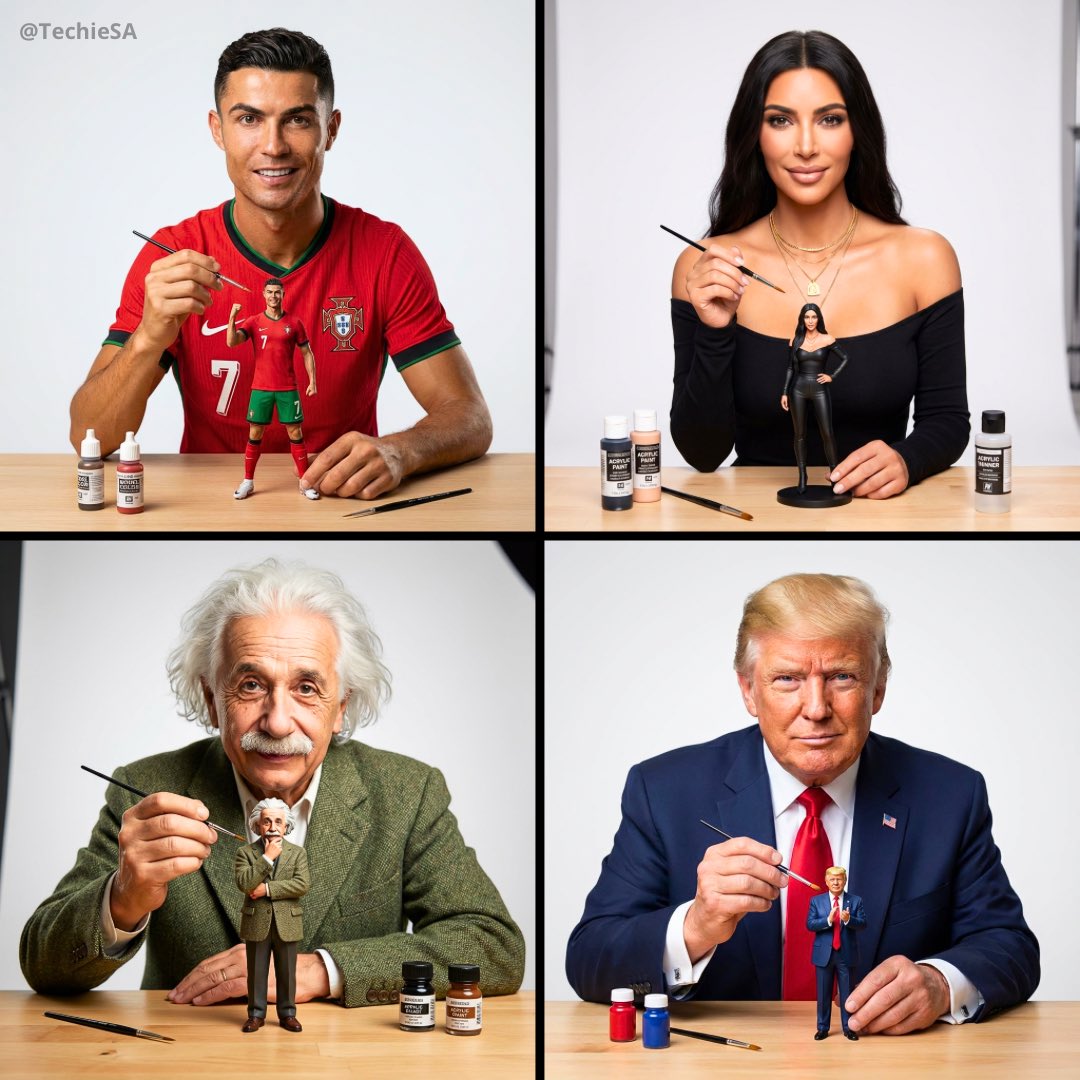
Painting Ronaldo figurine workshop scene: GPT Image 2 prompt
Enlarge

Painting Ronaldo figurine workshop scene: GPT Image 2 prompt

Prompt
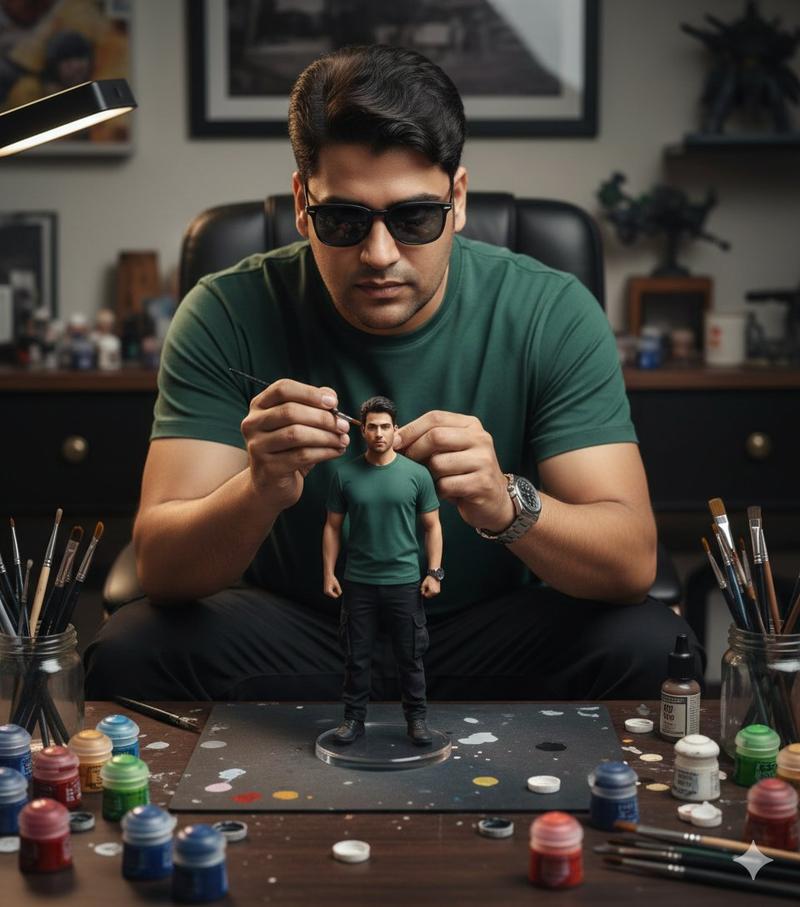
A hyper-realistic cinematic scene of a woman carefully painting a miniature football figurine of Cristiano Ronaldo in a Portugal national team jersey. The tiny footballer is frozen mid-dribble with the ball at his feet, standing on a round grass base placed on a wooden desk. The woman wears a matching red Portugal jersey and focuses intently while holding a fine paintbrush near the figure’s face. Soft natural window light creates warm highlights and gentle shadows, shallow depth of field with a blurred shelf of collectibles in the background. Ultra-detailed textures on fabric, skin, and paint strokes, photorealistic scale illusion, cinematic storytelling composition, premium studio realism, 50mm lens look, high-end editorial mood
Category
Illustration & Art
Model
GPT Image 2
Views0
Source ID
2011329615814607139
Published
Jan 14, 2026

Guide

About "Painting Ronaldo figurine workshop scene: GPT Image 2 prompt"

What is this prompt for?

"Painting Ronaldo figurine workshop scene: GPT Image 2 prompt" AI image prompt for GPT Image 2 (Illustration & Art). A hyper-realistic cinematic scene of a wom…

The full copyable prompt and example visuals above are ready for AI image generation or one-click recreate in Picva.

How to use this prompt

  1. Step 1

    Open the prompt detail

    Review the example visuals, category, and full prompt text for "Painting Ronaldo figurine workshop scene: GPT Image 2 prompt".

  2. Step 2

    Copy the prompt

    Copy the prompt body from this page, or load it directly in Studio.

  3. Step 3

    Pick a model (GPT Image 2)

    Prefer GPT Image 2. If you switch models, keep subject and composition and tweak style terms.

  4. Step 4

    Generate and export

    Recreate the look in Picva, or export into your workflow for editing and publishing.

FAQ

What is the "Painting Ronaldo figurine workshop scene: GPT Image 2 prompt" prompt?
It is an AI image-generation prompt for GPT Image 2 in the Illustration & Art category. This page includes the full prompt text, example visuals, and a one-click recreate path in Picva.
How do I use this prompt to generate an image?
Copy the prompt from this page, or use Generate / Studio. Paste it into a compatible image model, or recreate the look in Picva with optional reference images.
Which model is this prompt for?
This page lists GPT Image 2. Most descriptive prompts also transfer to nearby image models such as GPT Image, Flux, or Midjourney with light style tweaks.
Can I use the result commercially?
You can usually copy the prompt for creation, but commercial use of the final image depends on the model terms, reference-image rights, and the generated content. Follow the source author and platform rules.