19

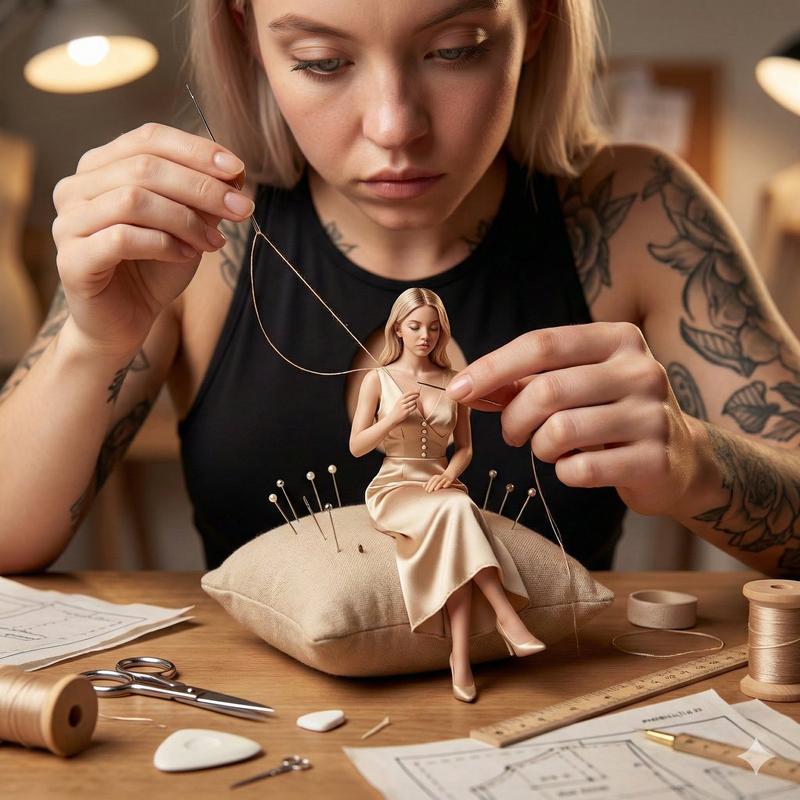
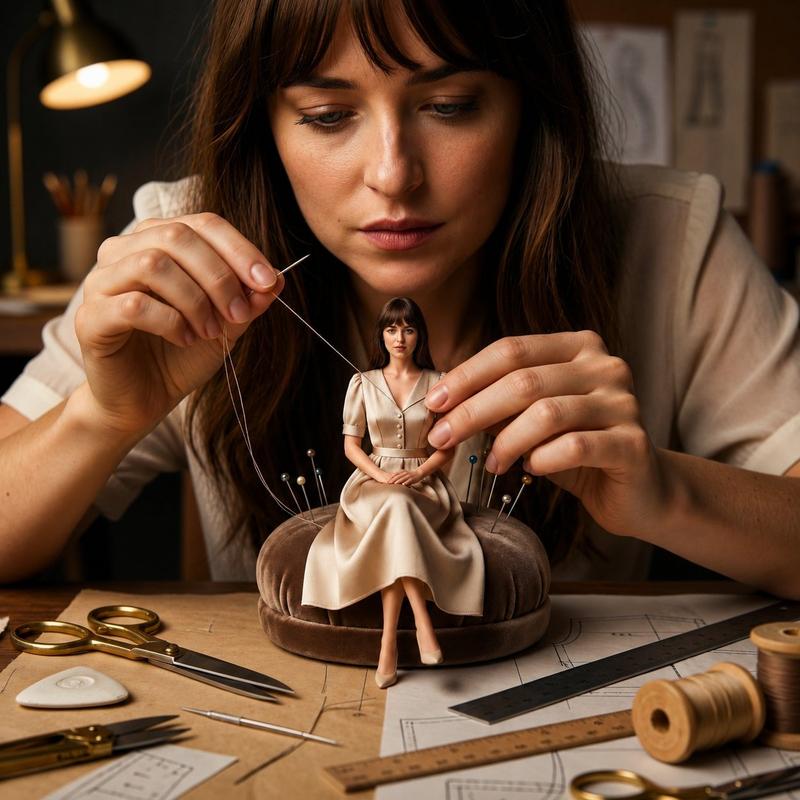
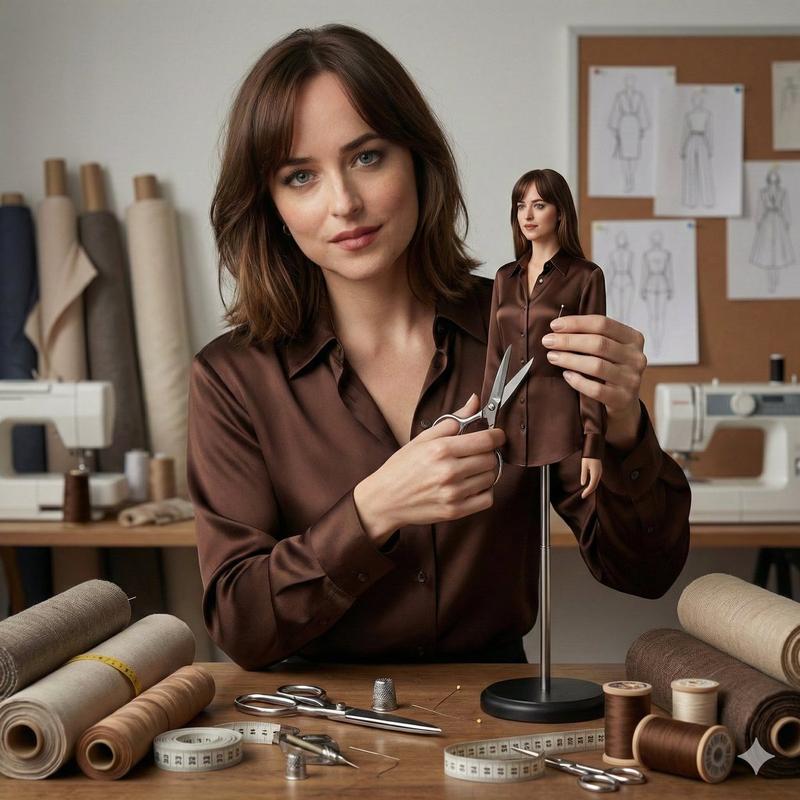
女神为迷你版自己调整服装
Enlarge

女神为迷你版自己调整服装

Prompt
Ultra-realistic cinematic studio scene of a woman adjusting the clothing on a miniature version of herself using tiny tailoring tools.
She sits at a fashion-style workbench, carefully aligning fabric seams with delicate hand movements.
The miniature figure wears an identical outfit with perfectly scaled stitching and realistic fabric drape.
The workspace includes miniature hangers, fabric swatches, pins, measuring tapes, and sewing tools.
Soft studio lighting with gentle rim light highlights textile fibers, skin pores, and precision craftsmanship.
Shallow depth of field, cinematic editorial framing, ultra-photoreal textures, modern studio atmosphere, 8K realism.
Style: cinematic miniature fashion realism, professional photography, no cartoon, no CGI look. 1:1.
Category
Photography & Realism
Model
Nano Banana Pro
Views84
Source ID
2180
Published
Jan 25, 2026

Guide

About "女神为迷你版自己调整服装"

What is this prompt for?

"女神为迷你版自己调整服装" AI image prompt for Nano Banana Pro (Photography & Realism). 超现实主义电影工作室场景:一位女性正在用微型裁缝工具为迷你版自己调整服装。她坐在时尚风格的工作台前,以细腻手势精准对齐布料接缝。迷你人偶穿着同款服装,缝线比例完美,布…

The full copyable prompt and example visuals above are ready for AI image generation or one-click recreate in Picva.

How to use this prompt

  1. Step 1

    Open the prompt detail

    Review the example visuals, category, and full prompt text for "女神为迷你版自己调整服装".

  2. Step 2

    Copy the prompt

    Copy the prompt body from this page, or load it directly in Studio.

  3. Step 3

    Pick a model (Nano Banana Pro)

    Prefer Nano Banana Pro. If you switch models, keep subject and composition and tweak style terms.

  4. Step 4

    Generate and export

    Recreate the look in Picva, or export into your workflow for editing and publishing.

FAQ

What is the "女神为迷你版自己调整服装" prompt?
It is an AI image-generation prompt for Nano Banana Pro in the Photography & Realism category. This page includes the full prompt text, example visuals, and a one-click recreate path in Picva.
How do I use this prompt to generate an image?
Copy the prompt from this page, or use Generate / Studio. Paste it into a compatible image model, or recreate the look in Picva with optional reference images.
Which model is this prompt for?
This page lists Nano Banana Pro. Most descriptive prompts also transfer to nearby image models such as GPT Image, Flux, or Midjourney with light style tweaks.
Can I use the result commercially?
You can usually copy the prompt for creation, but commercial use of the final image depends on the model terms, reference-image rights, and the generated content. Follow the source author and platform rules.