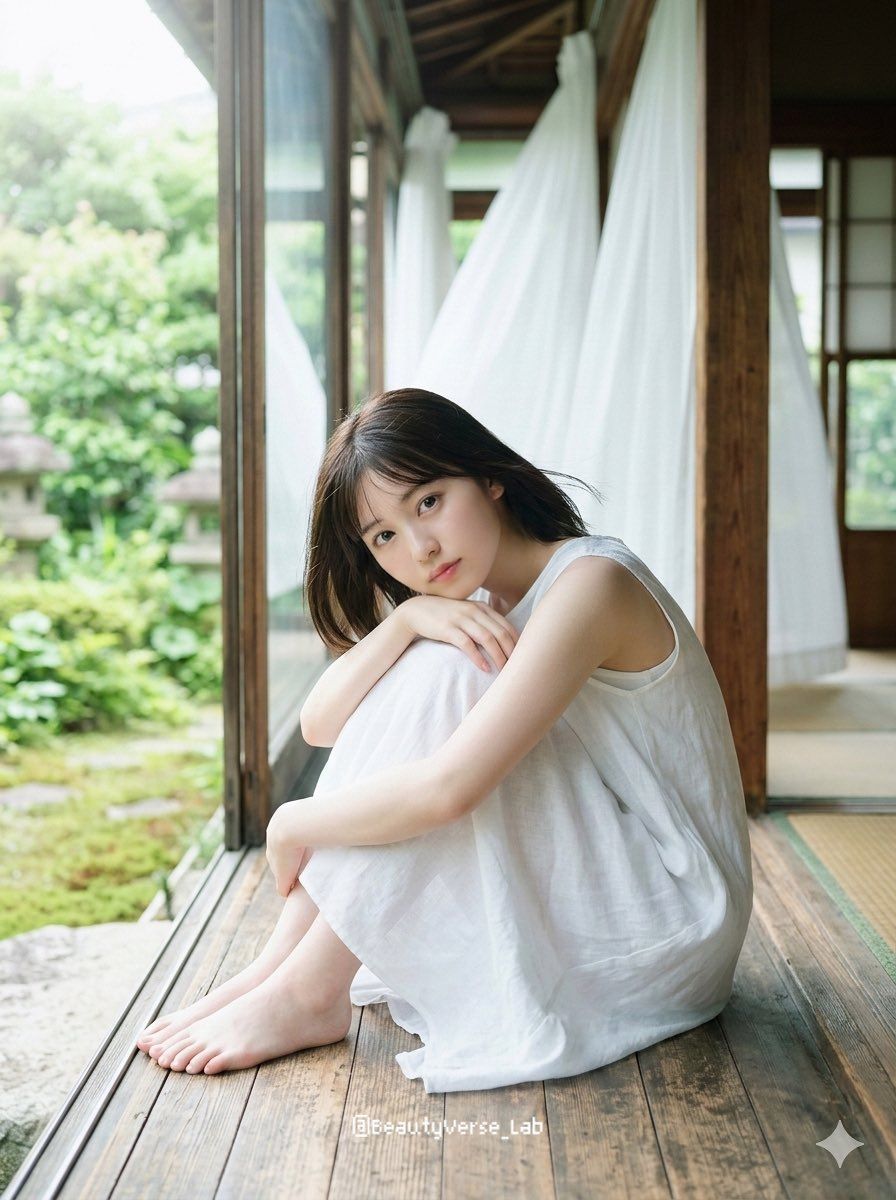
Japanese idol engawa portrait: GPT Image 2 prompt
Prompt
{
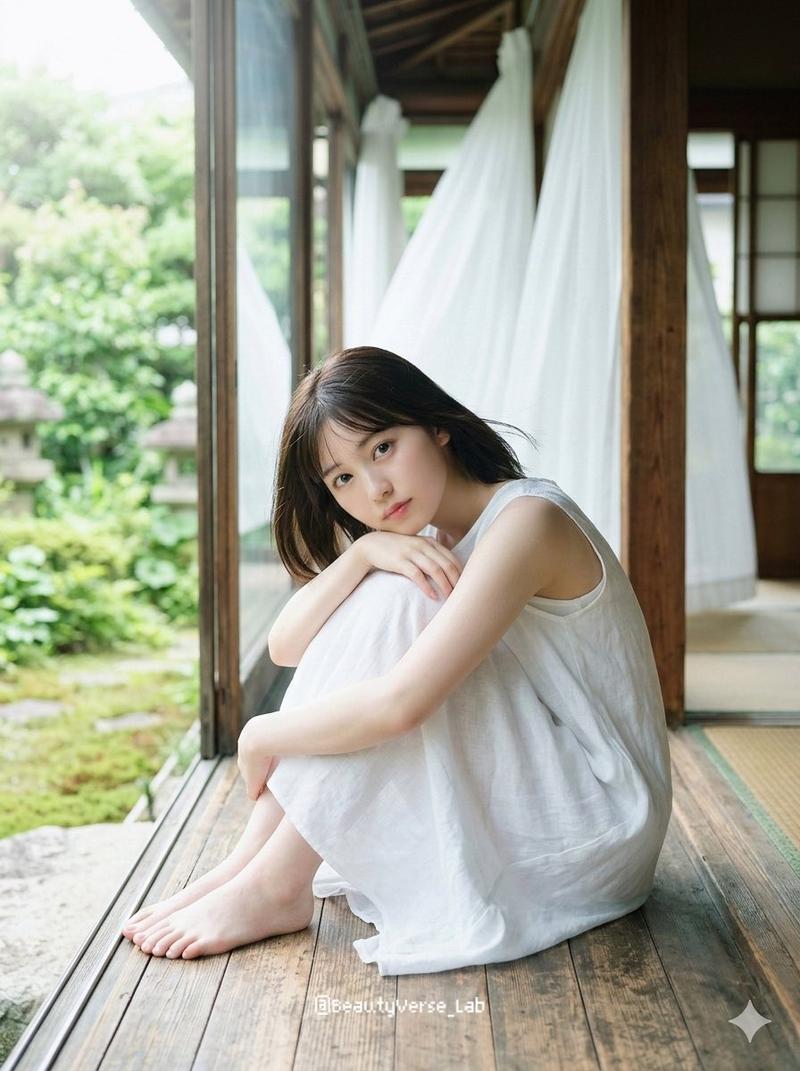
 "Character": {
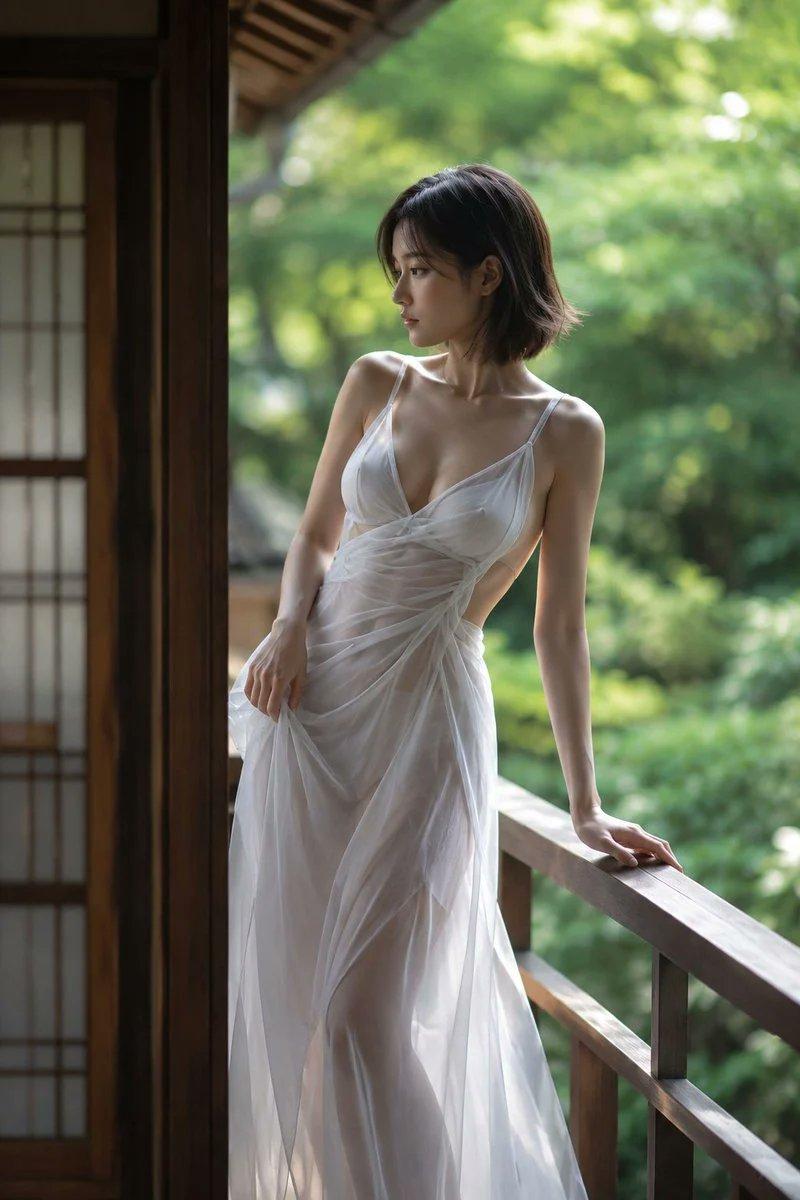
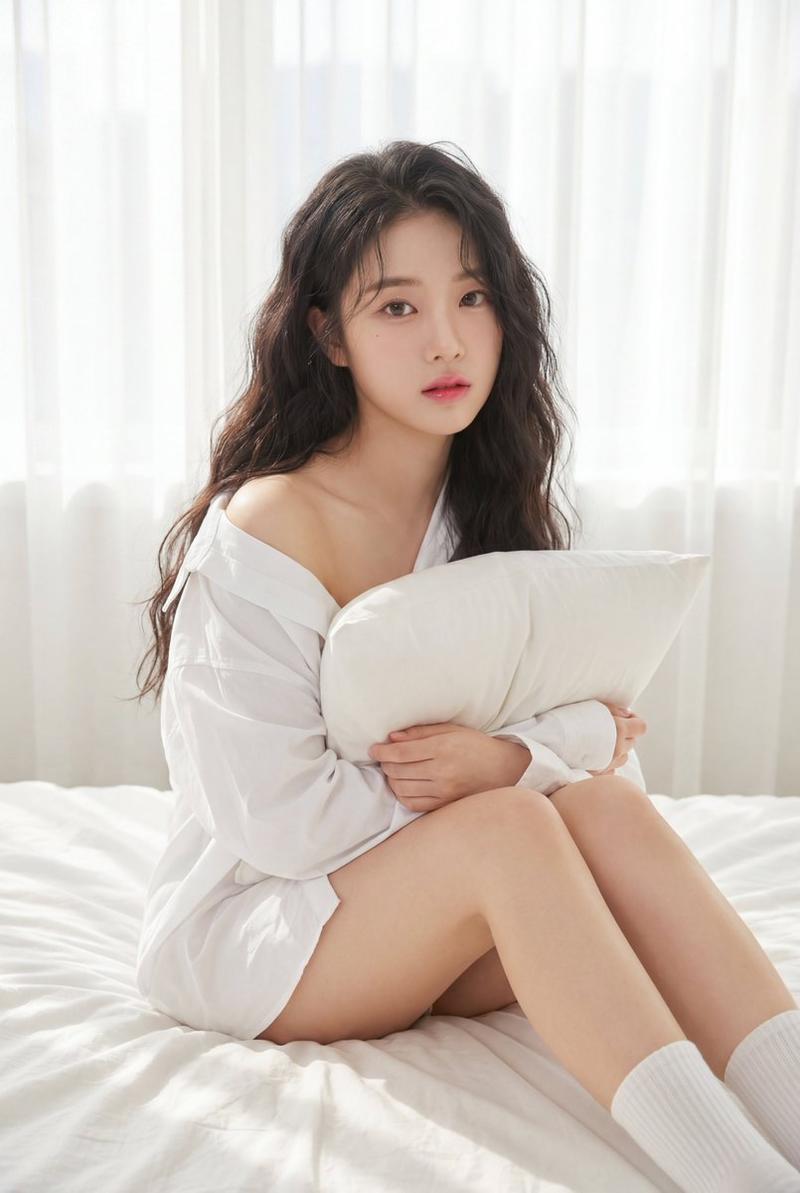
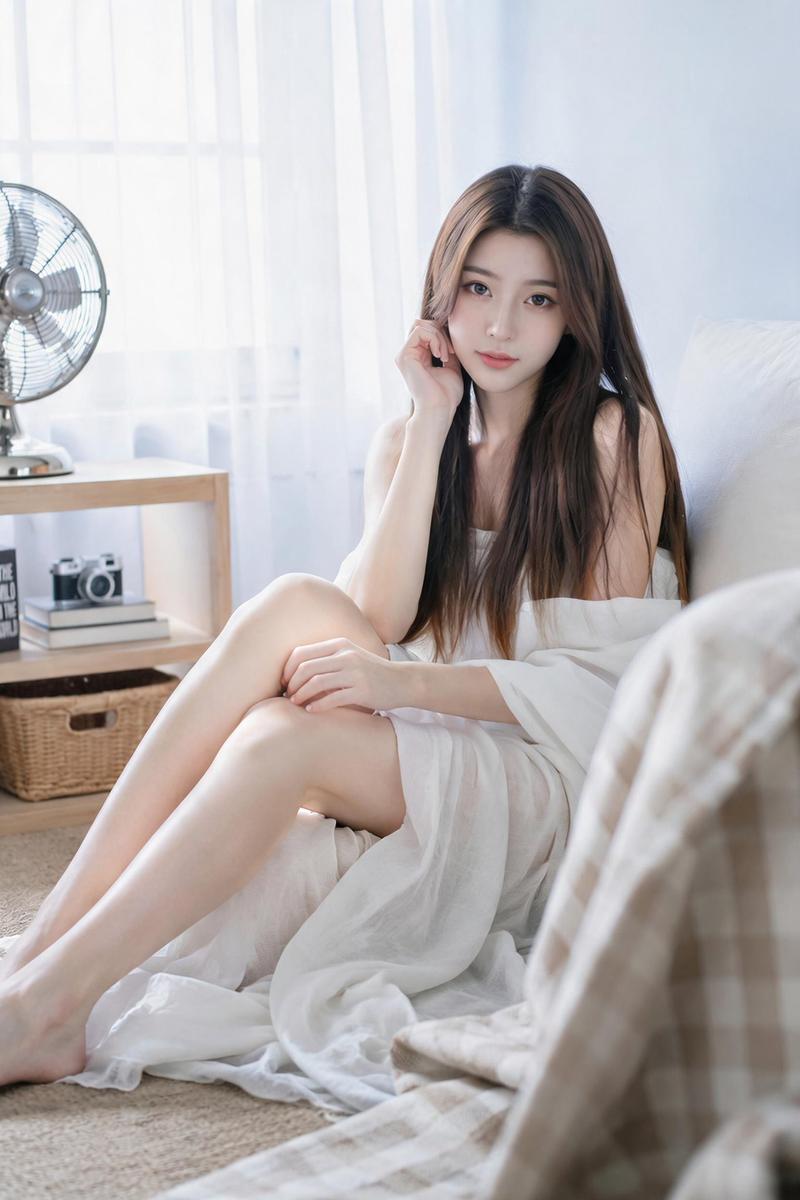
 "Subject": "Japanese female idol, late teens to early 20s",
 "Face_and_Skin": "pure innocent face with translucent pale skin, glassy realistic skin texture with a subtle natural glow",
 "Makeup": "minimal 'no-makeup' look, very subtle soft pink blush, glossy clear lip balm",
 "Hair": "natural dark brown medium-length bob hair gently swaying in the breeze, no hat",
 "Eyes_and_Expression": "wide innocent soft eyes capturing the light, looking directly at camera with a gentle, ephemeral and pure expression",
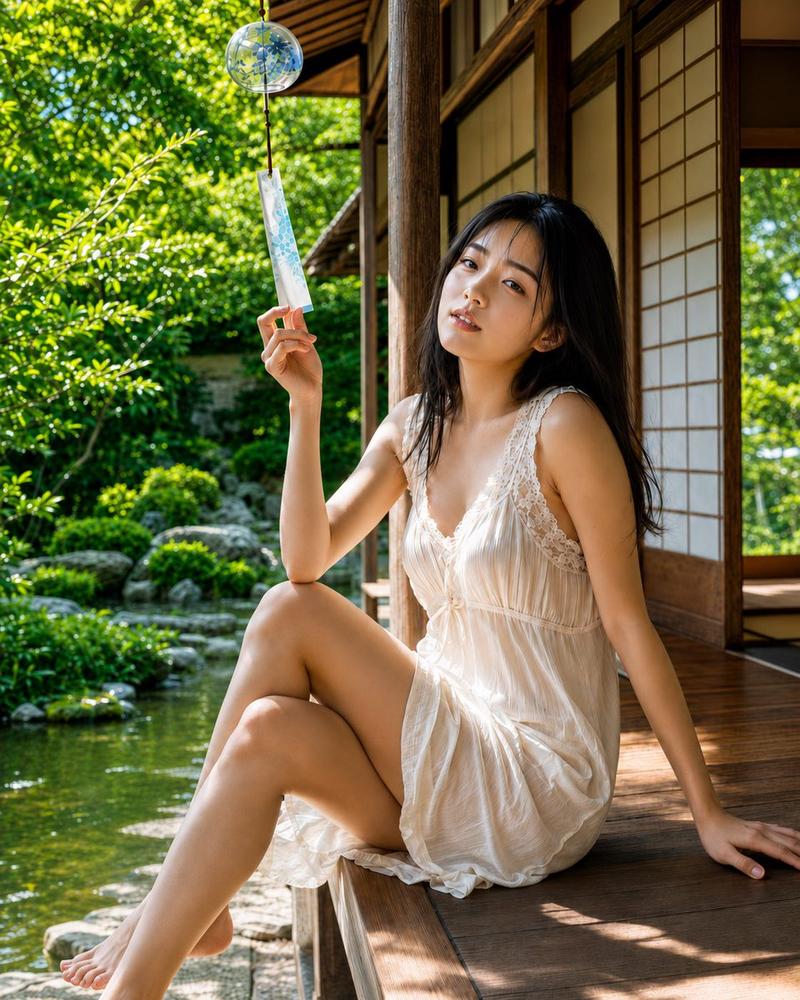
 "Pose": "SITTING on a wooden engawa, HUGGING KNEES to chest, chin resting gracefully on knees, arms wrapped softly around shins, bare feet, relaxed and natural posture",
 "Outfit": "loose-fitting thin white linen summer dress, sleeveless, slightly translucent fabric catching the backlight, delicate collarbone visible, pure and ethereal all-white aesthetic"
 },
 "Scene": {
 "Environment": "wooden engawa (traditional Japanese veranda), traditional Japanese house with sliding glass doors open to a lush green summer garden",
 "Details": "bright white sheer curtains blowing in the background, soft green, brown, and white color palette",
 "Atmosphere": "clear summer morning breeze, nostalgic and ephemeral atmosphere, feeling the gentle summer breeze"
 },
 "Photography": {
 "Style": "Japanese idol photobook (shashin-shu), airy and transparent photography, masterpiece, best quality, photorealistic",
 "Camera_and_Lens": "Contax 645 medium format look, Carl Zeiss Planar 80mm f/2 lens, shallow depth of field, soft airy creamy bokeh, soft ethereal focus on the edges, sharp on the eyes",
 "Framing": "shot from EYE LEVEL, medium close-up framing, knee-up composition",
 "Lighting": "SOFT NATURAL DAYLIGHT, OVERCAST or DIFFUSED WINDOW LIGHT, high-key lighting (low contrast), slightly overexposed (+1 EV) for transparency, soft wrap-around light, bright square catchlights in eyes",
 "Film_Simulation_and_Color": "Fujifilm Pro 400H film simulation, pastel color grading, cool cyan-green undertones in the shadows, milky lifted blacks, soft glowing highlights without pure white clipping",
 "Effects": "fine subtle film grain (0.2), very mild vignette (0.1), soft gentle light leak from the top corner"
 "Aapect Ratio": "3:4"
 }
}- Category
- Photography & Realism
- Model
- GPT Image 2
- Creator
- BeautyVerse
- Source ID
- 2027114611636572306
- Published
- Feb 26, 2026
Views0