20

日式缘侧清晨肖像
Enlarge

日式缘侧清晨肖像

Prompt
主体:
阳光透过树木洒下的缘侧

主要对象:
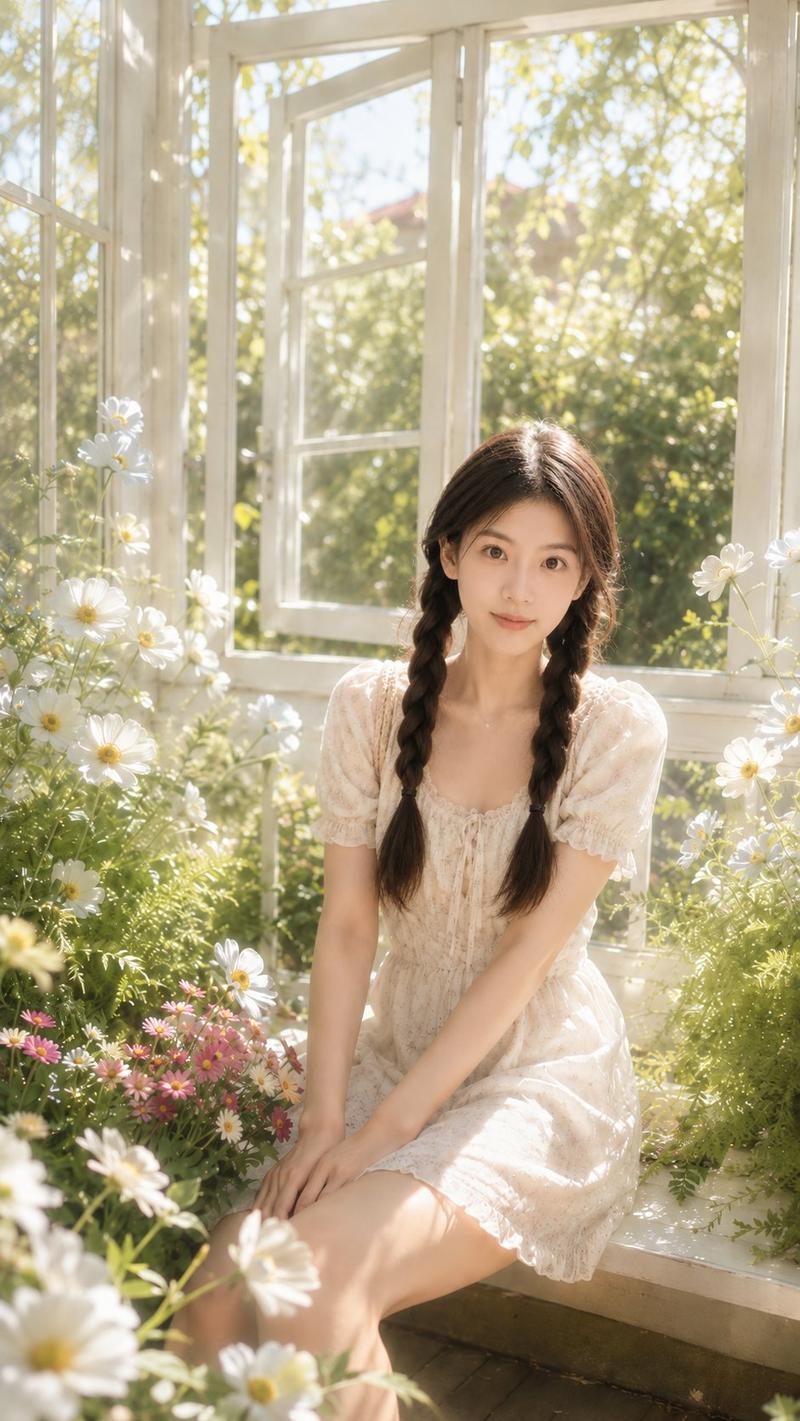
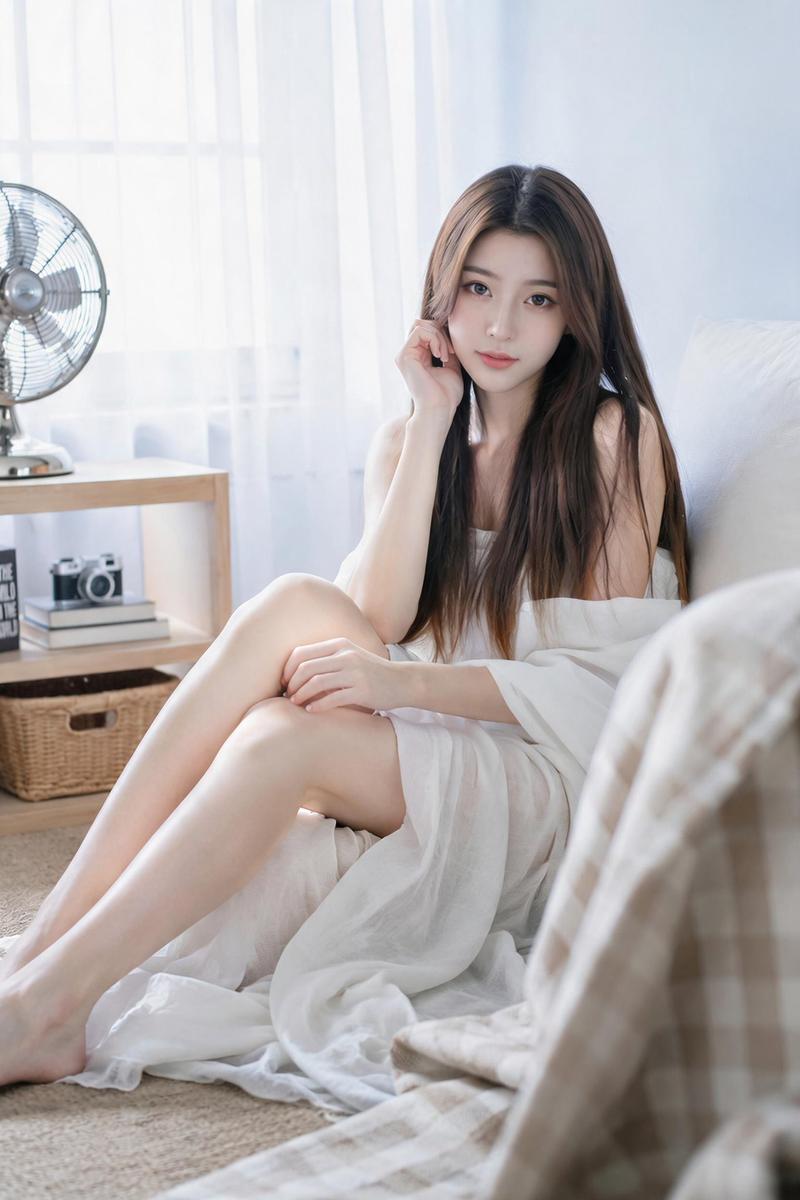
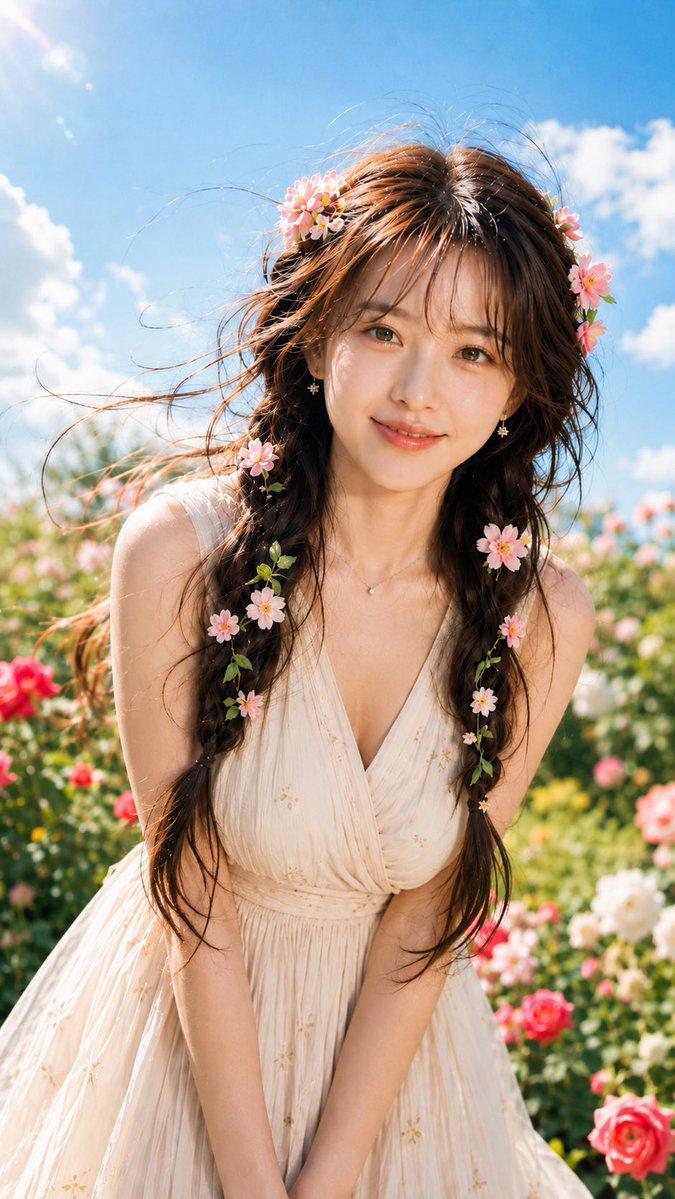
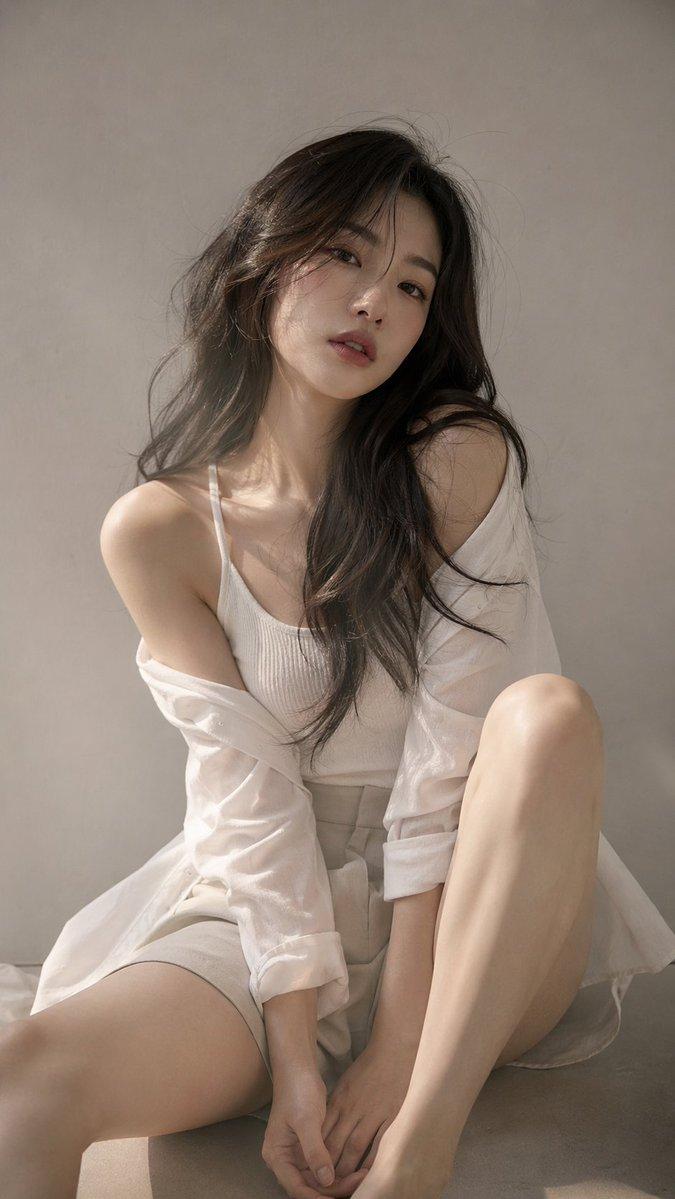
一张竖构图肖像,一位身着 {argument name="clothing" default="白色连衣裙"} 的女性安静地坐在面向小花园的木制缘侧上。主体位于画面中心偏右,占据约 70% 的比例。她微微蜷缩着双膝,在花草环绕中捕捉清晨柔和的气息。

人物/表情:
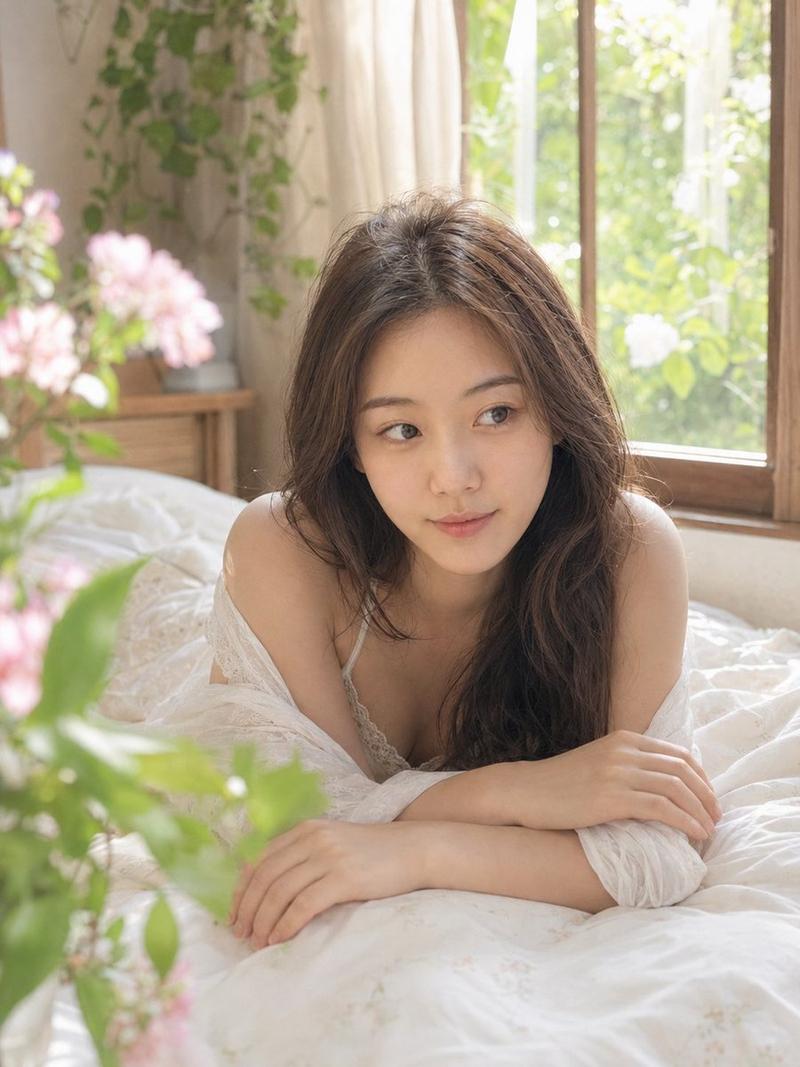
自然写实的日式肖像。深棕色长发自然垂落,留着轻薄的空气刘海。日式极简妆容,强调通透感,带有柔和的卧蚕和自然色泽的双唇。头部微微倾斜,带着浅浅的微笑平静地注视着镜头。

服装/姿势:
自然色调的纯棉白裙。柔和的泡泡袖,袖口系有细丝带,胸前和下摆饰有简约蕾丝。双手轻轻交叠于下巴下方,手肘自然地放在膝盖上。双膝并拢,双脚向左下方延伸。不穿袜子,赤脚穿着简约的白色运动鞋。地面上没有小包或角色周边物品。

背景/光影:
日式住宅的缘侧,配有古朴的木制推拉门和白色暖帘。背景是一个小花园,阳光下摆放着盆栽 {argument name="flower type" default="玛格丽特"}、小白花、低矮植被和庭院石块。右侧前景有一朵模糊的大白花,左后方层叠着绿叶与晨光。光源是来自左上方的柔和 {argument name="light source" default="晨光"}。头发、脸颊、肩膀、膝盖和运动鞋上有明亮的高光,木地板上投射着细碎的叶影。

构图/摄影:
4:5 竖构图。相机处于略低的视平线,以自然的距离拍摄主体。聚焦于面部和双手,浅景深效果使前景花朵和后方室内环境柔和虚化。右侧为木框和白墙,左侧展现花园的纵深感,底部为木制缘侧和运动鞋。整体画面明亮,留有充足的白色和绿色负空间。

质感/风格:
利用清晨自然光的写实摄影风格。淡雅的胶片色调,柔和的对比度,自然的皮肤纹理,无过度修饰的通透感。以白色、米色和淡绿色为主色调,点缀白色和淡粉色花朵。一幅安静、干净的日式庭院肖像。

负面提示词:
面部畸形、视线不自然、多指、缺指、肢体融合、关节错位、接触不良、悬浮、重力不自然、阴影与光源不一致、皮肤过度修饰、塑料感皮肤。
Category
Charts & Infographics
Model
GPT Image 2
Views3
Source ID
27982
Published
Jul 8, 2026

Guide

About "日式缘侧清晨肖像"

What is this prompt for?

"日式缘侧清晨肖像" AI image prompt for GPT Image 2 (Charts & Infographics). 一个宁静的提示词,用于创作一张女性坐在传统日式缘侧、沐浴在柔和晨光中的肖像。 Copy it on Picva and recreate the look in one click.

The full copyable prompt and example visuals above are ready for AI image generation or one-click recreate in Picva.

How to use this prompt

  1. Step 1

    Open the prompt detail

    Review the example visuals, category, and full prompt text for "日式缘侧清晨肖像".

  2. Step 2

    Copy the prompt

    Copy the prompt body from this page, or load it directly in Studio.

  3. Step 3

    Pick a model (GPT Image 2)

    Prefer GPT Image 2. If you switch models, keep subject and composition and tweak style terms.

  4. Step 4

    Generate and export

    Recreate the look in Picva, or export into your workflow for editing and publishing.

FAQ

What is the "日式缘侧清晨肖像" prompt?
It is an AI image-generation prompt for GPT Image 2 in the Charts & Infographics category. This page includes the full prompt text, example visuals, and a one-click recreate path in Picva.
How do I use this prompt to generate an image?
Copy the prompt from this page, or use Generate / Studio. Paste it into a compatible image model, or recreate the look in Picva with optional reference images.
Which model is this prompt for?
This page lists GPT Image 2. Most descriptive prompts also transfer to nearby image models such as GPT Image, Flux, or Midjourney with light style tweaks.
Can I use the result commercially?
You can usually copy the prompt for creation, but commercial use of the final image depends on the model terms, reference-image rights, and the generated content. Follow the source author and platform rules.