16

Floor plan mini rooms: GPT Image 2 prompt
Enlarge

Floor plan mini rooms: GPT Image 2 prompt

Prompt
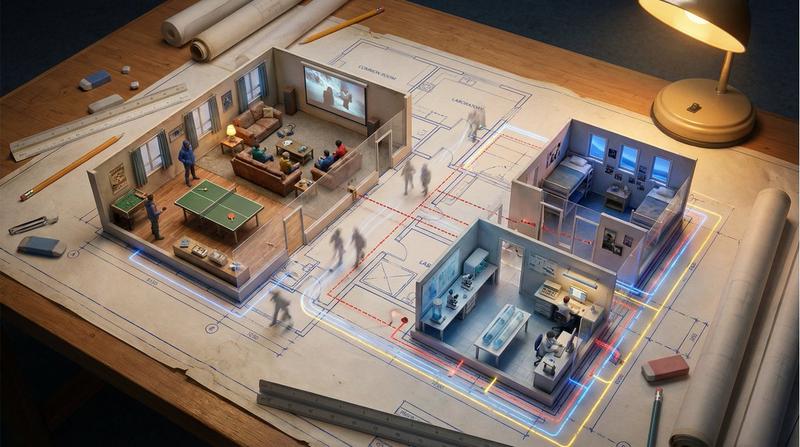
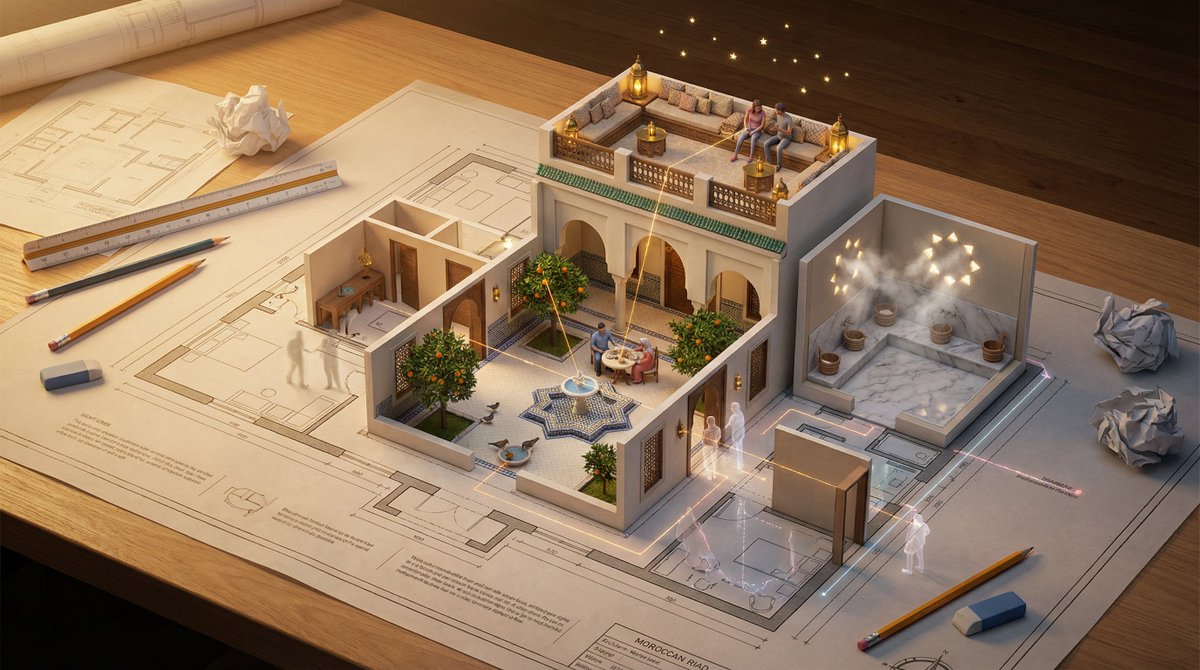
An architectural floor plan of a [LOCATION] spread across a drafting table, with the spaces rising into inhabitable miniature. The [ROOM 1] emerges with worn materials and weathered surfaces and a solitary figure deep in task under warm amber practical light in progress, the [ROOM 2] rises with contrasting textures and layered detail and two people sharing a human moment under cool contrasting light casting coloured shadows across the walls, the [ROOM 3] pushes up with intimate scale and personal objects and a quiet figure in stillness under a single practical light source casting a warm pool across the floor. The floor material on the plan becomes actual surface underfoot. Walls exist as both lines and actual partitions simultaneously. Sight lines marked on the plan become actual views between spaces. The mechanical systems in the plan, HVAC, plumbing, electrical, pulse with invisible function. Human circulation patterns appear as ghosted movement trails. Architectural scale figures become actual tiny inhabitants living their tiny lives. Section cuts reveal vertical relationships. The architect’s tools surround: scales, pencils, trace paper. Golden design studio light, the plan as promise and proof, 8K, architecture as life container.
Category
Illustration & Art
Model
GPT Image 2
Creator
TechieBySA
Views0
Source ID
2032193497898336334
Published
Mar 12, 2026

Guide

About "Floor plan mini rooms: GPT Image 2 prompt"

What is this prompt for?

"Floor plan mini rooms: GPT Image 2 prompt" AI image prompt for GPT Image 2 (Illustration & Art). An architectural floor plan of a [LOCATION] spread across a d…

The full copyable prompt and example visuals above are ready for AI image generation or one-click recreate in Picva.

How to use this prompt

  1. Step 1

    Open the prompt detail

    Review the example visuals, category, and full prompt text for "Floor plan mini rooms: GPT Image 2 prompt".

  2. Step 2

    Copy the prompt

    Copy the prompt body from this page, or load it directly in Studio.

  3. Step 3

    Pick a model (GPT Image 2)

    Prefer GPT Image 2. If you switch models, keep subject and composition and tweak style terms.

  4. Step 4

    Generate and export

    Recreate the look in Picva, or export into your workflow for editing and publishing.

FAQ

What is the "Floor plan mini rooms: GPT Image 2 prompt" prompt?
It is an AI image-generation prompt for GPT Image 2 in the Illustration & Art category. This page includes the full prompt text, example visuals, and a one-click recreate path in Picva.
How do I use this prompt to generate an image?
Copy the prompt from this page, or use Generate / Studio. Paste it into a compatible image model, or recreate the look in Picva with optional reference images.
Which model is this prompt for?
This page lists GPT Image 2. Most descriptive prompts also transfer to nearby image models such as GPT Image, Flux, or Midjourney with light style tweaks.
Can I use the result commercially?
You can usually copy the prompt for creation, but commercial use of the final image depends on the model terms, reference-image rights, and the generated content. Follow the source author and platform rules.