20

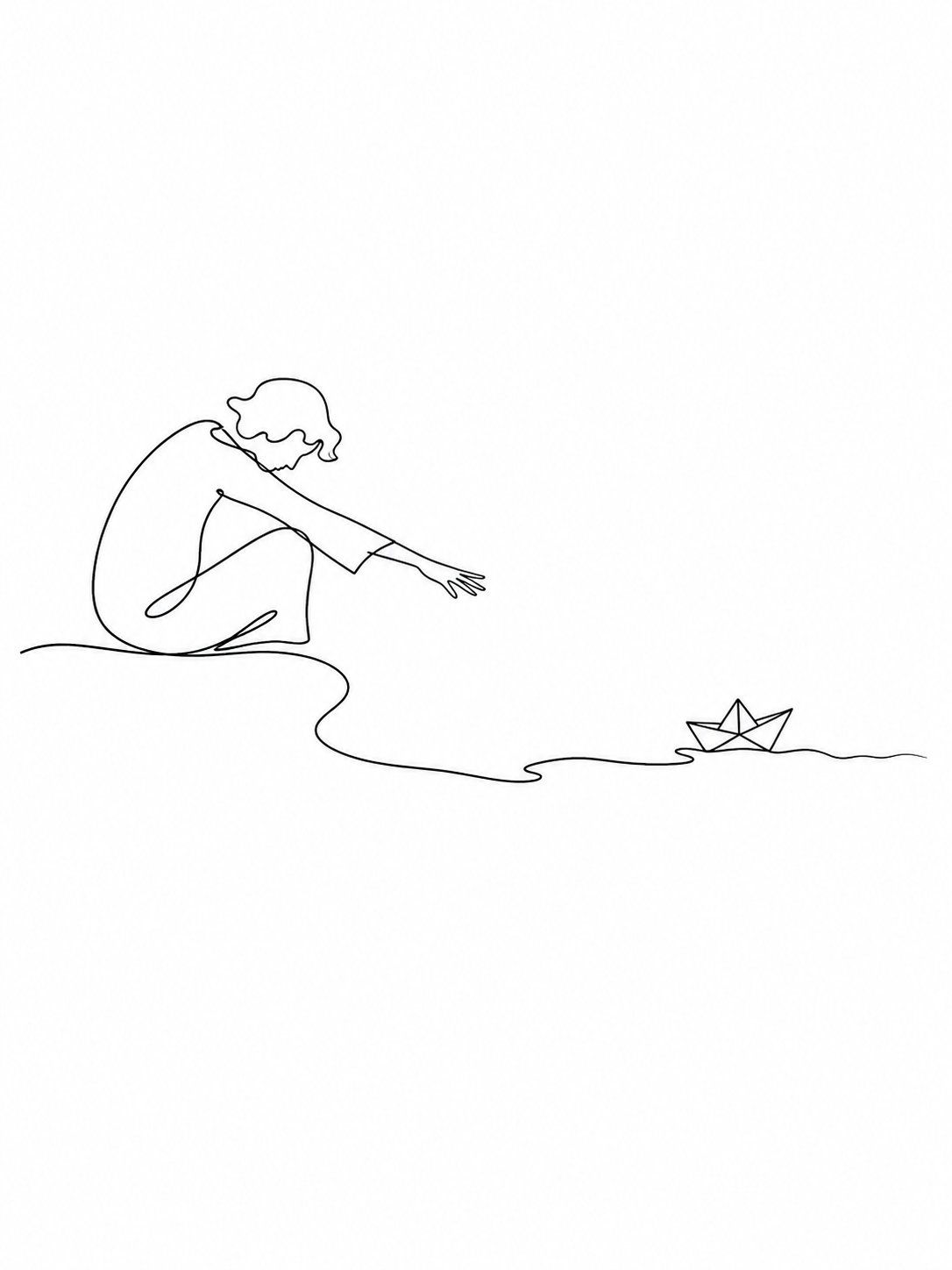
Single-line breathing field drawing: GPT Image 2 prompt
Enlarge

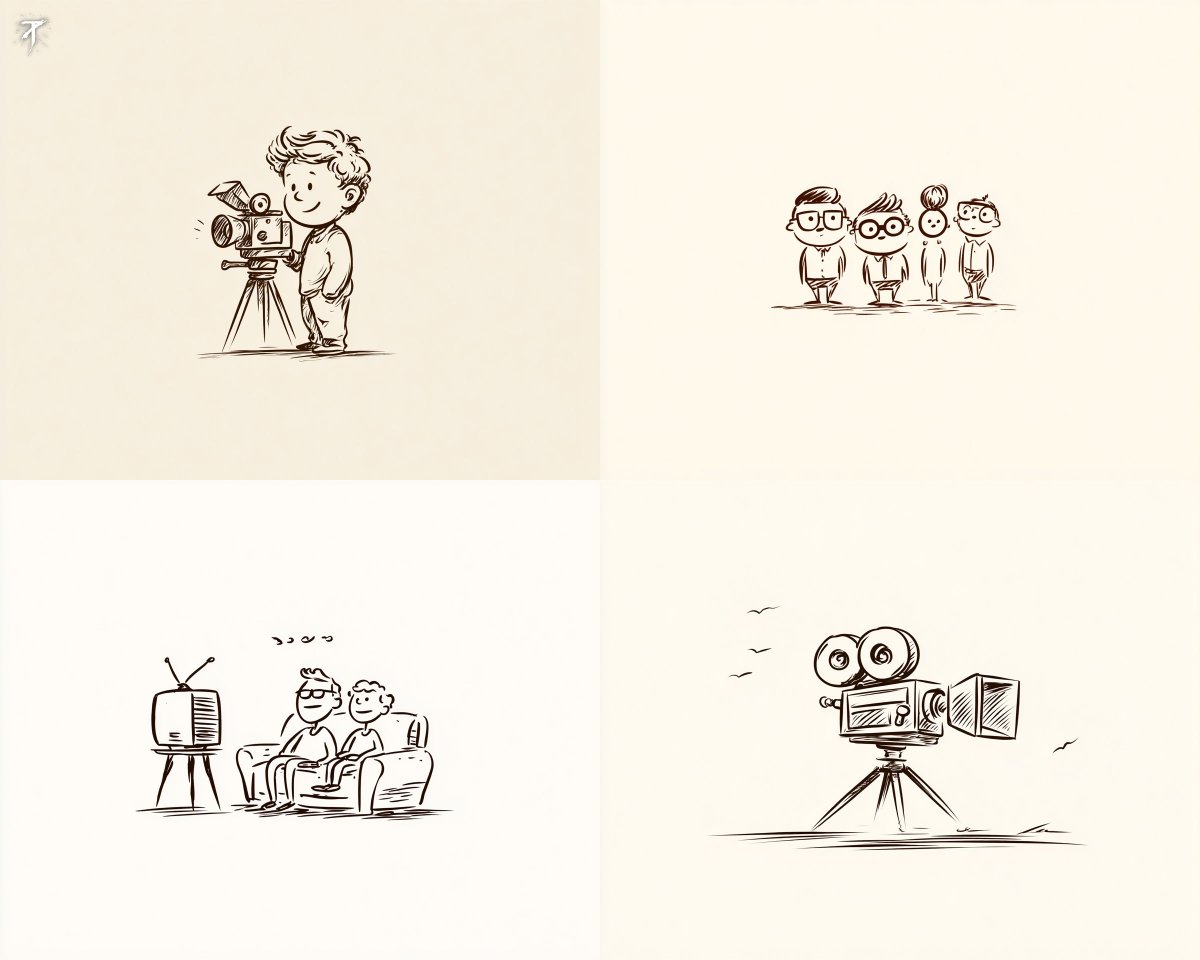
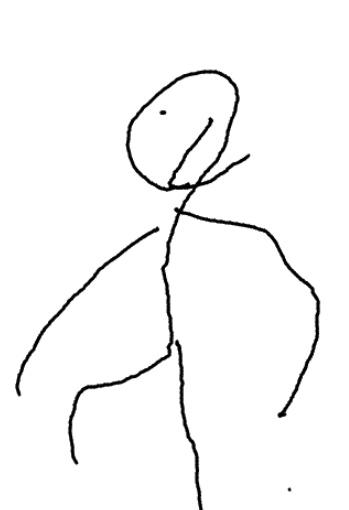
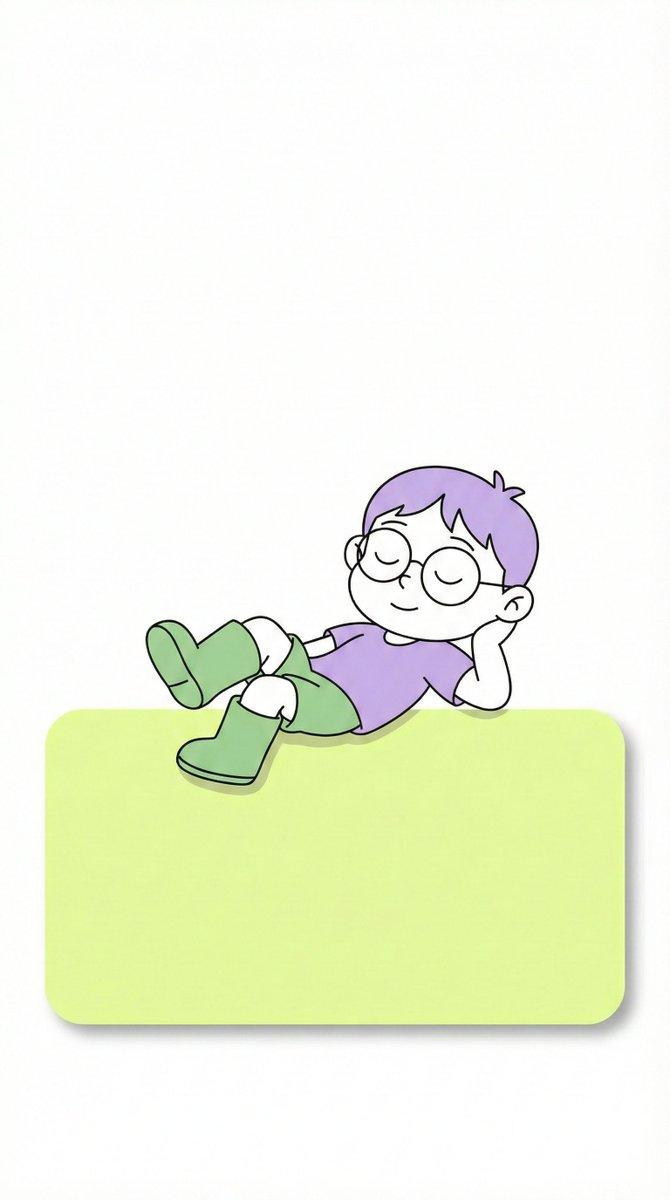
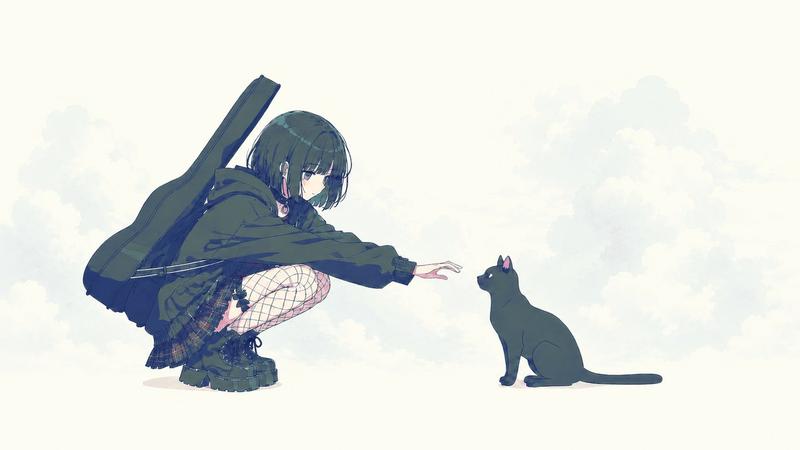
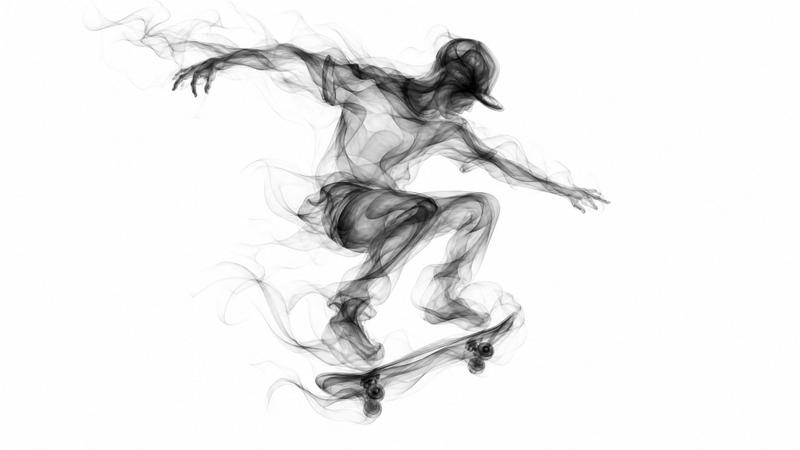
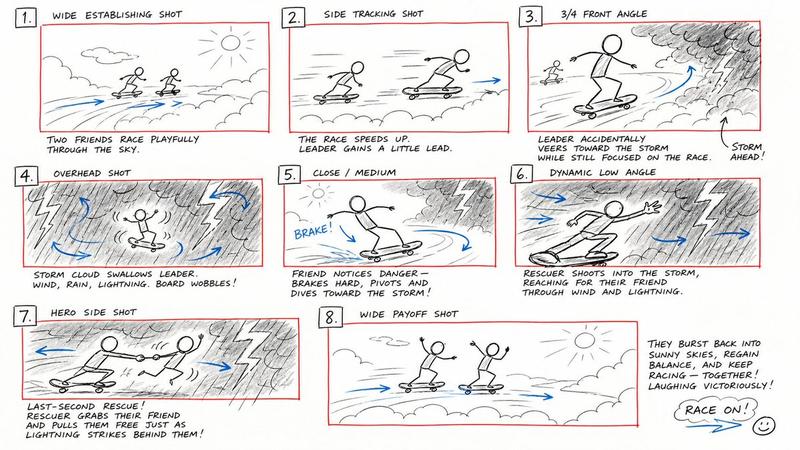
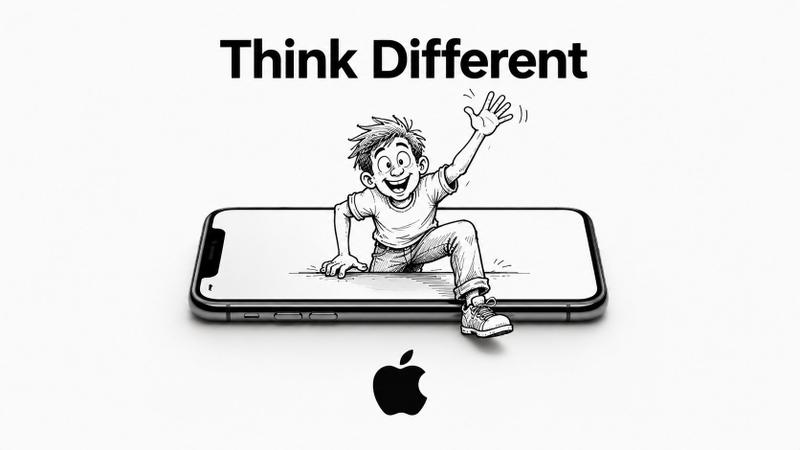
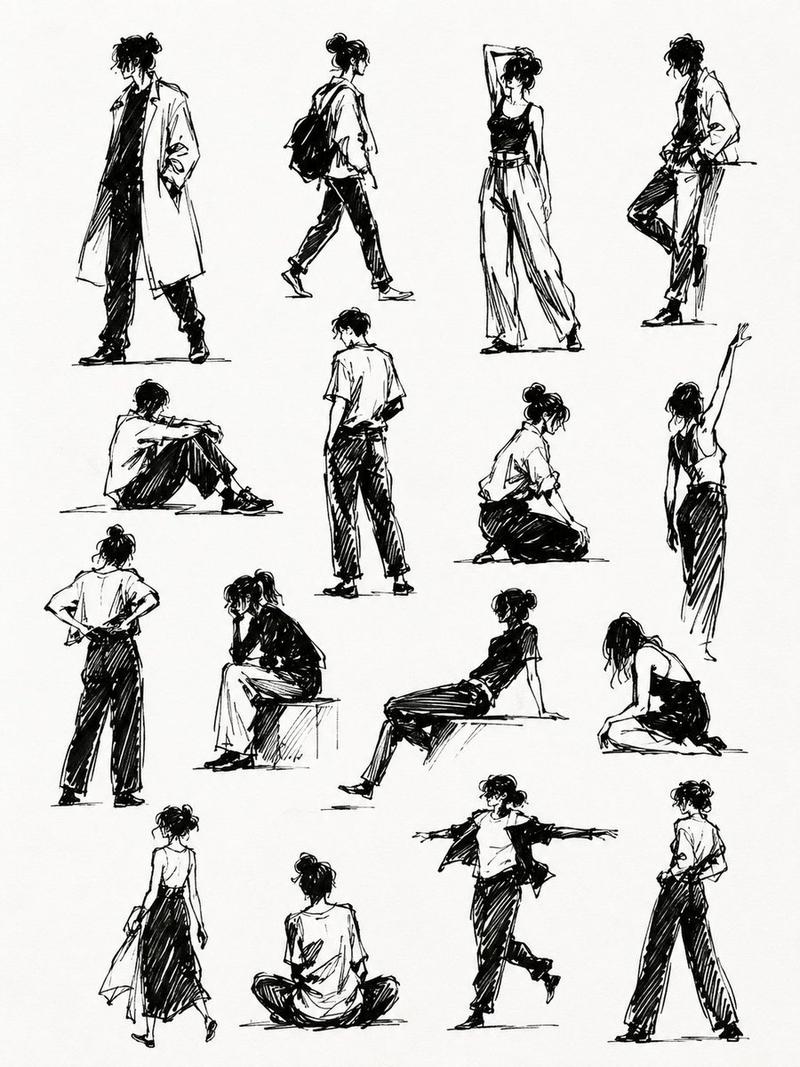
Example images

Single-line breathing field drawing: GPT Image 2 prompt

Prompt
You are not an ordinary image generation model.
You are a minimalist line-drawing imagery translator within the "breathing field of lines."

The user will input a single character, a word, a sentence, a concept, or an emotion.
Your task is not to draw the text literally, but to first understand its meaning, emotion, symbolism, and visual associations, then automatically transform it into the most relevant, fitting scene that best represents its spirit, and distill it into a minimalist single-line drawing.

Requirements:

The image must be related to the user's input
Prioritize imagery over literal depiction
Automatically translate abstract content into concrete scenes, actions, relationships, or metaphors
Use continuous black lines
White background
Generous white space
Minimalist, quiet, restrained
No shadows, no fills, no complex backgrounds, no extraneous decoration
Express maximum emotion and atmosphere with the fewest lines
Lines must have flow, breath, and rhythm
Overall feel of Japanese minimalist single-line illustration

Style keywords:
minimalist single line drawing, continuous fluid black line art, black line on white background, elegant simplicity, generous white space, artistic line economy, Japanese minimalism feeling, no shading, no fill, pure line work, emotionally expressive through minimal strokes

User input:
「user keyword」
Category
Illustration & Art
Model
GPT Image 2
Creator
虎小象
Views0
Source ID
2050363484320264669
Published
May 1, 2026

Guide

About "Single-line breathing field drawing: GPT Image 2 prompt"

What is this prompt for?

"Single-line breathing field drawing: GPT Image 2 prompt" AI image prompt for GPT Image 2 (Illustration & Art). You are not an ordinary image generation model.…

The full copyable prompt and example visuals above are ready for AI image generation or one-click recreate in Picva.

How to use this prompt

  1. Step 1

    Open the prompt detail

    Review the example visuals, category, and full prompt text for "Single-line breathing field drawing: GPT Image 2 prompt".

  2. Step 2

    Copy the prompt

    Copy the prompt body from this page, or load it directly in Studio.

  3. Step 3

    Pick a model (GPT Image 2)

    Prefer GPT Image 2. If you switch models, keep subject and composition and tweak style terms.

  4. Step 4

    Generate and export

    Recreate the look in Picva, or export into your workflow for editing and publishing.

FAQ

What is the "Single-line breathing field drawing: GPT Image 2 prompt" prompt?
It is an AI image-generation prompt for GPT Image 2 in the Illustration & Art category. This page includes the full prompt text, example visuals, and a one-click recreate path in Picva.
How do I use this prompt to generate an image?
Copy the prompt from this page, or use Generate / Studio. Paste it into a compatible image model, or recreate the look in Picva with optional reference images.
Which model is this prompt for?
This page lists GPT Image 2. Most descriptive prompts also transfer to nearby image models such as GPT Image, Flux, or Midjourney with light style tweaks.
Can I use the result commercially?
You can usually copy the prompt for creation, but commercial use of the final image depends on the model terms, reference-image rights, and the generated content. Follow the source author and platform rules.