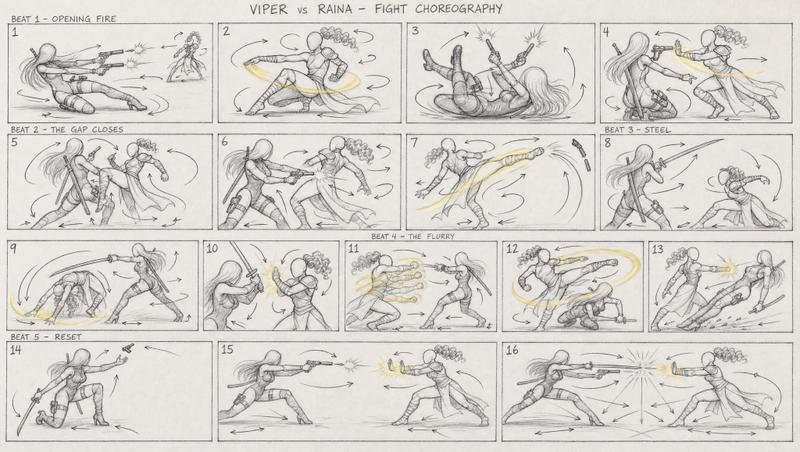
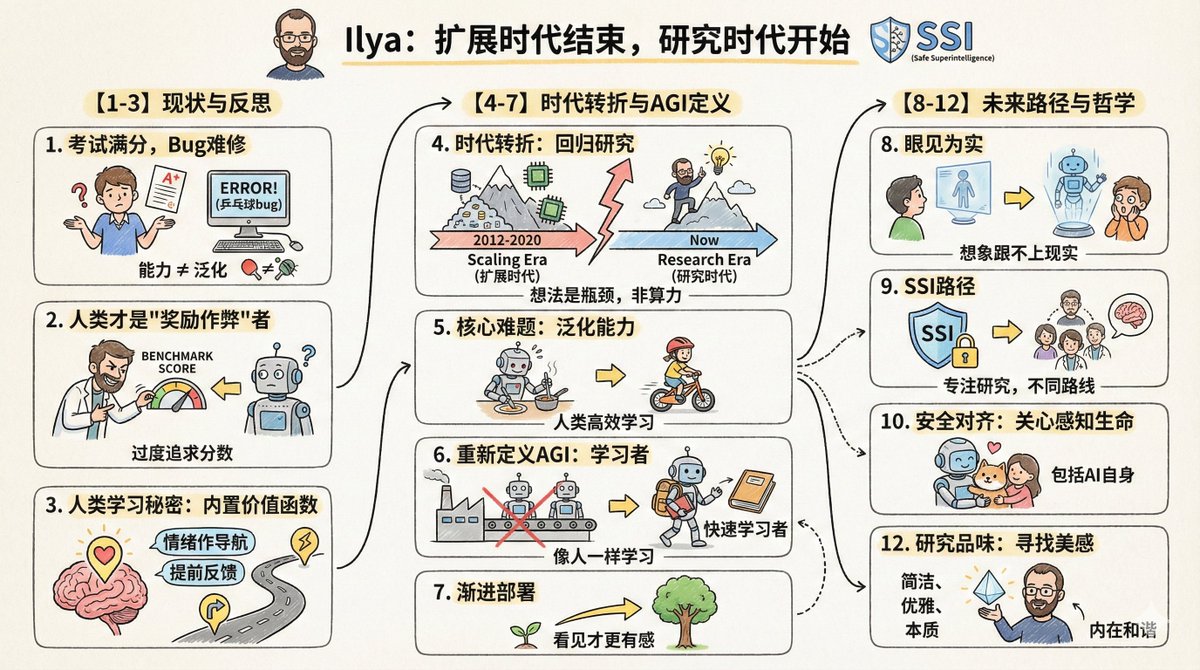
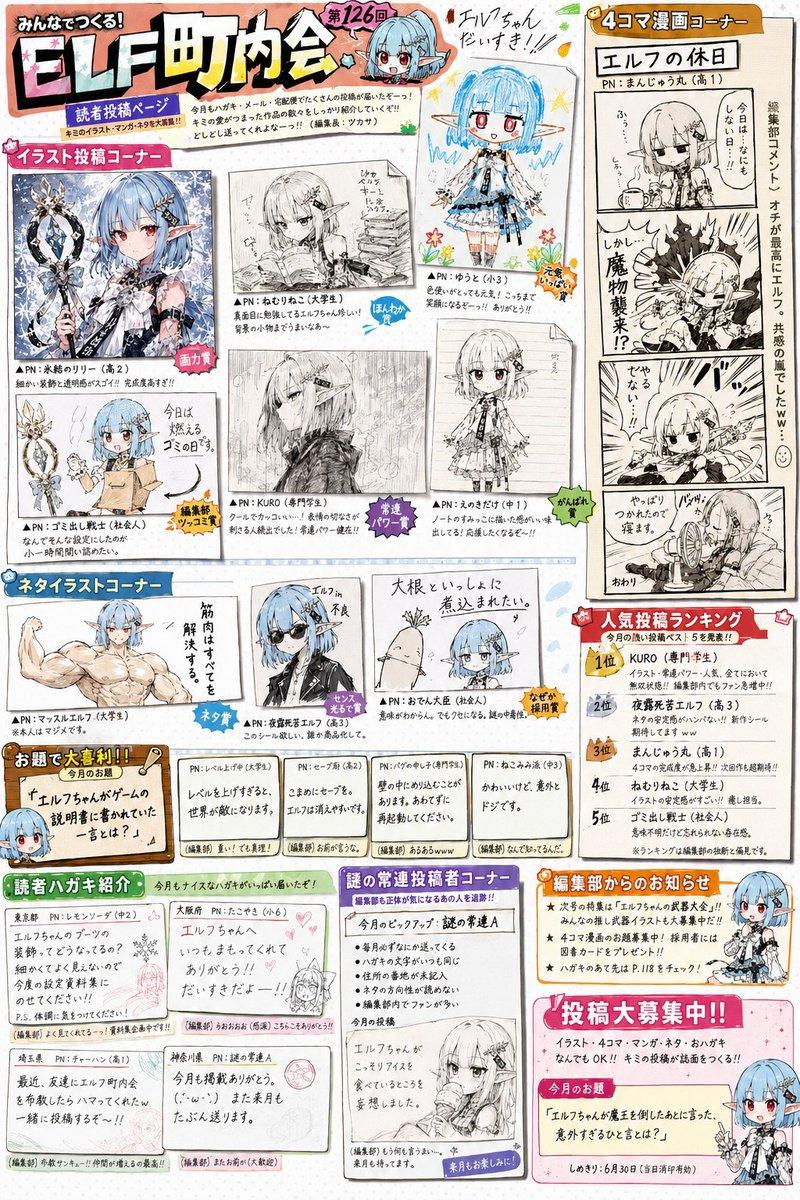
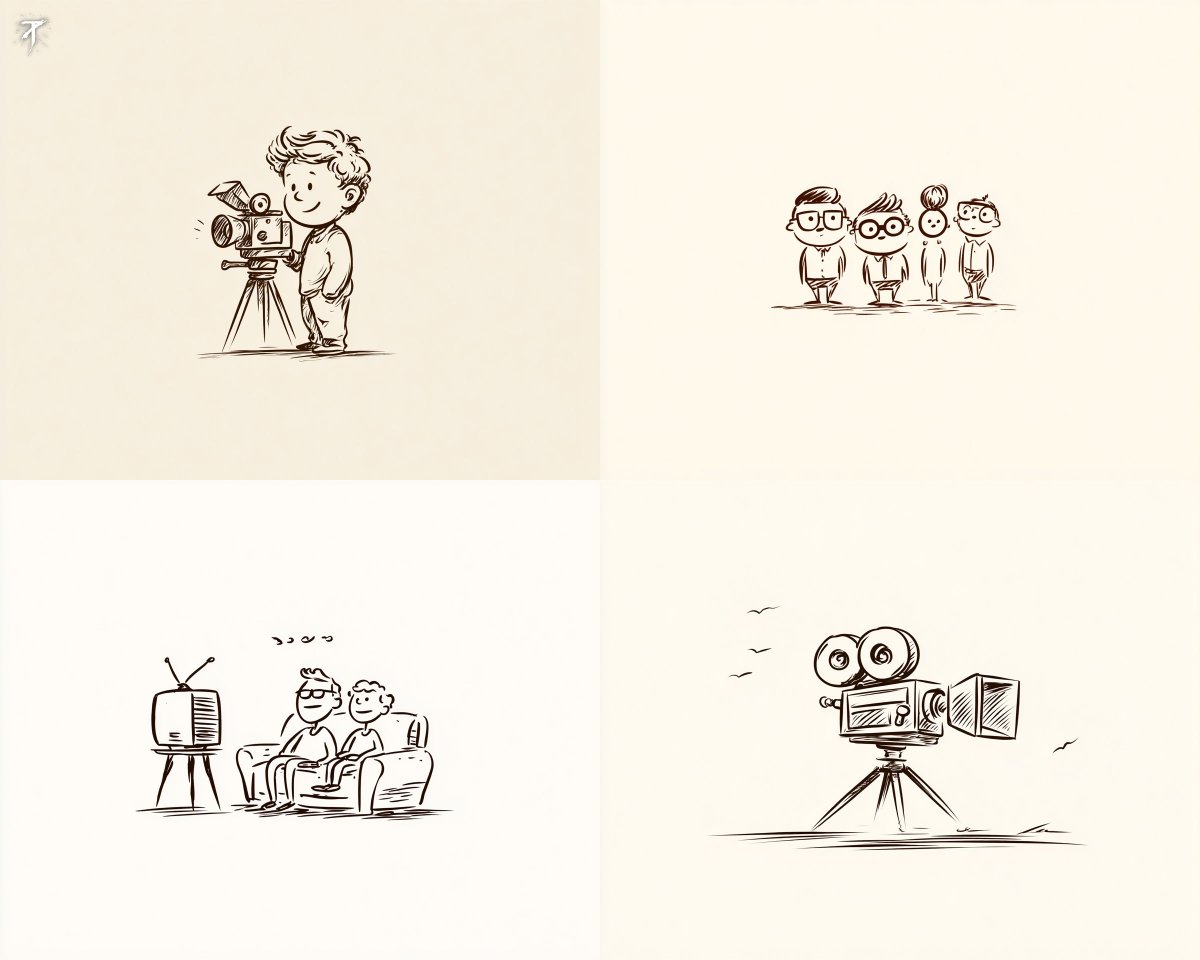
手绘故事板预演草图
Prompt
Create a rough hand-drawn PREVIS + rescue chase storyboard page in 16:9 horizontal format.

Use an extremely simple 2D previs sketch style:
- stick figures / mannequin silhouettes only
- no facial detail, no costume detail, no anatomy detail
- no texture, no shading, no polished rendering
- black loose sketch lines
- red boxes for camera framing only
- blue arrows for motion / force / breath / direction only
- rough director thumbnails, not concept art
- if unsure, draw less detail, not more

Show 8 numbered panels on one page with slightly irregular but readable placement.

Subject: {argument name="subject" default="two close friends racing on skateboards through the sky above the clouds"}
Environment: {argument name="environment" default="bright open sky, fluffy cloud pathways, floating cloud banks, distant sunlight, then a darker storm-cloud zone with wind, rain and lightning"}
Mood: playful, adventurous, fast, funny, suspenseful for a moment, then uplifting and triumphant
Sequence: during a fun cloud-skate race, one friend accidentally drifts into dangerous storm clouds and loses control, then the other friend makes a last-second rescue

Beats:
1. Wide establishing shot. Two friends on skateboards surf above the clouds, side by side, racing playfully through the sky.
2. Side tracking shot. The race speeds up. One friend leans forward and gains a little lead while the other follows close behind.
3. 3/4 front angle. The leading friend accidentally veers toward a dark storm-cloud area ahead while still focused on the race.
4. Overhead shot. The storm cloud swallows the lead friend. Strong wind arrows, rain and lightning. The skateboard wobbles violently.
5. Close-up / medium action shot. The second friend notices the danger, brakes hard for a split second, then pivots and dives toward the storm.
6. Dynamic low angle. The rescuer shoots into the storm clouds on the skateboard, reaching forward through wind and lightning toward the trapped friend.
7. Hero side shot. Last-second rescue. The rescuer grabs the other friend by the arm or hoodie and pulls them free from the storm cloud just as lightning strikes behind them.
8. Wide payoff shot. Both friends burst back into the sunny clouds, regain balance, keep riding together and continue the race laughing, now side by side.

Use varied camera angles: close-up, wide, low angle, overhead, side profile, rear, 3/4.
Add short handwritten notes near panels.
Maintain clear continuity of subject, props, environment and movement direction.

Focus on staging, camera, motion, timing and continuity.
Prioritize readability over drawing quality.
Avoid detailed illustration, clean UI and infographic design.

Tone target: fun family-animation energy, clear visual storytelling, simple readable action be- Category
- Charts & Infographics
- Model
- GPT Image 2
- Creator
- Kōda
- Source ID
- 17837
- Published
- May 2, 2026
Views1