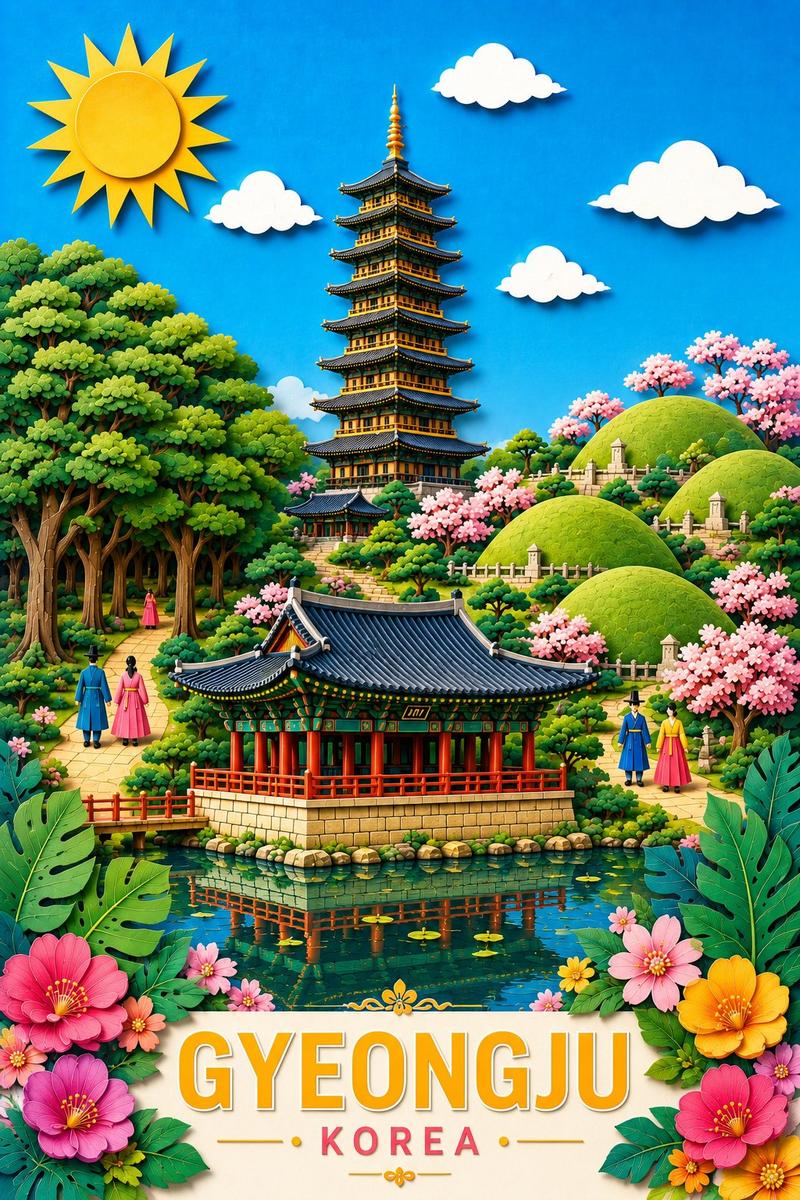
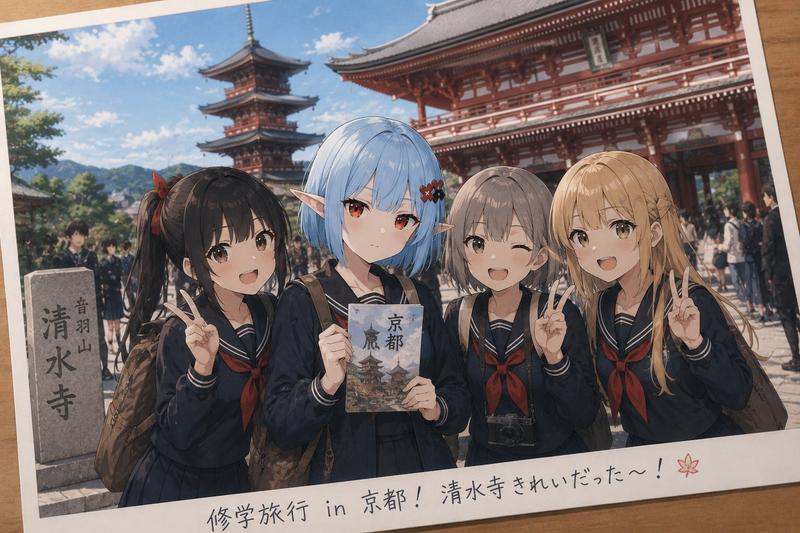
Papercraft travel bookmark: GPT Image 2 prompt
Prompt
Create a premium vertical 2:3 collectible travel bookmark featuring {LOCATION}.
The bookmark should be a tall, rounded-corner cardstock bookmark resting at a subtle 7° clockwise angle on a warm cream textured background with generous negative space. The bookmark has realistic paper thickness, soft embossed texture, smooth rounded edges, and a centered punch hole with a short braided tassel whose colors are inspired by {LOCATION}. Add soft natural shadows to make it feel like a real handcrafted souvenir.
The upper two-thirds of the bookmark showcases a breathtaking layered papercraft diorama of {LOCATION}, highlighting its most iconic landmarks, landscapes, architecture, flora, and cultural elements. Build the scene using stacked paper layers with visible cut edges, realistic paper textures, dimensional shadows, and rich handcrafted detail. The scene should immediately evoke the destination while remaining elegant and uncluttered.
Use a vibrant destination-inspired color palette while maintaining a premium handcrafted aesthetic.
At the top, use large hand-painted brush lettering similar to a modern travel poster.
Headline:
EXPLORE {LOCATION}
Below the title, include a short travel-inspired tagline (6–10 words) that captures the spirit of the destination.
The lower third transitions into a soft ivory panel with subtle cultural decorative accents inspired by {LOCATION}.
Section title:
YOUR {LOCATION} EXPERIENCE
Include three premium 3D clay miniature cards with rounded corners and soft shadows representing:
Iconic Landmarks
Nature & Scenic Beauty
Local Cuisine or Culture
Each clay miniature should have a handcrafted matte finish with charming proportions and vibrant colors.
Add a large rounded call-to-action button reading:
START EXPLORING
Decorate the bookmark subtly using motifs inspired by {LOCATION}, such as geometric borders, traditional patterns, native flowers, leaves, waves, symbols, or architectural details. Keep these accents elegant and minimal.
The overall style should feel like a luxury travel keepsake, combining:
layered papercraft
premium 3D clay miniatures
handcrafted paper textures
soft natural lighting
realistic shadows
collectible souvenir aesthetic
warm studio photography
highly detailed
vibrant
whimsical yet sophisticated
ultra-realistic
8K quality
Avoid mobile app UI elements, device frames, navigation icons, hearts, menus, or interface buttons. The final composition should look like a premium handcrafted bookmark photographed on a tabletop, suitable for a luxury travel collection.- Category
- Illustration & Art
- Model
- GPT Image 2
- Creator
- Jahan Zaib
- Source ID
- 2073600867106701425
- Published
- Jul 5, 2026
Views1